


Maple Calculator: Math Solver
- 62 of 100 · reviews
- 4.7of 5 · store
- 1,520ratings on the App Store
- 40reviews read
An editorial reading of the saved reviews
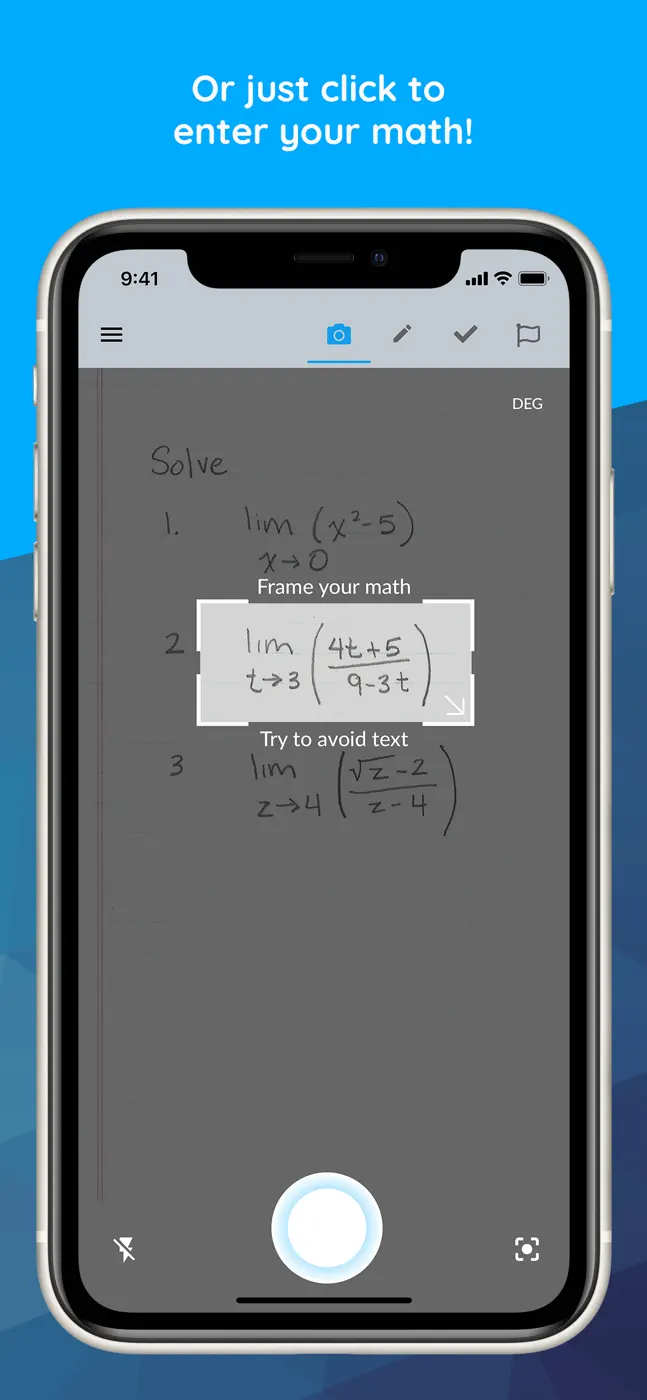
As a graphing-calculator replacement it's strong: it offers adjustable step depth and handles algebra well. The main pain is input on iPad: no landscape or Split View, so you have to rotate the tablet, and the system keyboard with no spacebar or symbols is a struggle for entering formulas.
Screenshots




What people use it for
Algebra and higher-math students who work mostly from a phone
What reviews praise
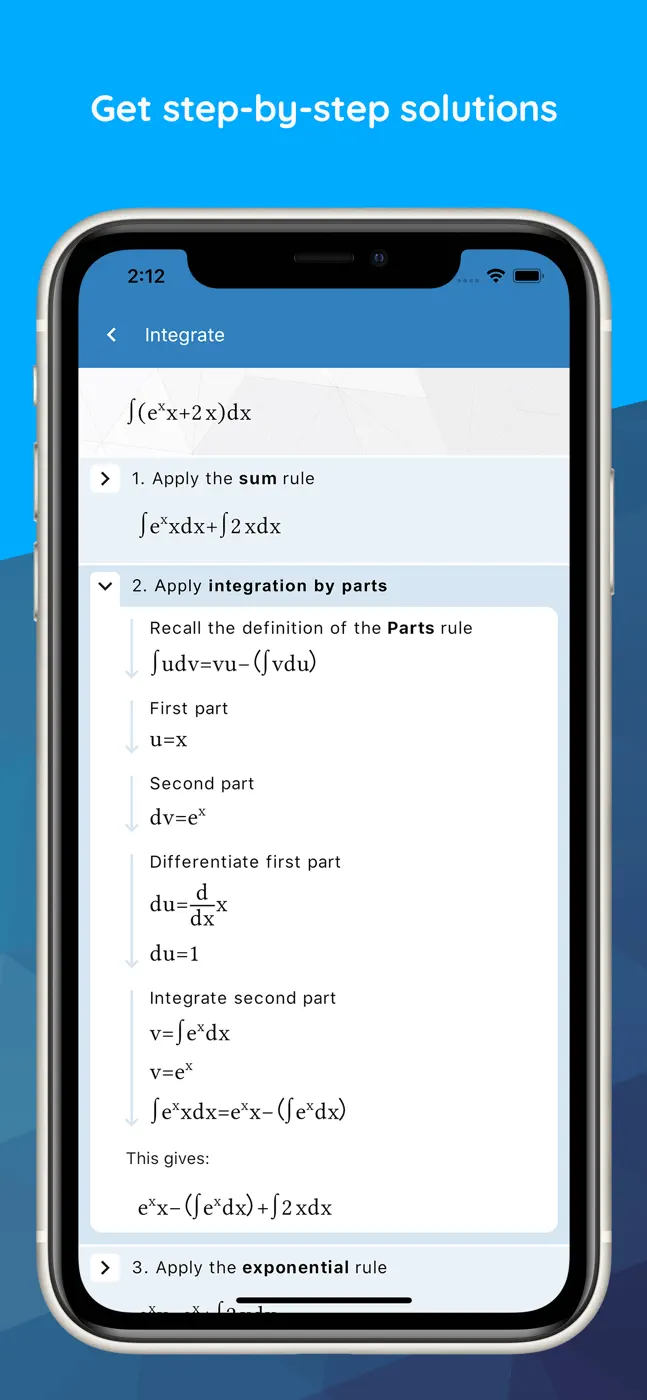
Step-by-step solutions with adjustable depth, works like a graphing calculator, good for algebra, useful for students and educators
What reviews complain about
No iPad landscape mode, awkward system keyboard missing key symbols, loses history on restart, occasionally wrong answers
Other apps in this topic


This is material from the inApp archive. Before installing, check the app’s current terms and features in the store.