


Noji - Flashcards study app
- 44 of 100 · reviews
- 4.6of 5 · store
- 13,678ratings on the App Store
- 491reviews read
An editorial reading of the saved reviews
An Anki clone with spaced repetition and a decent interface that became highly unstable after a rename from 'Anki'. Widespread complaints about card loss on logout, unavailability without internet, and a long unskippable ad inserted after every deck added without warning. The SR mechanic works, but reliability and honesty of policy have degraded.
Screenshots


What people use it for
Students who need a free Anki clone for one-off exam prep and can tolerate ads and instability.
What reviews praise
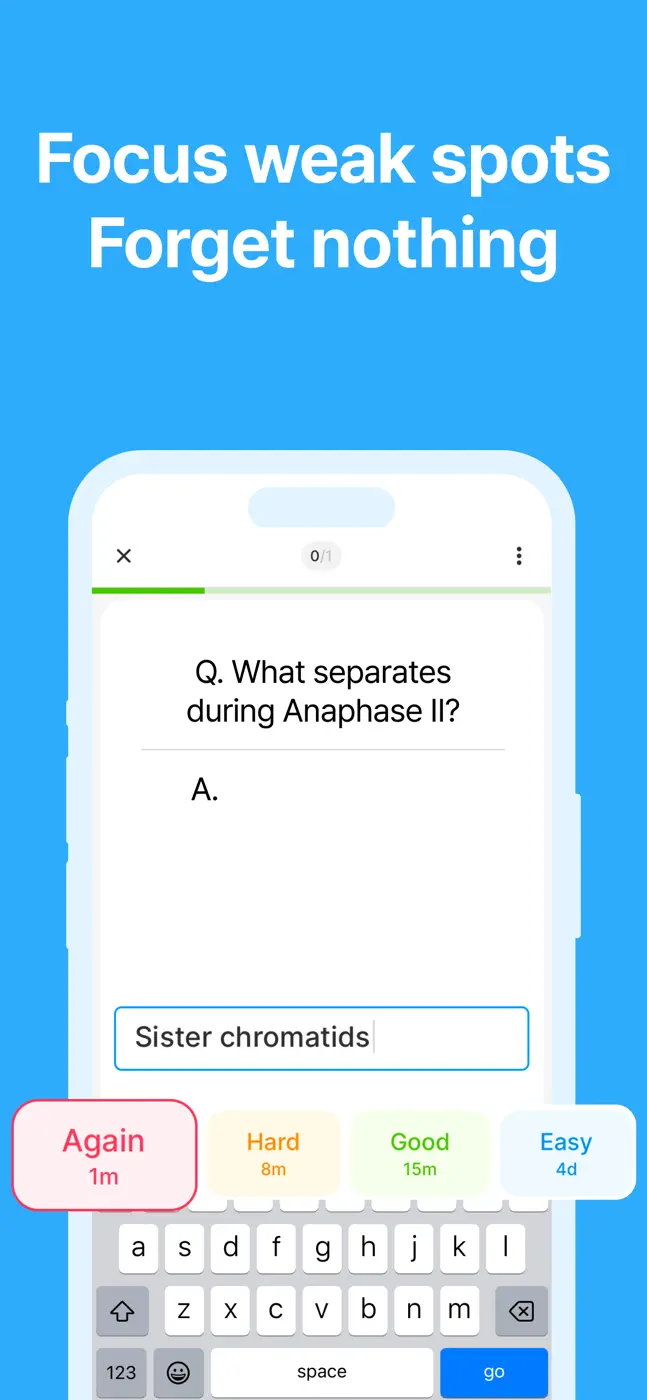
- Spaced repetition is implemented.
- Offline mode exists (limited).
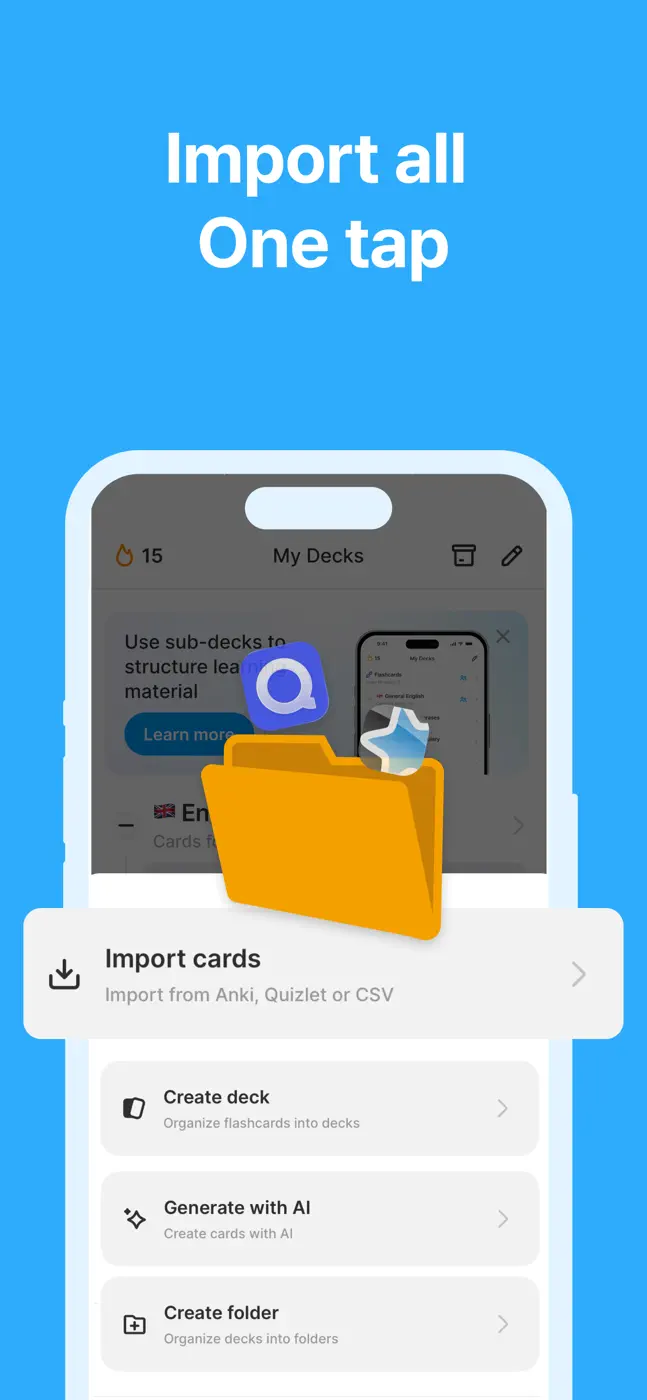
- AI deck generation from text.
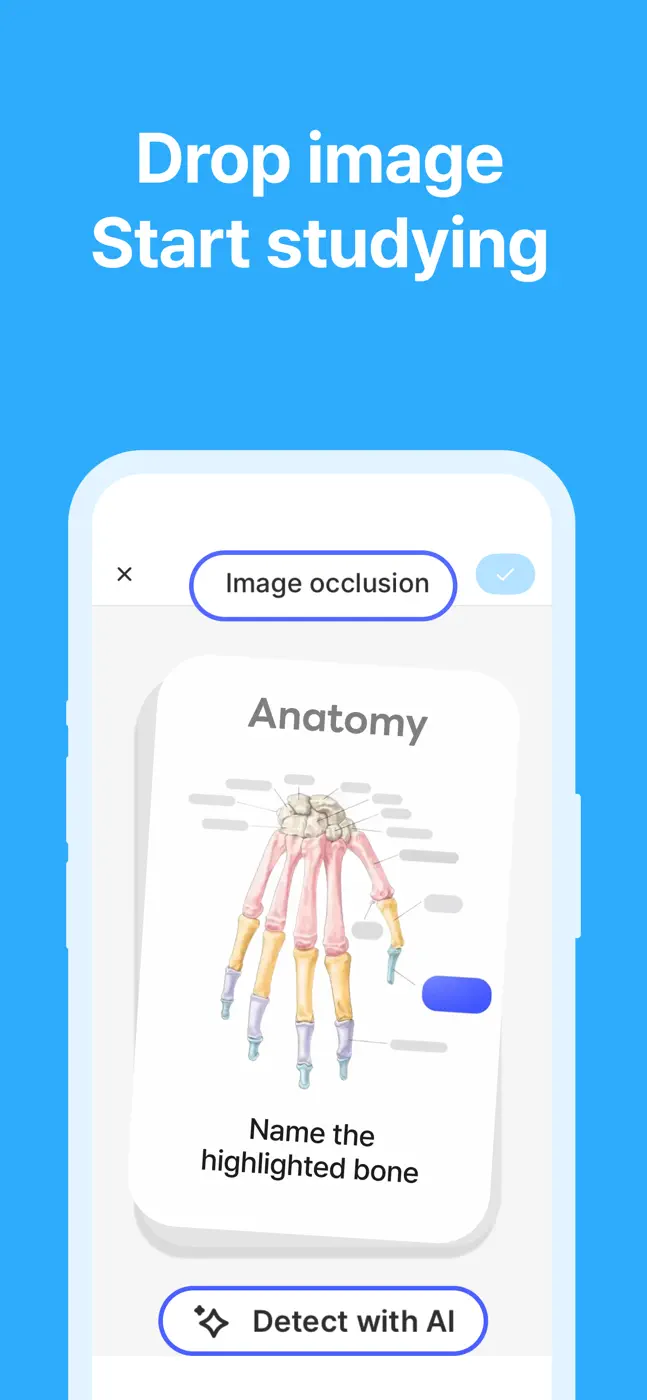
- Simple card creation with image support.
What reviews complain about
- Data is lost on logout.
- Forced ads after every deck without notice.
- Support is unresponsive.
- Server dependency means the app is completely inaccessible when their server goes down.
What users experience
3 excerpts from the breakdown. These are individual cases, not a verdict on all users.
This app was working perfectly fine and suddenly decided to delete all of my hard work by signing me out and clearing all of the cards I made. I now have lost information. Thanks.
The app signed me out and I have to go through the long onboarding process before I fan sign it and it's annoying. It's not the first time. Also, the offline support is bad, the limit should be higher and it counts cards that are backwards as well which as a card, which sounds like poor engineering.
The offline mode is a lifesaver and the study reminders keep me on track
Other apps in this topic
Full ranking: Study flashcards32 apps with screenshots and scores


This is material from the inApp archive. Before installing, check the app’s current terms and features in the store.