


AppBlock: Block Apps & Website
- 55 of 100 · reviews
- 4.6of 5 · store
- 6,171ratings on the App Store
- 343reviews read
An editorial reading of the saved reviews
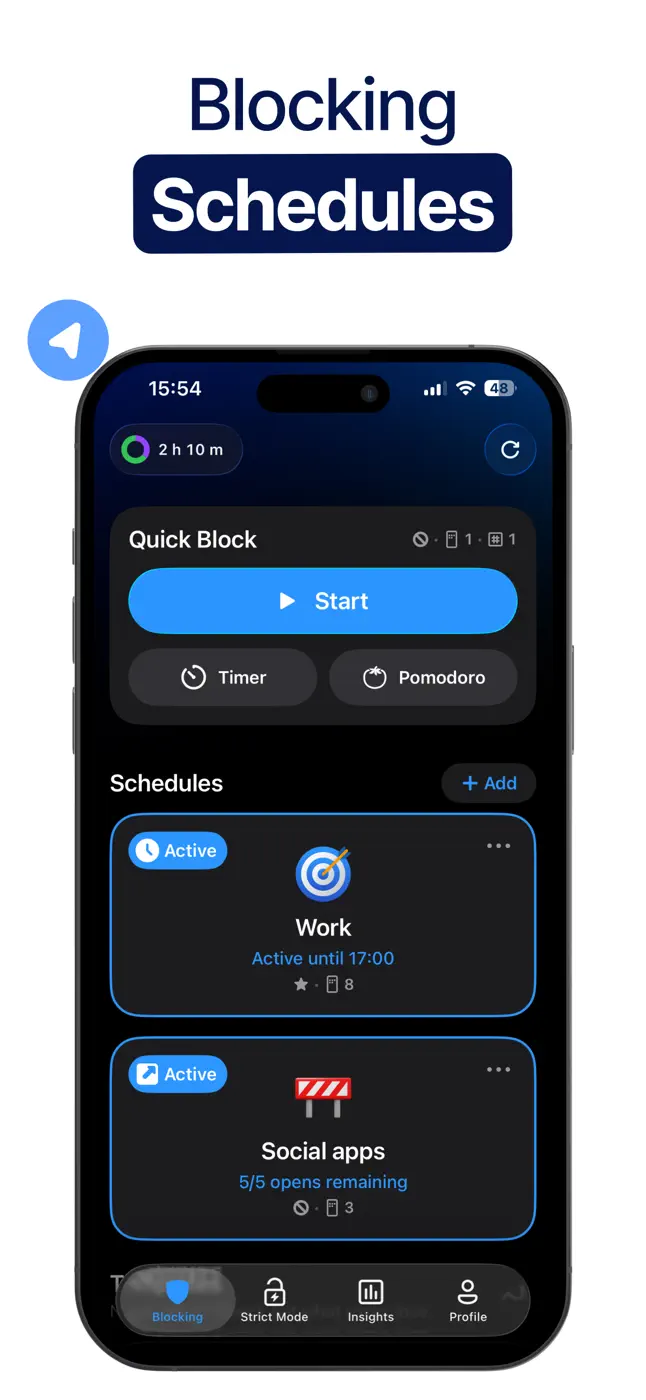
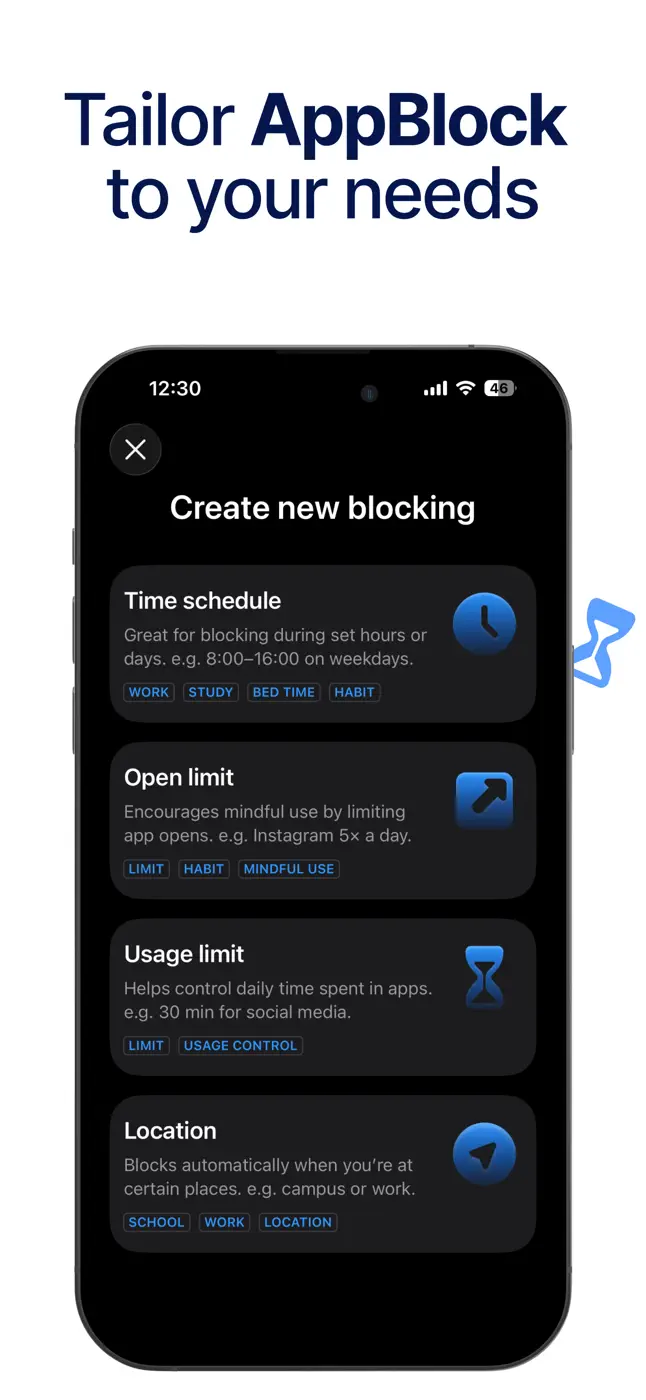
A rich set of blocking rules and schedules, but automatic schedule-based triggering regularly breaks and requires a manual restart. Strict mode can be bypassed through Apple settings.
Screenshots
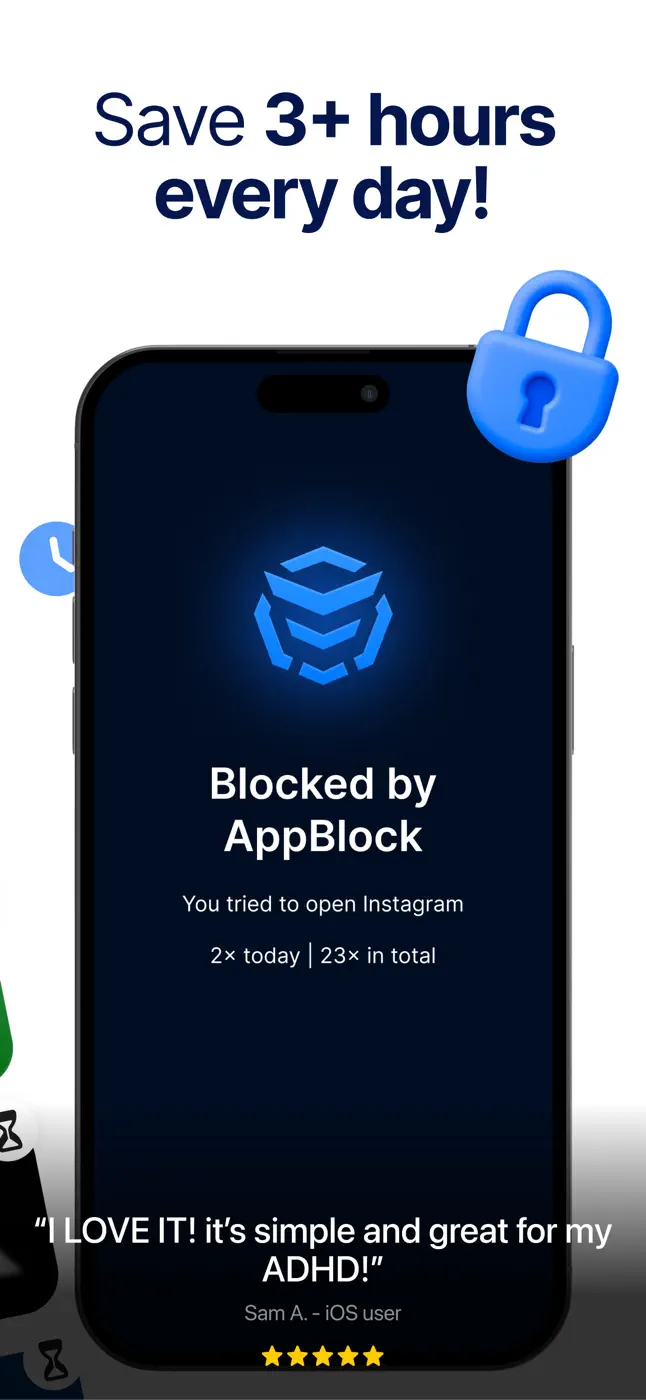
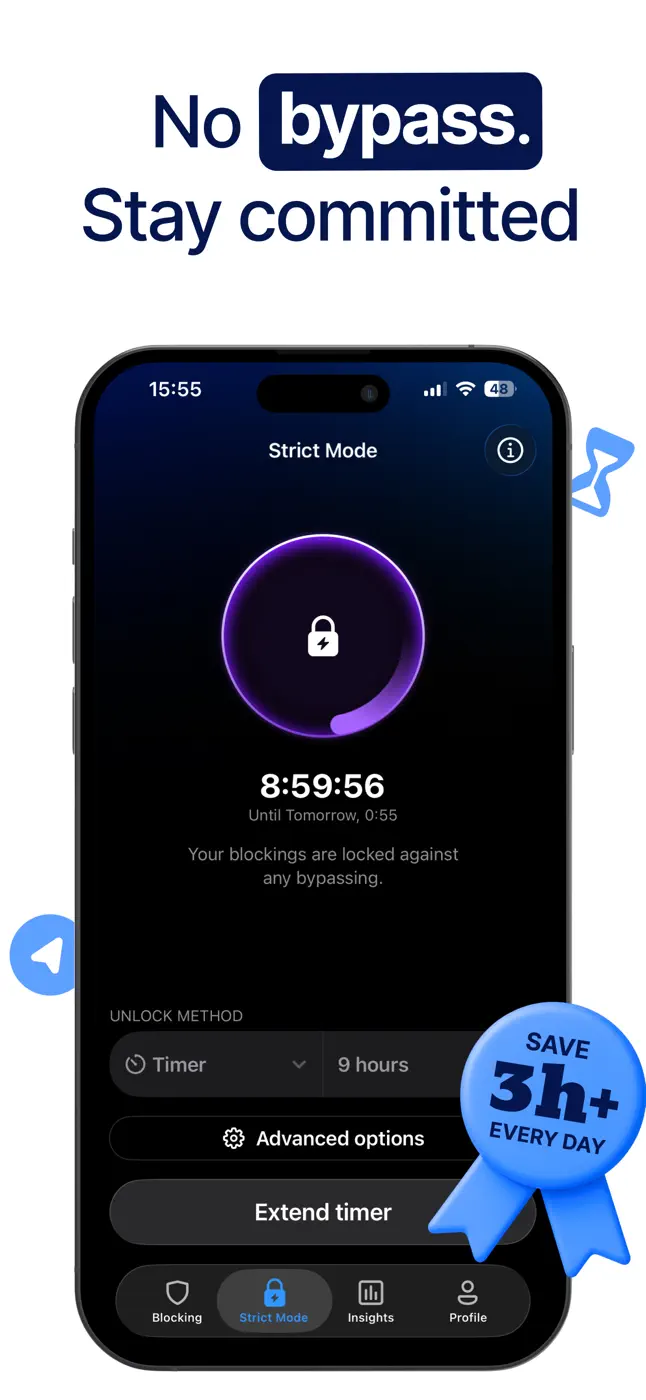
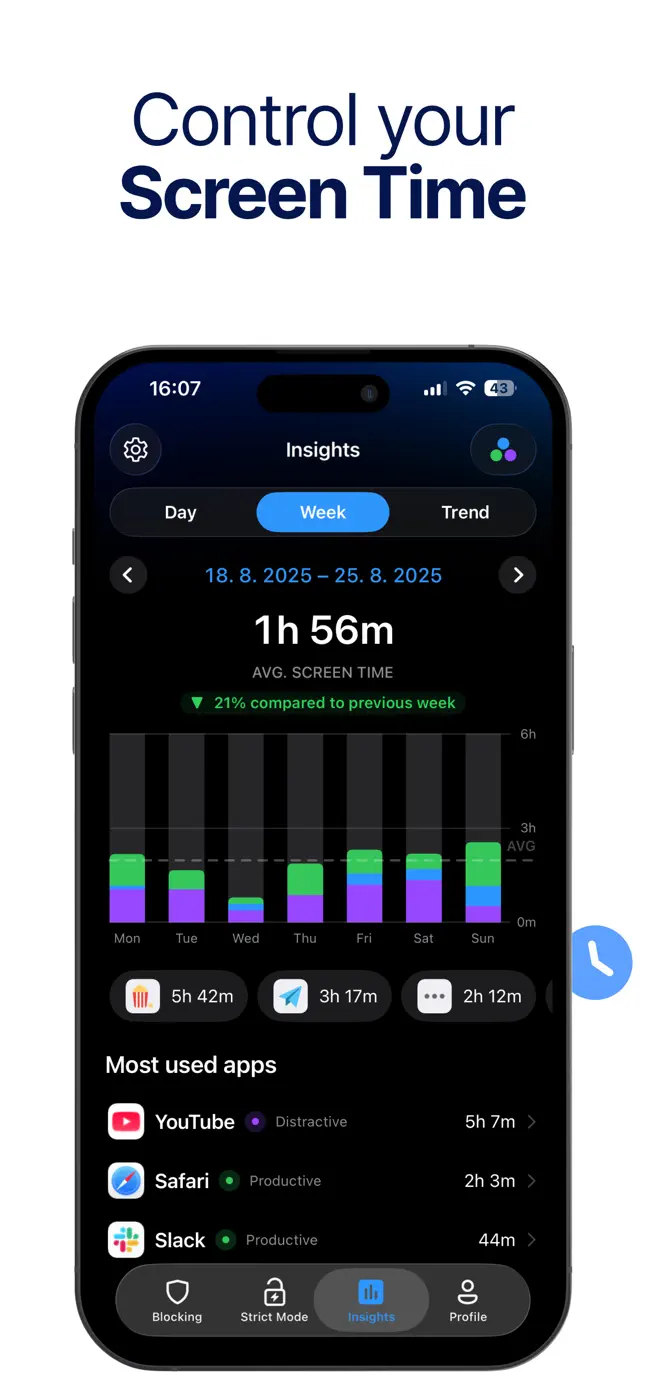
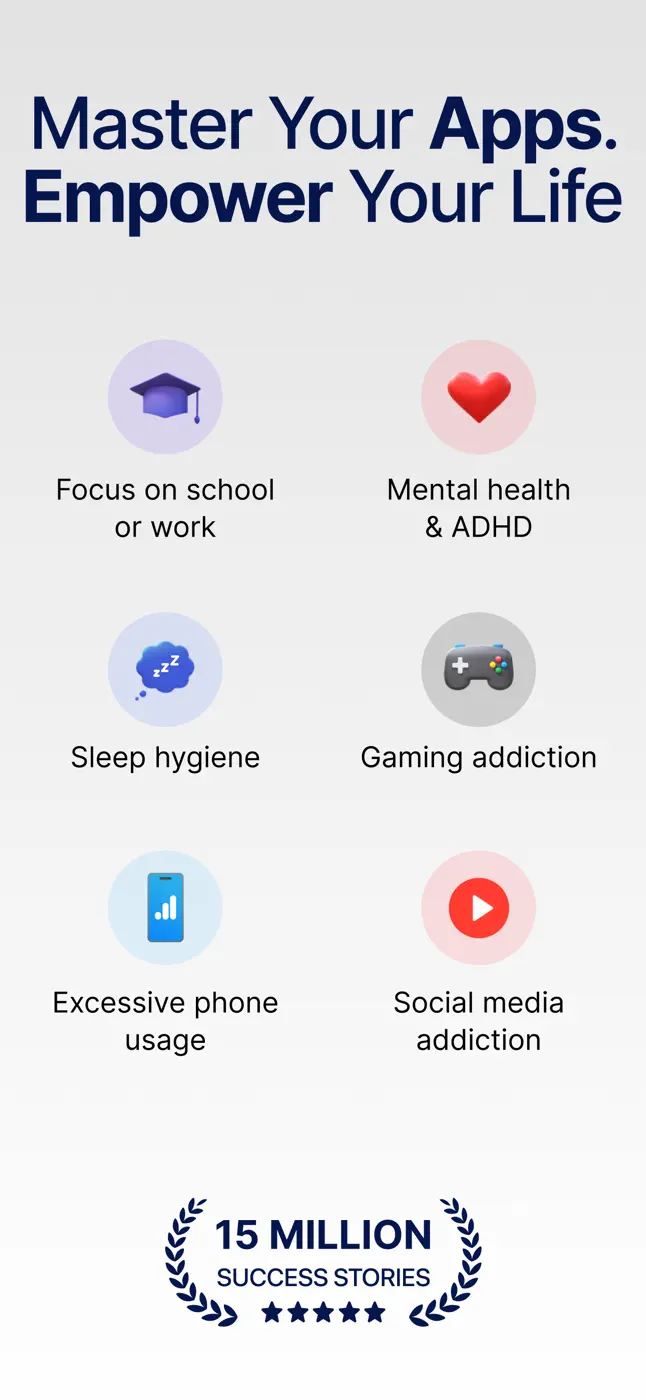
What people use it for
People with ADHD who want strict but configurable screen control
What reviews praise
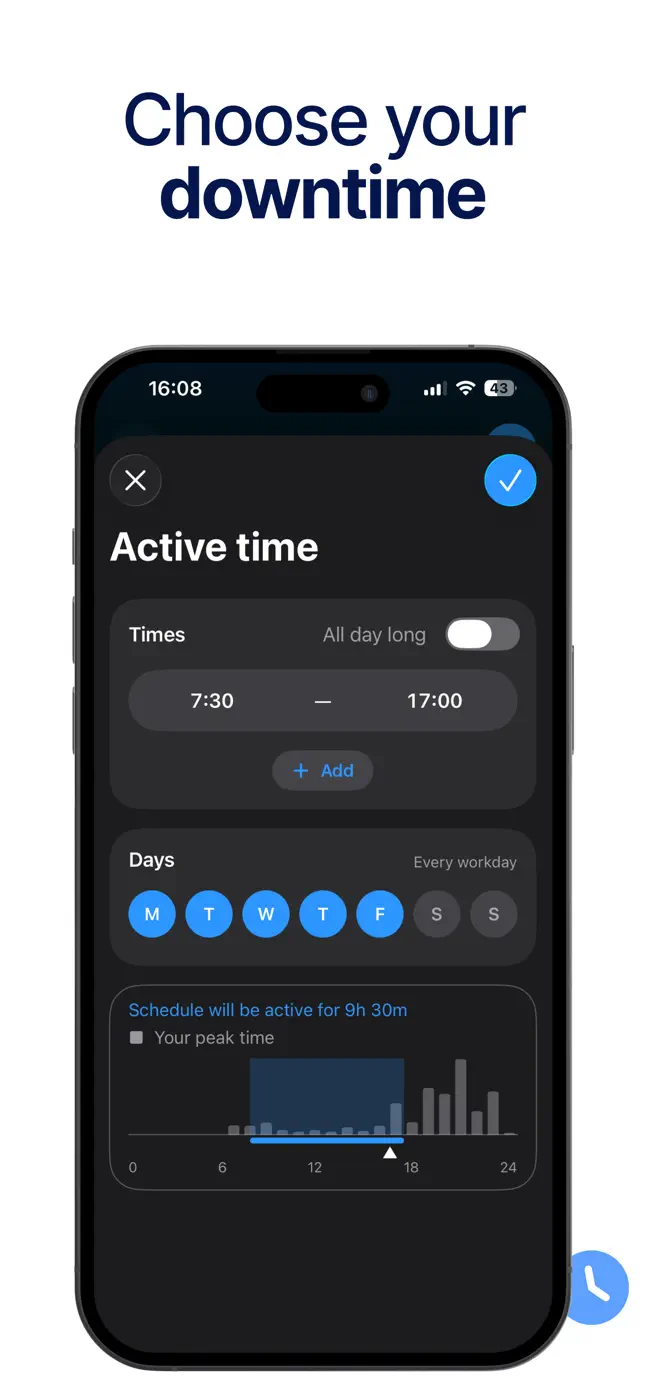
Flexible schedules and geofences give precise control over app access.
What reviews complain about
Schedule-based auto-blocking does not always fire and requires manual refresh.
What users experience
2 excerpts from the breakdown. These are individual cases, not a verdict on all users.
I have ADHD and absolutely no concept of time. I'll scroll all day and have no idea it's been hours. This app gives me so many options to limit my screen time.
First off, I want to say that the people who have been emailing are lovely. But I want to point out that even on strict mode, you are able to go into Apple settings- apps- AppBlock- and disable screentime permissions. To do this you don't need an Apple screentime code, OR a code from app block.
Other apps in this topic
Full ranking: Focus and productivity72 apps with screenshots and scores


This is material from the inApp archive. Before installing, check the app’s current terms and features in the store.