


Floor Plan & AI Home - CamPlan
- 35 of 100 · reviews
- 4.7of 5 · store
- 2,159ratings on the App Store
- 50reviews read
An editorial reading of the saved reviews
The floor-plan scanner leans on Apple's good LiDAR, and some find it handy and practical. But it often fails to detect doors, you cannot edit a finished plan, the screen goes dark mid-scan and the result is lost after you tap done. Many are furious that after a long scan it throws an error and saves nothing, plus complaints about the pricey subscription.
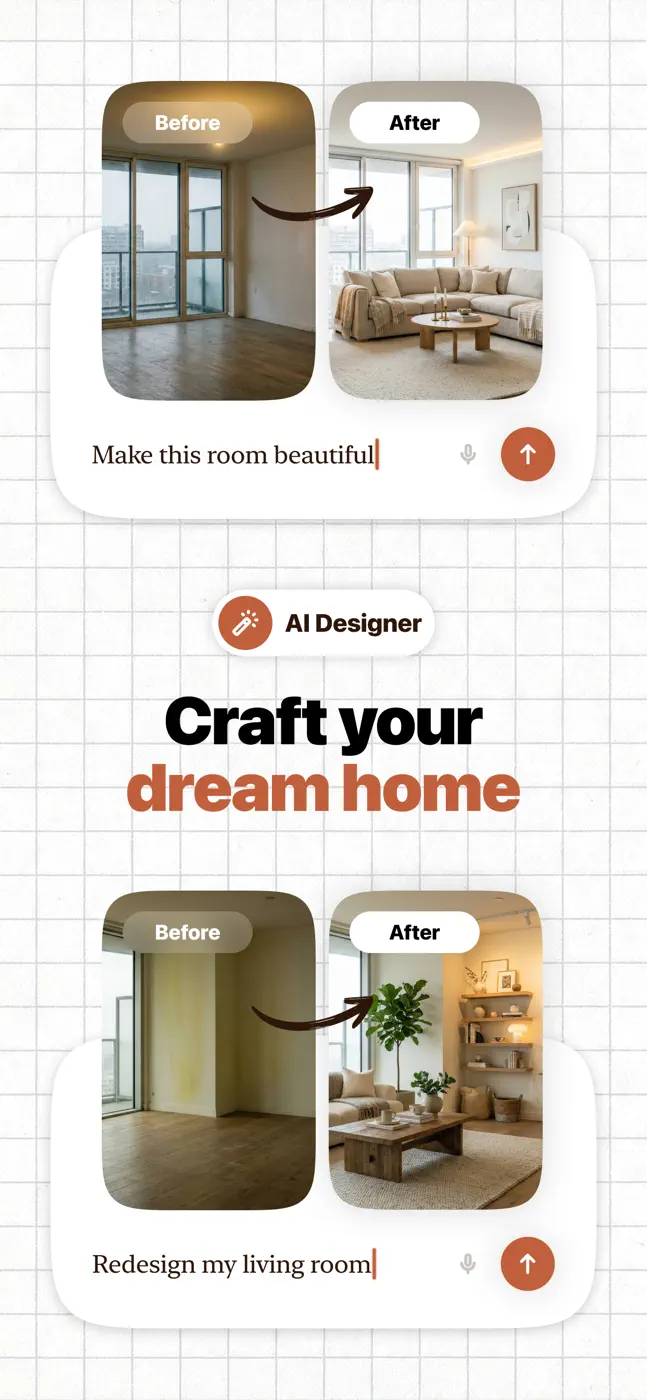
Screenshots


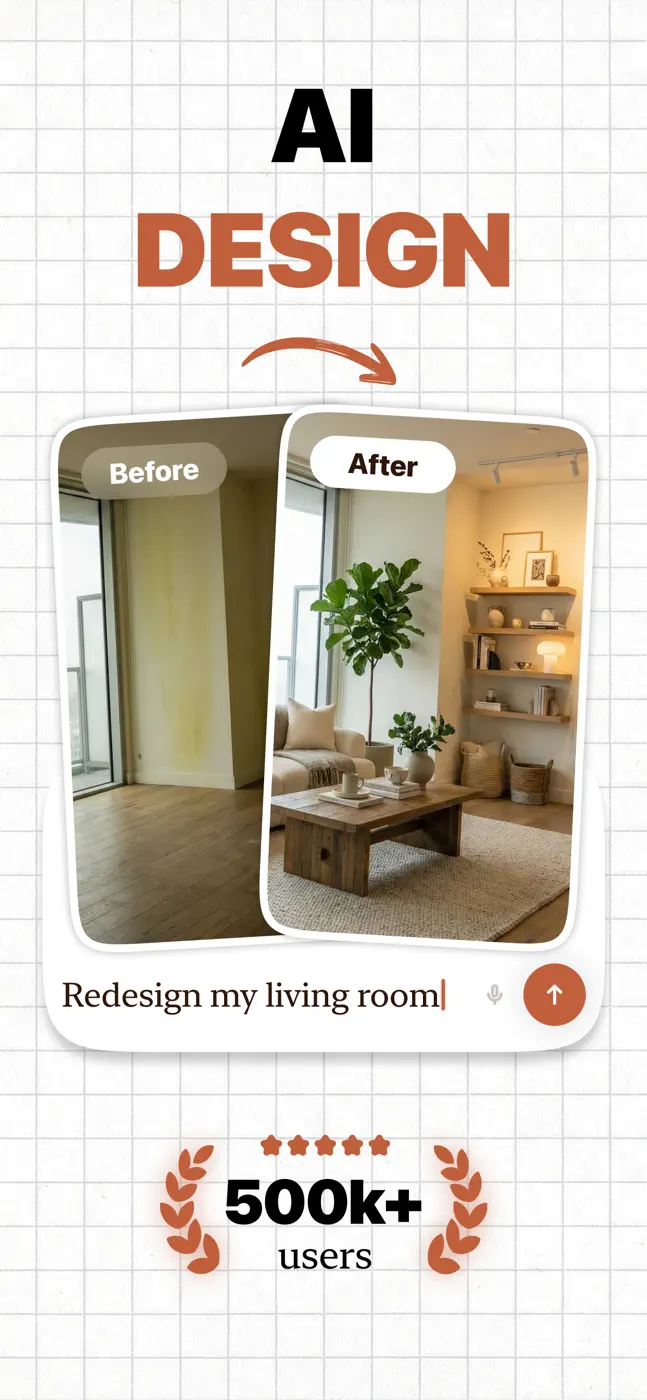


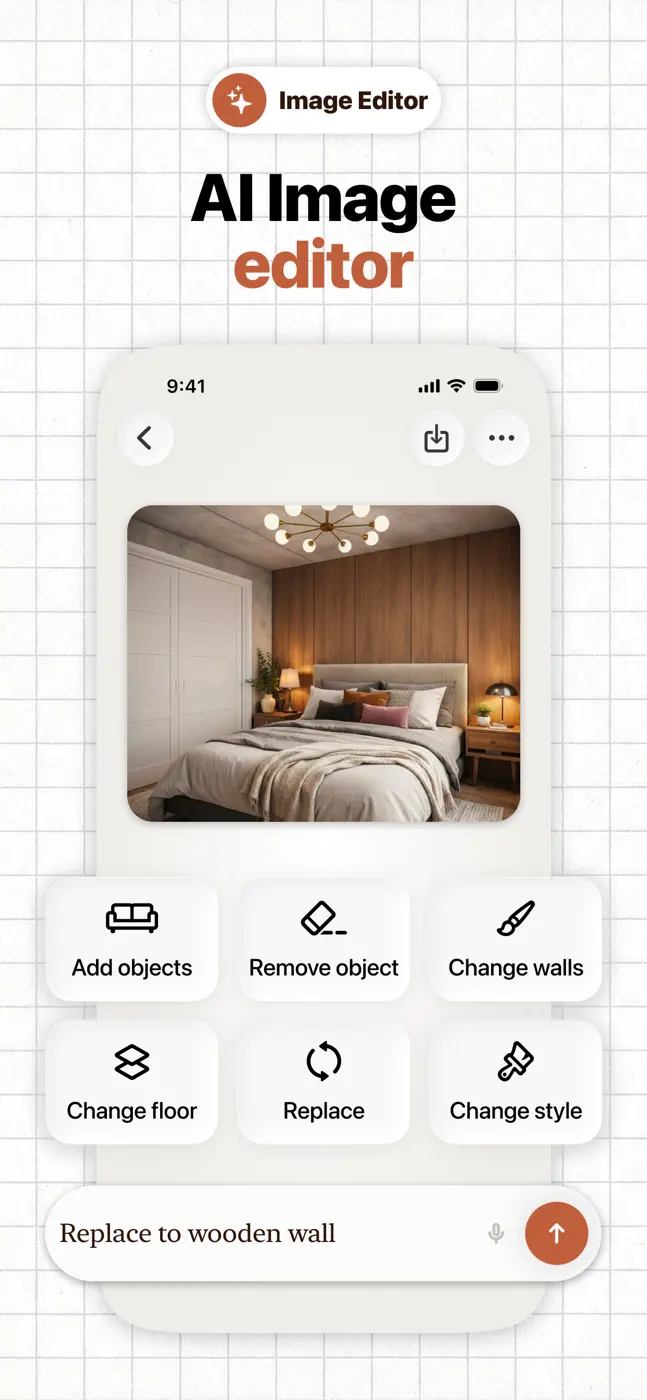

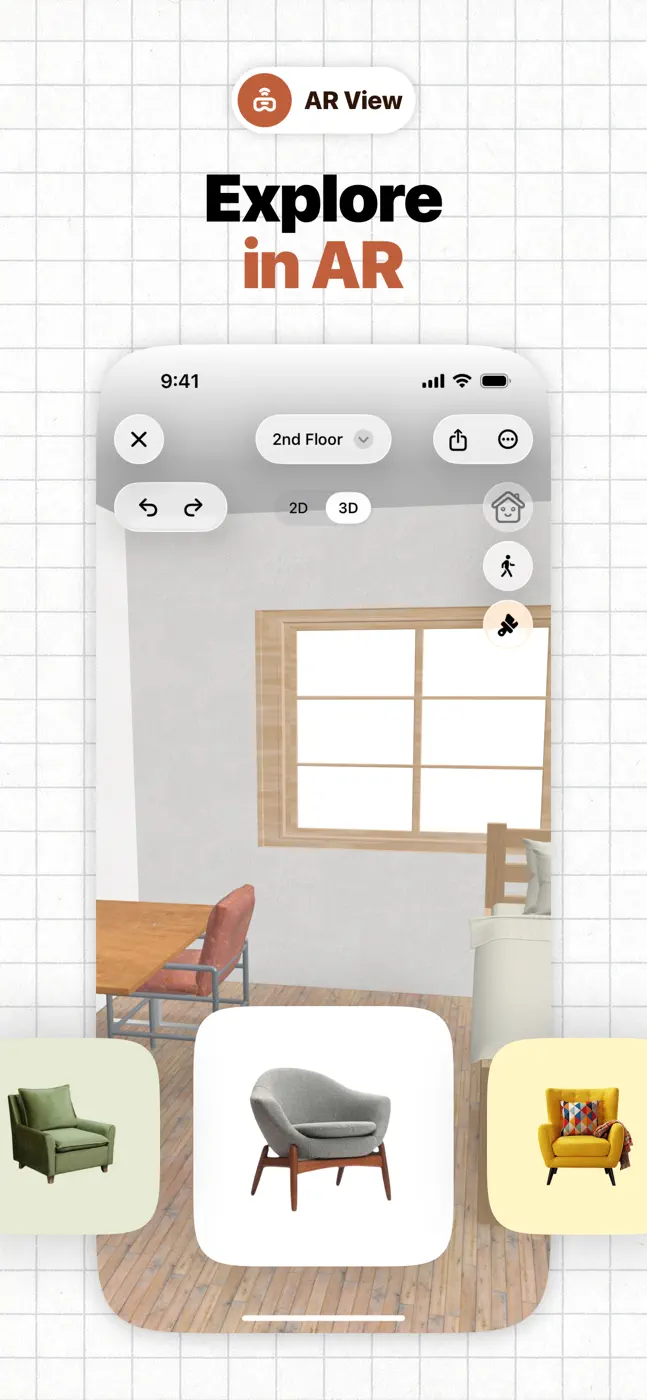
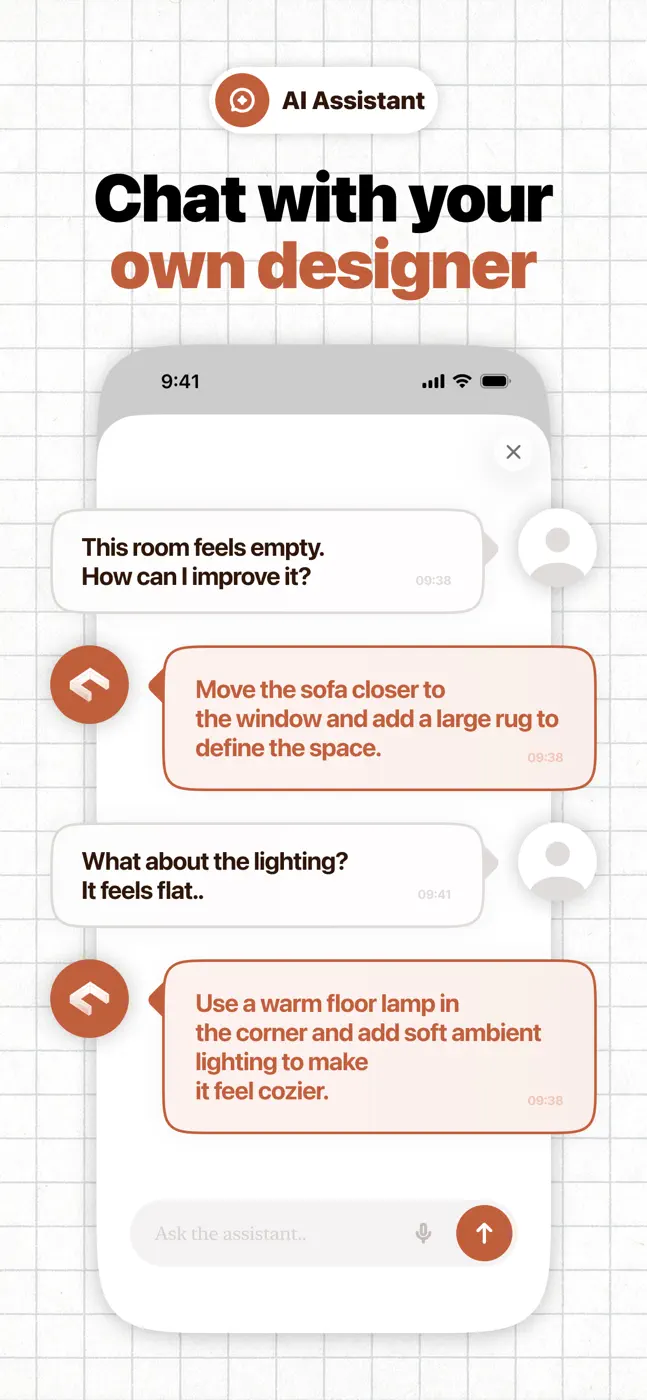
What people use it for
For iPhone owners with LiDAR who need a quick rough plan of rectangular rooms and do not care about editing details.
What reviews praise
Scanner uses Apple's good LiDAR, practical for plans, handy for some
What reviews complain about
Does not detect doors, cannot edit a finished plan, screen goes dark during scanning, loses the result after tapping done, error at the end of the scan with no save, cannot handle non-90-degree wall angles, expensive, phone-only interface
Other apps in this topic


This is material from the inApp archive. Before installing, check the app’s current terms and features in the store.