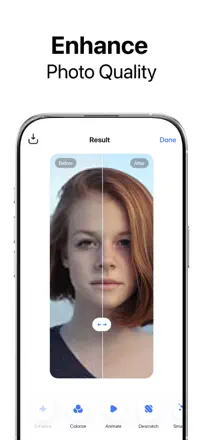
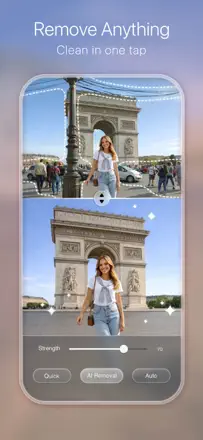
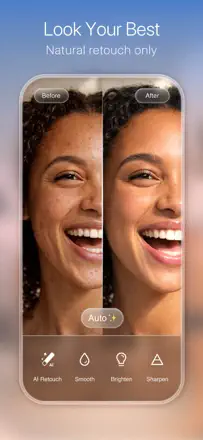
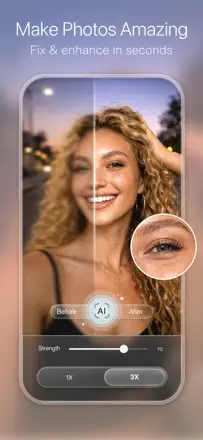
For a family shot, sharpness is no substitute for likeness. What matters is viewing the changes next to the original and being able to turn down a detail that makes the person unrecognizable.
Which apps people use
These apps are mentioned in the breakdown of this job. Open each one to compare strengths and limits. The order of the list is not a ranking of fitness.
Rank 56. Review score: 35 out of 100. App Store rating: 4.6★ · 346,446 ratings
35of 100
Sharpness enhancement on old photos was impressive in 2020-2022, but the algorithm has degraded: faces now come out plastic and overexposed, the background receives no improvement at all, and results on modern photos are indistinguishable from the original in sharpness.
Praised: In good cases on old film photos, the app restores face detail and clarity with surprising accuracy. Processing speed has improved compared to early versions.
Complaints: Enhancement is applied only to faces, while the background is ignored and stays blurry. Faces come out plastic and overexposed with off-balance color. On historical photos the result barely reads as an improved version of the original.
Best for: People who want to restore specific old family photos and can accept unpredictable results.
Rank 26. Review score: 52 out of 100. App Store rating: 4.4★ · 39,149 ratings
52of 100
The main task of enhancing old and grainy photos is done convincingly. Black-and-white shots gain color with enough accuracy for a family archive. Processing speed is high. On some shots faces lose their features after upscaling and look like a generic approximation.
Praised: Detail recovery on grainy and old photos, colorization of black-and-white frames, processing speed measured in seconds.
Complaints: On some portraits the AI replaces facial features with averaged ones, and the resulting person no longer resembles the original.
Best for: People who digitize and restore a family archive and accept minor deviations in facial features in exchange for overall quality improvement.
Rank 19. Review score: 57 out of 100. App Store rating: 4.8★ · 12,541 ratings
57of 100
A stable editor with a broad set of collage, retouching, and colorization tools. Users have relied on it as their primary editor for years. AI features (background replacement, quality enhancement) occasionally freeze or produce unrealistic results. Purchases are lost when switching between Android and iOS.
Praised: Layer and object removal tools work without a watermark. Old photo colorization and the double exposure tool produce results users praise for their natural look.
Complaints: The AI section is unstable: several users report the feature works one time in ten. The beauty retouching section freezes on some iPhone models and renders the app completely non-functional for selfies.
Best for: Digital collage makers and anyone who wants to colorize or restore old photos without sitting at a computer.
Rank 23. Review score: 55 out of 100. App Store rating: 4.8★ · 11,411 ratings
55of 100
A huge library of artistic frames, oil painting stylizations, and photomontages offers effects not found in other editors. Watercolor and pencil sketch filters produce convincing results for print. Artistic filters do not work on landscape-oriented photos.
Praised: Watercolor, pencil sketch, and oil painting effects produce convincing results suitable for printing and wall display. The artistic frame and photomontage library has no equivalent among mobile editors.
Complaints: Artistic filters do not work correctly on horizontal photos and landscapes: results are distorted or unusable. A rating prompt appears after every third save with no way to disable it.
Best for: Users who need artistic photo transformations (watercolor, mosaic, frames) for decor or gifts rather than professional retouching.