


Call Recorder iCall
- 18 of 100 · reviews
- 4.6of 5 · store
- 22,828ratings on the App Store
- 470reviews read
An editorial reading of the saved reviews
Call recording via conference bridge with iOS limitations. The app announces the recording out loud to all participants. Quality: one voice comes through clearly, the other does not. The server is frequently unavailable. Real recording quality is close to zero.
Screenshots


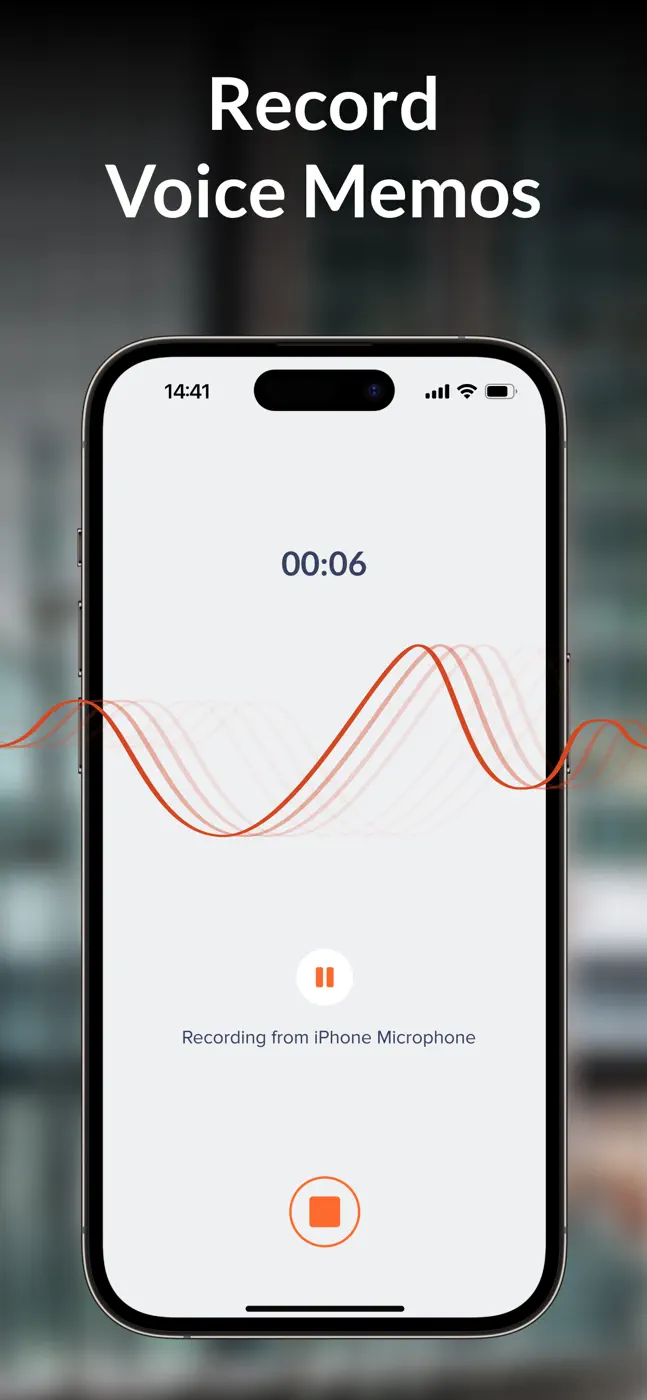
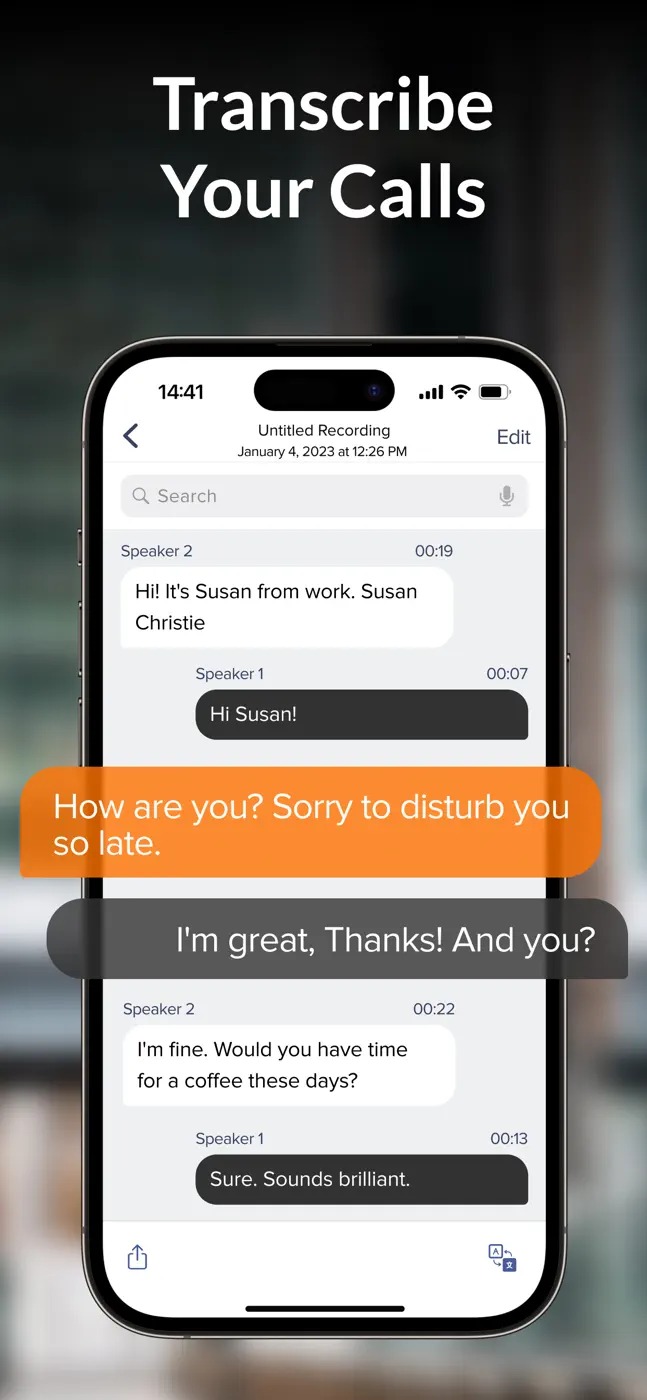


What reviews praise
- The idea: conference-call recording without jailbreaking.
- When it works, the conversation is saved.
What reviews complain about
- The conference bridge scheme requires five manual steps in under 10 seconds while the other person is already waiting.
- The recording is announced publicly to everyone.
- The caller's own voice records with gaps or not at all.
- The server regularly throws errors and recordings are inaccessible.
- Support does not respond.
What users experience
1 excerpt from the breakdown. These are individual cases, not a verdict on all users.
My problem is the steps and time it takes to start recording. The 5 steps can take up to 10 seconds to begin recording. 1 Answer call 2 Go to Home Screen 3 Open the app 4 Tap record 5 Tap merge call. In the meantime the call has been answered and the person on the other line is expecting a response.
Other apps in this topic
Full ranking: Recording and transcribing speech28 apps with screenshots and scores


This is material from the inApp archive. Before installing, check the app’s current terms and features in the store.