


Widgy Widgets: Home/Lock/Watch
- 62 of 100 · reviews
- 4.6of 5 · store
- 26,036ratings on the App Store
- 291reviews read
An editorial reading of the saved reviews
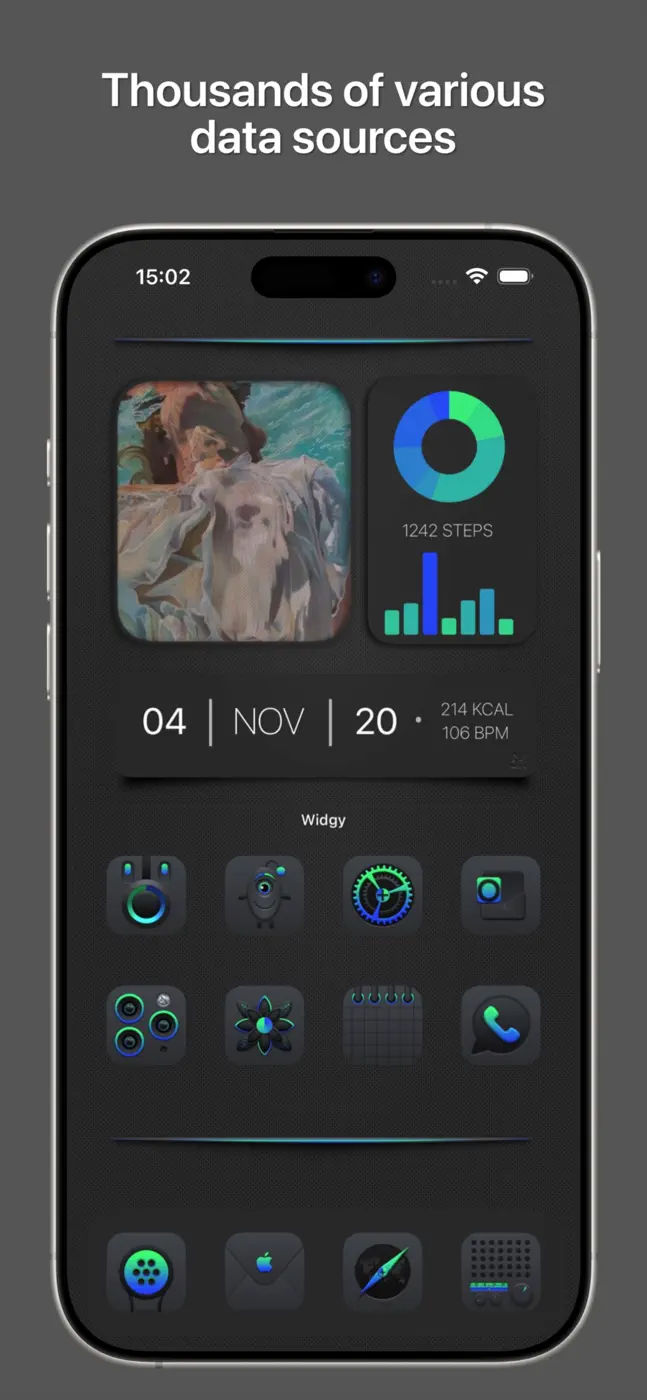
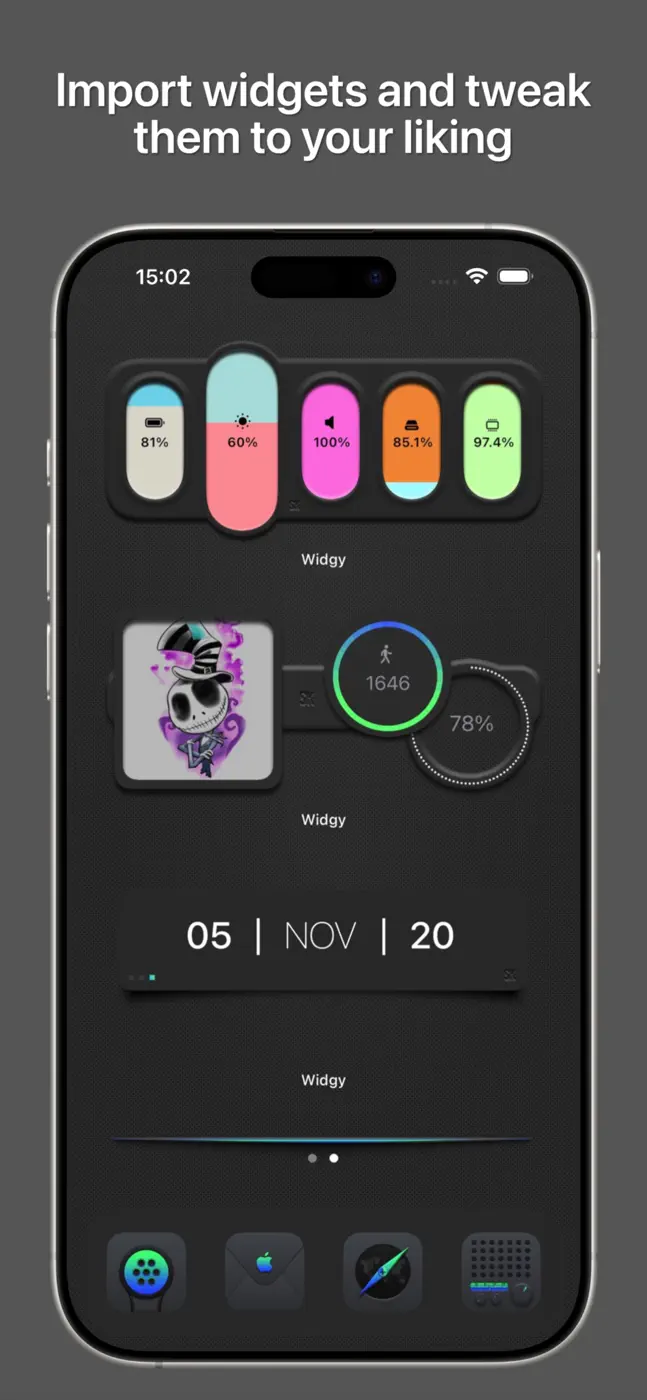
Widgy is the most powerful widget builder on iOS: JSON endpoints, custom fonts, photo widgets, and community-made templates. The learning curve is steep. Beginners get lost in the interface and cannot even add an image. Those who figure it out call it 'Photoshop for widgets.'
Screenshots






What people use it for
Users willing to spend an hour on setup in order to get exactly the widget they want.
What reviews praise
- Deep customization: layers, variables, live data via JSON, community templates.
- For advanced users it is the only real option.
What reviews complain about
- UX is built for developers, not everyday people.
- Photo import breaks without explanation.
- The watch widget requires re-applying every 15 minutes in the free version.
What users experience
4 excerpts from the breakdown. These are individual cases, not a verdict on all users.
Import, slots, assigning. Even with iOS restrictions using a premade widget is waaaaaay more confusing than it has to be.
Love the app. But they need to update 'third party' apps that are available for 'tap action'. I have to create a shortcut for each app not available. This adds extra apps to open. Widgy app > shortcuts app > app.
For some reason, if you go into the widgy app, the template with the horoscope is updated, but on the actual widget itself on the phone screen shows up as a horoscope that was weeks ago and never changes. Even if you delete the widget and re-add it, it still does not change.
Transparency not working on Mac no option and on iPhone and iPad tap action app list do not populate at all I'm I missing something?
Other apps in this topic
Full ranking: Wallpapers & widgets79 apps with screenshots and scores


This is material from the inApp archive. Before installing, check the app’s current terms and features in the store.