These apps are mentioned in the breakdown of this job. Open each one to compare strengths and limits. The order of the list is not a ranking of fitness.
Rank 2. Review score: 74 out of 100. App Store rating: 4.7★ · 3,160 ratings
74of 100
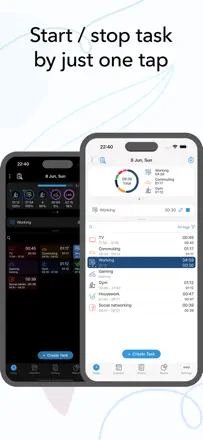
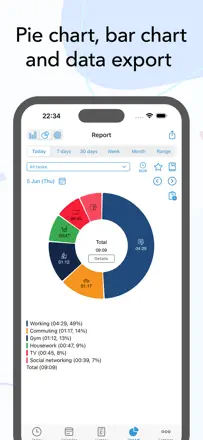
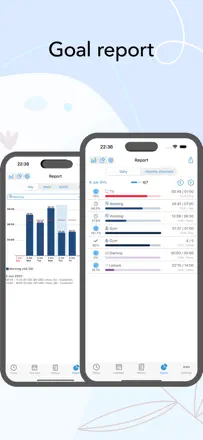
The best activity tracker in the batch: a single button per task, detailed stats, and a one-time purchase with no subscription, praised by users with years of daily use. Calendar sync is unreliable, and the widget degraded in iOS 18.
Praised: One-time purchase with no subscription, plus honest analytics that show where your day actually goes.
Complaints: After iOS 18 the widget lost the ability to start a task directly from the home screen.
Best for: Analysts and freelancers who want to know where the day goes
Rank 22. Review score: 62 out of 100. App Store rating: 4.6★ · 2,970 ratings
62of 100
A solid Pomodoro timer with convenient task-zone breakdown, but sync between devices is spotty. Long-term users stick around, while newer ones increasingly leave because of lost data and broken notifications.
Praised: Flexible session-to-task and GTD zone mapping helps you see exactly where the day goes.
Complaints: Sync between iPhone, iPad, and Mac is unreliable: data can disappear, and historical stats vanish after re-login.
Best for: GTD enthusiasts and structured time-tracking fans
Rank 12. Review score: 67 out of 100. App Store rating: 4.8★ · 14,498 ratings
67of 100
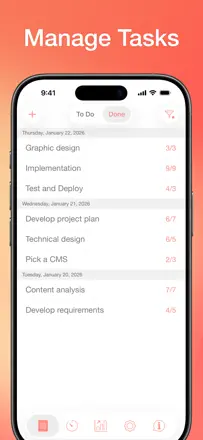
Focus To-Do combines Pomodoro with a full task planner and works well for people who need a system rather than just a timer, though widget bugs and task-logic issues have accumulated in recent versions.
Praised: Sync across phone, browser, and desktop inside one working system.
Complaints: Widgets show wrong data, and tasks occasionally duplicate or reschedule themselves to the next day on their own.
Best for: People who need a Pomodoro timer inside a full-featured task planner
Rank 13. Review score: 67 out of 100. App Store rating: 4.7★ · 1,055 ratings
67of 100
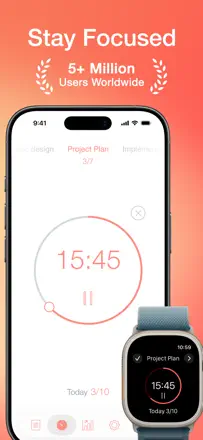
A beautiful Pomodoro timer with solid Apple Watch and iPhone sync, a clean interface, and accumulated session history. Version 8.0 broke stability for some users, and moving all functionality behind a subscription upset longtime buyers.
Praised: Apple Watch sync works without lag, and the timer runs in the background correctly.
Complaints: Stats do not let you view total time spent on a specific task over an arbitrary date range.
Best for: Productive Apple users who want a beautiful and reliable Pomodoro timer
Rank 8. Review score: 72 out of 100. App Store rating: 4.8★ · 362 ratings
72of 100
A serious Pomodoro tool with session tracking and a site blocker, but the interface is loaded with options and takes a long time to configure. A good fit for people with ADHD who need structure rather than simplicity.
Praised: Detailed daily statistics help you see real progress and keep motivation up.
Complaints: You cannot quickly change session length from the main screen without digging into settings.
Best for: Productivity enthusiasts who care about time analytics