


uMake: 3D CAD Modeling, Design
- 40 of 100 · reviews
- 4.2of 5 · store
- 3,988ratings on the App Store
- 499reviews read
An editorial reading of the saved reviews
Professionals like uMake for quickly sketching 3D and showing a client, and the new whiteboard space gathers several models in one place. But the barrier to entry is high: the tutorial videos are shot on an old interface that doesn't match the current one, and without paying you can't even draw a line, everything is locked behind the trial and subscription. Many find 7 days too short to even grasp the tool.
Screenshots

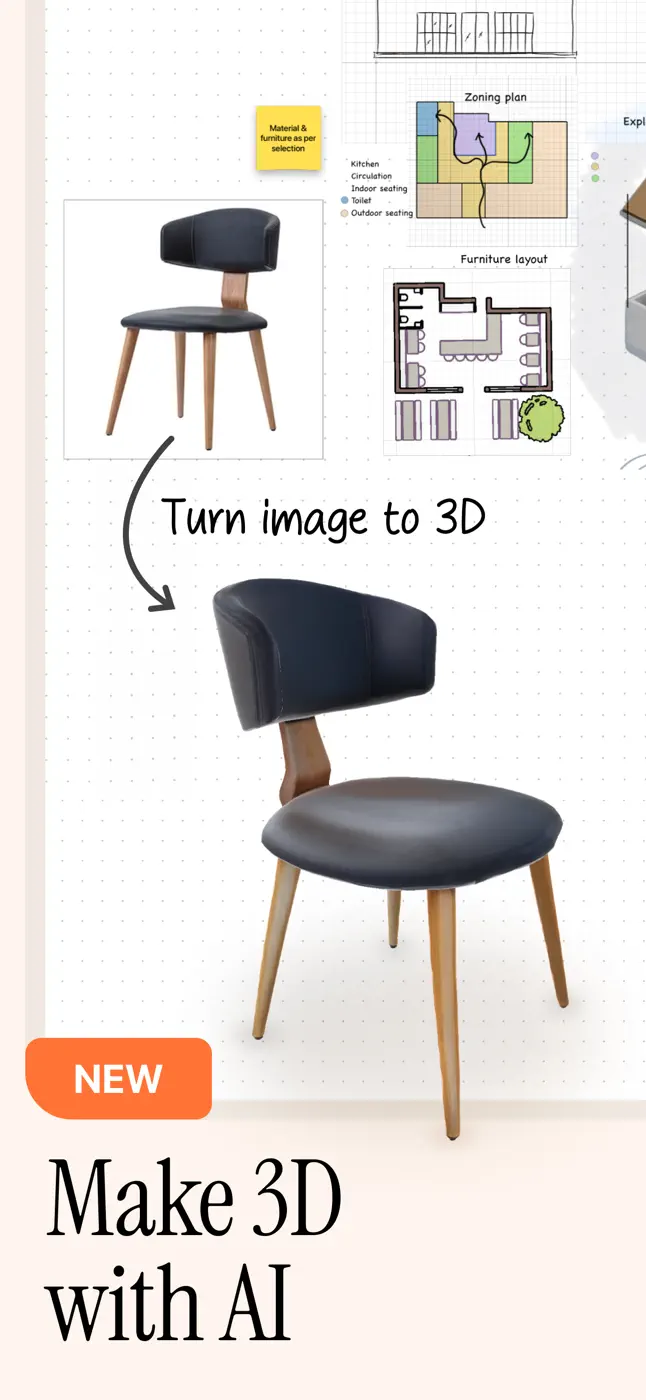

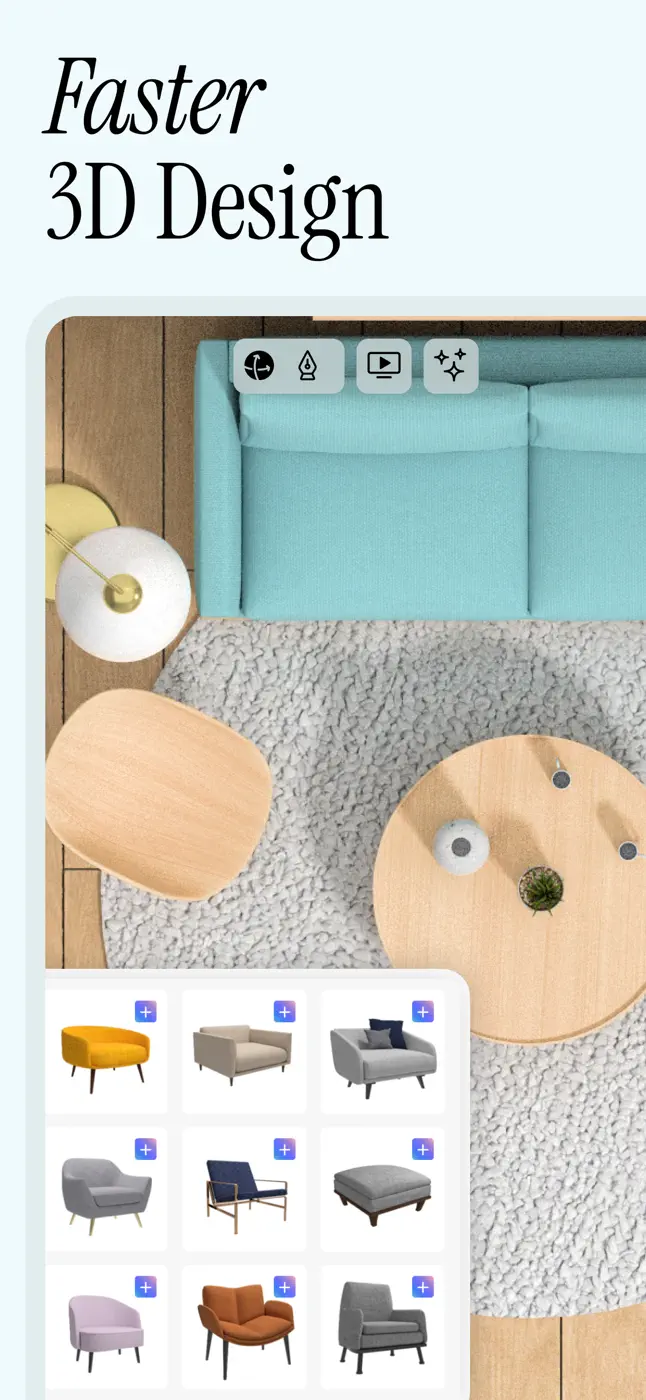


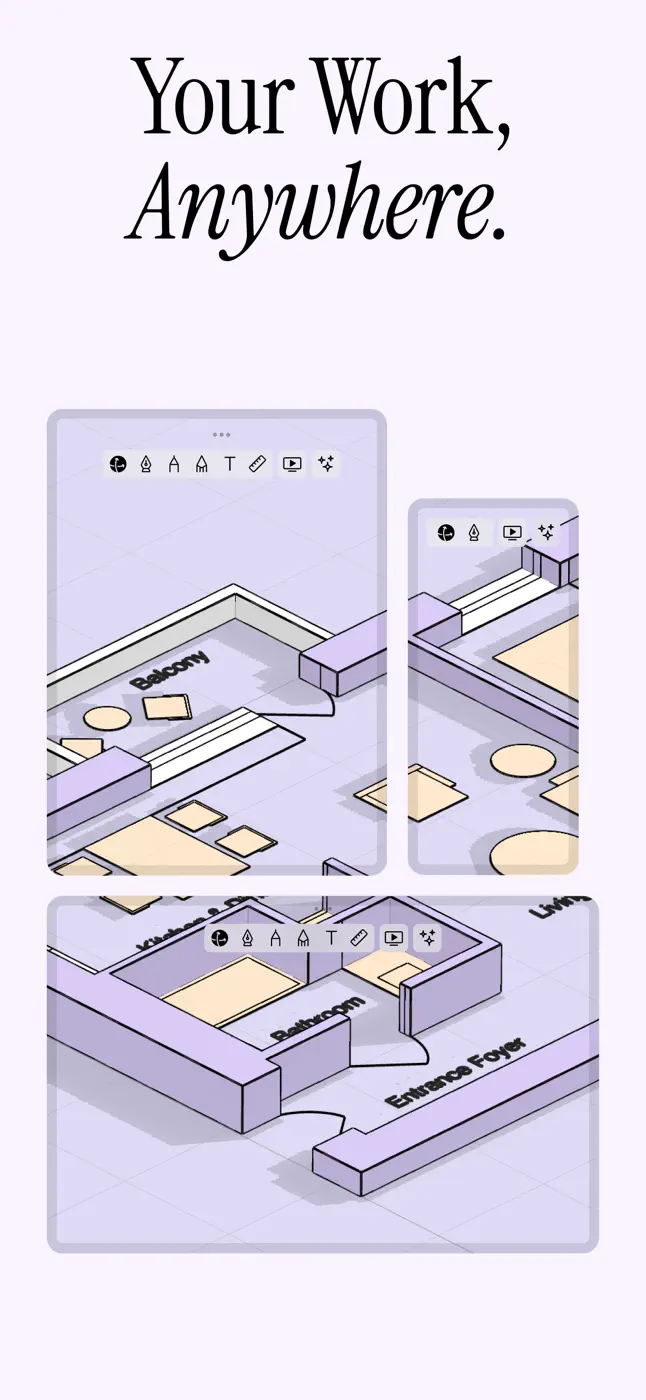



What people use it for
For people making 3D sketches and client presentations who are willing to invest time in learning and paying
What reviews praise
Fast 3D sketches and renders to show clients, whiteboard space with multiple models, easy start for 3D beginners, works for work presentations
What reviews complain about
Can't even draw a line without paying and giving card details, tutorial videos on an outdated interface, can't type a size as a number in Apple Pencil mode, steep learning curve, 7 days too short to figure it out
Other apps in this topic


This is material from the inApp archive. Before installing, check the app’s current terms and features in the store.