


uMake: 3D CAD Modeling, Design
アプリについての本文は英語です。
- 40 100点中 · レビュー
- 4.25点中 · ストア
- 3,988件の評価(App Store)
- 499件のレビューを分析
保存されたレビューの編集部による読み解き
Professionals like uMake for quickly sketching 3D and showing a client, and the new whiteboard space gathers several models in one place. But the barrier to entry is high: the tutorial videos are shot on an old interface that doesn't match the current one, and without paying you can't even draw a line, everything is locked behind the trial and subscription. Many find 7 days too short to even grasp the tool.
スクリーンショット

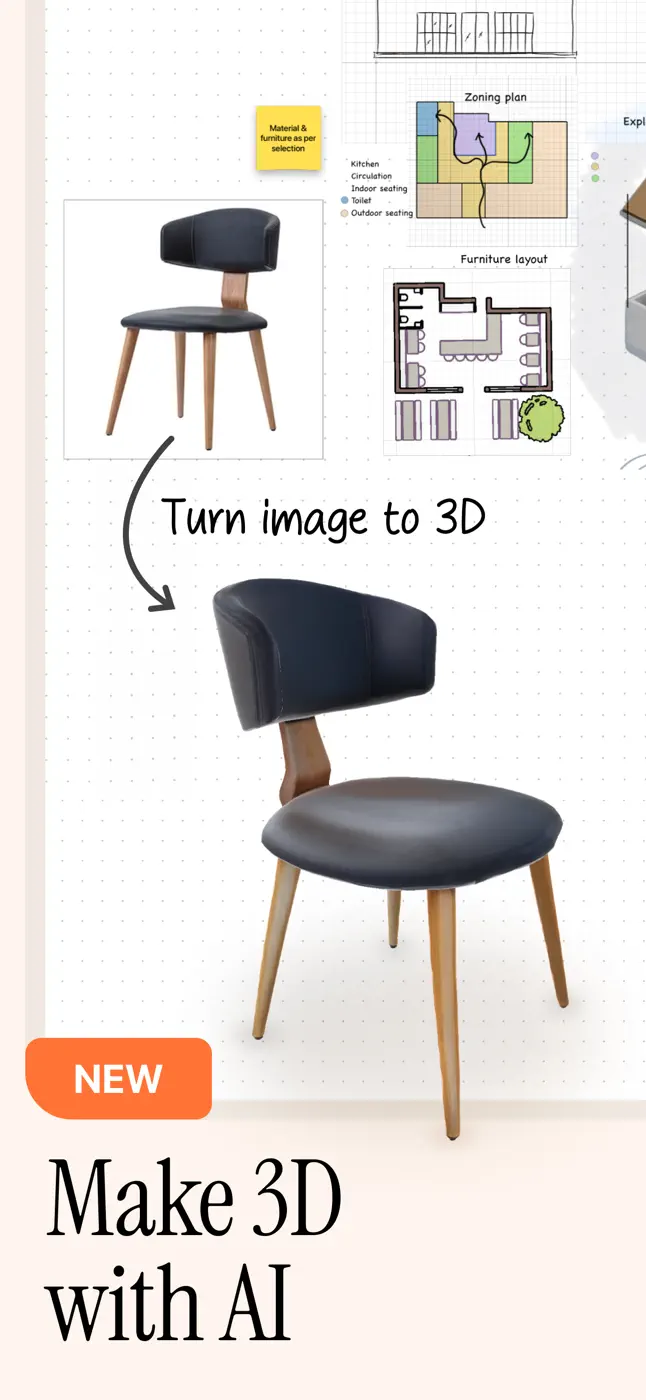

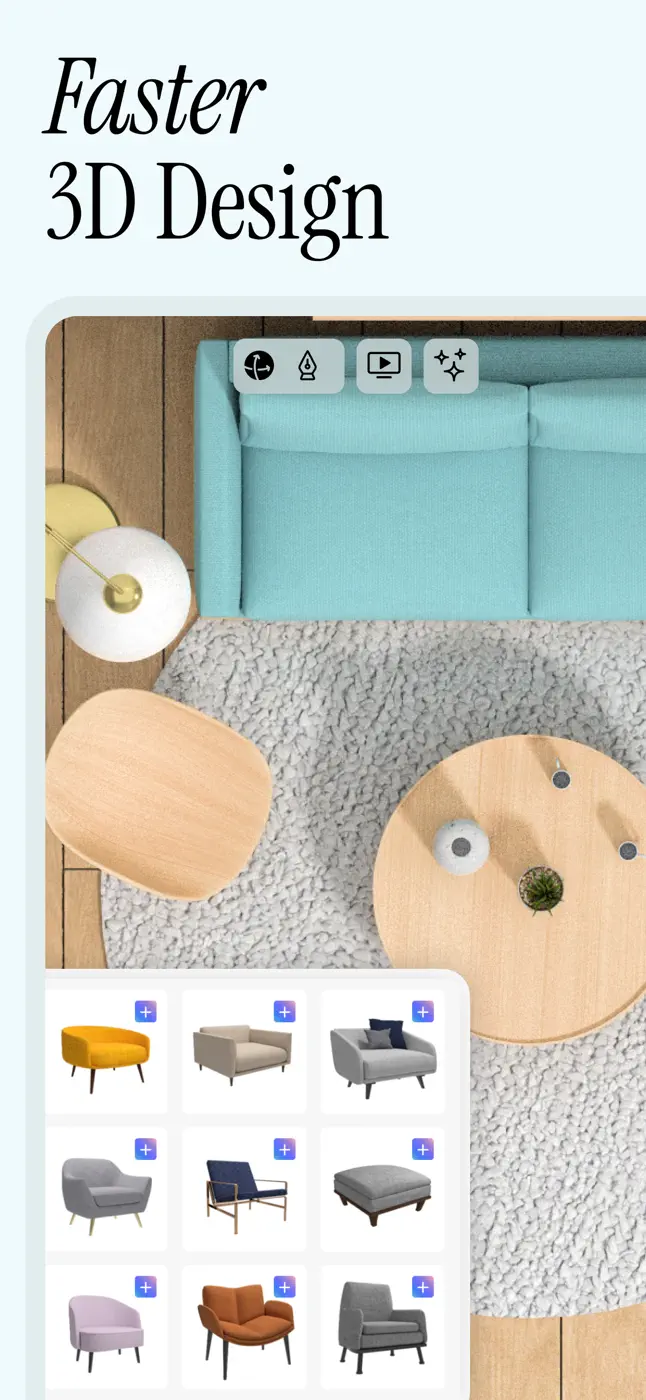


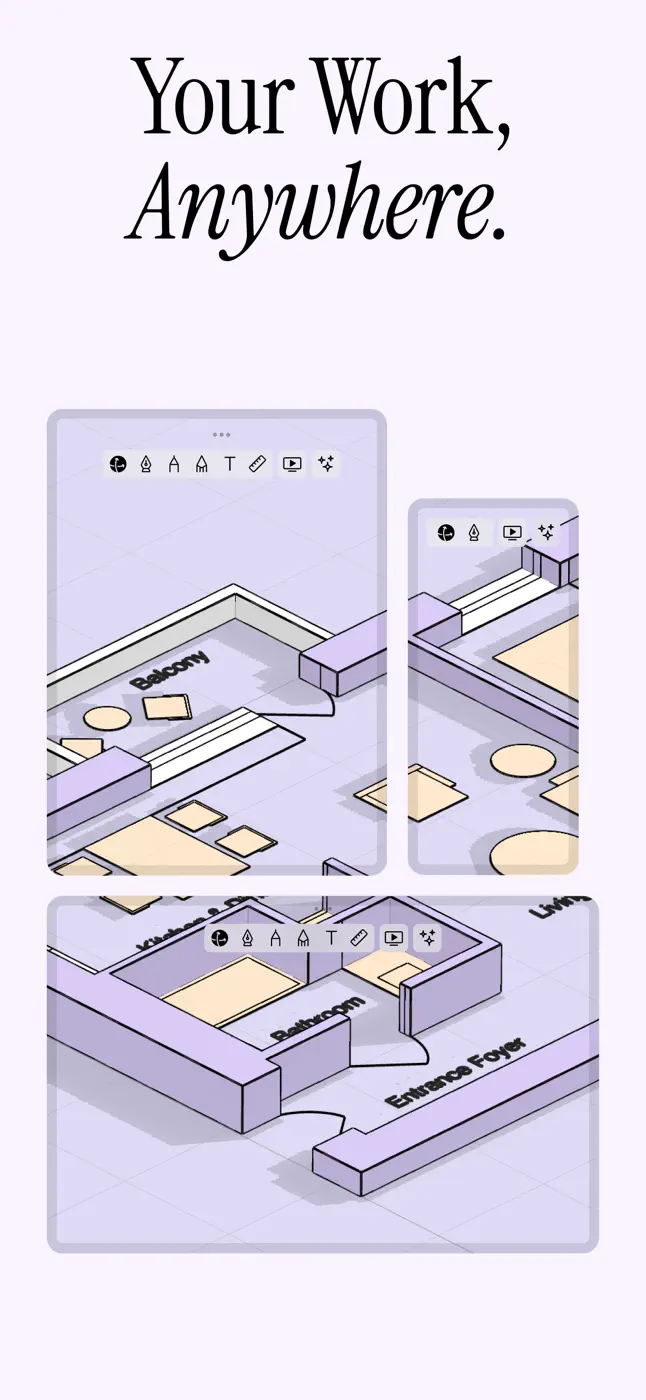
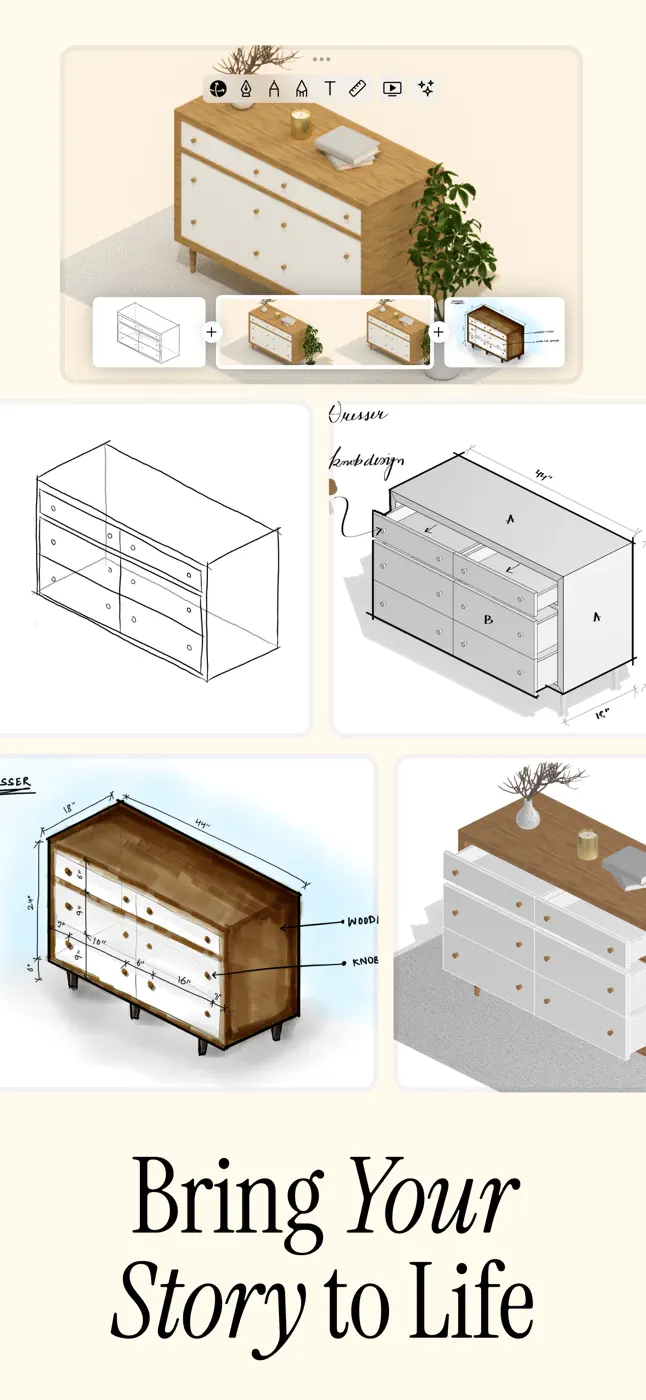


どんな用途で使われているか
For people making 3D sketches and client presentations who are willing to invest time in learning and paying
レビューでほめられている点
Fast 3D sketches and renders to show clients, whiteboard space with multiple models, easy start for 3D beginners, works for work presentations
レビューで不満が出ている点
Can't even draw a line without paying and giving card details, tutorial videos on an outdated interface, can't type a size as a number in Apple Pencil mode, steep learning curve, 7 days too short to figure it out
このテーマのほかのアプリ


これはinAppのアーカイブの資料です。インストールの前に、ストアでアプリの現在の条件と機能を確認してください。