These apps are mentioned in the breakdown of this job. Open each one to compare strengths and limits. The order of the list is not a ranking of fitness.
Rank 5. Review score: 72 out of 100. App Store rating: 4.8★ · 117,024 ratings
72of 100
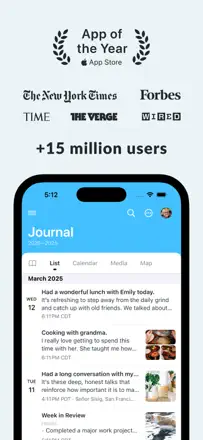
Day One is the most mature journal in its category: multiple journals, search across years of entries, reliable export, rich formatting, and photos. The product is not declining technically but in trust. Aggressive monetization of AI features in the Gold tier and persistent upgrade prompts frustrate loyal paying users.
Praised: Search across the entire entry history with attached photos going back 8-plus years works flawlessly and turns the journal into a personal knowledge base.
Complaints: Constant pop-ups pushing the Gold upgrade annoy even Silver subscribers and destroy the feeling of a private space.
Best for: Serious journalers and people who have kept a diary for years and value reliable export
Rank 13. Review score: 67 out of 100. App Store rating: 4.7★ · 6,836 ratings
67of 100
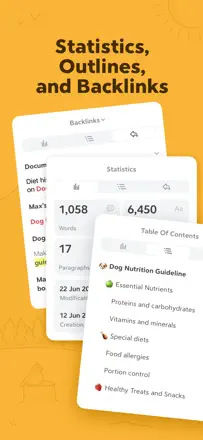
Bear remains one of the best note-taking apps in the Apple ecosystem: fast, beautiful, with powerful tagging and clean markdown. As a diary it only works if users build the structure themselves, and data occasionally gets lost during updates.
Praised: Eight years of stable performance with a consistent experience across all Apple devices and quick sync without extra setup.
Complaints: The absence of a traditional folder hierarchy and mandatory tag-based organization puts off users who think linearly.
Best for: Those who write notes and keep a journal in markdown and want a beautiful tool in the Apple ecosystem
Rank 12. Review score: 68 out of 100. App Store rating: 4.8★ · 1,896 ratings
68of 100
A reliable photo diary with excellent search and a monthly calendar view, with stable sync. The main product flaw: photos can only be inserted at the end of an entry, not inline.
Praised: A calendar cover with photo thumbnails for the month gives an instant visual overview of your life.
Complaints: Photos cannot be placed at an arbitrary point in the text; they always appear as a separate block.
Best for: Visual chroniclers who want to remember life through photographs
Rank 21. Review score: 63 out of 100. App Store rating: 4.7★ · 1,426 ratings
63of 100
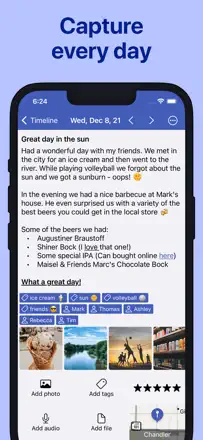
A functional cross-platform diary with Markdown support and iCloud sync that works reliably for most people. Sync conflicts when writing from multiple devices simultaneously, and onboarding does a poor job explaining the basics.
Praised: Markdown formatting and stable sync between iPhone and Mac without any extra configuration.
Complaints: When writing on two devices back to back, sync conflicts and entries get mixed up.
Best for: Fans of clean text journaling in the Apple ecosystem
Rank 32. Review score: 58 out of 100. App Store rating: 4.6★ · 5,038 ratings
58of 100
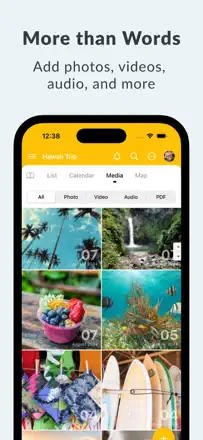
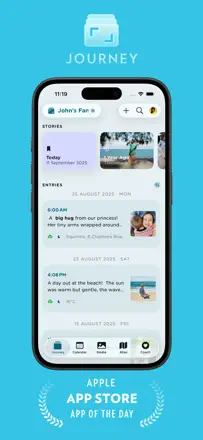
Journey offers a rich set of formats: text, photos, voice, templates, and cloud sync. It suits those who want a life archive across all devices. Weak spots are navigation that is sometimes unclear and sync that occasionally loses entries.
Praised: Entries are accessible from any device and saved for years, giving the feeling of a genuine personal archive.
Complaints: No mood analytics or pattern insights: the app stores your data but does not help you understand it.
Best for: Those who keep a detailed personal archive with photos and want access everywhere