


Codebook Password Manager
- 62 of 100 · reviews
- 4.8of 5 · store
- 2,295ratings on the App Store
- 298reviews read
An editorial reading of the saved reviews
A veteran dating back to Palm Pilot days: strong AES-256 encryption, flexible storage, but version 5 broke sync for a significant number of users and the new sync key mechanism is confusing.
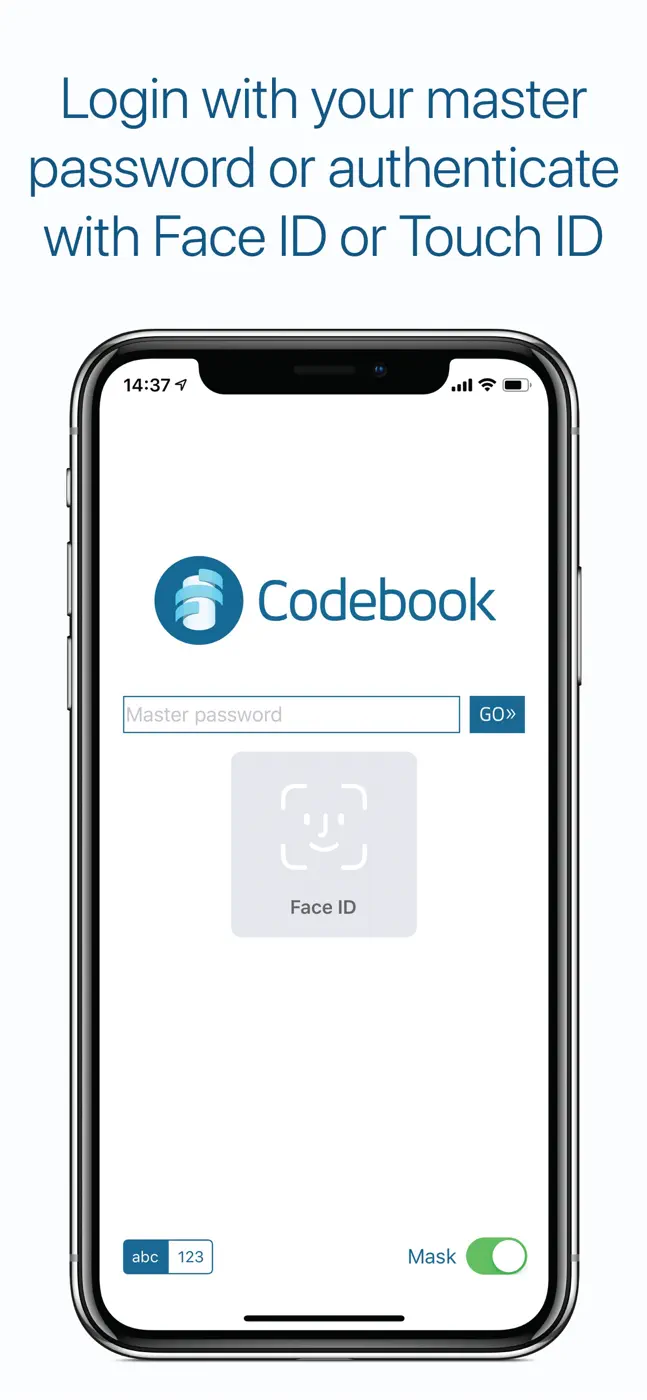
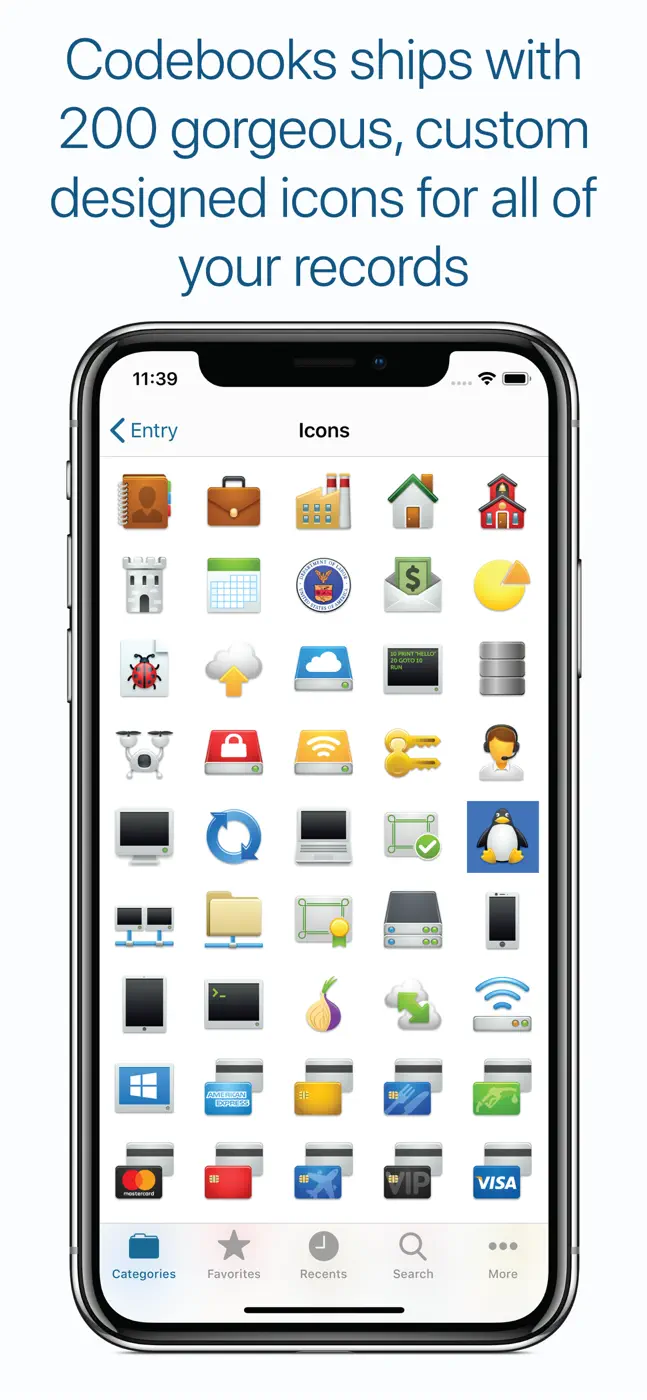
Screenshots



What people use it for
Technically savvy users who value local storage with military-grade encryption and aren't afraid to configure sync manually.
What reviews praise
AES-256-CBC with HMAC-SHA512, 256,000 PBKDF2 rounds, no proprietary servers (data stays with the user), flexible entry structure including photos and documents, decades of reliable use.
What reviews complain about
Sync broke after updating to version 5 for many users, the sync key mechanism is confusing and poorly documented, autofill performs poorly, no Face ID in the base version, no recovery if the master password is lost.
What users experience
1 excerpt from the breakdown. These are individual cases, not a verdict on all users.
Great app and very easy to use. One very important thing to remember though. WRITE DOWN YOUR MASTER PASSWORD!!!!!!!!!!!!!!! If for some reason you forget or lose your master password. Don't bother trying to get any help. Just uninstall the app, re-install it and start over. There is now way to recov
Other apps in this topic


This is material from the inApp archive. Before installing, check the app’s current terms and features in the store.