Skip to content
Choosing by job

Keep the whole family’s passwords in one place so the spouse, kids and elderly parents can sign in where they need to without calls asking for help

Password managers

The family administrator

What to check before choosing

Different family members may need access to different entries. Visibility and the way access is handed over, including in an unforeseen situation, have to be agreed in advance.

Which apps people use

These apps are mentioned in the breakdown of this job. Open each one to compare strengths and limits. The order of the list is not a ranking of fitness.

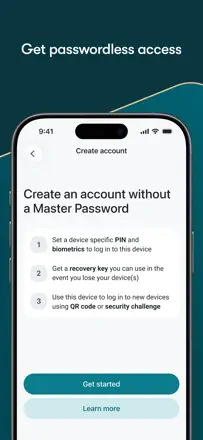
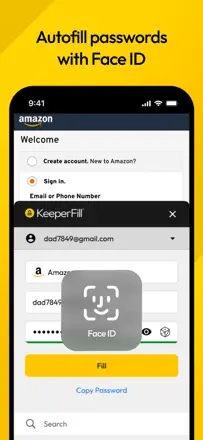
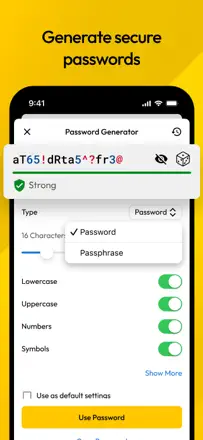
  1. Keeper Password Manager

    Rank 12. Review score: 66 out of 100. App Store rating: 4.9★ · 227,320 ratings

    A full-featured password manager with a long history and a real base of loyal users, but with annual price hikes and a migration path designed to be painful.

    Praised: Secure storage with notes and attachments, cross-platform sync, long-term users praise stability and support.

    Complaints: Price has climbed to $42 $91 per year and keeps rising, migration is intentionally difficult, an 'optimization' step on every launch freezes the app for minutes, can't cancel a subscription from within the app.

    Best for: Users willing to pay a premium price who don't plan on switching.

  2. Dashlane Password Manager

    Rank 4. Review score: 71 out of 100. App Store rating: 4.8★ · 103,519 ratings

    A mature cross-platform password manager with a real long-term user base. Strong point is reliable sync and a solid password generator. The main complaint is an aggressive paywall and problems when the free plan was dropped.

    Praised: Sync across all devices, strong password generator, family plan with shared access, autofill works consistently.

    Complaints: Holds passwords hostage on non-payment, unclear login flow for existing accounts, transferring to a new device can be tricky, passwords disappear after reconnection, browser extension may be blocked by corporate policies.

    Best for: Users willing to pay for a cross-platform manager with a convenient family plan.

  3. 1Password: Password Manager

    Rank 29. Review score: 45 out of 100. App Store rating: 4.6★ · 19,969 ratings

    Once the gold standard of password managers, now with aggressive monetization: forced subscription instead of a one-time license, regular price increases, UX regressions (removed search, complicated navigation), and support that takes days to respond.

    Praised: Good cross-platform coverage for long-time users, solid encryption, Travel Mode.

    Complaints: Price jumped from $30 to $75 for the family plan, quick search was removed from the home screen, support responds in days or weeks, accounts can be frozen without explanation and there's no phone support.

    Best for: Corporate teams with an IT budget individual users will get the same from Bitwarden or Apple Passwords for free.

  4. Passwords

    Rank 22. Review score: 52 out of 100. App Store rating: 4.7★ · 747,967 ratings

    Apple's built-in password manager that works invisibly for most users, but regularly loses passwords after iOS updates and handles import and export poorly.

    Praised: Zero setup on Apple devices, iCloud sync, notifications for compromised passwords, family plan sharing.

    Complaints: Passwords disappear after OS updates, no proper export, weak support for non-Apple platforms, QR login is unreliable, autofill doesn't work everywhere.

    Best for: Users who live entirely in the Apple ecosystem and don't need cross-platform support.

  5. LastPass Password Manager

    Rank 31. Review score: 44 out of 100. App Store rating: 4.4★ · 57,017 ratings

    Once a respectable password manager, now disappointing its user base after restricting the free plan to a single device type and letting support quality slide. Loyal users are migrating to Bitwarden.

    Praised: Organized storage, convenient to have all passwords in one place, autofill works for most sites.

    Complaints: No cross-platform access without a paid subscription, frequent random sign-outs, support is unreachable when MFA is locked, mobile interface is clunky, the app prompts to save a password that's already there.

    Best for: Users who have already committed their data and are slow to migrate.

Other jobs in this topic

Full ranking: Password managers47 apps with screenshots and scoresWhere this breakdown comes fromRead the research and the observations from reviews