


Color Pop : AI Photo Editor
- 44 of 100 · reviews
- 4.6of 5 · store
- 77,690ratings on the App Store
- 500reviews read
An editorial reading of the saved reviews
Selective colorization (keep one color, convert everything else to black and white) works predictably on uniform objects with a clear outline. The brush tool suits iPad with Apple Pencil but is awkward on iPhone with a finger. The recoloring feature is weaker: results are muddy and do not capture material texture. The app periodically freezes when switching between photos.
Screenshots


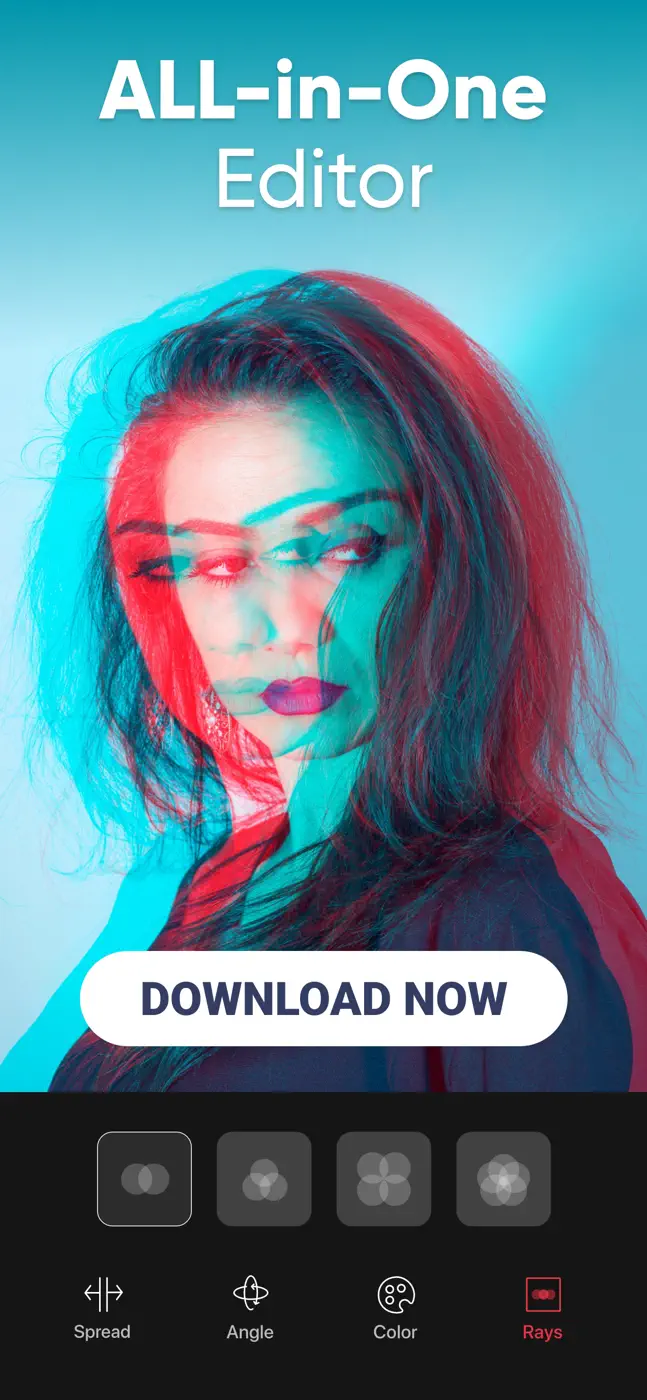
What people use it for
A creative experimenter with color isolation for portfolio, social media, or simple commercial tasks.
What reviews praise
- The selective color brush with adjustable opacity works accurately on high-contrast objects.
- You can highlight a red umbrella on a grey street in literally a minute.
What reviews complain about
- The recoloring tool produces a blurry, unnatural result with no account for texture or material.
- Switching between photos frequently causes a freeze.
Other apps in this topic
Full ranking: Photo editors99 apps with screenshots and scores


This is material from the inApp archive. Before installing, check the app’s current terms and features in the store.