


Lightroom: AI Photo Editor
- 76 of 100 · reviews
- 4.8of 5 · store
- 335,094ratings on the App Store
- 500reviews read
An editorial reading of the saved reviews
The best mobile editor for RAW shooters: powerful masking tools, preset sync, and flexible color grading. The object removal tool and the new generative AI features are unstable, but everything else is desktop-level.
Screenshots


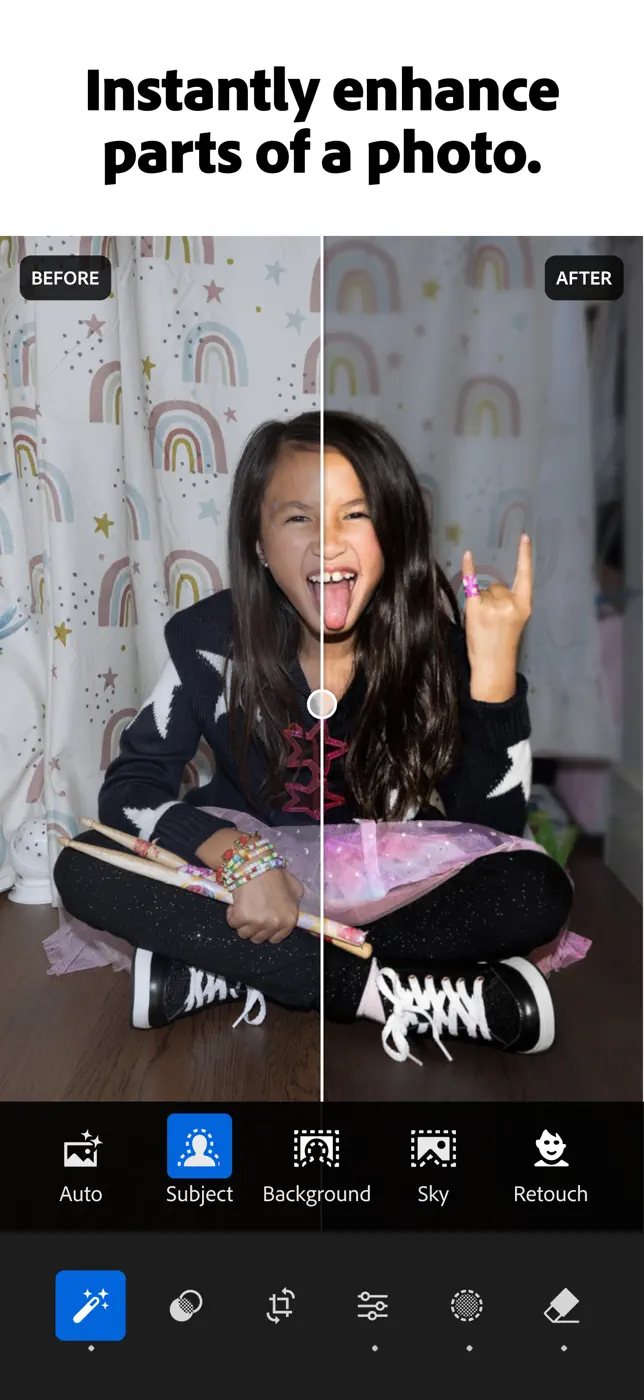


What people use it for
Photographers who shoot in RAW and want a complete workflow without a laptop on the road.
What reviews praise
- Desktop-grade RAW processing on the phone.
- AI-assisted object masking is precise.
- Preset sync between phone and PC saves time in complex workflows.
- Suggested presets offer a solid starting point.
What reviews complain about
- The object removal tool selects a much larger area than indicated.
- Editing high-resolution images on iPad turns highlights green.
- Importing from an SD card requires loading all previews before work can begin.
What users experience
2 excerpts from the breakdown. These are individual cases, not a verdict on all users.
This is a great app. It is useful for editing mobile images but also for editing Raw files. The full functionality and benefit of this app doesn't become apparent until you sync it with your desktop Lightroom catalog. This has been helpful.
The Lightroom mobile app is the best app I've found for effective photo edits on my phone. More options than you'll likely need with ability to import presets as desired. I mainly utilize presets and adjust light settings or remove unwanted objects.
Mentioned for these jobs
Other apps in this topic
Full ranking: Photo editors99 apps with screenshots and scores


This is material from the inApp archive. Before installing, check the app’s current terms and features in the store.