


ProKnockOut-Cut Paste Photos
- 55 of 100 · reviews
- 4.6of 5 · store
- 73,687ratings on the App Store
- 500reviews read
An editorial reading of the saved reviews
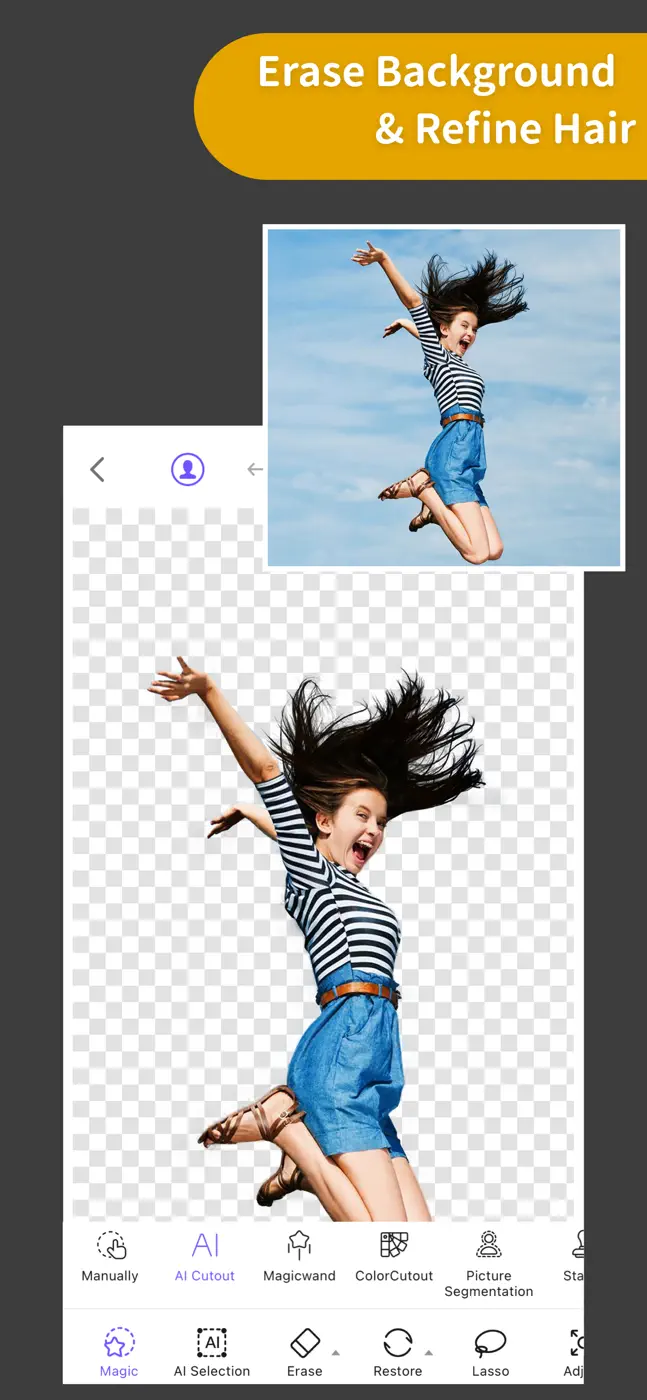
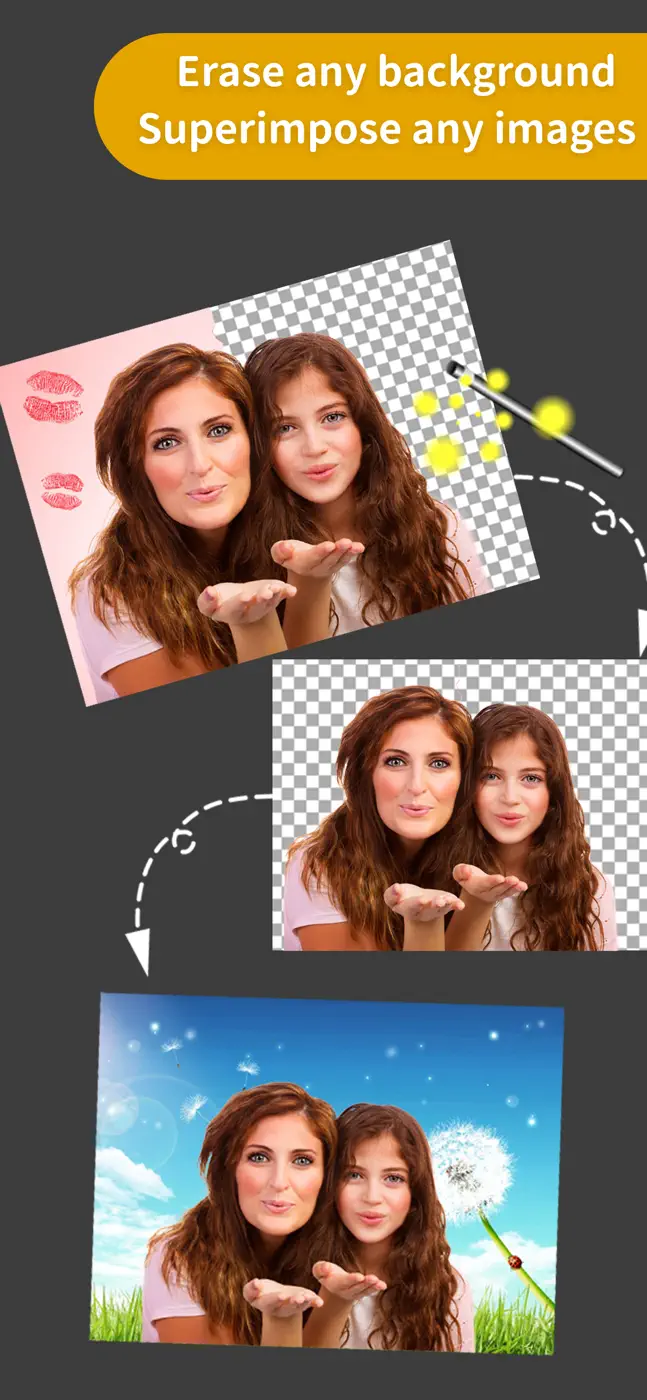
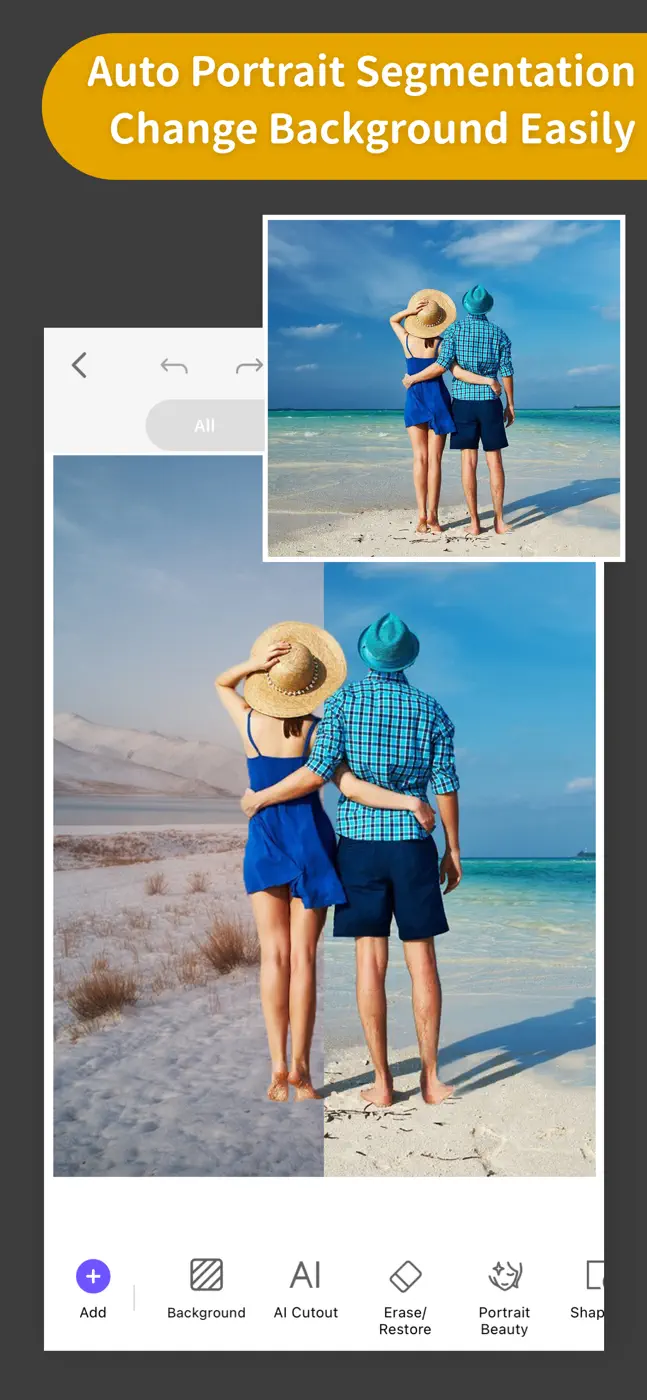
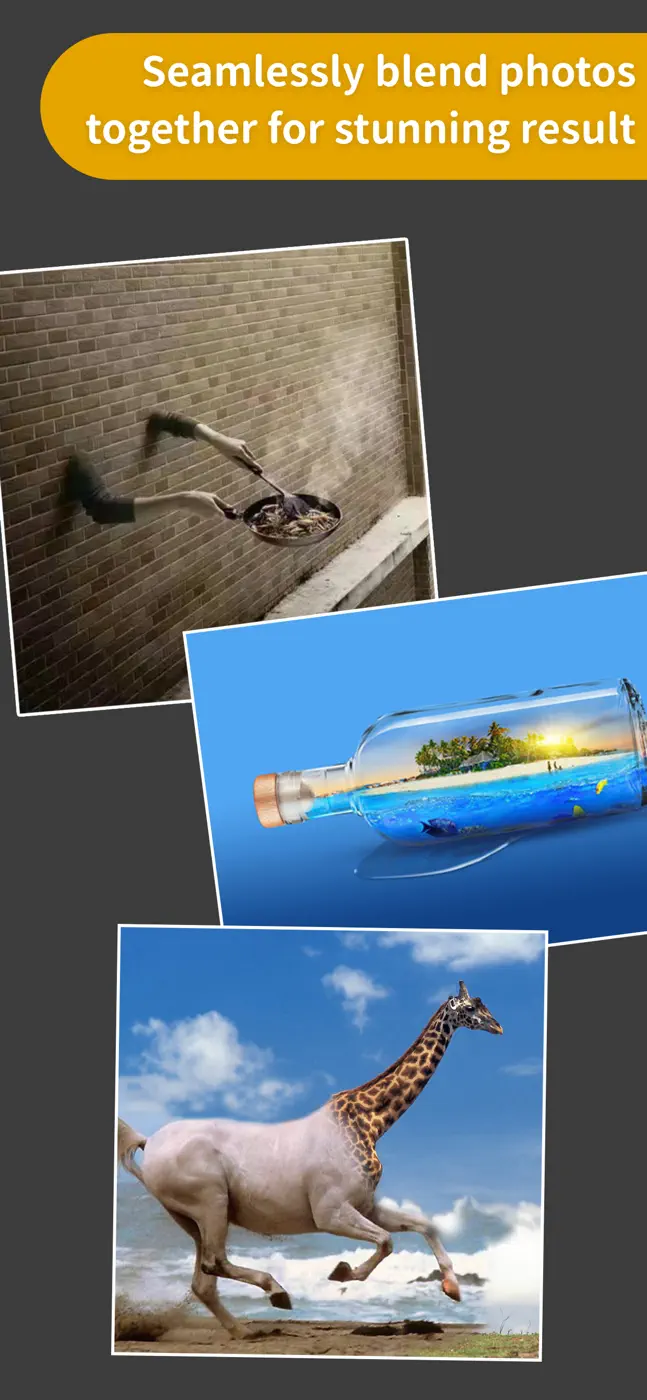
Object cutout and background swapping work fast and cleanly, with many users noting completion in under a minute on a typical task. Double image exposure has historically been a strength, but recent updates hurt the edge selection accuracy of the scissor tool. The Retouch tool has no undo for the last action. AI art inside the app uses an anime model and frequently produces unrecognizable results.
Screenshots


What people use it for
Content creators, small businesses, and hobbyists who need to quickly cut out an object and place it on a different background for social media or a marketplace.
What reviews praise
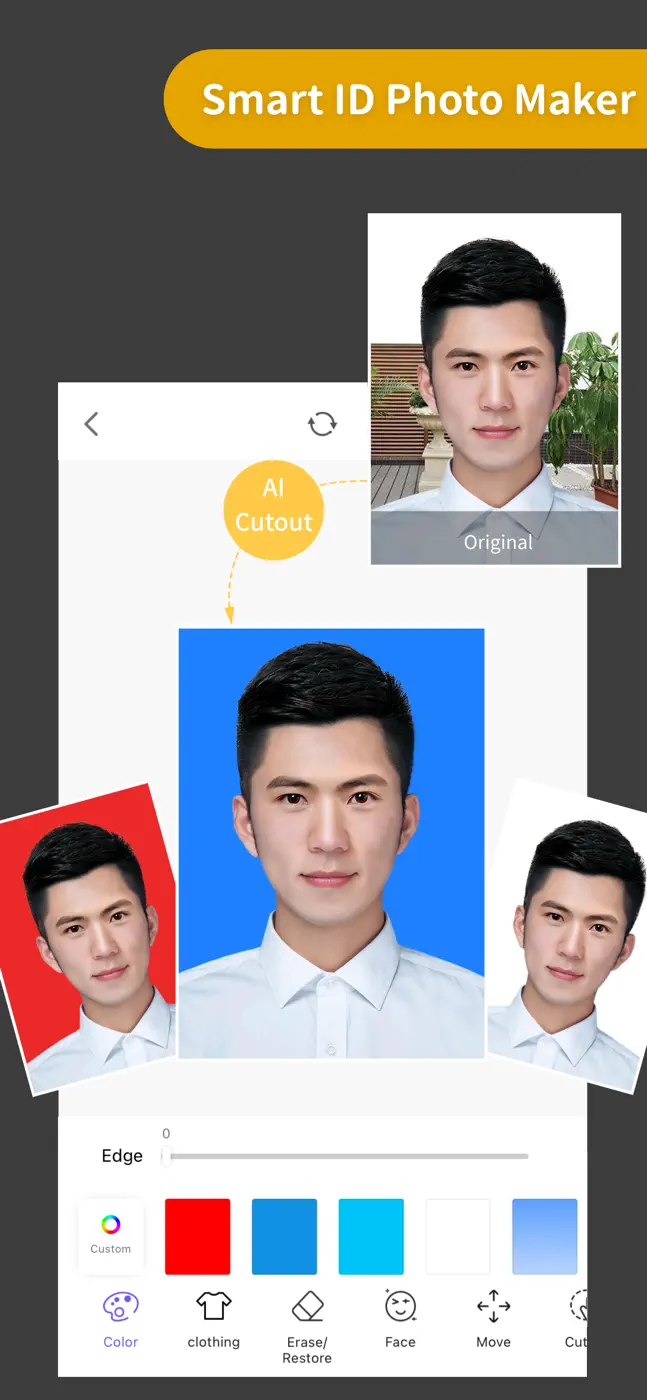
Automatic background removal works confidently even on hair and fur, producing results usable in production without manual cleanup on most shots.
What reviews complain about
- After recent updates the edge scissor tool lost precision, leaving a rough, visible fringe on the subject when compositing.
- AI generation inside the app produces unrealistic results with blurred features.
What users experience
1 excerpt from the breakdown. These are individual cases, not a verdict on all users.
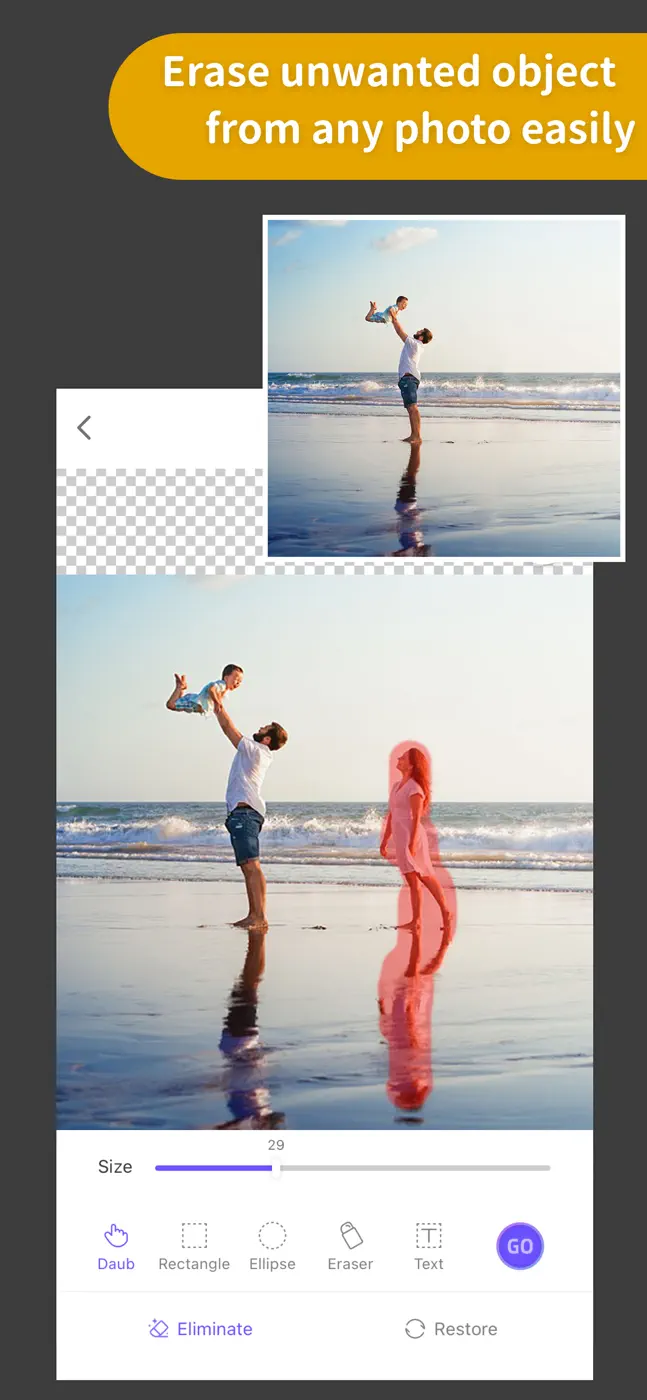
I use this app daily for so many different reasons from photo edits to remove unsightly objects like trash cans in pics, to knocking out backgrounds for sales photos, to just having fun creating collages. I feel this is the most user-friendly app I've used.
Mentioned for these jobs
Other apps in this topic


This is material from the inApp archive. Before installing, check the app’s current terms and features in the store.