


Handy - Live Widget Wallpaper
- 31 of 100 · reviews
- 4.5of 5 · store
- 23,013ratings on the App Store
- 257reviews read
An editorial reading of the saved reviews
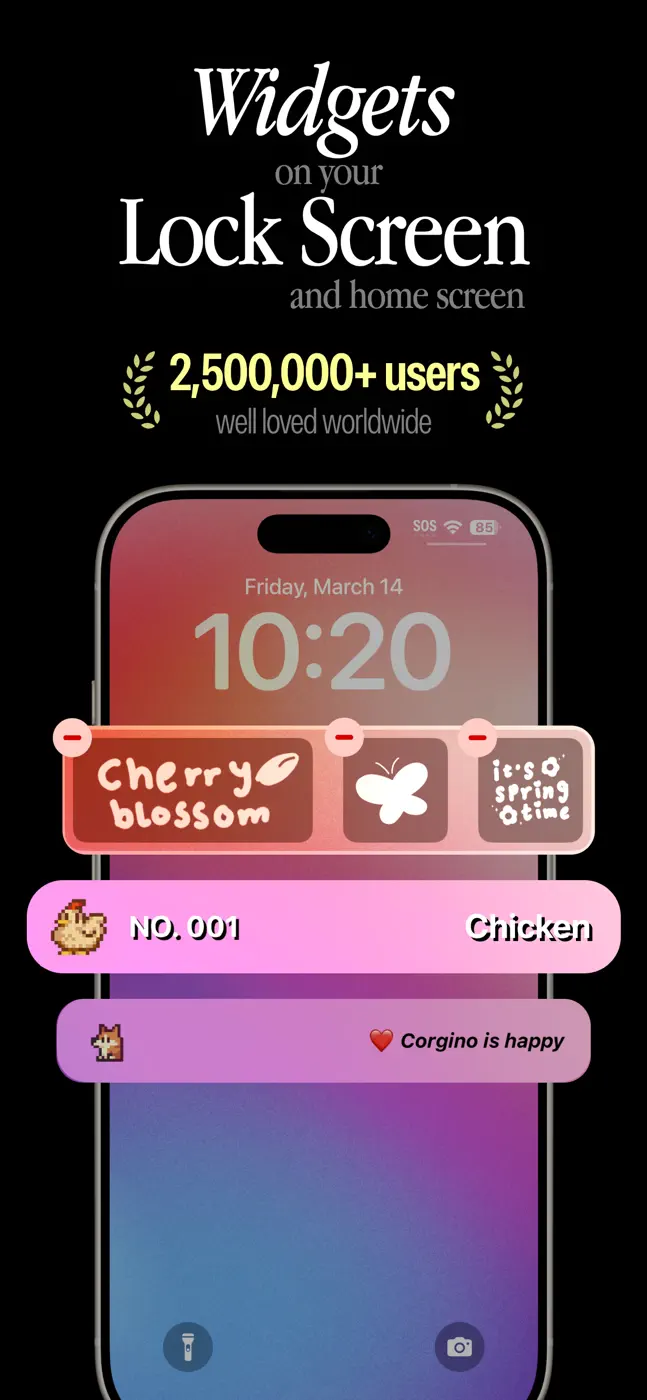
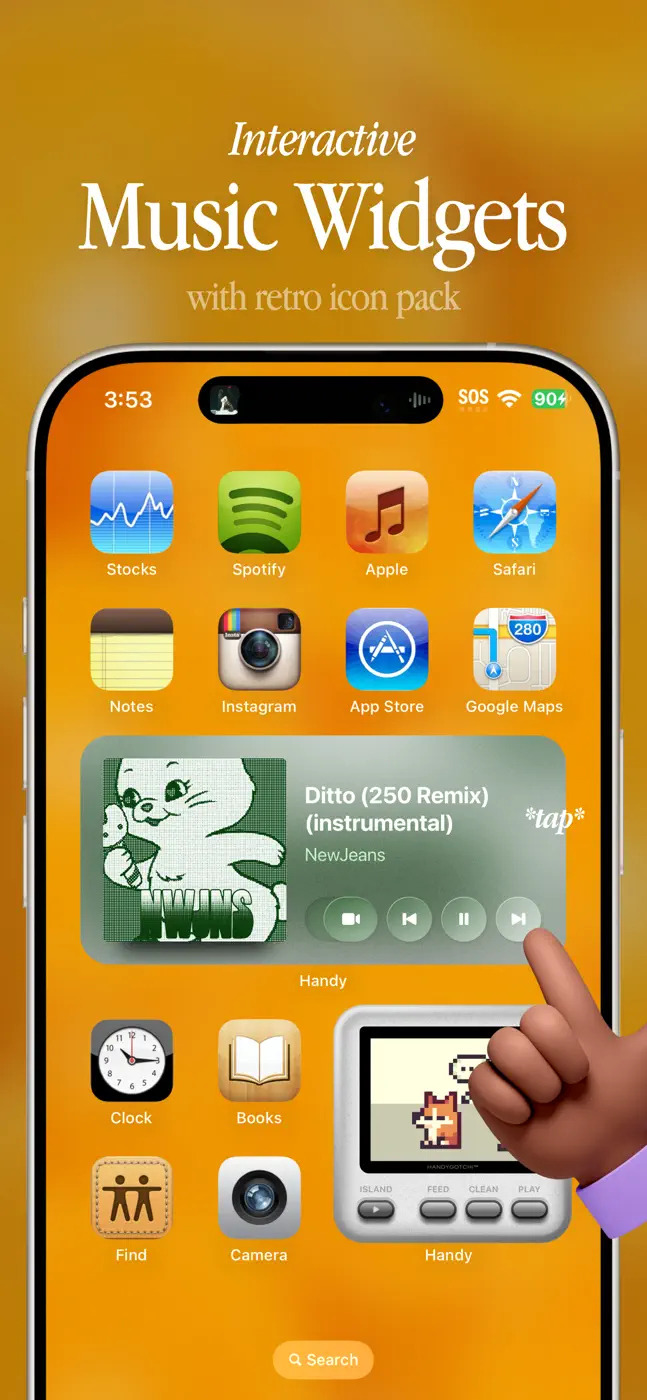
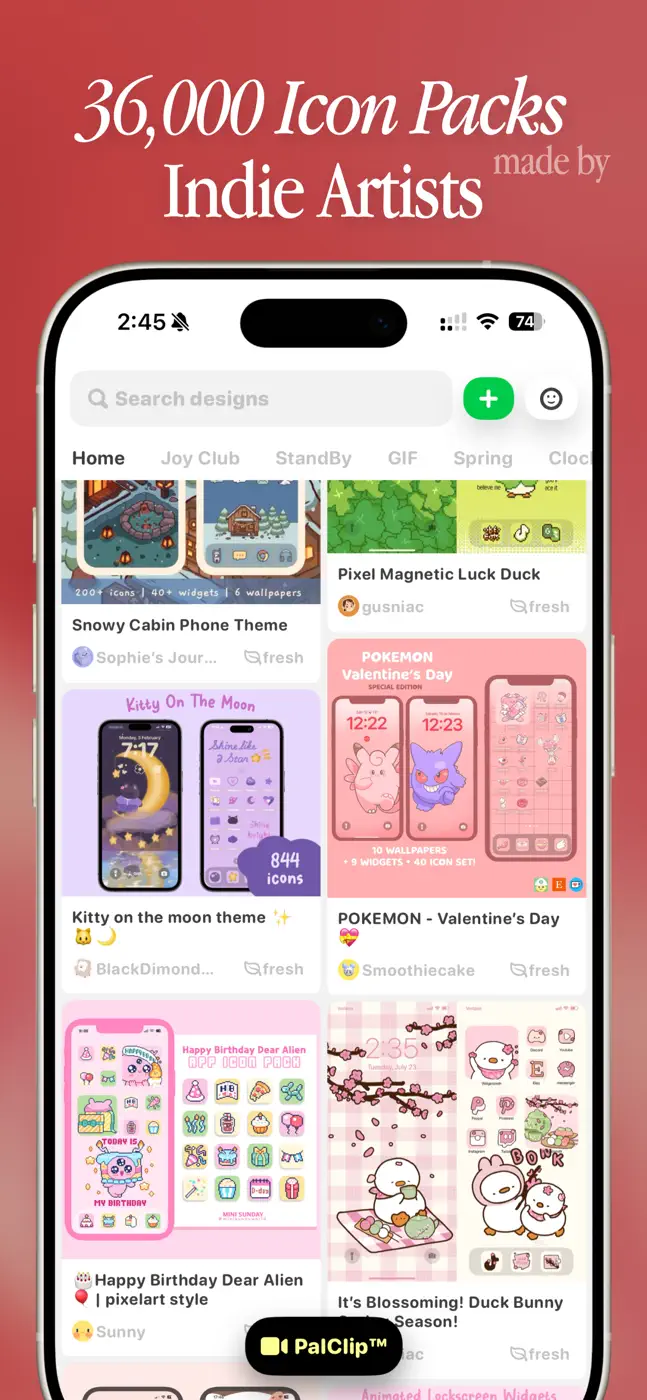
Handy promises live widgets, animated wallpapers, and icon replacement via configuration profiles. Animated widgets stop on their own and require a manual restart. Icons are implemented as Safari bookmarks: they open Handy, then the target app. The free version is nearly empty.
Screenshots




What people use it for
Users who want a quick visual redesign without deep customization and can accept the limitations of the bookmark model.
What reviews praise
- Themed icon and wallpaper packs look clean.
- Some content is available without a subscription by loading different themes.
What reviews complain about
- Bookmark-style icons break the normal app-opening flow.
- Animated widgets are unstable.
- When you delete the app, the bookmark icons remain.
What users experience
3 excerpts from the breakdown. These are individual cases, not a verdict on all users.
Second, the 'app icons' are actually just bookmarks, which is okay and all, but tricky if you're someone like me. Third, I can't delete any of the bookmarks, which is very unusual.
This app is great, so much faster than shortcuts. It's really useful. But some apps aren't available so I had to leave like 5 out which I often use. Overall this is great the downloading is fast and everything just could use improvements on the limitation on all the apps used.
it's such a cute app i love how you can customise it. But when it comes to animated widgets it gets frustrating. parts of the time they don't work unless you keep manually clicking on or they do work and eventually stop. it isn't a big deal but it's ruins the feel of animated widgets
Other apps in this topic
Full ranking: Wallpapers & widgets79 apps with screenshots and scores


This is material from the inApp archive. Before installing, check the app’s current terms and features in the store.