


Google Tasks: Get Things Done
- 61 of 100 · reviews
- 4.8of 5 · store
- 104,351ratings on the App Store
- 500reviews read
An editorial reading of the saved reviews
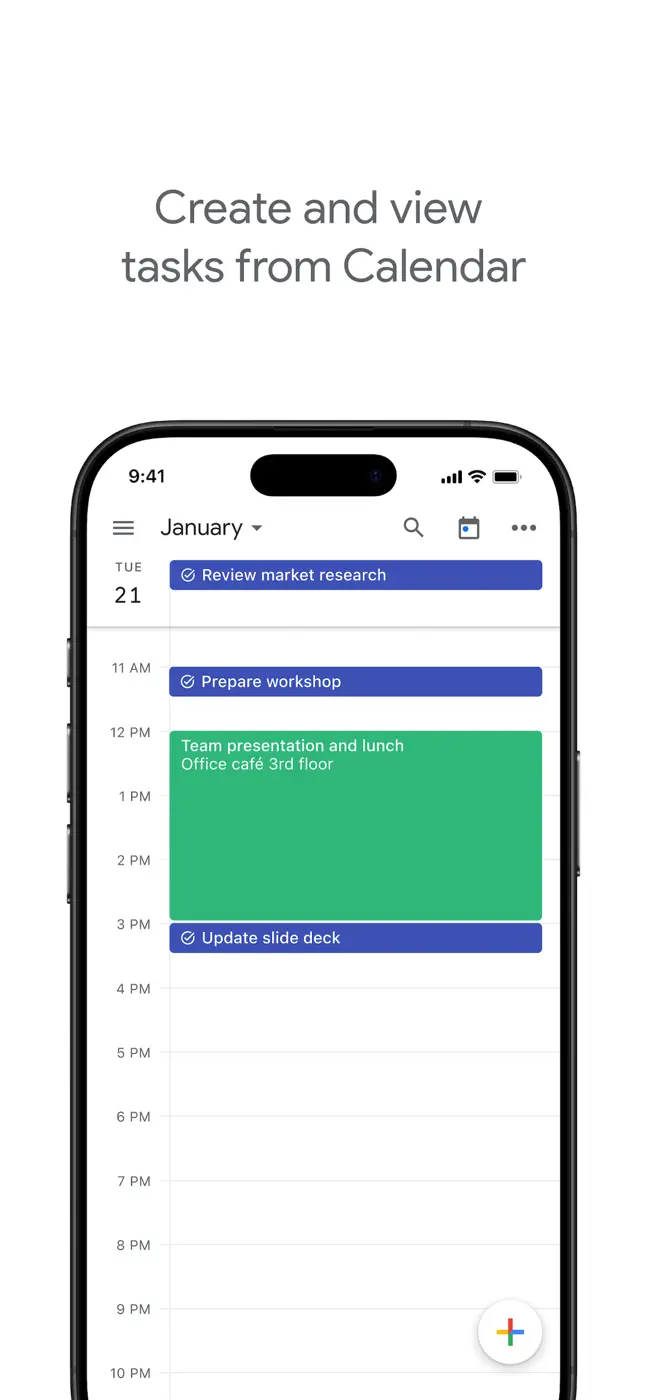
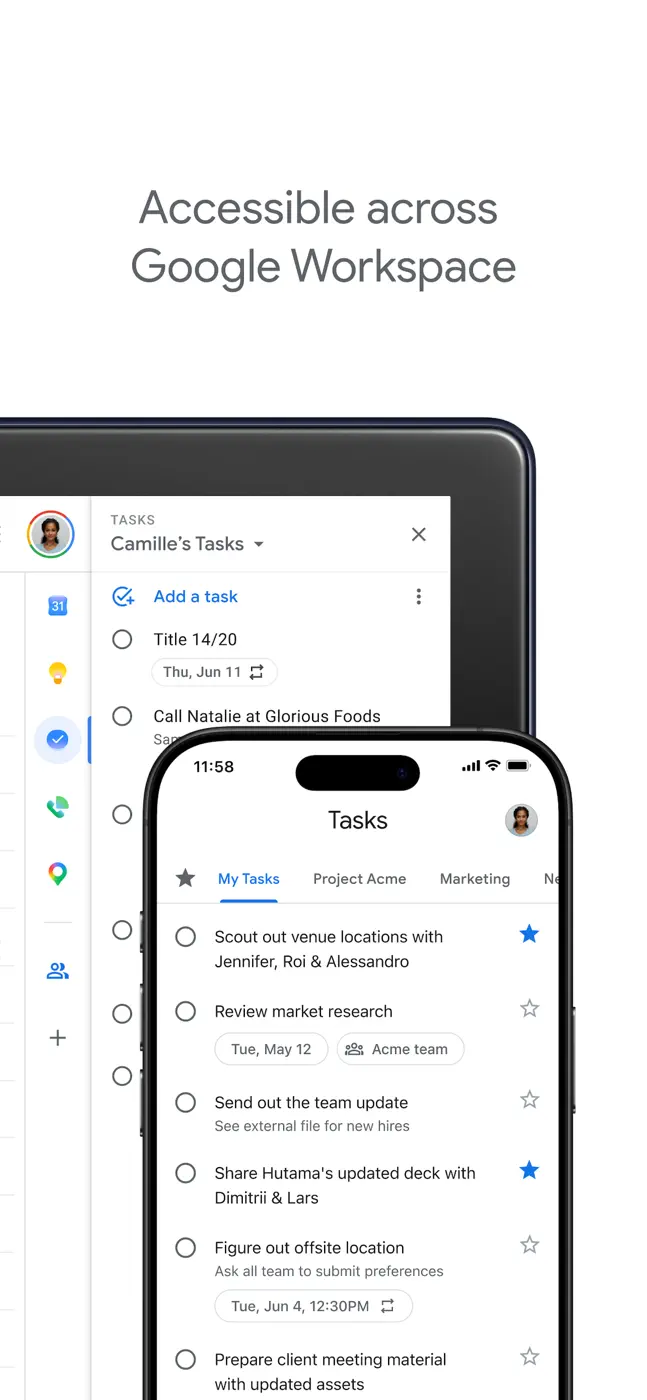
Google Tasks is the simplest task list tied to Google Calendar: a task appears in the day grid as an event. For people already living in the Google ecosystem there is no reason to look elsewhere. Fundamental limitations: no task search, no badge on the app icon, and no way to share a list with another user. For minimal personal GTD it is enough.
Screenshots
What people use it for
Gmail and Google Calendar users who need one connected to-do list without additional apps. Not for team use or large task bases.
What reviews praise
- Tasks appear directly in the Google Calendar grid alongside meetings.
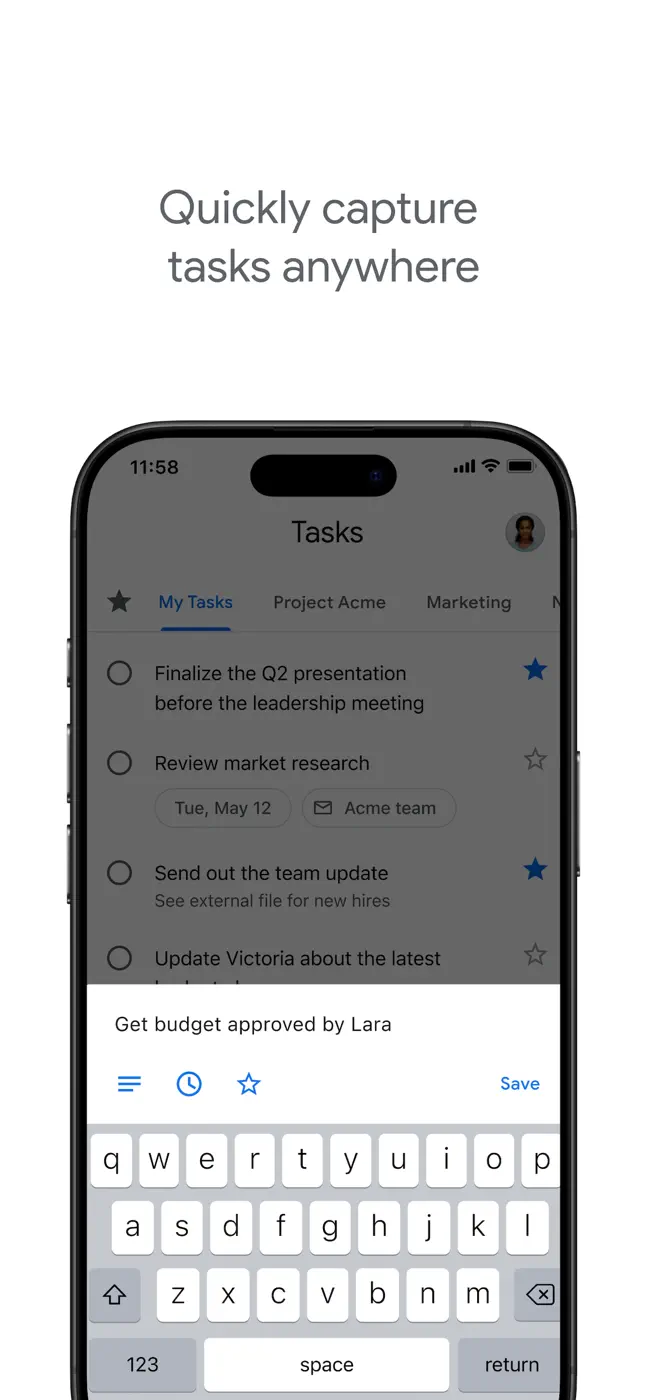
- Fast entry with no account registration.
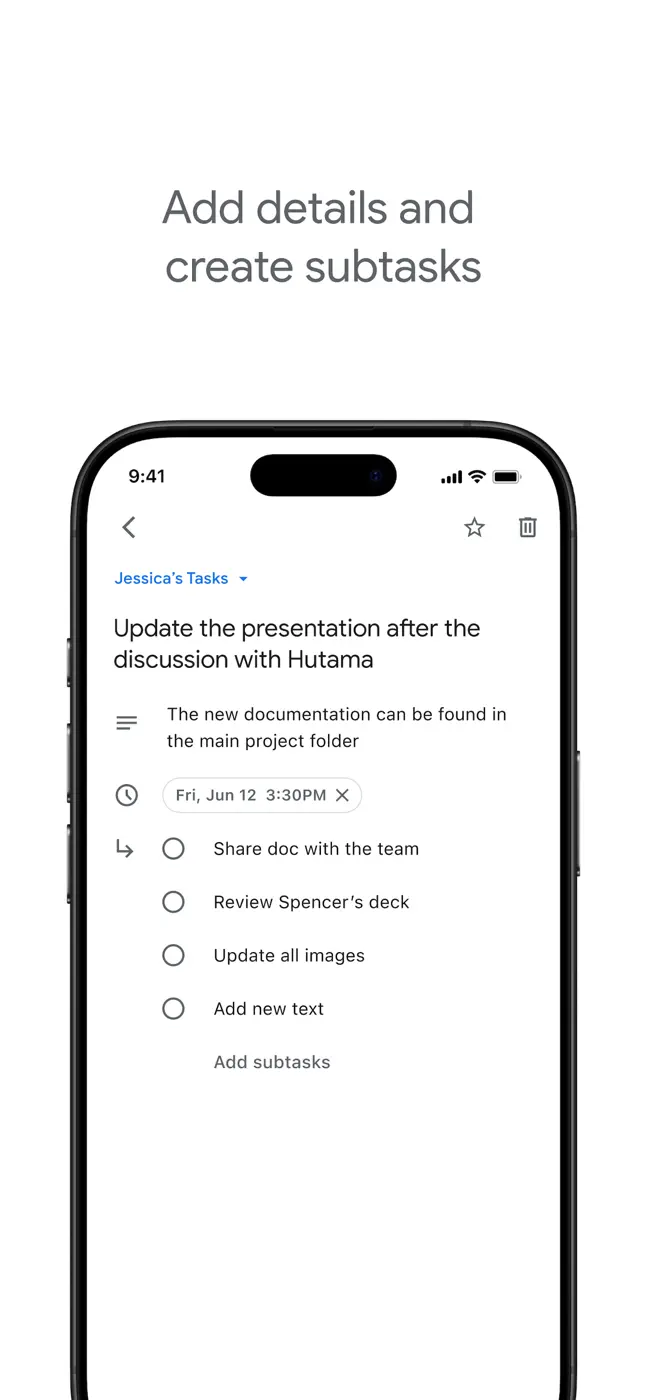
- Subtasks with a flat structure.
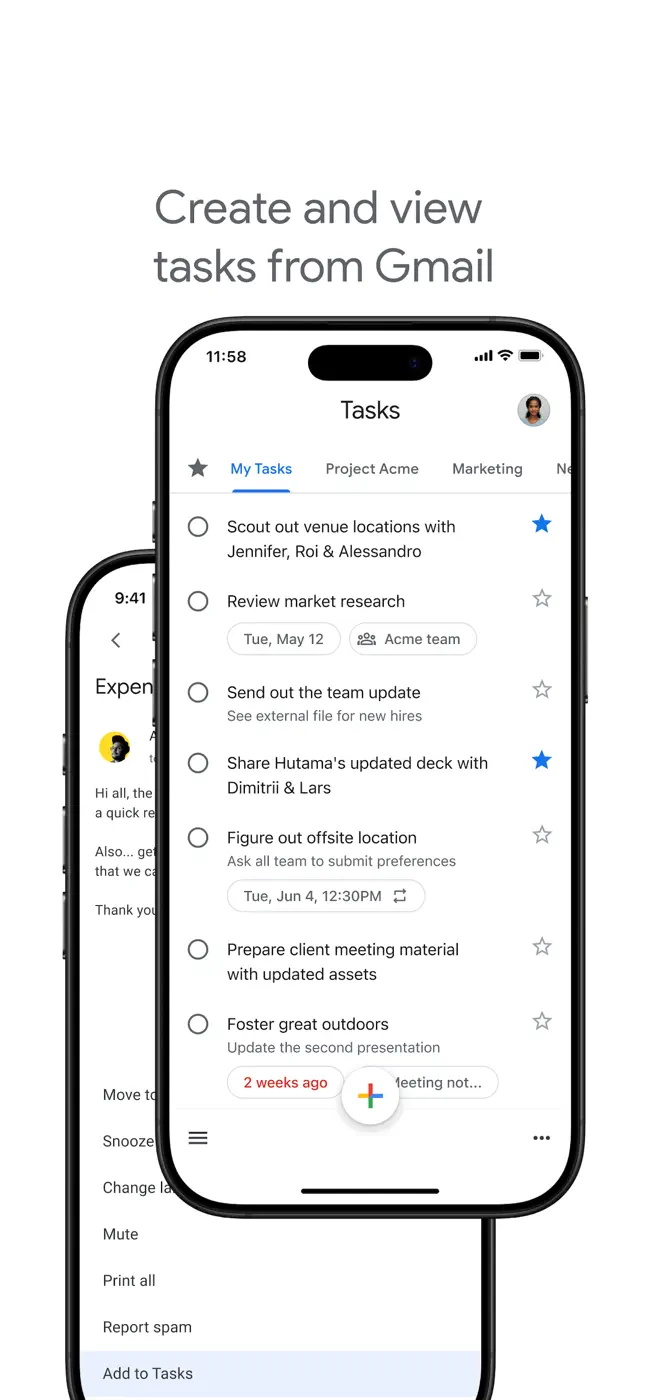
- Instant sync across all Google devices.
What reviews complain about
- No task search: with a large base everything gets lost.
- The icon badge does not update.
- Keep reminders moved to Tasks but do not fire without the app open.
- A recurring task does not automatically create the next instance after being checked off.
- Cannot assign a task to another user or share a list.
What users experience
1 excerpt from the breakdown. These are individual cases, not a verdict on all users.
I tried two competing programs before this one, and neither could successfully do recurring tasks the way I needed them to. This program accomplishes this mostly without incident; occasionally a task appears in Google calendar twice.
Other apps in this topic
Full ranking: Calendars and tasks100 apps with screenshots and scores


This is material from the inApp archive. Before installing, check the app’s current terms and features in the store.