Review score: 83 out of 100. App Store rating: 4.8★ · 12,110 ratings
83of 100
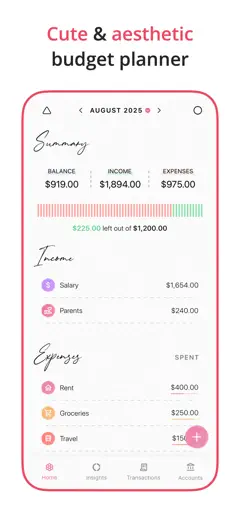
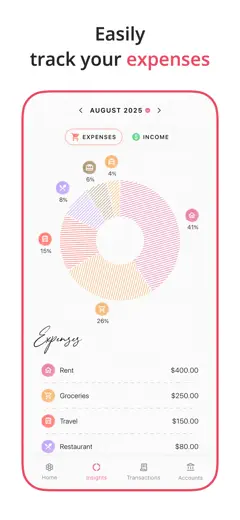
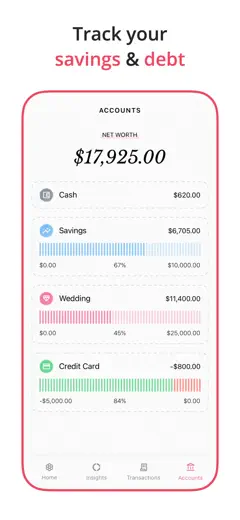
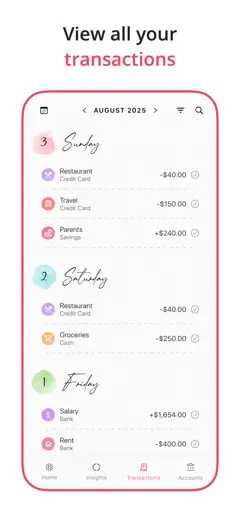
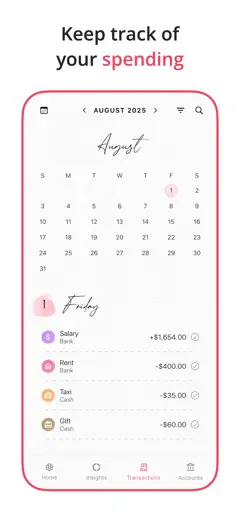
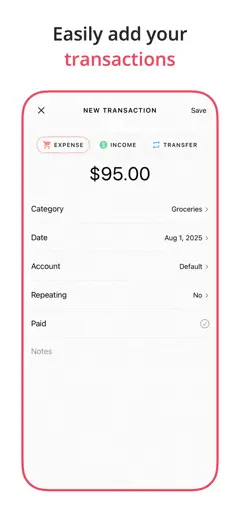
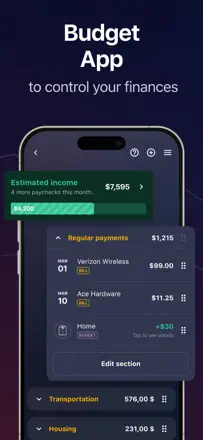
A budget planner users praise for its simplicity and clean design. Support responds quickly and actually helps when something goes wrong. The main drawback: no automatic transaction import, everything is entered by hand.
Praised
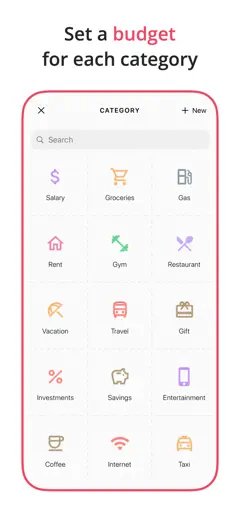
Clean visual design lowers the anxiety barrier to starting a budget. Intuitive expense categorization. Support team genuinely solves problems.
Complaints
No automatic bank account sync: every transaction must be typed in manually. The income-to-category allocation logic is not obvious on first launch.
Best for: People who want to start budgeting but are intimidated by complex finance apps, especially those who need a good-looking interface as a motivator.
Review score: 82 out of 100. App Store rating: 4.9★ · 44,016 ratings
82of 100
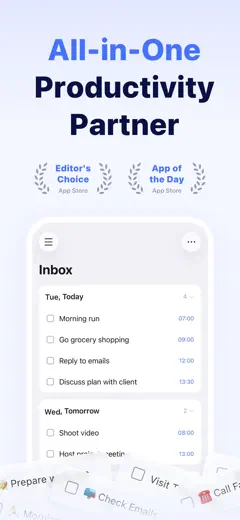
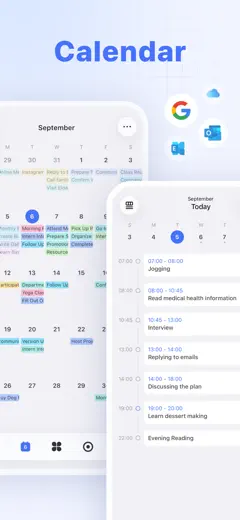
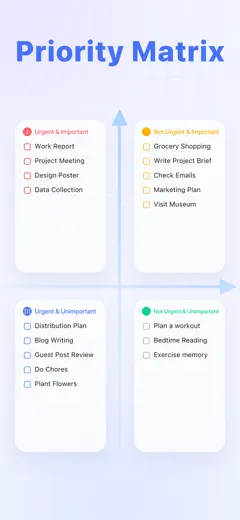
A best-in-class all-in-one planner: task list, built-in calendar, habit tracker, and Eisenhower matrix in one place. Sync works reliably and reminders fire on time. The richest core feature set in the category.
Praised
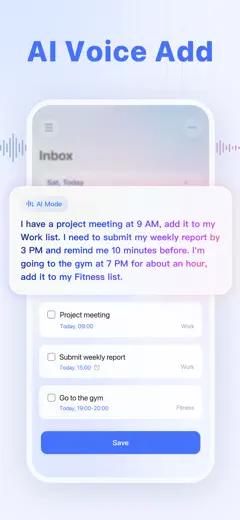
Natural-language voice input (tomorrow at 9, every Monday). A unified day view with tasks and events together. Cross-device sync with no delay.
Complaints
The boundary between an event and a task is unclear for new users. Update 8.0 buried features behind large headers. The mobile app is less flexible than the web version.
Best for: People who need a single tool for tasks and scheduling, from students to professionals.
Review score: 81 out of 100. App Store rating: 4.8★ · 7,634 ratings
81of 100
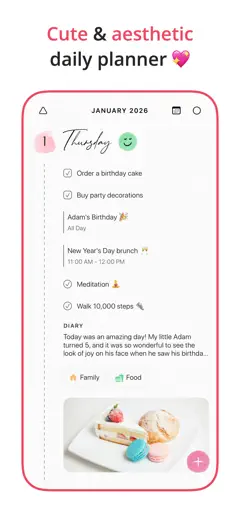
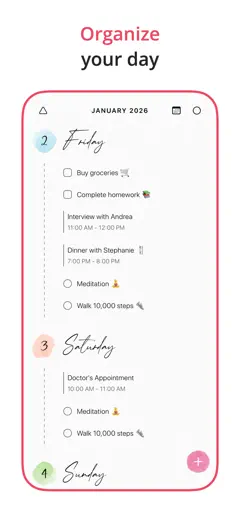
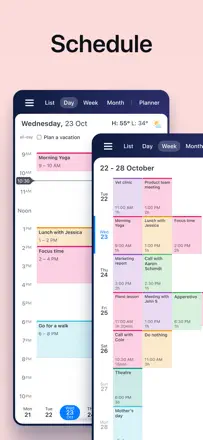
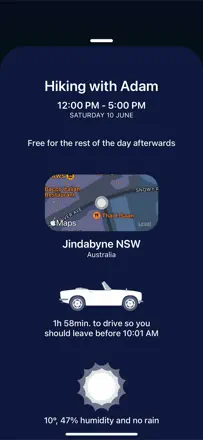
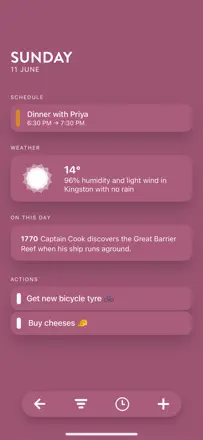
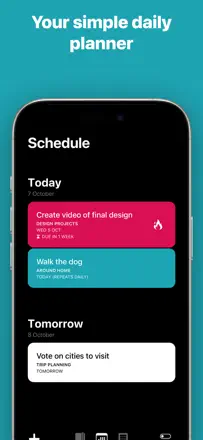
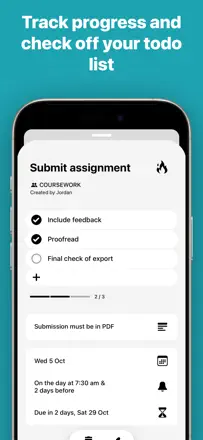
A minimalist daily planner with day, week, and month views, a built-in journal, and a task tracker. What sets it apart from competitors: zero unnecessary elements, a completely clean interface. A task is added in one tap and the day reads at a glance. Users are deleting Google Tasks and Apple Calendar to switch to it. The icon on the home screen not showing today's date without opening the app is the only recurring complaint.
Praised
Absolutely clean interface with no extra screens or settings. Built-in journal in the same place as the planner. Day view shows tasks and events together without switching modes.
Complaints
The app icon on the home screen does not display today's date. Searching past entries is weak. The digits 1 and 7 look similar in the font, causing confusion when reading dates.
Best for: People who have tried many planners and are tired of cluttered interfaces. Ideal for those drawn to order and minimalist aesthetics.
Rank 4. Review score: 79 out of 100. App Store rating: 4.8★ · 105,128 ratings
79of 100
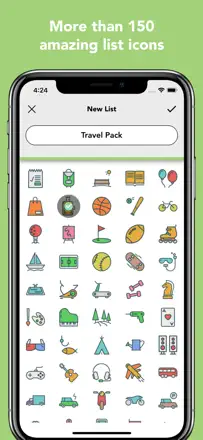
Lists To Do does one thing: lets you add a task in one tap with no setup and no account. That is exactly what students and people with ADHD value when bulky systems stop them from starting. The list lives only on the phone with no sync.
Praised: Add a task in one tap with no menus. Multiple lists with custom labels and icons. Time-based reminders fire reliably. The app does not slow down or freeze.
Complaints: No cross-device sync: the list stays on the phone only. Tasks cannot be manually reordered after creation. Editing an already entered item is cumbersome. No attachments or notes on a task.
Best for: Students, people with ADHD, and anyone who needs a quick checklist without accounts or payments. Not for cross-device sync or team use.
Rank 5. Review score: 79 out of 100. App Store rating: 4.9★ · 5,058 ratings
79of 100
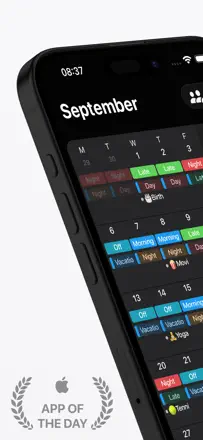
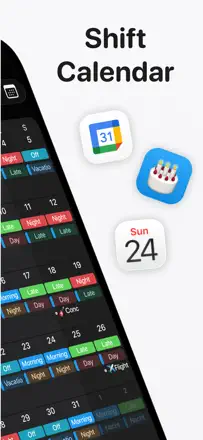
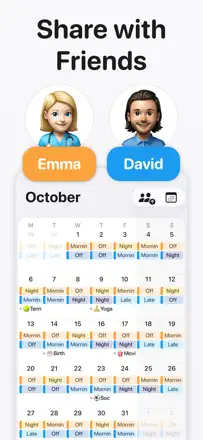
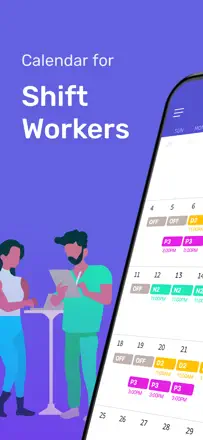
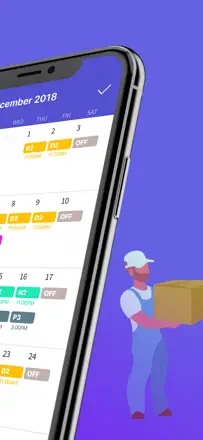
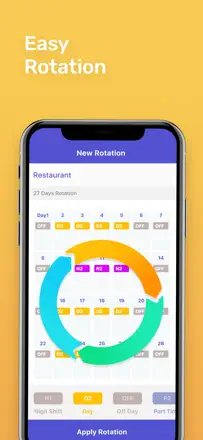
The best calendar for shift workers: shift templates let you fill an entire month in a minute. Sync with Google Calendar and iCloud works reliably. Widgets show upcoming shifts without opening the app. Nearly perfect for non-standard schedules.
Praised: Shift templates fill a month in a few taps. Cross-device sync works without complaints. Widgets accurately show the current and next shift.
Complaints: Cannot set the display order for multiple shifts on the same day. Changing the time zone does not automatically recalculate existing entries.
Best for: Shift workers: medical staff, firefighters, security, retail workers with irregular or rotating schedules.
Rank 6. Review score: 78 out of 100. App Store rating: 4.9★ · 87,187 ratings
78of 100
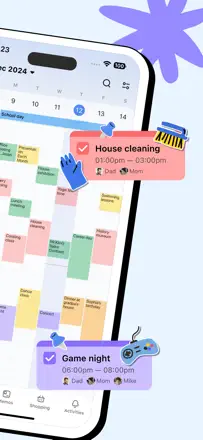
TimeTree is the best shared calendar for couples, families, and small teams: each member sees a common grid in real time and can comment on events. There is no Mac or Windows app. Some users lost data when a forced version upgrade dropped support for the old version.
Praised: The shared grid updates instantly for all members. Color coding per person is visible at a glance. Comments and photos on an event in one place. Core features work without extra setup.
Complaints: No desktop app for Mac or Windows, only the browser. A few users lost all data when an old version lost support and a forced upgrade did not carry data over. Event location is not copied when duplicating an event.
Best for: Couples, families, and small work groups who need a live shared grid on their phones. Not suitable for those who need a Mac client.
Rank 7. Review score: 78 out of 100. App Store rating: 4.9★ · 27,176 ratings
78of 100
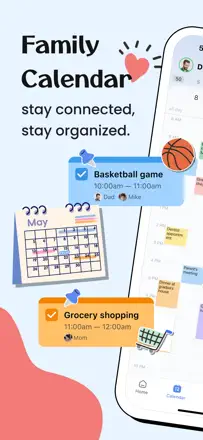
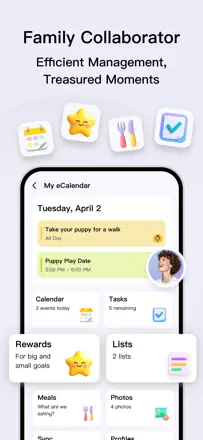
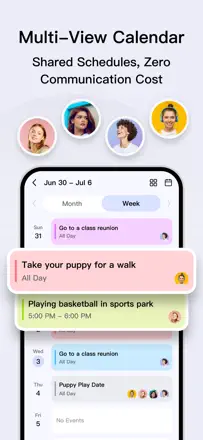
A family calendar with color coding per member, shared shopping lists, and notes. Works on Android and iOS without complaints. Sync is reliable and data survives a phone change.
Praised: Each member gets their own color: whose event it is is clear at a glance. Shopping list updates in real time for everyone. Events can be marked private.
Complaints: A prompt to switch to the extended plan appears too frequently. Event colors are tied to the person, not to a category.
Best for: Families with kids and couples who need a single scheduling screen without complex setup.
Rank 8. Review score: 76 out of 100. App Store rating: 4.7★ · 10,092 ratings
76of 100
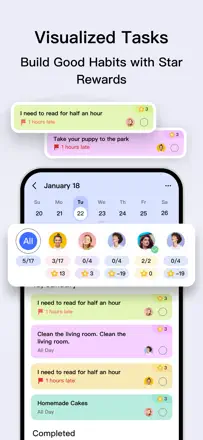
A home cleaning planner with gamification, virtual rewards, and task assignment by room and family member. Solves the specific problem of cleaning paralysis by breaking tasks down and giving a clear schedule. Particularly effective for people with ADHD. Weak points: notifications do not say which task to do, and account sync sometimes breaks on reinstall.
Praised: Breaks cleaning into rooms with a frequency schedule. Gamification through points and a virtual store creates a dopamine loop. The family starts participating when they see shared progress.
Complaints: Notifications are always generic ('time to clean'), they do not name a specific task. Apple account sync sometimes resets on reinstall and loses settings. Initial setup takes a long time.
Best for: People with ADHD, multi-member households, and anyone overwhelmed by domestic chores who needs external structure to stay motivated.
Rank 9. Review score: 74 out of 100. App Store rating: 4.8★ · 126,846 ratings
74of 100
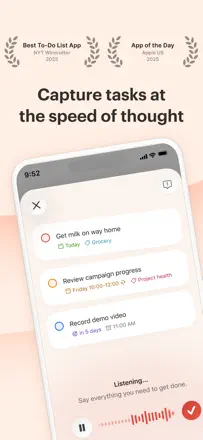
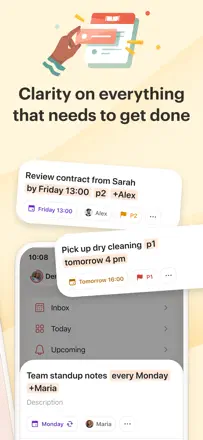
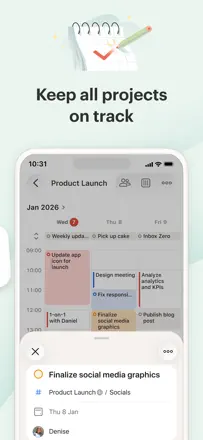
Todoist is a mature task manager for people who take planning seriously: priorities, projects, subtasks, natural-language date parsing, and Ramble voice input. It works across all platforms simultaneously without interruption. Weak points: Google Calendar sync occasionally breaks, and the mobile interface is less convenient than the web for bulk editing. For GTD practitioners this is the benchmark.
Praised: Fast task entry with one tap from any screen. Natural-language date recognition ('Friday at 3' sets the date automatically). Ramble records a thought by voice and breaks it into tasks. Works offline without degradation.
Complaints: Two-way Google Calendar sync periodically breaks after updates. Location-based reminders on recurring tasks sometimes fire on the wrong day. Deleting a project destroys all tasks inside it with no warning and no way to recover.
Best for: People who live by GTD or Inbox Zero: professionals, ADHD students, freelancers juggling multiple task streams. Overkill for beginners.
Rank 10. Review score: 72 out of 100. App Store rating: 4.8★ · 53,539 ratings
72of 100
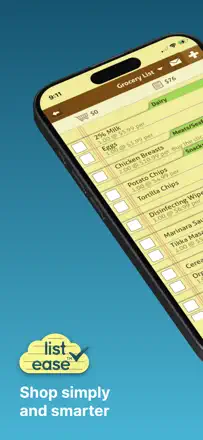
List Ease solves one task perfectly: a family shopping list with categories by aisle that updates in real time for all members and shows a running cart total as you check things off. A pantry inventory helps avoid buying duplicates. Weak point: sharing sync sometimes fails on a partner's first login, and checked items are not alphabetically sorted in the archive.
Praised: Running cart total as items are checked off. Auto-categories by store aisle (dairy, meat, dry goods) speed up the shopping route. Pantry storage helps avoid buying things already at home. A barcode scanner adds an item without typing.
Complaints: Sharing sync does not always work when the second person logs in for the first time. Some couples cannot connect at all. Item categories sometimes reset to 'other' when synced from another device. The purchased-item archive is not sorted, making searching a long history difficult.
Best for: Families and couples who need a live shared shopping list with categories and a running total. Not for task management or scheduling.
Rank 11. Review score: 72 out of 100. App Store rating: 4.9★ · 18,283 ratings
72of 100
A habit tracker and task list with gamification: the emoji face looks sad when tasks are undone and happy when they are done. Strong motivational effect for kids and people with ADHD. Reminders work. No full week or month view.
Praised: The animated emoji reacts to task completion and motivates even kids. A face widget on the home screen. A one-time purchase instead of monthly charges.
Complaints: No week or month view for planning ahead. Pausing and deleting a habit takes extra steps. iCloud sync between devices is unstable.
Best for: Kids, students, and people with ADHD who need visual motivation for daily tasks and habits.
Rank 12. Review score: 72 out of 100. App Store rating: 4.8★ · 16,173 ratings
72of 100
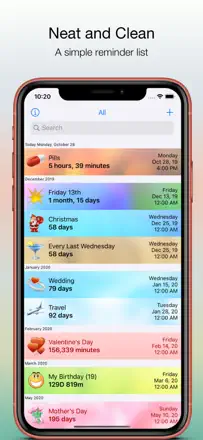
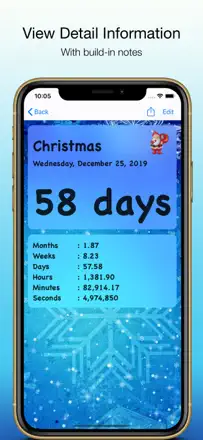
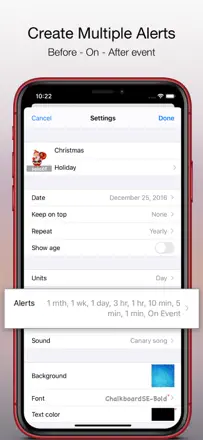
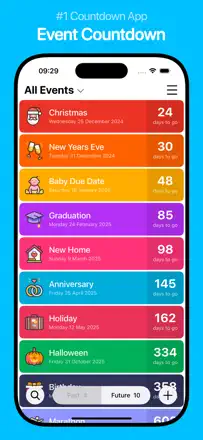
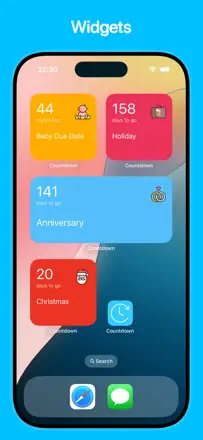
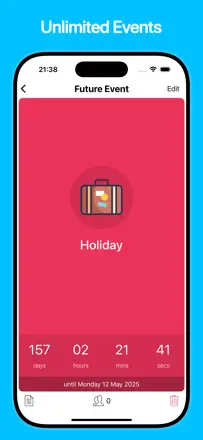
A simple and reliable countdown timer for events with repeating reminders. Custom time display formats are a strength, down to seconds and weeks simultaneously. One consistent problem: some users find notifications never sound at all, and a deleted countdown keeps going off.
Praised: Can simultaneously show years, months, days, hours, and seconds. Flexible repeat intervals from minutes to years. Color categories and photo backgrounds for quick visual identification of events.
Complaints: Notifications are silent for some users with no clear reason. A deleted reminder continues firing. After updates, cross-device sync has become unreliable.
Best for: People who need to see an exact countdown to an important date, an anniversary, an exam, a deadline, and receive a reminder exactly when they need it.
Rank 13. Review score: 71 out of 100. App Store rating: 4.8★ · 161,305 ratings
71of 100
Structured is the best visual time-blocker for people who need to see their whole day on one screen. Three timers per task, color blocks, and time gaps are exactly what helps ADHD users not lose an hour. The main barrier: adding a task requires setting a time, which is psychologically difficult for unstructured to-do lists. After a major update some users lost their settings.
Praised: Three notifications per task (before start, at start, at end) give real control over time. Unoccupied gaps in the day are visible. Prevents over-scheduling. Integration with Apple Calendar and Reminders pulls everything into one place.
Complaints: Every task requires an exact time, which does not work for people with open-ended schedules. After updates it has lost user settings and hidden features behind a new paywall. Causes the device to overheat during long sessions on MacBook.
Best for: People with ADHD, anxiety, or OCD who need to see the day structure visually. Not suitable for those who work with a fluid task stream and no time anchors.
Rank 14. Review score: 70 out of 100. App Store rating: 4.7★ · 14,341 ratings
70of 100
A specialized calendar for shift workers: set a shift pattern, see estimated earnings for a period, and add personal events on top of the work schedule. Simplicity is the core value. Downside: no sync with third-party calendars and no way to share with family through a family account.
Praised: Quick shift schedule entry via a pattern, a widget with upcoming shifts on the home screen, and estimated pay calculation for any period.
Complaints: No sync with iCloud or Google Calendar. Cannot share a schedule with family members through shared access. The app persistently asks for a review every few opens.
Best for: Shift and rotating-schedule workers: medical staff, security, factory employees who need to see workdays and days off in one place.
Rank 15. Review score: 68 out of 100. App Store rating: 4.8★ · 45,237 ratings
68of 100
A minimalist task list with a lock-screen widget. Does one thing well: fast entry with no extra screens. Cross-device sync occasionally falls behind.
Praised: Add a task in one tap with no menus. An interactive widget right from the lock screen. A one-time purchase instead of a monthly fee.
Complaints: Subtasks are not visible in the main list without drilling in. Recurring tasks occasionally fail to fire. Sync between the phone and iPad falls behind periodically.
Best for: People who need a simple single-screen list with no learning curve. Especially useful with ADHD.
Rank 16. Review score: 68 out of 100. App Store rating: 4.7★ · 14,815 ratings
68of 100
A digital planner for people who care about how their tool looks. Stands out with a full month view broken down by hour, multi-calendar integration, and easy drag-and-drop of tasks. Weak point is speed: the interface starts to lag with a high volume of events.
Praised: Full month view with day-level detail right in the grid, simultaneous display of multiple synced calendars, aesthetics reminiscent of a paper planner.
Complaints: Becomes slow and unwieldy with a large number of events. The web version is significantly worse than the mobile app. Some users were charged without authorization after canceling a trial.
Best for: Organized women and people with ADHD who need to see the full month at a glance and want a digital planner with the feel of a paper one.
Rank 17. Review score: 67 out of 100. App Store rating: 4.8★ · 931,778 ratings
67of 100
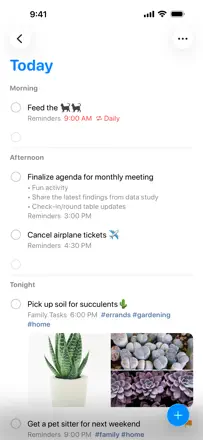
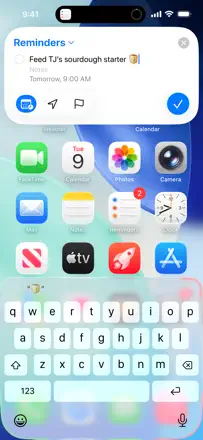
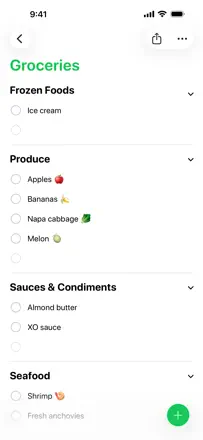
Apple Reminders is reliable for personal reminders and shopping via Siri and Apple Watch. Voice input and Urgent mode make it indispensable for people with poor memory. Shared lists sometimes freeze for multiple family members.
Praised: Urgent mode fires even in silent mode. Voice input from Apple Watch without unlocking the phone. Shared shopping lists update in real time. Deep Calendar integration gives a full picture of the day.
Complaints: Family and shared list sync periodically freezes for several days. Recurring tasks sometimes break when one instance is deleted. Sections in a shopping list cannot be renamed for a specific store.
Best for: iOS users who need a reliable task tracker with no extra buttons: people with ADHD, older adults, busy parents, those managing a shared shopping list.
Rank 18. Review score: 66 out of 100. App Store rating: 4.8★ · 48,188 ratings
66of 100
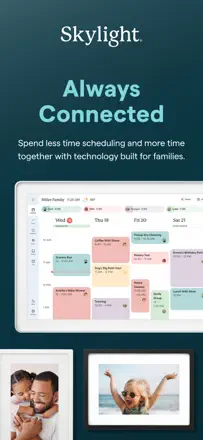
Skylight is the only family calendar that lives on the wall as a 15-inch screen and updates in real time. Kids without phones can see the schedule and check off assignments. Parents manage everything from the app. For families with 3 or more kids and complex schedules there is no real alternative. Weak points: the task interface is awkward (you cannot see all tasks at once), and the app sometimes fails to sync with the phone calendar.
Praised: A physical screen in the kitchen is visible to the whole family without reminders to open an app. Chore rewards motivate kids to check off tasks on their own. Meal planner and shopping list live next to the schedule in one place. Syncs with Google Calendar and iCloud.
Complaints: The task interface does not show a combined list of all children's assignments at once, so you have to switch between profiles. Sync with the phone's Calendar occasionally breaks after an app update. Kids can edit each other's events with no parental lock. Adding a new event after the 2.12.0 update requires extra steps.
Best for: Families with preschool and school-age children who want a shared visual control center on the wall. Not suited for personal planning or adult team use.
Rank 19. Review score: 65 out of 100. App Store rating: 4.8★ · 14,497 ratings
65of 100
A unique combination of a Pomodoro timer and a task list with gamification: coins, trees, and stats. Acts as an external motivator for people with ADHD and procrastination. Task order in the list cannot be fixed, and Watch control is rough.
Praised: Coins and visual progress keep you working better than a plain timer. Day-by-day stats make the real volume of work visible. No intrusive banners even in the free version.
Complaints: Task order in the Today list resets and requires manual dragging. Timer control from Apple Watch is unstable. Completed task data sometimes disappears entirely.
Best for: Students and freelancers with ADHD or a tendency to procrastinate who need game mechanics to enter a work mode.
Rank 20. Review score: 63 out of 100. App Store rating: 4.6★ · 54,232 ratings
63of 100
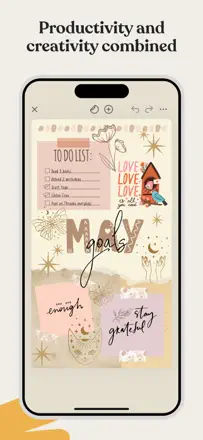
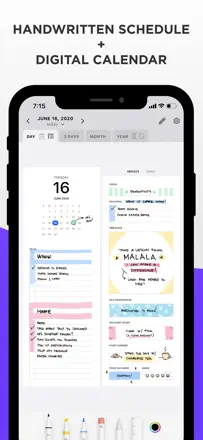
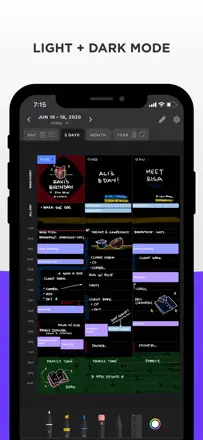
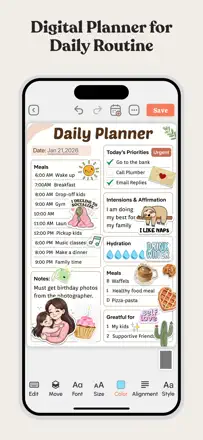
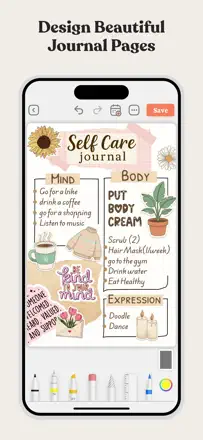
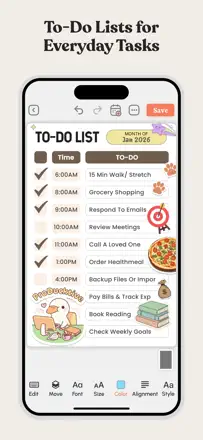
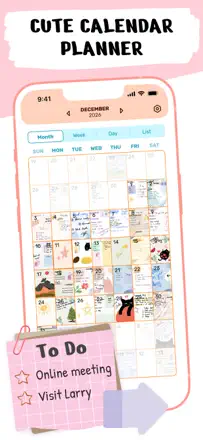
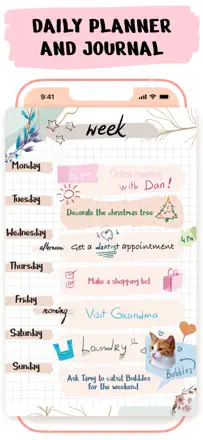
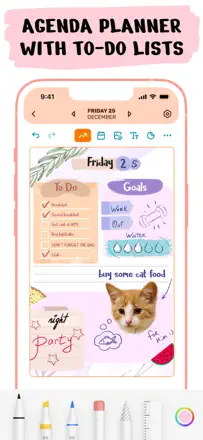
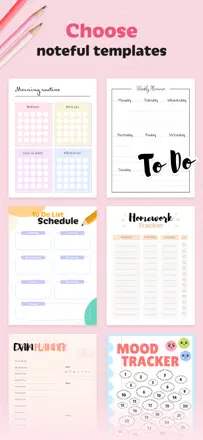
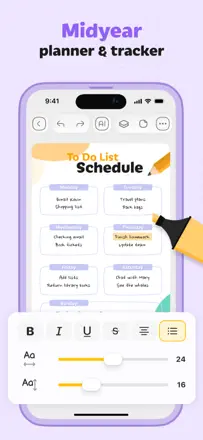
Zinnia is a digital paper planner with stickers, watercolors, and templates for people who find ordinary planners boring. Users keep coming back for 4 to 5 years straight. With a large workspace the app starts to lag.
Praised: Handwriting and digital input on the same page. Thousands of stickers, frames, and decorations. Daily, weekly, and monthly templates in one app. Journal and planner side by side.
Complaints: With many pages the app lags and freezes, and some users have to restart it every few minutes. First-time sync between devices sometimes breaks when switching to a new device. No event reminders or notifications: this is a writing tool, not an alert tool.
Best for: People who love paper planners and want a digital equivalent with the same aesthetic. Not suitable for those who need reminders.
Rank 21. Review score: 63 out of 100. App Store rating: 4.7★ · 6,231 ratings
63of 100
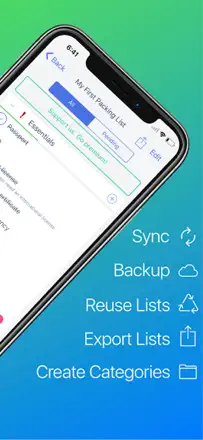
A clean travel checklist with no extra features: pre-filled categories, item quantities, and email export. One of the few apps where the developer actually responds to problems. The main flaw: iCloud sync occasionally breaks after updates and the user sees empty lists until a manual refresh.
Praised: Pre-filled templates by trip type with the ability to set item quantities. Developer actively responds and fixes issues.
Complaints: iCloud sync sometimes breaks after updates, showing empty lists. Duplicate item names across categories make the list bulky. No shared access to the list for a family.
Best for: Travelers who need a clean checklist without a subscription or complex integrations, with ready-made templates for different trip types.
Rank 22. Review score: 62 out of 100. App Store rating: 4.8★ · 391,560 ratings
62of 100
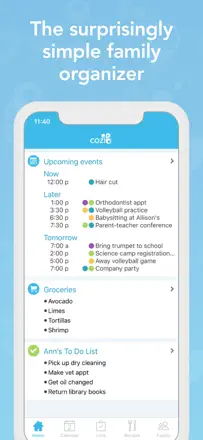
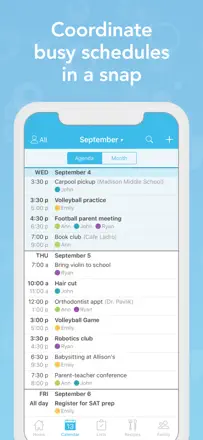
Cozi is the de facto standard for large-family scheduling: color coding by family member, a shared shopping list, and a unified day view for everyone. Users stick with it for 10 to 15 years. The main problem: a major recent update broke notification behavior and list scrolling, which eroded trust among long-time users. The product's core is alive but reliability has degraded.
Praised: A color per family member is visible in the shared monthly view. Shopping list syncs instantly across everyone. Recurring events with the right cadence. A recipe journal next to the schedule.
Complaints: After the latest update, reminders and notifications stopped working for some users. Checking off an item in the shopping list auto-scrolls back to the top, disrupting the flow. Time zone support does not work correctly when traveling.
Best for: Families with two or more kids who need a single scheduling hub for everyone. Unnecessary for singles and couples without children.
Rank 23. Review score: 62 out of 100. App Store rating: 4.9★ · 32,880 ratings
62of 100
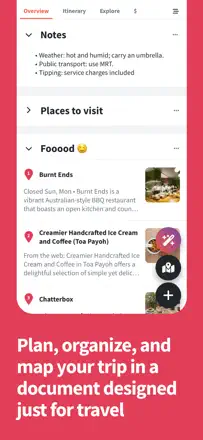
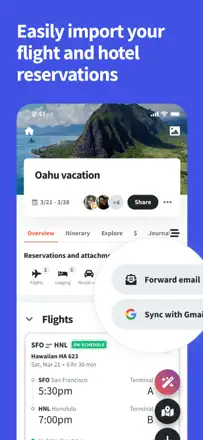
A specialized travel planner, not an everyday task manager. It imports reservations from email, supports collaborative itinerary editing, and shows a map with real travel times between stops. It does not replace a daily calendar.
Praised: Automatic import of booking confirmations from email into the itinerary. A map showing travel time between stops at a glance. Collaborative addition of places by the whole group.
Complaints: The map lags with a large number of stops. The app jumps to a random date on open. Airbnb and non-standard bookings are not recognized.
Best for: Travelers planning multi-day itineraries with several participants.
Rank 24. Review score: 62 out of 100. App Store rating: 4.7★ · 20,103 ratings
62of 100
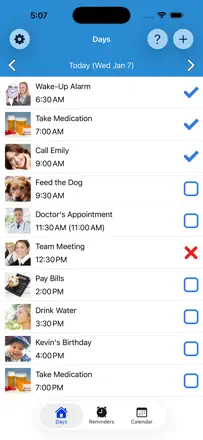
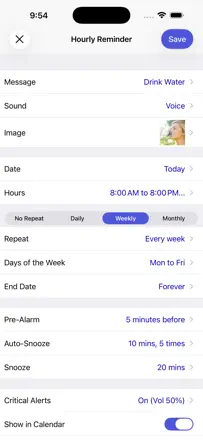
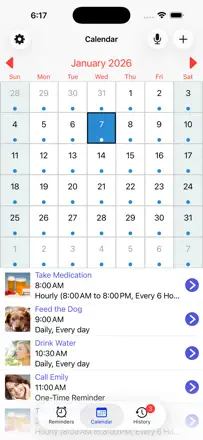
A reminder app with voice messages: you can record your own voice or choose music from a library instead of a standard alarm. Reminders fire reliably. Weak point: no cross-device sync.
Praised: Record a voice reminder in your own voice or with a favorite melody. A badge icon visible without unlocking the screen. A new reminder entered in ten seconds.
Complaints: No sync between iPhone and iPad. A voice reminder plays back truncated instead of in full. The badge sometimes disappears after dismissing the notification.
Best for: People with one device who want to hear their own voice or a melody rather than a standard alert.
Rank 25. Review score: 62 out of 100. App Store rating: 4.7★ · 17,333 ratings
62of 100
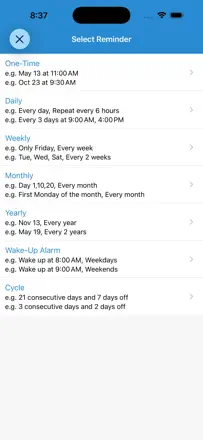
A strong niche alternative to standard reminders: record your own voice, set hourly repeats, and configure a flexible schedule. Weak point: audio sometimes does not play at all, and there is no cross-device sync.
Praised: Voice reminders in your own recording. Flexible repeats down to every hour. Works without internet. Especially valued by people with ADHD, brain injuries, and those on a medication schedule.
Complaints: Reminder audio does not fire for some users. No sync between iPhone and iPad. Some active reminders reset to off when the app is opened.
Best for: People who need unique, recognizable reminder sounds, especially those who have learned to ignore the standard iPhone alert.
Rank 26. Review score: 62 out of 100. App Store rating: 4.6★ · 8,488 ratings
62of 100
A mature notes and checklist app with reliable cross-device sync that users have trusted for over a decade. Organization through folders, nested notes, and fast search. Recent updates introduced forced AI features and required login on the web version, which upset long-time users. Core functionality remains stable.
Praised: Cross-device sync works without data loss for years. Nested folders let you store hundreds of notes with clear structure. Checklists for recurring tasks are easy to duplicate.
Complaints: The cursor occasionally lands in the wrong place while typing. New versions push AI features. The web version requires login every time, while the phone keeps you signed in.
Best for: Anyone looking for a reliable free notebook with checklists and iPhone-to-Mac sync and no subscription.
Rank 27. Review score: 62 out of 100. App Store rating: 4.7★ · 5,210 ratings
62of 100
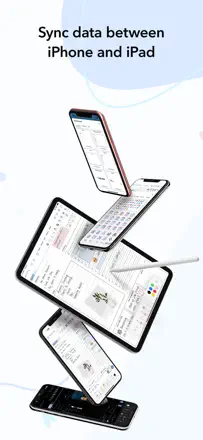
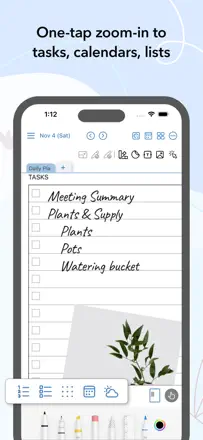
A digital planner with Apple Pencil handwriting, page templates, and Apple Calendar sync. A rare combination of a paper feel and digital reminders. But iPhone-to-iPad sync is unstable and requires manual steps. Steep learning curve: template customization is not obvious without watching tutorials.
Praised: The ability to write freehand on a planner page with Apple Pencil while digital reminders and Apple Calendar sync still work.
Complaints: Sync between iPhone and iPad is unstable and requires manual steps. Steep learning curve for building custom templates. Background images sometimes do not carry over to future days.
Best for: iPad users with an Apple Pencil who want to keep the feel of a paper planner while getting digital reminders and Google Calendar integration.
Rank 28. Review score: 61 out of 100. App Store rating: 4.8★ · 104,351 ratings
61of 100
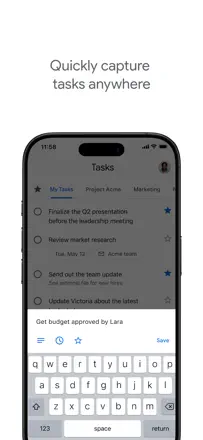
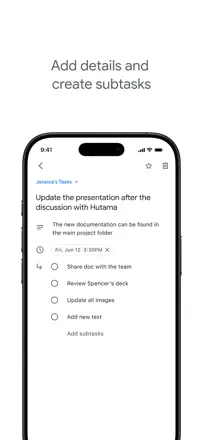
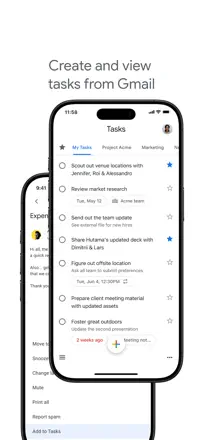
Google Tasks is the simplest task list tied to Google Calendar: a task appears in the day grid as an event. For people already living in the Google ecosystem there is no reason to look elsewhere. Fundamental limitations: no task search, no badge on the app icon, and no way to share a list with another user. For minimal personal GTD it is enough.
Praised: Tasks appear directly in the Google Calendar grid alongside meetings. Fast entry with no account registration. Subtasks with a flat structure. Instant sync across all Google devices.
Complaints: No task search: with a large base everything gets lost. The icon badge does not update. Keep reminders moved to Tasks but do not fire without the app open. A recurring task does not automatically create the next instance after being checked off. Cannot assign a task to another user or share a list.
Best for: Gmail and Google Calendar users who need one connected to-do list without additional apps. Not for team use or large task bases.
Rank 29. Review score: 60 out of 100. App Store rating: 4.7★ · 26,130 ratings
60of 100
A minimalist list with clean design and simple task entry with no account required. Works as a replacement for a paper to-do list. The widget currently opens the app rather than letting you check off tasks directly from the screen.
Praised: Add a new task in one tap with no navigation. Clean view with no clutter. A one-time purchase instead of a monthly fee.
Complaints: The widget does not let you check off tasks without opening the app. The reminder sound is quiet even at high system volume. No cross-device sync.
Best for: People who need a clean personal daily task list with no team features.
Rank 30. Review score: 59 out of 100. App Store rating: 4.8★ · 5,422 ratings
59of 100
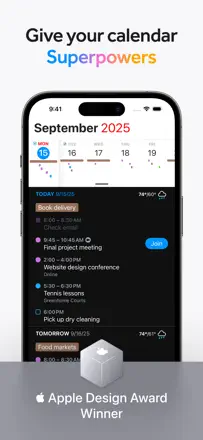
A minimalist calendar with detailed lock-screen and home-screen widgets. Syncs well with Google Calendar and iCloud. But the app forces consent to tracking before you can continue, with no way past it. There is no week view.
Praised: A two-week overview widget on the lock screen. The month view shows actual event text in cells rather than dots. Simple event entry with no extra steps.
Complaints: The app blocks use until tracking is accepted. Several users lost all their data. No week view.
Best for: Users who want a clean minimalist calendar widget and work primarily with Google Calendar or iCloud.
Rank 31. Review score: 58 out of 100. App Store rating: 4.2★ · 23,469 ratings
58of 100
The smartest natural-language event parser on iOS: type 'weekly meeting Friday at 2' and it is done in one phrase. A unified task and event view. But unreliable sync means missed appointments, and the widget periodically shows stale data.
Praised: Enter an event in one phrase with no field selection. Siri integration works reliably. A unified day feed combines tasks and events.
Complaints: Sync periodically stops without warning. The widget displays incorrect data. Recurring events restricted to certain weekdays are awkward to configure.
Best for: Power iOS users who care about entry speed and a unified day view with tasks.
Rank 32. Review score: 58 out of 100. App Store rating: 4.7★ · 10,646 ratings
58of 100
A mature organizer with rich recurring tasks, flexible reminders, and a compact view. Users have been running it for 10 to 12 years. The main pain: iCloud sync breaks with every major iOS update and people lose data. The developer is solo, updates are rare, and there is almost no support.
Praised: Recurring tasks with any cadence are configured in a few taps. Compact view shows many tasks without scrolling. Reminders that repeat every minute: indispensable for those who tend to dismiss notifications.
Complaints: iCloud sync systematically breaks after iOS updates and wipes years of tasks. No widgets. The app has not had a design update in a long time.
Best for: Fans of minimalist organizers without a subscription who need flexible recurring tasks and are willing to tolerate unstable cross-device sync.
Rank 33. Review score: 58 out of 100. App Store rating: 4.7★ · 5,229 ratings
58of 100
One list, one add button, color change on completion. No signup, no hidden barriers: rare in this category. But there are no reminders, no sync, and no multiple lists. Accidentally tapping the clear button deletes everything without confirmation.
Praised: No pushy prompts, no account required. Open it, type it, check it off. Faster than anything else in the category.
Complaints: No reminders. No cross-device sync. A single list with no category separation. The reset button deletes everything without asking.
Best for: People who need a simple list with no reminders, for example a shopping list or daily tasks they open themselves.
Rank 34. Review score: 56 out of 100. App Store rating: 4.5★ · 13,184 ratings
56of 100
A full-featured planner with a weekly view, notes, and calendar integrations. Some users call it the best they have tried, while others complain about sync issues between iPad and iPhone and the inability to add a tappable address. Mid-tier reliability.
Praised: Scrollable weekly view with entries and notes for each day, support for multiple external calendars, and a built-in Pomodoro timer.
Complaints: Sync between iPad and iPhone breaks regularly for some users. Addresses do not open in Maps when tapped. The latest update changed from vertical scroll to page-flip format, which disoriented long-time users.
Best for: People who want to keep a full daily journal with notes and who primarily work on one device.
Rank 35. Review score: 55 out of 100. App Store rating: 4.7★ · 120,061 ratings
55of 100
Calendars by Readdle offers the best multi-calendar month view on iOS: a dense grid, color coding, and up to five reminders per event. A few users lost data when switching accounts or updating. Sync between iPhone and Mac occasionally breaks.
Praised: Full month view with event text directly in the cell. Up to five configurable notifications per event. Natural-language event entry. Fast switching between month, week, and day views.
Complaints: Several users lost all content after switching accounts or updating without a backup. Sync between iPhone and MacBook breaks and requires manual recovery. Some features that were previously included have been removed from the base version without notice.
Best for: iPhone users with packed schedules who need a full month view and multiple reminders per event. Important to keep a backup.
Rank 36. Review score: 55 out of 100. App Store rating: 4.7★ · 41,393 ratings
55of 100
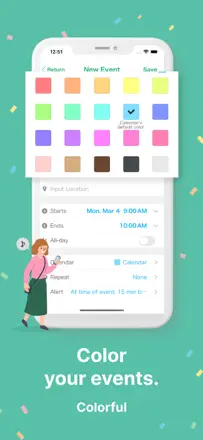
A color calendar with event templates for shift work and multiple categories. Holds long-term users well. iCloud sync works, but when storage is low or a phone is replaced, events can vanish entirely.
Praised: Templates for recurring events save time. Convenient color coding by category. A double alarm for a single event.
Complaints: Data does not always transfer when switching phones. Smart address auto-fill from the event title is annoying and cannot be turned off. Reminders reset after re-creation.
Best for: People with non-fixed schedules and multiple event categories who care about a color-coded month view.
Rank 37. Review score: 55 out of 100. App Store rating: 4.8★ · 20,081 ratings
55of 100
A family organizer with a calendar, lists, a news feed, and member location tracking. More feature-rich than competitors, but less stable: updates periodically break features that previously worked.
Praised: Shared task lists with assignment to a specific family member. A news feed that acts as a family chat. Member location for keeping track of kids.
Complaints: Updates break previously working features. Editing tasks requires extra navigation steps. Reminders are unreliable after updates.
Best for: Families with teenagers who need location tracking and shared task lists on top of a shared calendar.
Rank 38. Review score: 55 out of 100. App Store rating: 4.7★ · 13,297 ratings
55of 100
A clean month view that many people are looking for after an iOS update removed the familiar format. Opens fast, reads easily. Downsides: no landscape mode on iPad, event addresses do not link to Maps, and recurring events must be re-entered from scratch each time.
Praised: Full month overview with event text directly in the day cell, no dots, no need to tap to see what is scheduled.
Complaints: No Apple Watch support. Event addresses do not open in Maps. No landscape mode on iPad. After one update some users had all their events wiped.
Best for: Users who need a simple and fast month view with event text, a replacement for the native iOS calendar with no extra features.
Rank 39. Review score: 55 out of 100. App Store rating: 4.7★ · 10,046 ratings
55of 100
A specialized birthday and anniversary tracker with contact import and a countdown. Does one thing and mostly does it well. Reminders occasionally arrive late or shift after iOS updates.
Praised: Automatic import of birthdays from contacts saves hours of manual entry. A widget shows upcoming events with a day countdown without opening the app. Setting a reminder a few days ahead lets you buy a gift in time.
Complaints: Reminders sometimes arrive late or stop working entirely after an iOS update. A small banner appears in the list in the free tier. No iCloud backup.
Best for: Anyone who wants to remember the birthdays of people close to them but is tired of tracking this in the main calendar. Especially useful for those with a large social circle.
Rank 40. Review score: 55 out of 100. App Store rating: 4.5★ · 6,728 ratings
55of 100
One of the few organizers that combines tasks, events, and notes in a single space with a day navigation view. Works well with Outlook. But the Apple Watch app is broken and the developer is not fixing it. Sync is unstable: some users report data loss. Recurring events occasionally get weekdays wrong.
Praised: A unified day view with tasks, events, and notes in one place: rare among organizers. Outlook integration works more reliably than most competitors.
Complaints: The Apple Watch app does not work and has not been fixed for months. Recurring events sometimes incorrectly distinguish weekends from weekdays.
Best for: Professionals with heavy Outlook schedules who need tasks and events on a single screen.
Rank 41. Review score: 53 out of 100. App Store rating: 4.7★ · 67,623 ratings
53of 100
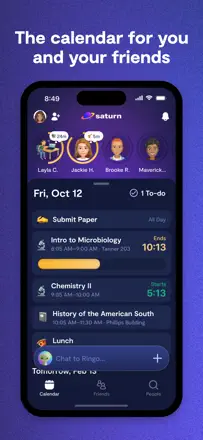
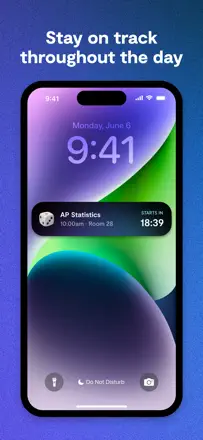
Saturn solves a specific problem: a high-schooler enters their class schedule and sees a countdown to the next bell, and can compare schedules with friends. For a high school student it works. Problems start in college: the school database is incomplete, verification via institutional email breaks. The in-app messenger lags. Privacy is a weak point: the app exposes schedules without verification.
Praised: A countdown to the end of class on the lock screen. Automatic detection of schedule changes at school. Shared classmates visible by subject without manual search. Class start notifications work reliably.
Complaints: In college, verification via university email does not work: most students cannot activate an account. The built-in messenger lags when sending. The app shows any user's schedule without additional verification. A forced requirement to invite 5 friends to unlock features.
Best for: US high school students in grades 8 to 12 whose school is in the Saturn database. Not suitable for college students or anyone outside the US.
Rank 42. Review score: 53 out of 100. App Store rating: 4.6★ · 12,123 ratings
53of 100
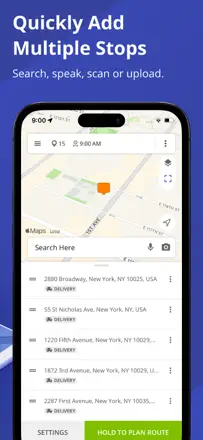
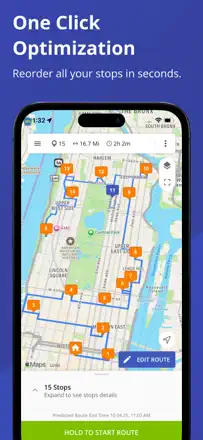
A specialized tool for optimizing routes with many stops. Works well for couriers, sales reps, and medical workers. The main complaint: searching for a stop by business name disappeared in recent updates.
Praised: Optimizes the order of 10 to 60 stops in seconds. Shows all stops on the map at once. Saves up to two hours of daily planning.
Complaints: Searching for a stop by business name stopped working after an update: only address entry remains. No way to manually fix the first and last stop when using auto-optimization. iPad and iPhone require separate access.
Best for: Couriers, sales representatives, and medical workers who need to visit many locations in a day along an optimal route.
Rank 43. Review score: 53 out of 100. App Store rating: 4.8★ · 9,281 ratings
53of 100
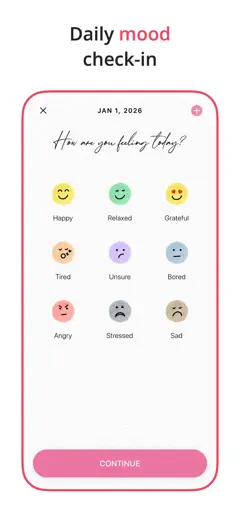
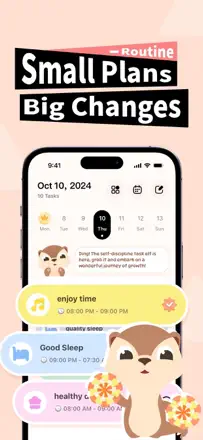
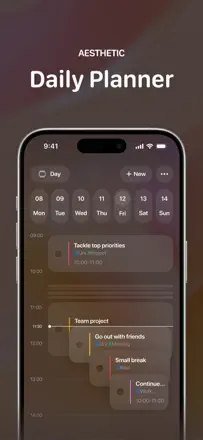
A clean daily routine planner with a mood tracker, time-block visualization, and time-based reminders. The core concept works: build a morning routine, assign times to events, get a notification. Tasks cannot be reordered after creation.
Praised: Day visualization by time blocks is more intuitive than a plain list. A mood tracker is built into the task check-in. A morning routine is set once and repeats automatically.
Complaints: Tasks cannot be manually reordered: they are created in the order added. Notifications are silent with no sound. Data sometimes does not save when the app is closed.
Best for: Anyone who wants to build a stable daily routine with time-based reminders and a mood tracker, and who is willing to pay a subscription for full access.
Rank 44. Review score: 52 out of 100. App Store rating: 4.8★ · 87,023 ratings
52of 100
Notion is the most flexible personal knowledge management system: databases, templates, pages, and tasks in one workspace. Those who figure it out do not leave for years. The mobile app lags on iPad, and the AI widget has replaced the home navigation button.
Praised: Databases with filters and views give a complete picture of projects. A page lives next to a task and a note without switching apps. Templates cut setup time from scratch. Data export without lock-in.
Complaints: The mobile app lags and freezes on iPad during heavy use. The AI button replaced the home navigation: getting to a favorite section now takes two extra taps. Without internet only viewing is available. No built-in reminders without extra integrations.
Best for: Students and professionals who need a second brain: notes, projects, knowledge bases, and tasks in one workspace. Not suitable for those who need a fast daily planner with no setup.
Rank 45. Review score: 52 out of 100. App Store rating: 4.7★ · 27,319 ratings
52of 100
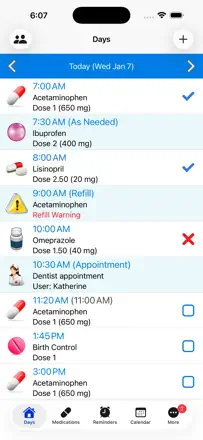
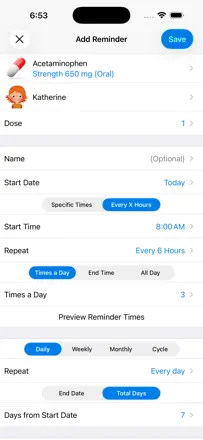
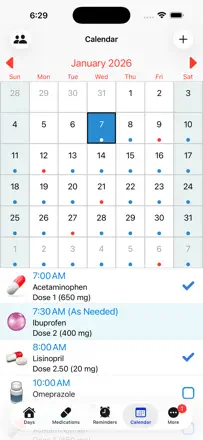
A medication reminder with a dosage log and supply tracker. Covers the basics, but two flaws stand out: you cannot change the dose time without losing history, and the alert volume cannot be adjusted independently from the system.
Praised: Templates for recurring dosage schedules. A log with a history of when and what was taken. A full list of medications in one place.
Complaints: Reminders sometimes fail to fire after updates. You cannot adjust the time without deleting the history. The sound is quieter than the system volume and may not wake someone at night.
Best for: People on ongoing medication schedules for whom a dosage history record matters.
Rank 46. Review score: 52 out of 100. App Store rating: 4.7★ · 14,825 ratings
52of 100
A digital version of a paper weekly planner with an emphasis on clean layout, notes, and color highlighting. Works well on a single device, but sync between phone and tablet is unreliable. Widgets are broken after recent updates.
Praised: Simple weekly view like a paper planner. Ability to move multiple tasks in one action. Clean interface with no clutter.
Complaints: Sync between iPhone and iPad is unreliable. Home-screen widgets are broken for some users and do not refresh. The planning horizon in the free tier is capped at two weeks, which is too short for real use.
Best for: People used to paper planners who want a digital equivalent for a single device with no complex integrations.
Rank 47. Review score: 52 out of 100. App Store rating: 4.8★ · 8,962 ratings
52of 100
A shared team calendar with color-coded sub-calendars per person or project and fine-grained access permissions with no required login. The web version is excellent. The mobile app is noticeably weaker: no push notifications for new events, no month view, and some features behave differently from the desktop. History is limited to one year.
Praised: Color sub-calendars for each team member are instantly readable. Fine-grained permissions with no signup: you can give a partner a view-only link. Event addresses open directly in Maps.
Complaints: No push notifications for new events in the mobile version. No month view in the app. History is stored for only one year.
Best for: Small teams, families, or clinics who need a shared calendar with access control and who are happy to use the web version as their primary interface.
Rank 48. Review score: 52 out of 100. App Store rating: 4.6★ · 6,963 ratings
52of 100
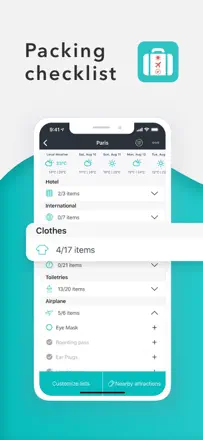
A handy travel packing checklist with smart category suggestions and weather adaptation. But the core function, working offline at the gate, breaks: the app requires an internet connection to view a finished list. Cross-device sync via QR code is unreliable and often fails to complete. List editing periodically hangs.
Praised: Pre-filled categories by trip type and activity save time. ADHD users note that the structure helps them not forget small items.
Complaints: Silent notifications about updates not in the App Store. Only works with a network connection. iPhone-to-iPad sync via QR does not work for many users.
Best for: Frequent travelers who need a starting template for a packing list and do not need offline use.
Rank 49. Review score: 49 out of 100. App Store rating: 4.4★ · 7,836 ratings
49of 100
A simple reusable checklist: ideal for recurring procedures that need to be run through from scratch each time (morning routine, work checklist, recipe). Not a full task manager with dates and reminders, but a checklist that resets after completion. A major recent update broke several core features and disappointed long-time users.
Praised: Checklists reset to their original state in one tap. Templates for recurring procedures save entry time. No extra features to distract from the core purpose.
Complaints: The latest update broke item editing and cut some features. Time-based reminders for specific list items are absent. No cross-device sync.
Best for: Anyone who frequently runs through the same repeating procedures and wants a simple digital checklist with nothing extra.
Rank 50. Review score: 48 out of 100. App Store rating: 4.6★ · 15,255 ratings
48of 100
One of the most beautiful calendars on iOS: a busyness heat map, animations, and refined typography. But sync is unreliable, the macOS version is significantly weaker, and the reminder feature requires a separate companion app called Actions from the same suite.
Praised: A unique day busyness heat map. Departure time suggestions based on traffic. Elegant timeline navigation with a single swipe.
Complaints: Sync between iPhone and iPad breaks periodically. The macOS version is far behind the mobile app in capabilities. Reminders are unavailable without a separate app from the suite.
Best for: Users for whom the aesthetics of a tool affect their willingness to use it, and who can tolerate occasional sync failures.
Rank 51. Review score: 48 out of 100. App Store rating: 4.8★ · 7,556 ratings
48of 100
A nicely designed list manager with custom fonts, colors, and covers. Great for people who care about how their lists look as much as what they do. The premium price jumped sharply without warning users.
Praised: Visual list customization: fonts, colors, and covers make lists personal. Folder and sub-list structure is logical. A two-week trial lets you evaluate everything.
Complaints: The premium price jumped sharply without warning existing users. Support does not respond to access complaints. The free tier is limited to three lists, which is critically few for proper evaluation.
Best for: Someone who cares about the aesthetics of their lists and is willing to pay for a clean minimalist interface without full task-manager features.
Rank 52. Review score: 47 out of 100. App Store rating: 4.6★ · 9,703 ratings
47of 100
An elegant organizer from Moleskine Studio with a tile interface, tight integration with TimePage, and categories through color tags. Task entry is fast. Notifications and sync periodically fail. Moving to new terms without preserving access for one-time buyers triggered a wave of complaints.
Praised: Tile view by category gives an overview of everything at once without scrolling. Integration with TimePage combines tasks and calendar on one screen. Task entry is fast with minimal taps.
Complaints: Reminder notifications disappear: several users independently report important tasks not arriving on time. Sync occasionally loses tasks. Features that were previously available as a one-time purchase now require re-activation.
Best for: Users of the Moleskine ecosystem (TimePage and Actions) who value minimalist design and are willing to pay a subscription for a polished task organization experience.
Rank 53. Review score: 46 out of 100. App Store rating: 4.7★ · 13,539 ratings
46of 100
A companion app for a physical smart display: shows a shared family calendar on a wall screen by pulling events from iCloud or Google. Works well as a display synchronizer. Setup is complex and not all integrations work out of the box.
Praised: Conveniently displays a shared family calendar on a large screen, replacing expensive proprietary solutions like Skylight at lower cost.
Complaints: Google Calendar sync is periodically unavailable due to the developer's API quota limits. Setup takes a long time with no clear instructions. Buttons occasionally stop responding after updates.
Best for: Families who want a shared digital calendar on the wall and have already bought or are planning to buy a compatible smart display.
Rank 54. Review score: 46 out of 100. App Store rating: 4.8★ · 6,324 ratings
46of 100
A highly specialized birthday tracker with contact and Facebook sync. Shows each person's current age directly in the list with no manual arithmetic. But several users lost all their entries after an iOS update with no way to recover. Reminders sometimes only fire on the day of the event, ignoring the advance notice that was set.
Praised: Automatically pulls birthdays from contacts and Facebook. Shows the current age next to the name: handy with a large family.
Complaints: Several users lost all entries after an iOS update with no recovery option. Reminders sometimes do not fire in advance, only on the day.
Best for: People with a large family or wide social circle who need a simple date tracker with an age list.
Rank 55. Review score: 44 out of 100. App Store rating: 4.7★ · 262,668 ratings
44of 100
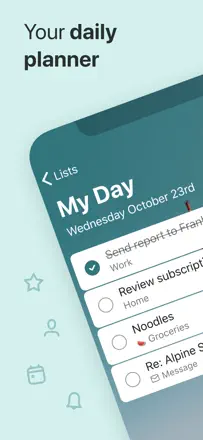
Microsoft To Do inherited the best of Wunderlist: a quick My Day view, nested steps, and Outlook integration. Works solidly on Android and Windows. On iOS the app is unstable when opening and editing tasks.
Praised: My Day focuses attention on today's agenda. Nested steps inside a task without separate projects. Outlook flags automatically appear in To Do. Works across all platforms simultaneously.
Complaints: The iOS app is unstable when opening, editing tasks, and navigating to the schedule view. One account per device: cannot keep work and personal accounts together. Widgets do not update. Search lags with large task bases.
Best for: Microsoft 365 users on Windows or Android who need an Outlook link. Not advisable on iPhone.
Rank 56. Review score: 44 out of 100. App Store rating: 4.8★ · 28,448 ratings
44of 100
A maximally simple shopping list with no categories or sections. Helps those who want no structure. A critical flaw: checked items can disappear without warning, leading to forgotten purchases right in the store.
Praised: Launch and add an item in two taps with no signup, checking off works instantly, the view is uncluttered.
Complaints: Items can accidentally be replaced or disappear. No confirmation when clearing checked items. Cannot manage multiple lists for different stores.
Best for: People with a short list and one store who need one-second entry with no structure whatsoever.
Rank 57. Review score: 44 out of 100. App Store rating: 4.7★ · 17,658 ratings
44of 100
A single-purpose app: it reminds you of birthdays and manages that reasonably well until it updates. After certain updates notifications stop arriving, imported contacts disappear, and the postcard feature breaks. The core works, the periphery does not.
Praised: Automatically pulls birthdays from contacts. Countdown to the event is visible right away. Customizable sounds and greeting templates make life easier for people who struggle to remember dates.
Complaints: Notifications go silent after updates with no visible reason. The app independently removes people from the list. A limit of five contacts in the free tier makes the app useless for most users.
Best for: People who want to remember the birthdays of close ones and are willing to pay for it, provided notifications work reliably.
Rank 58. Review score: 44 out of 100. App Store rating: 4.7★ · 9,217 ratings
44of 100
A budget planner with manual transaction entry and category allocation. Strength: a clean interface with no extras. Weakness: automatic bank sync periodically loses transactions, and the available balance calculation does not account for planned expenses.
Praised: Clean interface with no unnecessary features. Shared access for a couple to maintain a joint budget. Color category labeling is clear at a glance.
Complaints: Transactions from some banks regularly disappear during sync. The available balance calculation does not account for planned expenses. No Android version: a partner on a different platform cannot participate.
Best for: iOS users who want to manually track a personal or couple budget without complex tools like YNAB.
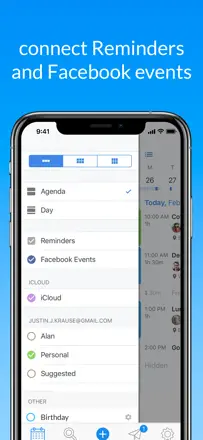
Rank 59. Review score: 44 out of 100. App Store rating: 4.6★ · 6,355 ratings
44of 100
A simple visual calendar with a good widget and color coding. Works without mandatory iCloud sync, which is rare. But for some users the app deletes events from iCloud when they are removed from the interface. Several people lost months of entries without warning. Event times sometimes shift by one hour on their own.
Praised: Color-coded events and a readable month view with event text instead of dots. The ability to copy events rather than only creating recurring ones.
Complaints: Several users report all events vanishing. The app may delete events from the main iCloud calendar. No sync between iPhone and iPad.
Best for: Users who need a simple visual calendar with color coding and who keep backups of their events in iCloud or Google just in case.
Rank 60. Review score: 42 out of 100. App Store rating: 4.8★ · 20,454 ratings
42of 100
A multi-calendar aggregator in one view: Google, Outlook, and iCloud in a single grid. Works well as a reader, but editing is limited. Recurring events cannot be created. Support is virtually unreachable.
Praised: All accounts in one grid without switching between apps. Clean month view with color coding by source.
Complaints: Recurring events cannot be created. Subscribed ICS calendars do not show overlaps. Support does not respond to inquiries.
Best for: People with multiple email accounts who need a unified schedule view with no editing.
Rank 61. Review score: 42 out of 100. App Store rating: 4.6★ · 12,752 ratings
42of 100
Once one of the best reminder planners on iOS. Last update was 9 years ago. Incompatibility with new iOS versions regularly breaks either the sound or the reminder creation. Those for whom it works stay loyal for years.
Praised: Powerful reminder system with clear groups, categories, snoozes, and custom sounds. Reminders repeat on schedule until you confirm completion.
Complaints: The app has not been updated for nearly a decade. After iOS updates, notifications stop sounding. Creating a new reminder causes unstable behavior. All data can be lost without a backup.
Best for: Users for whom the app works on a specific iOS version and who are afraid to update. Risky for new users.
Rank 62. Review score: 41 out of 100. App Store rating: 4.4★ · 75,971 ratings
41of 100
Evernote was the benchmark for cross-device note storage for 10 years. After the ownership change it degraded: the iOS app loses text during active input, regularly signs out of the account, and review prompts interrupt work. Long-term storage and search across 18,000 notes still work. As an active daily capture tool it is unreliable.
Praised: Full-text search inside PDFs and images (OCR) without add-ons. Works on Windows, Mac, Android, and iOS simultaneously. Long-term archives remain accessible. Web clipper captures pages with their structure.
Complaints: On iOS it loses typed text during active use: several long-term users confirm this. Signs out every few days and requires re-login. Rating prompts appear while working on a note. Chronological sorting resets on its own.
Best for: Users who have built a large archive in Evernote and value OCR search. For new users there are more reliable alternatives.
Rank 63. Review score: 40 out of 100. App Store rating: 4.7★ · 6,028 ratings
40of 100
A visually appealing planner with stickers, a journal, and tasks in one app. But widgets do not update for hours after a new event is added. The week view does not show the last day of the range. Data is lost when switching phones.
Praised: Stickers and color decoration make the planner enjoyable to use daily. Journal, tasks, and events in one screen.
Complaints: Widgets do not update after adding an event, sometimes for hours. No account login: data cannot be recovered when moving to a new phone. The week view does not show the last day of the range.
Best for: Students and teenagers for whom planner aesthetics matter and who do not store critically important events.
Rank 64. Review score: 39 out of 100. App Store rating: 4.5★ · 8,253 ratings
39of 100
A student planner with a class schedule, assignment deadlines, and course-based reminders. The logic of linking an assignment to a subject rather than just a date is convenient. Sync between iPad and iPhone breaks after updates.
Praised: Assignments are tied to a specific subject, not just a date. The class schedule is set once and repeats automatically. Switching between deadlines and the schedule in one screen is convenient.
Complaints: Sync between iPad and iPhone breaks: logging in from a new device requires recreating the account. Some features that were previously unlimited were removed without notice. Assignment dates are not auto-filled from the current class session.
Best for: Students with a packed class schedule and many assignments across different subjects. Not suitable for professional use.
Rank 65. Review score: 38 out of 100. App Store rating: 4.9★ · 195,548 ratings
38of 100
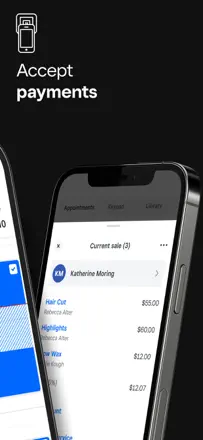
Square Appointments handles booking for small businesses: a client books online and enters card details right away. For a solo tattoo artist it works. Schedule changes do not always appear on the client booking page.
Praised: Online booking without phone calls. Client history and visit frequency in one place. Requiring a card at booking reduces no-shows. Working hours and services configurable per specialist.
Complaints: Schedule changes do not appear on the client booking page for days. The app regularly freezes and will not open without deleting and reinstalling. A new-visit notification leads to the general calendar rather than the specific appointment. With multiple specialists, sync breaks.
Best for: Solo practitioners (tattoo, haircut, massage) handling up to 10 clients a day. Studios with a team and dynamic scheduling should find a specialized tool.
Rank 66. Review score: 38 out of 100. App Store rating: 4.8★ · 46,386 ratings
38of 100
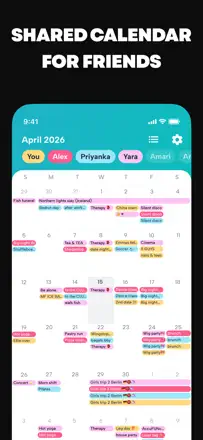
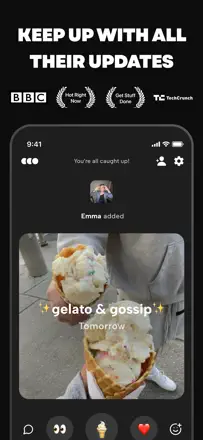
A social shared calendar with reactions and GIFs. Works well when the whole group is inside, but the forced barrier of inviting three friends before logging in blocks new users and ruins the first impression.
Praised: Friends' availability is visible in one screen, easy to propose a meeting time. Regular users praise the widget and shared events with reactions.
Complaints: Recurring events break and display without a time. Entered data sometimes disappears on restart. Without three confirmed friends the app will not open.
Best for: Students and young people who coordinate meetups with a regular social circle.
Rank 67. Review score: 38 out of 100. App Store rating: 4.7★ · 16,114 ratings
38of 100
A simple and pleasant calendar with color coding that most users like right up until an update wipes all their data. Data loss happens without warning and cannot be recovered, which is a fundamental breach of the basic promise that a scheduled event will not disappear.
Praised: Intuitive month overview, color categories for visual sorting, a daily-use interface with no clutter.
Complaints: Randomly loses all events after updates: several users report this years into use. Notifications also stop working without a visible reason. Backup does not save you.
Best for: Users who need a visually clean color-coded calendar and who have all important events duplicated in iCloud or Google as a safety net.
Rank 68. Review score: 38 out of 100. App Store rating: 4.6★ · 12,400 ratings
38of 100
A unique idea: write freehand directly on calendar dates with Apple Pencil. But the implementation is unstable: handwritten notes disappear, sync between iPhone and iPad does not work. The app's main value turns out to be its least reliable part.
Praised: Writing freehand directly on calendar days combines the habit of a paper planner with digital convenience. Good integration with Reminders and Calendar.
Complaints: Handwritten notes periodically disappear with no way to recover them. Sync between iPhone and iPad is not stable. The app is unstable when switching between sections.
Best for: iPad owners with an Apple Pencil who want to keep a handwritten digital diary, provided they can tolerate instability.
Rank 69. Review score: 38 out of 100. App Store rating: 4.4★ · 6,879 ratings
38of 100
A powerful Kanban for team work on the desktop, but the mobile app is significantly weaker than the browser version. Tasks do not disappear, but there are no reminder notifications: this is a fundamental architectural limitation. The app has slowed noticeably since the Atlassian acquisition: board loading is slow, search does not cover cards, boards, and workspaces simultaneously.
Praised: Flexible board structure allows building any workflow. Butler automations save time on routine actions.
Complaints: No built-in reminder notifications. Mobile search only works within one workspace at a time. The app is noticeably slower than the browser version.
Best for: Teams who need a visual Kanban for collaborative work. Not suitable for personal tasks with reminders.
Rank 70. Review score: 37 out of 100. App Store rating: 4.6★ · 4,906 ratings
37of 100
A visually rich calendar with stickers, notes, and a readable month view with event text instead of dots. But for some users all events disappear after an app or iOS update with no recovery option. Sticker sync between iPhone and iPad does not work. The developer is slow to respond to critical data problems.
Praised: Month view with visible event text. Notes attached directly to days. Font size can be changed, which matters for older users.
Complaints: Several users lost all events after an update with no recovery option. Stickers do not sync between iPhone and iPad. Support is slow to respond to critical bugs.
Best for: Users who need a readable month calendar with notes and who regularly make iCloud backups.
Rank 71. Review score: 36 out of 100. App Store rating: 4.6★ · 50,268 ratings
36of 100
Any.do was once a clean combination of a task list and calendar with Alexa integration. Now the app is overloaded with unnecessary features, automatically assigns dates where the user did not ask for them, sync with Apple Reminders distorts dates, and tasks sometimes disappear without a trace. The web version works better than the mobile app, but that is not why people download an app.
Praised: Combined view of tasks and calendar events in one feed. Today prioritization helps focus. Alexa integration for voice task entry. A daily review moment that lets you carry forward unfinished items.
Complaints: Sync with Apple Reminders shifts task dates. Events appear one day early or late. Tasks vanish without trace during certain operations. The app automatically assigns a date to a task that should have none: you have to manually disable this. Sync between iPhone and Mac periodically breaks entirely.
Best for: Alexa users who need a voice link to their task list. For everyone else Todoist or Apple Reminders is more reliable.
Rank 72. Review score: 36 out of 100. App Store rating: 4.6★ · 13,045 ratings
36of 100
Microsoft Planner works well in the browser as part of Microsoft 365, but the mobile app is weak: slow, does not save filters, shows no content without a connection, and is unavailable for personal accounts. It is more of a viewer for workers already embedded in the M365 ecosystem.
Praised: Integrates well with Teams and Outlook for those already in the Microsoft ecosystem. A Kanban board lets teams track task status without extra tools.
Complaints: The mobile app does not cache data and is useless without internet. Filters and groupings reset every time the app is opened. Requires a corporate Microsoft 365 account: unavailable for personal accounts.
Best for: Teams inside a corporate Microsoft 365 ecosystem who want to quickly check task status from a phone, while doing real work on a computer.
Rank 73. Review score: 36 out of 100. App Store rating: 4.6★ · 7,645 ratings
36of 100
A budget tracker with automatic bank account sync and a 'how much can I spend today' indicator. The concept is clear and useful. In practice: transactions regularly get lost, categorization needs manual correction, support is slow. This is not a task planner or calendar, but it ended up in the dataset.
Praised: The main screen shows one clear number: how much you can spend right now. Automatic transaction import from most banks works without manual entry. Spending charts by category are quick to read.
Complaints: Transactions from some banks regularly disappear and are not recovered. Categorization drifts and requires manual correction every week. Support responds slowly to billing problems.
Best for: Someone just starting to track spending who wants one simple number on the home screen instead of spreadsheets.
Rank 74. Review score: 36 out of 100. App Store rating: 4.6★ · 5,289 ratings
36of 100
A nice-looking task planner with themes and widgets, but with systemic problems: iOS and Android do not sync (each platform uses its own cloud). Access resets when switching to a new phone. Widgets do not appear for some users.
Praised: Clean interface with themed backgrounds and tasks by category. Works without intrusive banners in the premium mode.
Complaints: iOS and Android use different clouds: data does not cross over. Access resets when switching devices. Widgets do not appear for some users despite correct settings.
Best for: Single-device iOS users who need a visually pleasant task list with no cross-platform requirement.
Rank 75. Review score: 35 out of 100. App Store rating: 4.5★ · 130,543 ratings
35of 100
Google Calendar is strong on the web and Android: fast, multi-calendar, deeply linked to Gmail. On iOS it has a chronic history of regressions: every update breaks something basic. Reminders disappear from the notification center when the app is open. Event edits do not save. The icon is stuck on 31. Web features are unavailable on mobile. Users are switching back to Apple Calendar.
Praised: Multi-level color calendars visible simultaneously. Schedule view gives a compact overview weeks ahead. Instant sync with the web version. Google Tasks integration appears directly in the day grid.
Complaints: Reminders disappear from the pull-down shade when the app is open on another tab. Saving event changes is unreliable: edits silently fail to apply. Every update removes or breaks navigation users just got used to. The app icon does not change its date.
Best for: Android users or those running work email in Gmail who want to see meeting invites. On iPhone only if willing to tolerate regressions after every update.
Rank 76. Review score: 35 out of 100. App Store rating: 4.6★ · 20,576 ratings
35of 100
A flexible calendar view with non-standard day ranges and Google Calendar sync. The product has degraded: intrusive banners on every open and documented cases of complete data deletion make it unreliable.
Praised: Configurable day range in the view (3, 5, 7 consecutive days). Google Calendar and Tasks sync in one screen.
Complaints: A loud banner interrupts use on every open. Sync loses some events. Two documented cases of complete calendar history deletion.
Best for: Google Calendar users who need a flexible mobile view. Only with an older ad-free version.
Rank 77. Review score: 34 out of 100. App Store rating: 4.7★ · 15,585 ratings
34of 100
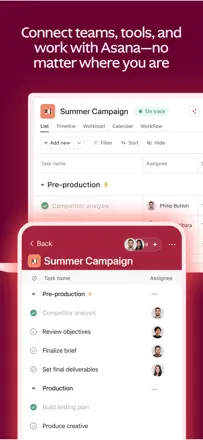
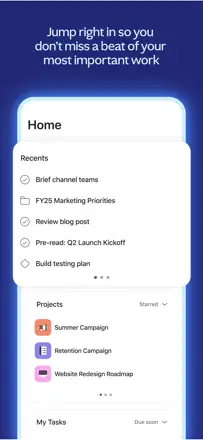
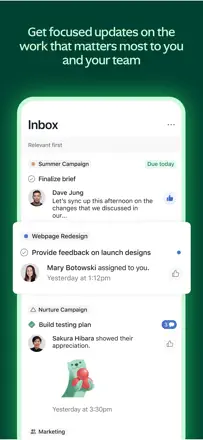
The web version of Asana is a powerful team task management tool, but the mobile app is a stripped-down copy. No swipe-to-delete, widgets show only today, filters do not persist between sessions. The iPad version is particularly weak.
Praised: All project logic, dependencies, and templates sync with the web. Team task assignment and deadline tracking works reliably.
Complaints: The mobile app is substantially behind the web version in features. Filters and sorts reset every time the app opens. Cannot swipe a task to delete it. Slow response on iPad.
Best for: Teams already using Asana on the desktop who occasionally check task status from a phone, not those who want to do serious task work exclusively from a phone.
Rank 78. Review score: 34 out of 100. App Store rating: 4.4★ · 11,287 ratings
34of 100
A simple task list with categories and reminders that generally work. Navigation is clear from the first minute. The key problem: the app throws popup rating requests after literally every action, sometimes three in a row, turning data entry into an ordeal. It covers the functional minimum but the rating-request mechanic poisons the entire experience.
Praised: Categories and tags keep personal and work lists separate. Switching between list mode and calendar view is convenient. Reminder notifications arrive on time.
Complaints: A rating-request popup appears after every new task, sometimes three times in a row. Dismissing with 'later' does not disable it. Entering new tasks slows down due to constant interruptions.
Best for: Someone who needs the simplest free to-do list without cloud login and extra features, and who can tolerate aggressive rating requests.
Rank 79. Review score: 33 out of 100. App Store rating: 4.8★ · 23,522 ratings
33of 100
A beautiful countdown to events with a widget. Used to work without complaints, but after an update a visual banner now occupies part of the screen above the event list. Premium access is difficult to restore when switching phones.
Praised: A countdown widget on the lock screen readable at a glance. Custom backgrounds for each event.
Complaints: After the update a visual banner covers the event list. Reminders do not play sound by default. Premium access does not restore on a new device.
Best for: Those who want to see days until a vacation or birthday on their screen, provided they have a stable version.
Rank 80. Review score: 33 out of 100. App Store rating: 4.5★ · 6,041 ratings
33of 100
A veteran on the market: one of the first organizers from the Palm Pilot era. Offers GTD tasks with multiple Google calendars in one view. But sync is unstable: tasks disappear after updates. Previously purchased features have been moved behind a new barrier.
Praised: The only app that combines GTD tasks and multiple Google calendars in one scrollable view with color coding.
Complaints: Tasks periodically disappear after updates with no recovery option. Cross-device sync is unstable. The Apple Watch app is barely updated.
Best for: Experienced GTD users who need tasks and multiple calendars in one place and are willing to pay a subscription for a niche product.
Rank 81. Review score: 32 out of 100. App Store rating: 4.8★ · 31,445 ratings
32of 100
A Pomodoro timer that was the benchmark for simplicity for many years. The basic 25-minute countdown works, but the interface has gained unnecessary screens after a redesign. The timer sometimes stops when switching to the background.
Praised: The audio signal at session end is clearly audible. Weekly session statistics are visible without extra navigation.
Complaints: The timer sometimes does not continue when the app goes to the background. Session numbering disappeared after the update. New screens overload the basic use case.
Best for: Students and freelancers who need an honest timer. Right now better to choose a different app.
Rank 82. Review score: 32 out of 100. App Store rating: 4.8★ · 13,550 ratings
32of 100
The only real value: a to-do list widget directly on the home screen. The app itself is very basic: no reminders, no cross-device sync, and it lags with a large number of notes.
Praised: A task list widget on the home screen genuinely works and lets you see tasks without opening the app. This is the only unique feature.
Complaints: The app lags and shows a black screen with large amounts of data. No cross-device sync. The free tier is limited to two lists, which is too few for real use.
Best for: People who only need a widget with a short task list on the iPhone home screen and do not plan to maintain more than two lists.
Rank 83. Review score: 31 out of 100. App Store rating: 4.7★ · 9,030 ratings
31of 100
A powerful team platform for tasks, documents, chats, and automations. Works well on the desktop. The mobile app suffers: navigation is confusing for new users, the tablet version is nearly non-functional, and the chat button is periodically removed in updates. Basic task entry requires too many taps compared to any dedicated task manager.
Praised: One tool replaces tasks, documents, chats, and dashboards. View flexibility (list, board, timeline) exceeds competitors. Automations eliminate routine.
Complaints: Mobile task entry requires too many steps. Tablet support is minimal. Important interface buttons are periodically removed without notice. New users get lost without onboarding.
Best for: Team work with multiple projects where task and document integration is critical. Not suitable for personal daily planning from a phone.
Rank 84. Review score: 31 out of 100. App Store rating: 4.7★ · 6,801 ratings
31of 100
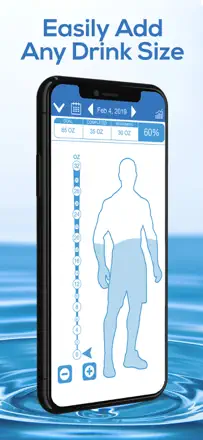
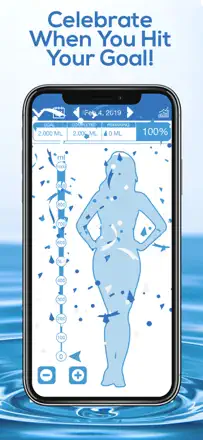
A simple water tracker with gamification: an avatar fills up and confetti appears on reaching the goal. Helps people with medical hydration needs build the habit. But the key function, reminders, breaks after updates.
Praised: Fill animation and encouragement help build the habit of drinking water. A clear interface with no unnecessary settings.
Complaints: Reminders go silent or start arriving in a flood after updates. A visual banner covers the action buttons in the free tier. A 128-ounce limit does not suit large athletes.
Best for: People with medical hydration requirements who want a visual motivator and are willing to pay for the Pro version.
Rank 85. Review score: 30 out of 100. App Store rating: 4.6★ · 21,647 ratings
30of 100
A countdown with a widget. Works on one device, but when you switch phones all events disappear with no way to recover them. The widget does not update in the background: you have to open the app every day.
Praised: Beautiful widgets with a photo and day count for each event. Fast addition of a new countdown.
Complaints: Data is not saved to the cloud and disappears when switching phones. The widget does not update without opening the app. Premium features do not restore on a new device.
Best for: Not recommended to anyone at this time: the product fails its basic widget promise and does not preserve data when changing devices.
Rank 86. Review score: 28 out of 100. App Store rating: 4.9★ · 1,515,266 ratings
28of 100
The built-in Apple Calendar works as an event address book until it breaks. Users regularly have all their data vanish. This is not an isolated case: several reviews describe the complete destruction of years of history. Reminders do not fire without the app open. Sync loses history. Search works inconsistently. Given its built-in status, the product remains technically unreliable.
Praised: Clean integration with the Apple ecosystem: Siri, Watch, Reminders. Color coding for multiple calendars. Home-screen widgets visible without opening the app. A Reminders layer for tasks works alongside events.
Complaints: Data disappears without a trace. Several users lost years of entries without warning. Reminders do not fire as push notifications: the app must be open. Recurring events break when one instance is edited. Sync between iPad and Mac breaks systematically.
Best for: Users who have 2 to 3 meetings a week and are not at risk of losing critical data. For a business schedule the risk is too high.
Rank 87. Review score: 28 out of 100. App Store rating: 4.8★ · 46,942 ratings
28of 100
A powerful team board for projects, but the mobile app is critically underdone: tasks disappear, fields do not display, sync lags. For solo daily planning it is overkill with no chance of proper configuration.
Praised: Flexible boards with automations and multiple views for large teams. The mobile task view helps quickly log status on the go.
Complaints: Mobile input is slow, data sometimes disappears without a trace, phone notifications are unreliable, web sync is unstable.
Best for: Teams of five or more with a manager who sets up the boards. Not for personal scheduling.
Rank 88. Review score: 28 out of 100. App Store rating: 4.8★ · 6,863 ratings
28of 100
A calendar for the Notion ecosystem with clean design, but fundamental features do not work reliably: events disappear, widgets do not update, and the month view exists only decoratively since you cannot tell which days have events. The app does not work without internet. There is no proper iPad interface.
Praised: Sync with Notion databases and Google Calendar in one place. Design is clean and pleasant on the desktop.
Complaints: Events periodically disappear from widgets and the feed. No proper monthly overview. The app requires internet even to view already-loaded events.
Best for: Notion users who work primarily on Mac and are willing to accept the limitations of the mobile version.
Rank 89. Review score: 27 out of 100. App Store rating: 4.6★ · 6,626 ratings
27of 100
The concept of color sticky notes on the lock screen is in demand, but the implementation is unreliable. The widget does not work for many users or shows only the first note. No search across notes. The app sends daily notifications that cannot be turned off without losing task reminders.
Praised: The idea of color stickers with a lock-screen widget appeals to people with ADHD as a visual prompt.
Complaints: The widget is unstable and often shows only one note. No search. Mandatory daily notifications cannot be turned off independently from task reminders.
Best for: Users who need 1 to 3 important reminders on the lock screen and happen to have the widget working.
Rank 90. Review score: 26 out of 100. App Store rating: 4.3★ · 7,381 ratings
26of 100
A time-blocking planner with routine and recurring schedule support. The concept of time-blocking is rare and useful, but widgets do not work, notifications are silent, and routine setup is extremely laborious. Premium activation turns on without clear warning.
Praised: The only app in the niche that offers full time-blocking with routine support and recurring blocks. A day view by time blocks is clearer than a plain list.
Complaints: Home-screen widgets remain empty. Block-start notifications arrive without sound and are easy to miss. Setting up a 10-step routine takes too much time.
Best for: Someone who deliberately practices time-blocking and is looking for a specialized tool. Currently requires tolerance for bugs.
Rank 91. Review score: 25 out of 100. App Store rating: 4.6★ · 17,677 ratings
25of 100
Positioned as a planner for people with ADHD, but basic guarantees are broken: the plan places tasks out of chronological order, reminders fire unreliably. Beautiful design does not compensate for unreliable core features.
Praised: Visually beautiful day timeline. The idea of combining a list and schedule on one screen is correct.
Complaints: Reminders fire unreliably. The schedule places tasks in a chaotic order without accounting for real time. Without paid features the app does not differ from a plain list.
Best for: Not recommended to anyone at this time: the product does not deliver on its promise for its target ADHD audience.
Rank 92. Review score: 25 out of 100. App Store rating: 4.4★ · 5,932 ratings
25of 100
The sticky-notes-on-the-lock-screen idea is right, but the app cannot be tried without entering payment details: not even one note. The lock-screen widget does not appear in the widget list for many users at all. Notes on the board reorder themselves after any action in the app.
Praised: The concept of a sticky note on the lock screen with a reminder is valued by people with ADHD and memory problems.
Complaints: Cannot create even one note without entering payment details. The lock-screen widget does not work for a significant share of users. Notes reorder themselves on the board.
Best for: Only for those already convinced they need exactly this type of sticky note and willing to pay a subscription without seeing the product first.
Rank 93. Review score: 22 out of 100. App Store rating: 4.6★ · 59,042 ratings
22of 100
Calendar Planner used to work as a convenient month view with colored events. Now it is impossible to open the calendar without a forced video ad on every launch. Several users have lost years of data without warning. Recurring events have stopped working.
Praised: Compact full month view with visible events directly in the cell. Customizable colors for categories. A home-screen widget that updates in real time.
Complaints: A video ad plays forcibly on every app launch. Several users lost all data without warning and with no way to recover. Recurring events no longer create correctly. Notifications are unreliable after updates.
Best for: No one in its current state. If you want a compact month view, look at Calendars by Readdle or Fantastical.
Rank 94. Review score: 22 out of 100. App Store rating: 4.4★ · 10,230 ratings
22of 100
Once the best weekly calendar with flexible customization and color codes. After an ownership change the interface is filled with intrusive upsells, and previously purchased features are hidden behind a new barrier. Fundamental bugs with recurring events have gone unfixed for years.
Praised: Weekly view with color labels and event icons lets you read the calendar in a second. Date-range search outperforms competitors. Flexible time-interval management within the day.
Complaints: After the ownership change the app adds foreign text to event descriptions and hides already-purchased features behind a new barrier. Recurring events duplicate when edited. Upsell popups appear on every open.
Best for: Not recommended in its current state. Historically suited power users with a dense weekly schedule.
Rank 95. Review score: 22 out of 100. App Store rating: 4.5★ · 6,170 ratings
22of 100
A popular student planner with a class schedule, deadlines, and phone-to-browser sync. Before the 2024 update one of the best in its niche. After the interface redesign adding classes became multi-step and the time zone changes itself.
Praised: Simple subject-based task entry. Clear recurring class schedule. Phone-to-browser sync worked without interruption.
Complaints: After the update the time zone changes on its own when adding a schedule. Adding a new semester requires multiple steps. Key features moved behind a new barrier without notifying long-term users.
Best for: Students willing to invest time in initial setup who use both their phone and a browser for studying.
Rank 96. Review score: 19 out of 100. App Store rating: 4.8★ · 9,443 ratings
19of 100
A template planner with beautiful layouts for the day, week, meals, and goals. Aggressive prompts to activate premium appear on every tap before registration is even complete. After activation, templates stopped showing for some users.
Praised: A wide selection of beautifully designed templates for different needs: daily schedule, meals, goals, weekly planner. Handwriting input is supported.
Complaints: Prompts to activate premium appear on every tap from the very first second. After activation, templates disappeared with no access to support. Templates do not function as a calendar: they do not show real events.
Best for: Not recommended in its current state. There is no reliable way to know what you are getting before paying.
Rank 97. Review score: 18 out of 100. App Store rating: 4.5★ · 10,188 ratings
18of 100
A beautiful aesthetic planner with handwriting, stickers, and templates in the style of a paper diary. Data disappears when switching templates, navigation is unpredictable, and templates take 10 minutes to load. A planning tool that loses data this way cannot be trusted.
Praised: The look is close to a paper daily planner. Compatible with Apple Pencil. A template-sharing platform between users is a good idea.
Complaints: Data is lost when leaving the app, especially when switching templates. Navigation is unpredictable: half of taps do not register. Loading background designs takes 10 or more minutes.
Best for: Fans of beautiful digital diaries with Apple Pencil who prioritize aesthetics over reliability. No stable version exists for daily use right now.
Rank 98. Review score: 14 out of 100. App Store rating: 4.3★ · 14,207 ratings
14of 100
Looks beautiful in screenshots but in practice there is almost nothing to use without premium access: every template, every sticker, every color is locked. Functionality is inferior to basic note apps. This is a showcase, not a planner.
Praised: A scrapbook-style aesthetic design might appeal to those who value presentation. But only as a showcase, not a tool.
Complaints: Almost all functionality is unavailable in the free tier: only one template and one sticker per category. Constant popups prompting a premium upgrade. Handwriting input works poorly.
Rank 99. Review score: 14 out of 100. App Store rating: 4.8★ · 5,403 ratings
14of 100
A routine planner in a wellness aesthetic with a water tracker, affirmations, and habits. You cannot see any screen before completing onboarding that requires choosing a plan. Tasks do not carry over to the next day automatically: times must be reassigned every day.
Praised: Onboarding design is attractive. For those who got through setup: a pleasant aesthetic routine planner with a habit tracker.
Complaints: Tasks do not carry over to the next day automatically. It is impossible to use the app without immediately choosing a plan. Recurring reminders cannot be configured for specific days of the week.
Best for: Not recommended for download without an App Store refund guarantee.
Rank 100. Review score: 12 out of 100. App Store rating: 4.6★ · 7,233 ratings
12of 100
A client app for gyms and studios on the Zen Planner platform. Lets you book classes and check the schedule. The app regularly force-logs you out. There is no notification when a class package runs out: booking silently gets rejected.
Praised: The studio class schedule is always at hand. Ability to keep multiple studios in one app without switching accounts.
Complaints: The app regularly force-logs you out and requires re-login. No notification when a class package runs out: booking is silently rejected. The interface is outdated and inconvenient.
Best for: Only clients of gyms or studios running on the Zen Planner platform who have no alternative.
About scores
Two scores — two sources
They help compare apps, but they don’t replace checking your own job.
Review score · up to 100
The stored score from inApp research on review texts. It rates the app overall in the archive, not the reliability of any one feature.
Store rating · up to 5
The rating from the app’s page when the data was collected. The current rating and version may differ.
In the archived sample for this topic: 100 apps and 44,501 reviews read. That is the total size of the research, not the number of reviews per app.
A gap between the scores doesn’t prove manipulation. The calculation date and the full scoring method aren’t in the mobile archive. Compare the job descriptions and the source quotes, and check the terms in the current version.