Skip to content
Choosing by job

Build the structure of a book, a screenplay or an article before writing

Mind maps

Authors and writers

Which apps people use

These apps are mentioned in the breakdown of this job. Open each one to compare strengths and limits. The order of the list is not a ranking of fitness.

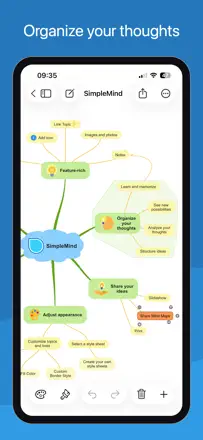
  1. SimpleMind Pro - Mind Mapping

    Rank 2. Review score: 70 out of 100. App Store rating: 4.7★ · 447 ratings

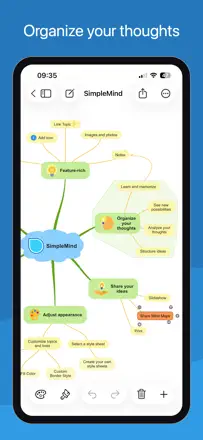
    A mature one-time-purchase mind mapper with a rich set of layouts and support for non-linear connections. Valued for no subscription and fast performance. Main pain points are the absence of iCloud Drive and unreliable sync through third-party services. The select tool is awkward for bulk node selection.

    Praised: Support for non-linear connections (not just parent-child). Many layout options. Fast even on large maps. Available on iOS, macOS, and Windows with a shared file format. No monthly subscription.

    Complaints: No native iCloud Drive support, only Dropbox and Google Drive. Sync between devices fails periodically. Selecting multiple nodes requires deselecting before each new one, which is frustrating for bulk formatting. Images are automatically compressed to low quality.

    Best for: Writers, researchers, or students who need a serious mind map tool without a subscription and with cross-platform support.

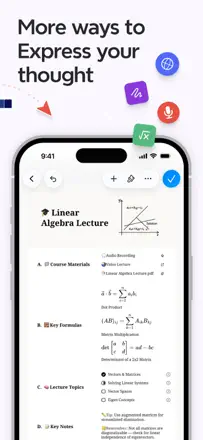
  2. miMind - Mind Map, Brainstorm

    Rank 4. Review score: 63 out of 100. App Store rating: 4.8★ · 356 ratings

    A functional mind mapper with a one-time purchase, quick-access buttons, and solid connection management between nodes. It lags noticeably behind modern competitors in design and UX. Cross-platform sync works, but the per-platform payment model frustrates loyal users.

    Praised: Quick buttons for adding nodes without extra taps. Flexible connection management between any nodes, not only parent-child ones. Handles large maps (500+ nodes). Developers respond and fix bugs.

    Complaints: Bluetooth keyboard does not work for text input, which kills fast typing. Apple Pencil is not supported. The interface looks dated. Zoom on Mac works only through buttons, not the trackpad. Each platform requires a separate purchase.

    Best for: Analysts or developers who need large maps with arbitrary connections and a one-time payment without a subscription.

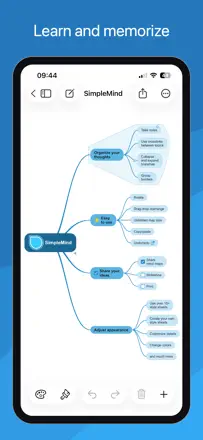
  3. SimpleMind - Mind Mapping

    Rank 3. Review score: 68 out of 100. App Store rating: 4.5★ · 975 ratings

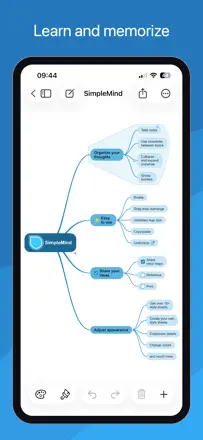
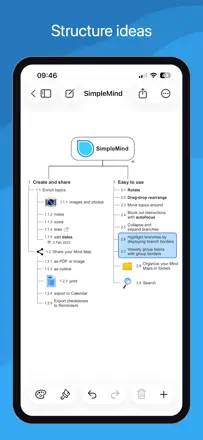
    SimpleMind is a fast and reliable mind map editor with a one-time purchase instead of a subscription. It supports multiple map formats (bubbles, timeline, vertical), and runs smoothly even on older iPads. The main drawback is no handwriting input with Apple Pencil, the stylus only replaces touch input without handwriting recognition.

    Praised: One-time purchase with no subscription: pay once and own the editor forever, which sets it sharply apart from competitors with annual plans.

    Complaints: Apple Pencil does not recognize handwritten text in nodes. The stylus works only as a finger substitute, so handwritten notes directly on the map are not possible.

    Best for: Solo users and students who need a fast, reliable thinking tool without a subscription and without extra features.

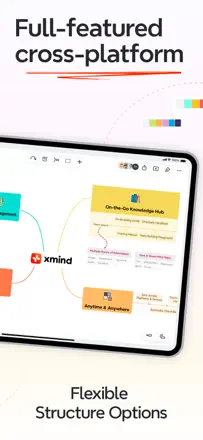
  4. Xmind: AI Mind Map, Brainstorm

    Rank 1. Review score: 72 out of 100. App Store rating: 4.8★ · 6,953 ratings

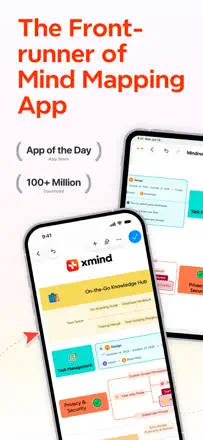
    XMind is one of the most fully developed mind map editors out there. It offers a rich library of diagram types (fishbone, matrix, timeline), elegant themes, and fast node entry. The main pain point is cross-platform sync, which is unreliable, and the Vision Pro version breaks after updates. AI features were added, but some users find them unnecessary.

    Praised: Multiple diagram formats in one editor: you switch from a classic map to a matrix or fishbone with a single click, without rebuilding the structure by hand.

    Complaints: Sync between devices works through manual export and import rather than live cloud sync. A map opened on iPad cannot be continued on Mac without re-saving the file.

    Best for: STEM students and analysts who need one tool for different structure types and are willing to pay a subscription for the breadth of formats.

Other jobs in this topic

Full ranking: Mind maps10 apps with screenshots and scoresWhere this breakdown comes fromRead the research and the observations from reviews