Managers and professionals with packed meeting schedules
What to check before choosing
Reviewers describe recordings cutting out and trouble in a noisy room. What is needed is a recording state you can see and a way to check that the conversation was saved.
Which apps people use
These apps are mentioned in the breakdown of this job. Open each one to compare strengths and limits. The order of the list is not a ranking of fitness.
Rank 2. Review score: 84 out of 100. App Store rating: 5.0★ · 9,167 ratings
84of 100
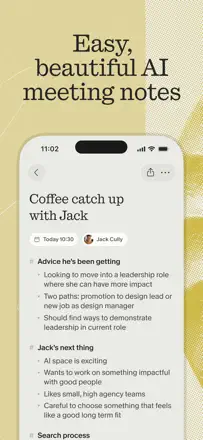
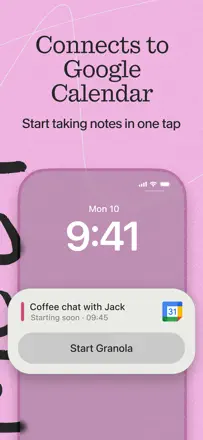
The best meeting recorder in the sample: transcription is accurate, summaries are structured and substantive. Runs in the background without getting in the way. Weaker on mobile than desktop: transcription quality drops in noisy in-person settings. Requires a Google account, which turns some users away.
Praised: The meeting summary is ready immediately after the call ends and includes real action items, not vague generalities. You can add your own notes during recording and they get woven into the final document. Works with multiple languages simultaneously.
Complaints: Struggles with in-person meetings in noisy environments on mobile. Full functionality requires a Google account. The mobile interface is noticeably less responsive than the desktop version.
Best for: Managers, doctors, and consultants who need to be present in a meeting rather than taking notes.
Rank 18. Review score: 71 out of 100. App Store rating: 4.8★ · 841 ratings
71of 100
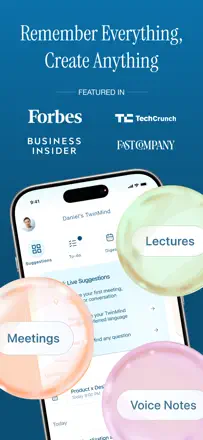
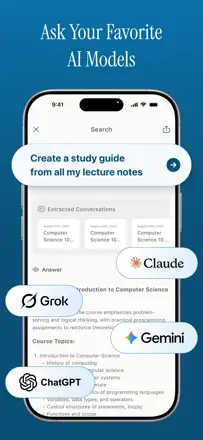
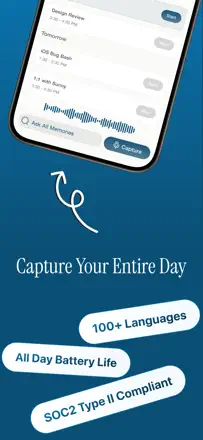
A transcription tool for meetings and voice notes with automatic summaries and contextual search across your full history. Valued by students and professionals with packed meeting schedules. Recording sometimes silently cuts out mid-meeting.
Praised: Instant summaries of hour-long meetings, contextual search across all past recordings, background operation while another app is open. Transcription is faster than most alternatives.
Complaints: Recording sometimes silently stops mid-meeting without warning, losing part of the conversation. No tags or folders to organize accumulated recordings. The app occasionally freezes, putting the safety of the recording in doubt.
Best for: Professionals with dense meeting schedules and students who need to capture what is said without manual note-taking.