


Airbrush: Face Photo Editor
- 66 of 100 · reviews
- 4.8of 5 · store
- 199,295ratings on the App Store
- 500reviews read
An editorial reading of the saved reviews
The best option for subtle portrait retouching: smoothing, face reshaping, and highlight tools work with high precision and deliver natural results. An update to the Relight feature broke the main tool for many users.
Screenshots


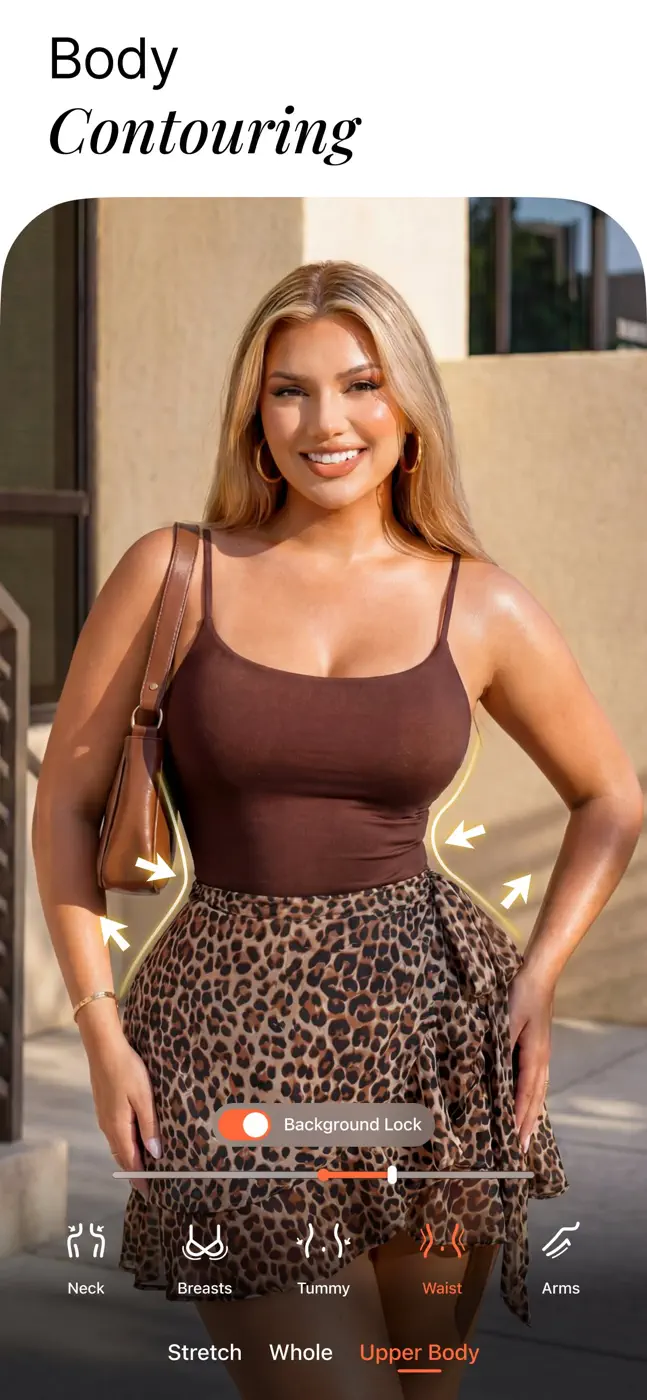






What people use it for
Users who want minimal portrait retouching for social media while preserving a natural skin look.
What reviews praise
- Skin smoothing with zone control lets you leave the background untouched.
- Face and body reshaping is invisible at moderate settings.
- The bokeh background blur follows the subject outline precisely.
What reviews complain about
- The new Relight mode replaced the old direct tool with camera-style filters like 'Canon GX', making results worse and less predictable.
- AI object replacement in the background leaves visible seams.
What users experience
1 excerpt from the breakdown. These are individual cases, not a verdict on all users.
I have had this app for many years and as of 2026 it is now mostly unusable. Nearly every feature or filter is AI generated which means that your face will become warped and your background now is changed and unrealistic. What used to be a simple editing tool is now a mess.
Mentioned for these jobs
Other apps in this topic
Full ranking: Photo editors99 apps with screenshots and scores


This is material from the inApp archive. Before installing, check the app’s current terms and features in the store.