


Airbrush: Face Photo Editor
アプリについての本文は英語です。
- 66 100点中 · レビュー
- 4.85点中 · ストア
- 199,295件の評価(App Store)
- 500件のレビューを分析
保存されたレビューの編集部による読み解き
The best option for subtle portrait retouching: smoothing, face reshaping, and highlight tools work with high precision and deliver natural results. An update to the Relight feature broke the main tool for many users.
スクリーンショット





どんな用途で使われているか
Users who want minimal portrait retouching for social media while preserving a natural skin look.
レビューでほめられている点
- Skin smoothing with zone control lets you leave the background untouched.
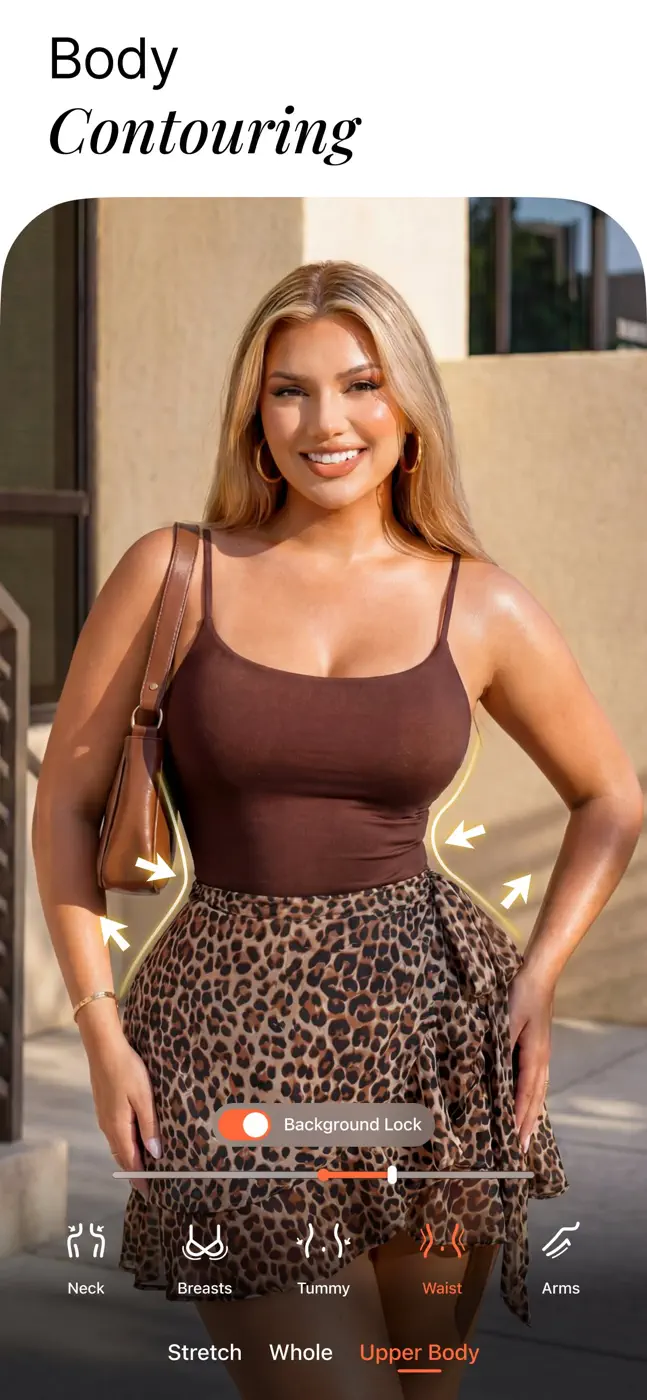
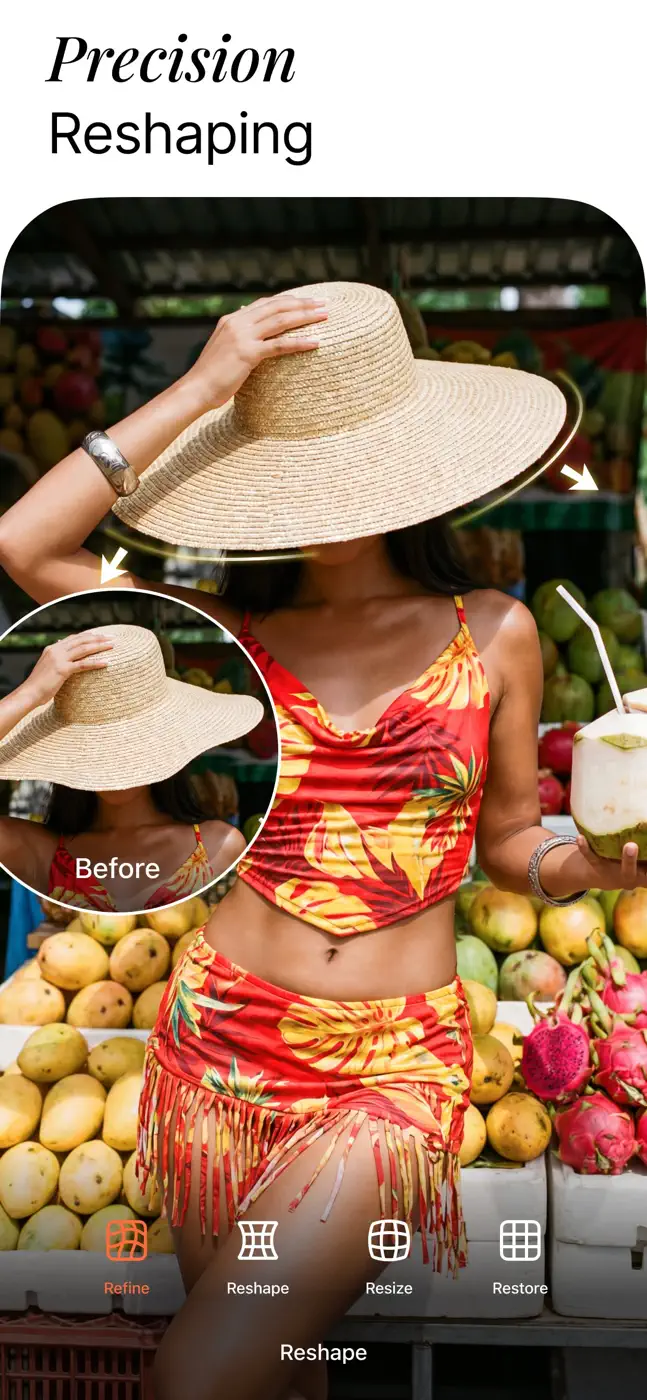
- Face and body reshaping is invisible at moderate settings.
- The bokeh background blur follows the subject outline precisely.
レビューで不満が出ている点
- The new Relight mode replaced the old direct tool with camera-style filters like 'Canon GX', making results worse and less predictable.
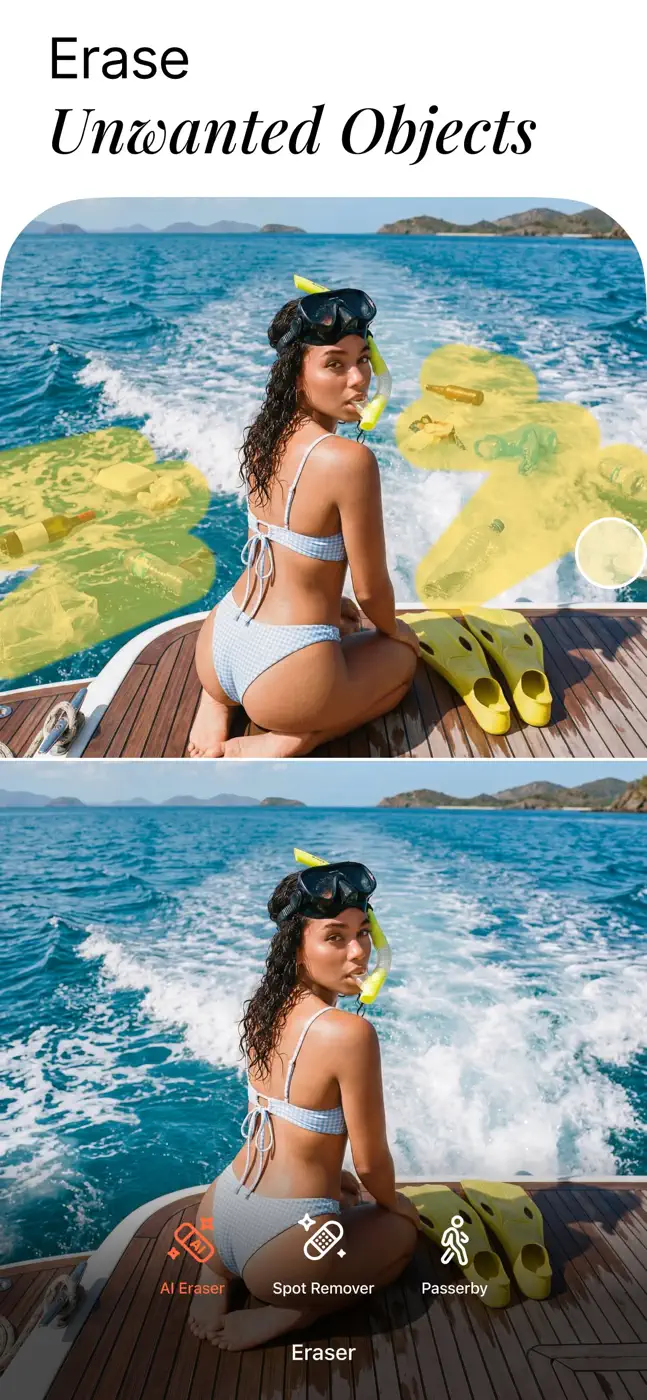
- AI object replacement in the background leaves visible seams.
ユーザーの体験
分析からの抜粋1件。個別の事例であり、すべてのユーザーの評価ではありません。
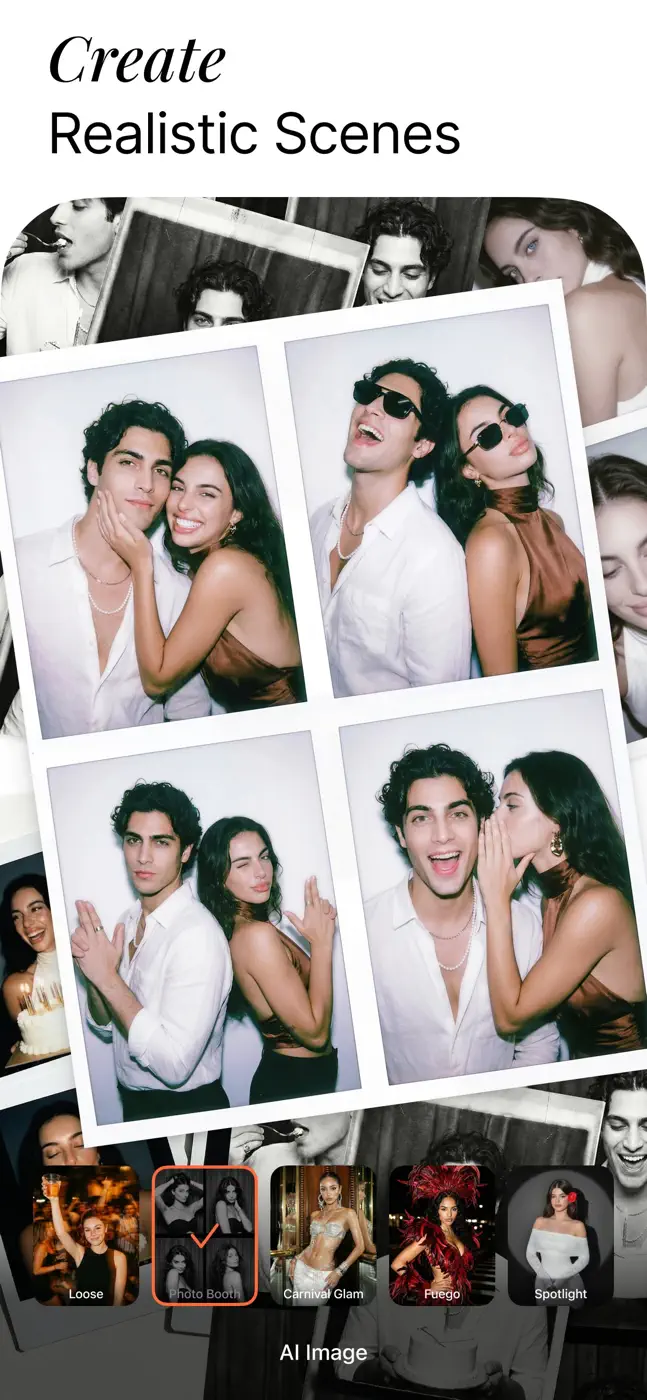
I have had this app for many years and as of 2026 it is now mostly unusable. Nearly every feature or filter is AI generated which means that your face will become warped and your background now is changed and unrealistic. What used to be a simple editing tool is now a mess.この課題で挙げられています
このテーマのほかのアプリ
ランキング全体:写真編集アプリスクリーンショットとスコア付きの99アプリ


これはinAppのアーカイブの資料です。インストールの前に、ストアでアプリの現在の条件と機能を確認してください。