


Subcap: Captions AI, Subtitles
- 40 of 100 · reviews
- 4.6of 5 · store
- 1,999ratings on the App Store
- 145reviews read
An editorial reading of the saved reviews
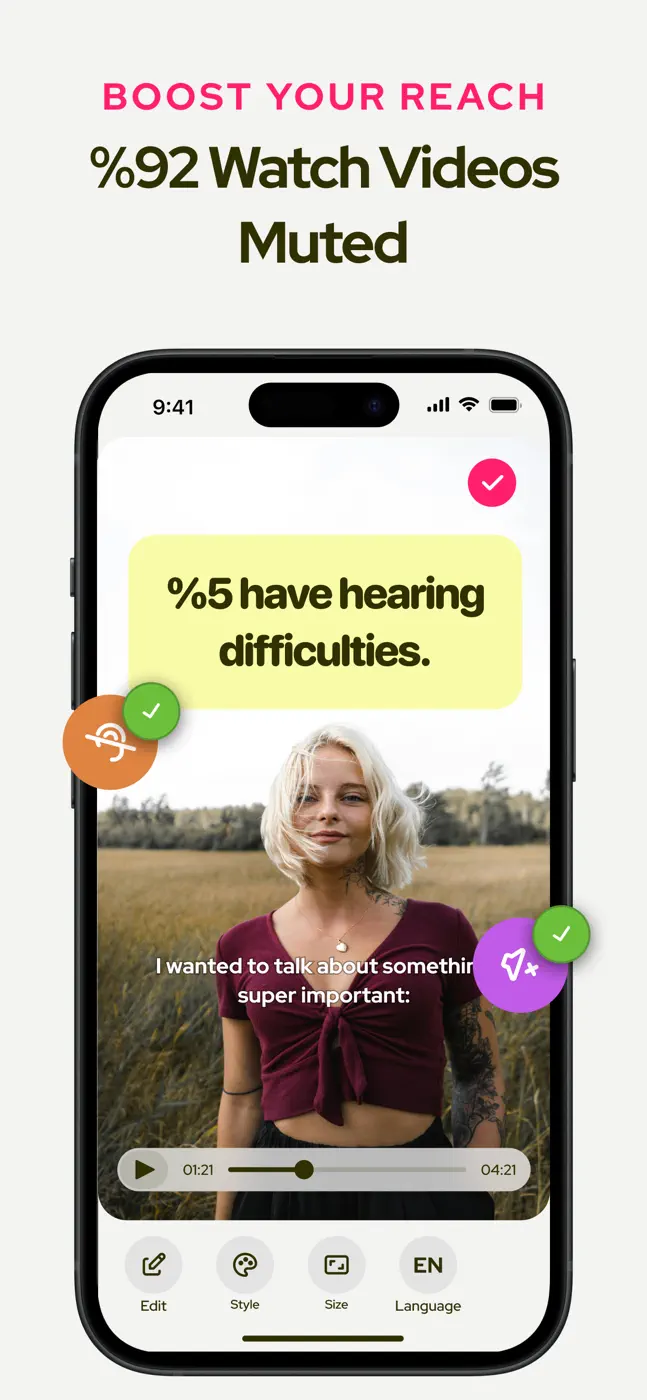
People pick it for auto-captions on longer clips, and the speech recognition gets praised even with noisy audio. The weak spot is the approach itself: some sentences get skipped and have to be typed in by hand, the 5-minute cap and portrait mode annoy on iPad, and on songs auto-captions barely work.
Screenshots
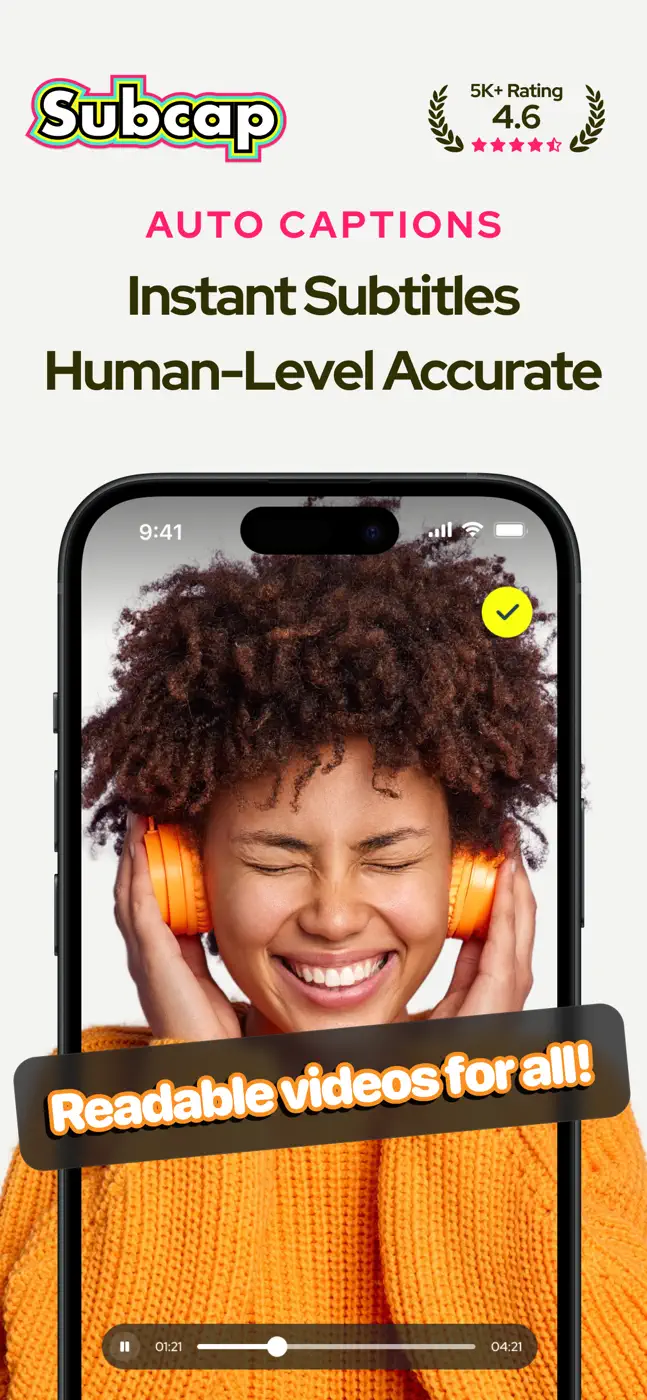
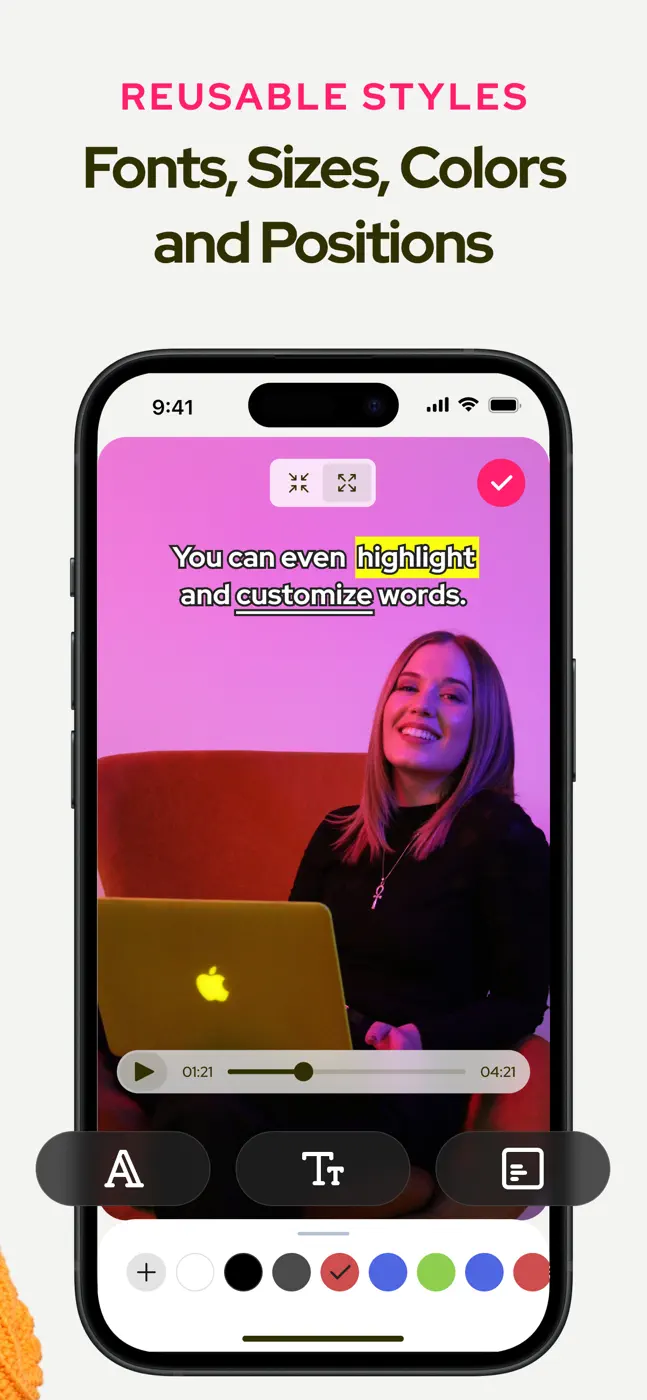
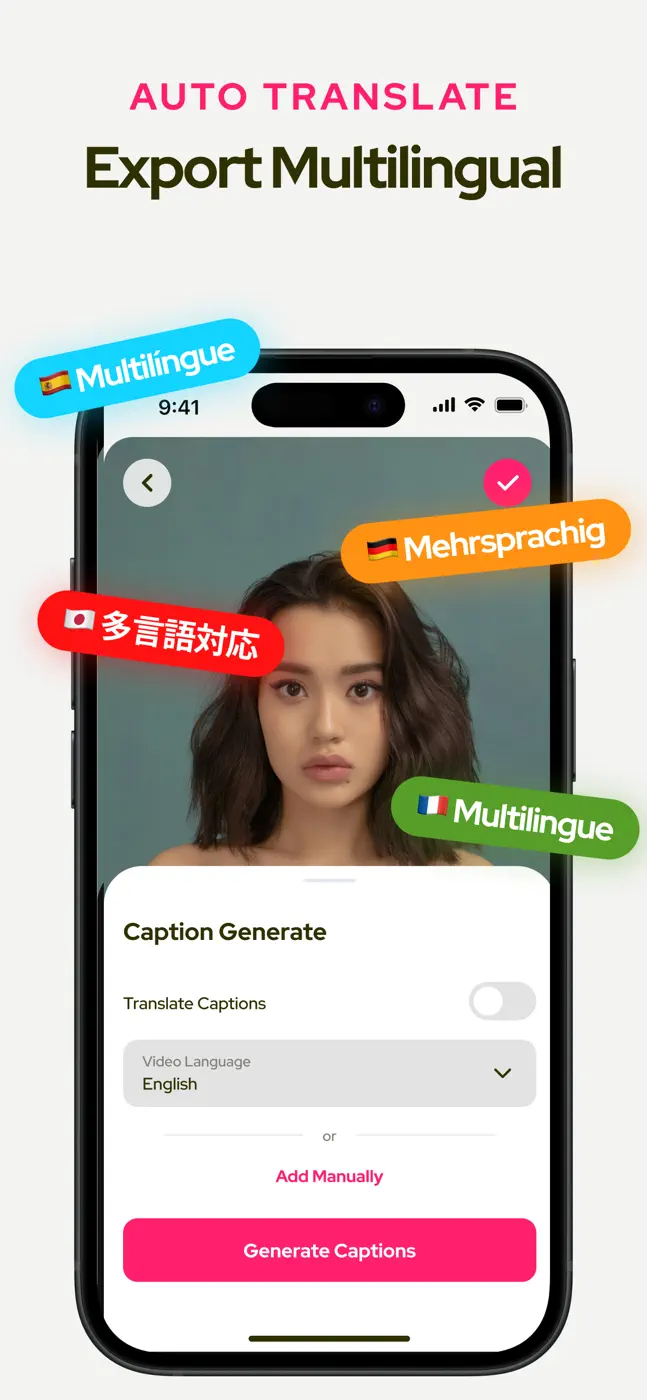
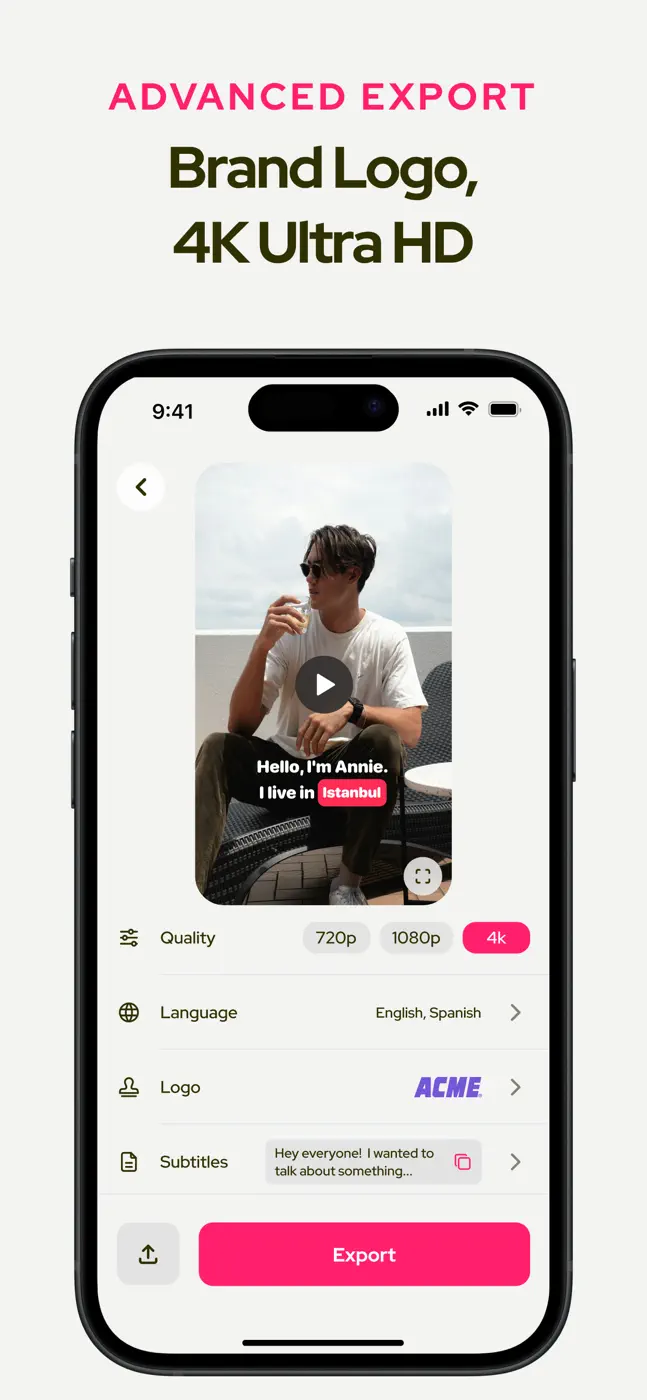
What people use it for
Creators making YouTube and social clips who need auto-captions for regular speech, not music
What reviews praise
Accurate speech recognition even in noise, support for longer clips, simple clear interface, responsive devs on small fixes
What reviews complain about
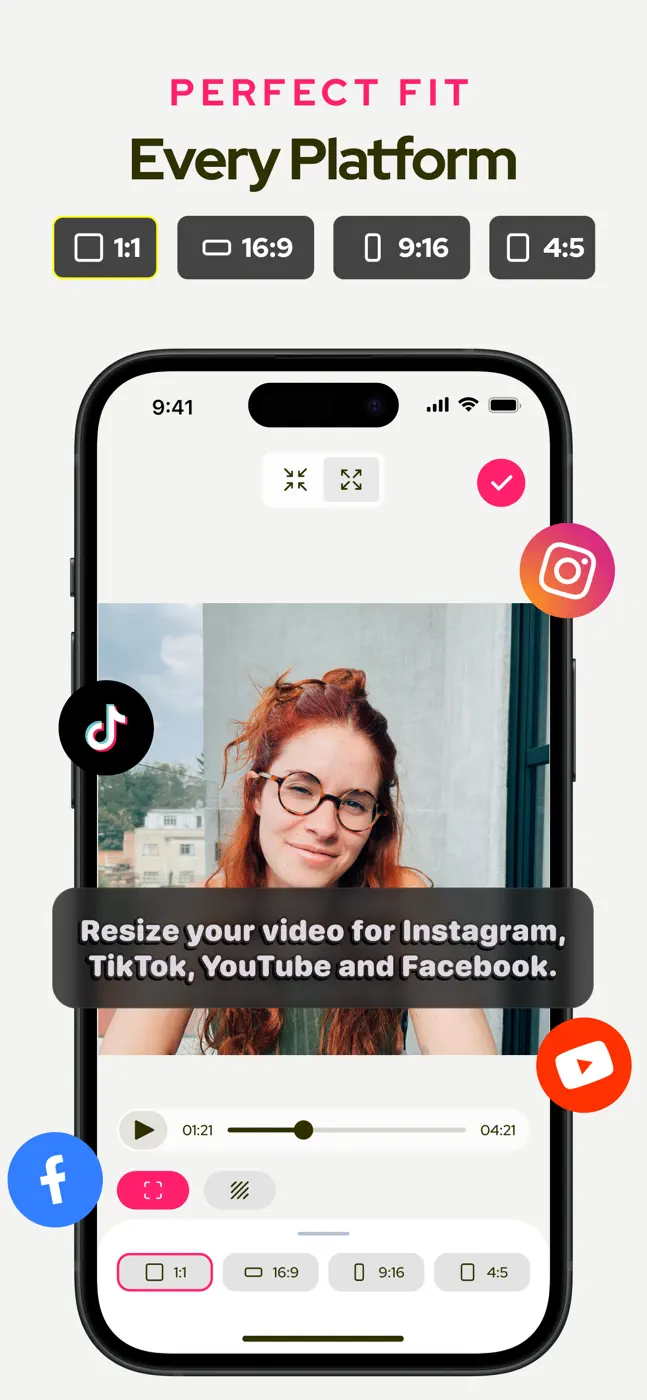
Skips some sentences that must be typed in manually, 5-minute cap on free, stuck in portrait on iPad, barely works on songs, thin position and font customization
What users experience
2 excerpts from the breakdown. These are individual cases, not a verdict on all users.
The auto caption is good, but only when it works. There are a lot of sentences it just skips all together, which I have to then manually add in.
I tried adding captions to my video but they’re always stuck at the very bottom of the screen, how am I able to move the text around?
Mentioned for these jobs
Other apps in this topic


This is material from the inApp archive. Before installing, check the app’s current terms and features in the store.