Reviewers discuss punctuation, terminology and whether the archive survives. A dictionary you maintain by hand, checking against the audio and exporting several recordings at once all help.
Which apps people use
These apps are mentioned in the breakdown of this job. Open each one to compare strengths and limits. The order of the list is not a ranking of fitness.
Rank 6. Review score: 58 out of 100. App Store rating: 4.5★ · 10,632 ratings
58of 100
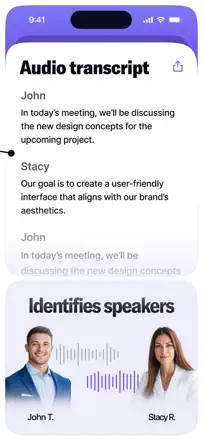
A transcription app with solid baseline accuracy and speaker detection, but with a strict paywall structure: uploading a file is free, but exporting to Word or PDF costs extra. The web and mobile versions behave differently, and the transcript editor in the desktop app is awkward.
Praised: Automatic speaker detection with the ability to rename speakers, transcription of a 30-minute file in a few minutes, and support for multiple languages and audio input formats.
Complaints: Punctuation is poor with missing periods and question marks. Editing the transcript in the desktop app is clunky (clicking to position the cursor breaks the expected behavior). Each export format beyond plain text costs an additional fee.
Best for: Journalists and researchers who need interview transcripts with multiple speakers and are willing to pay extra for convenient export.
Rank 5. Review score: 58 out of 100. App Store rating: 4.8★ · 62,322 ratings
58of 100
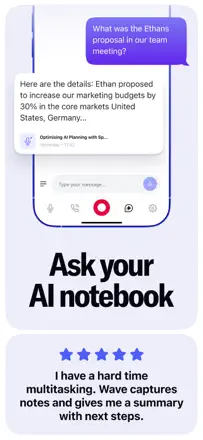
An AI meeting transcriber with speaker identification, summaries, and action items. Transcription is accurate for the primary language but struggles with accents, names, and specialized vocabulary. Speaker identification is unreliable. The UX feels unfinished: you cannot start recording instantly, file organization is weak, and the mobile experience lags behind the web app.
Praised: Automatic summaries and action items from a meeting are ready right after recording. Full-text search across transcripts works well. Calendar integration can trigger recording automatically.
Complaints: Speaker labels are lost on replay and have to be re-tagged manually. Mobile export does not reproduce the layout (photos plus text) as shown in the app. The free-tier minute cap runs out fast with no warning.
Best for: Managers and teams who need automatic meeting minutes. Students for lecture notes. Not a good fit for interviews with specialized vocabulary or multiple similar-sounding voices.
Rank 12. Review score: 44 out of 100. App Store rating: 4.5★ · 18,455 ratings
44of 100
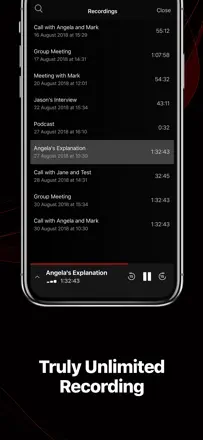
One of the oldest call recorders on iOS. The conference bridge mechanism has the same limitations as always: manual merge required, recording announcement audible to all parties. Historically reliable, but a sharp price increase triggered widespread backlash. Bulk export of recordings is absent and you can only download them one at a time.
Praised: Stable performance over years with consistent recording quality. Labels, dates, and timestamps help organize an archive. Recording starts in just a few taps.
Complaints: No bulk export: hundreds of recordings must be downloaded one by one. Price climbed from $29 to $69 per year and higher with no meaningful new features. Some users face a repayment demand even after already paying. Support is handled by an AI chatbot only.
Best for: Journalists and managers who need a reliable archive of business calls with dates and labels. Those who record calls infrequently and can live without bulk export.
Rank 1. Review score: 65 out of 100. App Store rating: 4.9★ · 11,576 ratings
65of 100
One of the strongest apps in the niche for real functionality: background recording, detailed section-by-section summaries, and multilingual transcription. The main failures are silent recording with no warning (the app records silence while the user thinks it is capturing audio) and slow summary generation. Export to Notion and OneNote breaks formatting.
Praised: Summaries are structured and substantive, multilingual transcription works without switching modes, and it helps in medical and business meetings where reviewing details afterward matters.
Complaints: Recording can silently capture silence, costing users 10 to 15 minutes of a meeting they did not know was lost. Summary generation slows down with a large archive, export to OneNote and Notion drops formatting, and search across many notes is unreliable.
Best for: Professionals and students in in-person meetings and lectures who need not a word-for-word transcript but a structured outline with key takeaways.