


Otter Transcribe Voice Notes
- 58 of 100 · reviews
- 4.8of 5 · store
- 62,322ratings on the App Store
- 497reviews read
An editorial reading of the saved reviews
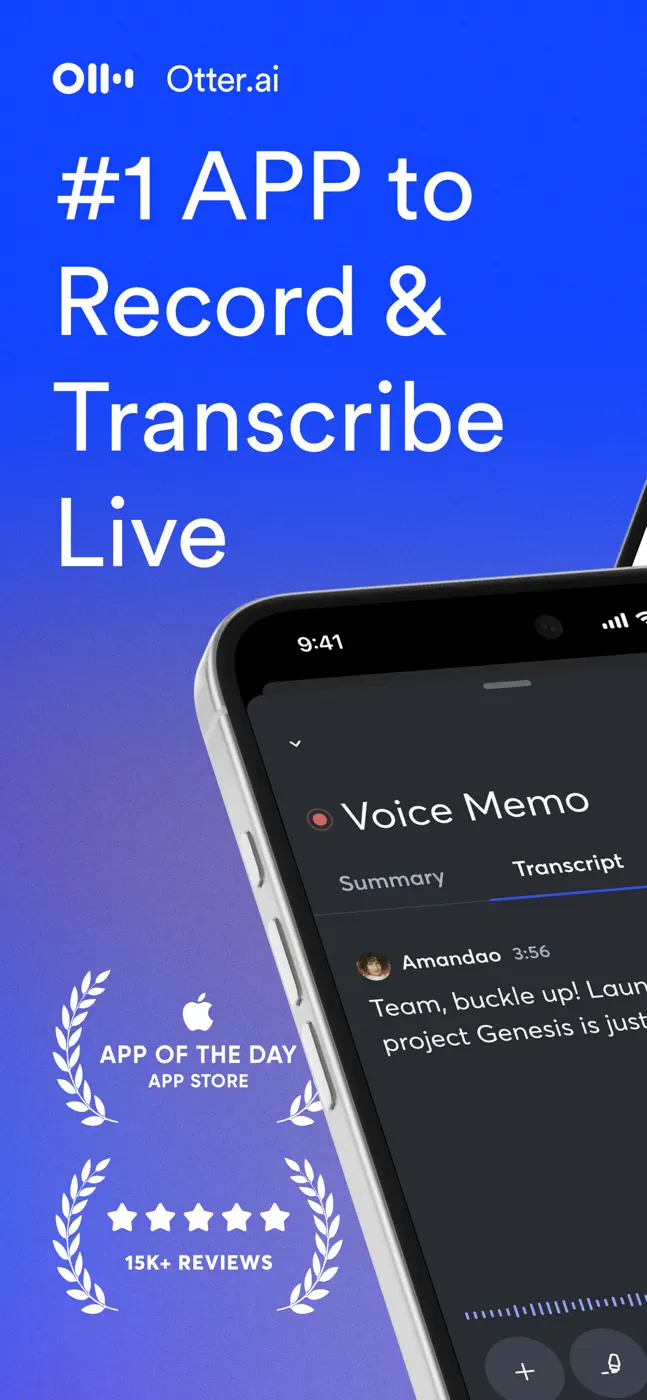
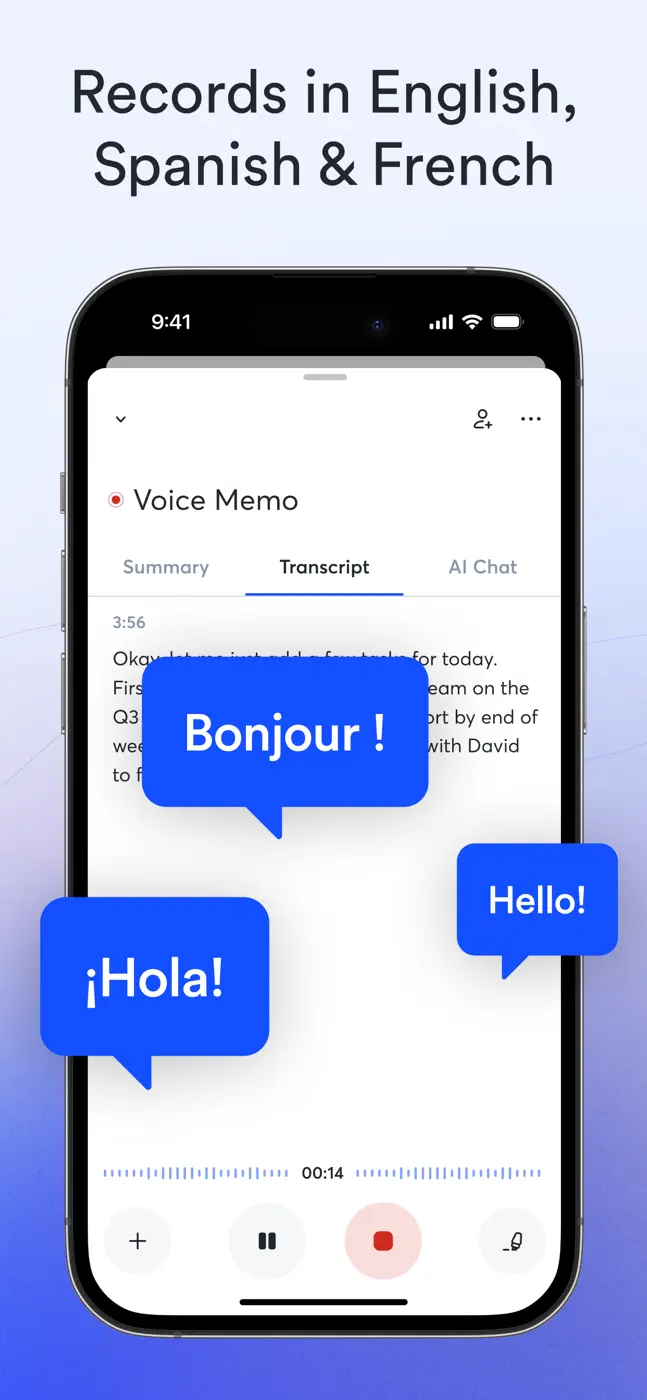
An AI meeting transcriber with speaker identification, summaries, and action items. Transcription is accurate for the primary language but struggles with accents, names, and specialized vocabulary. Speaker identification is unreliable. The UX feels unfinished: you cannot start recording instantly, file organization is weak, and the mobile experience lags behind the web app.
Screenshots
What people use it for
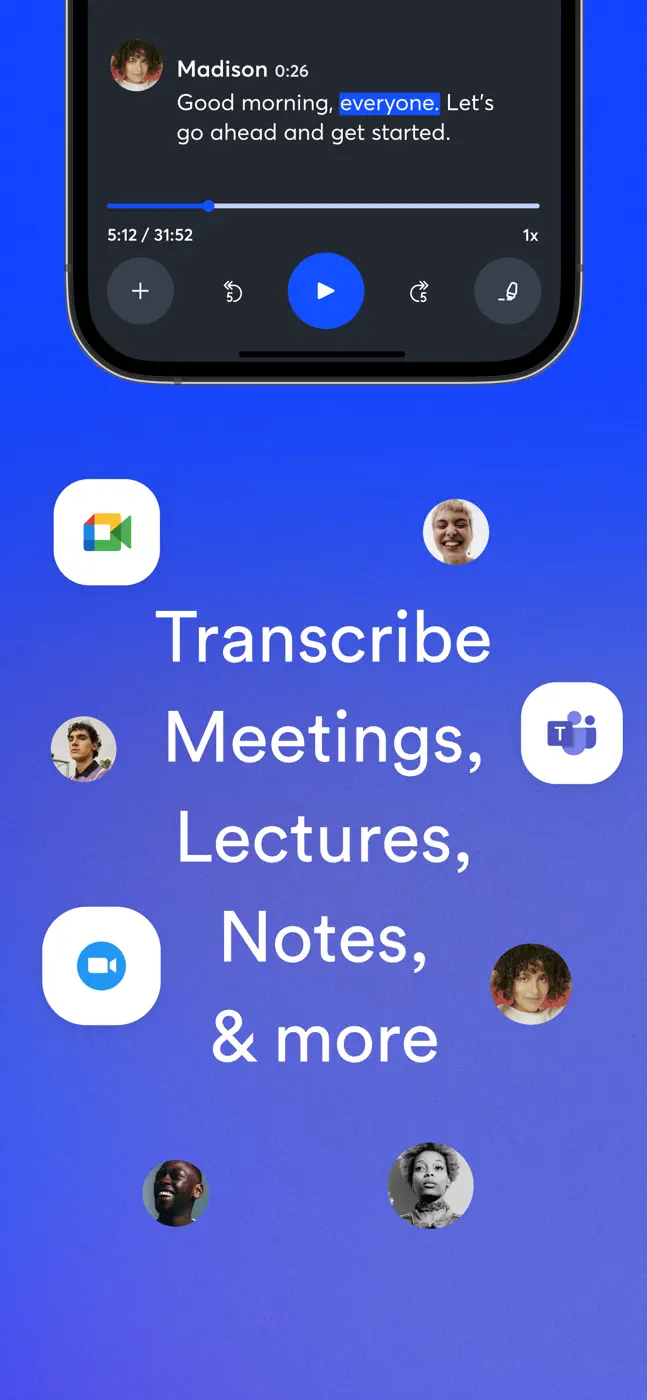
Managers and teams who need automatic meeting minutes. Students for lecture notes. Not a good fit for interviews with specialized vocabulary or multiple similar-sounding voices.
What reviews praise
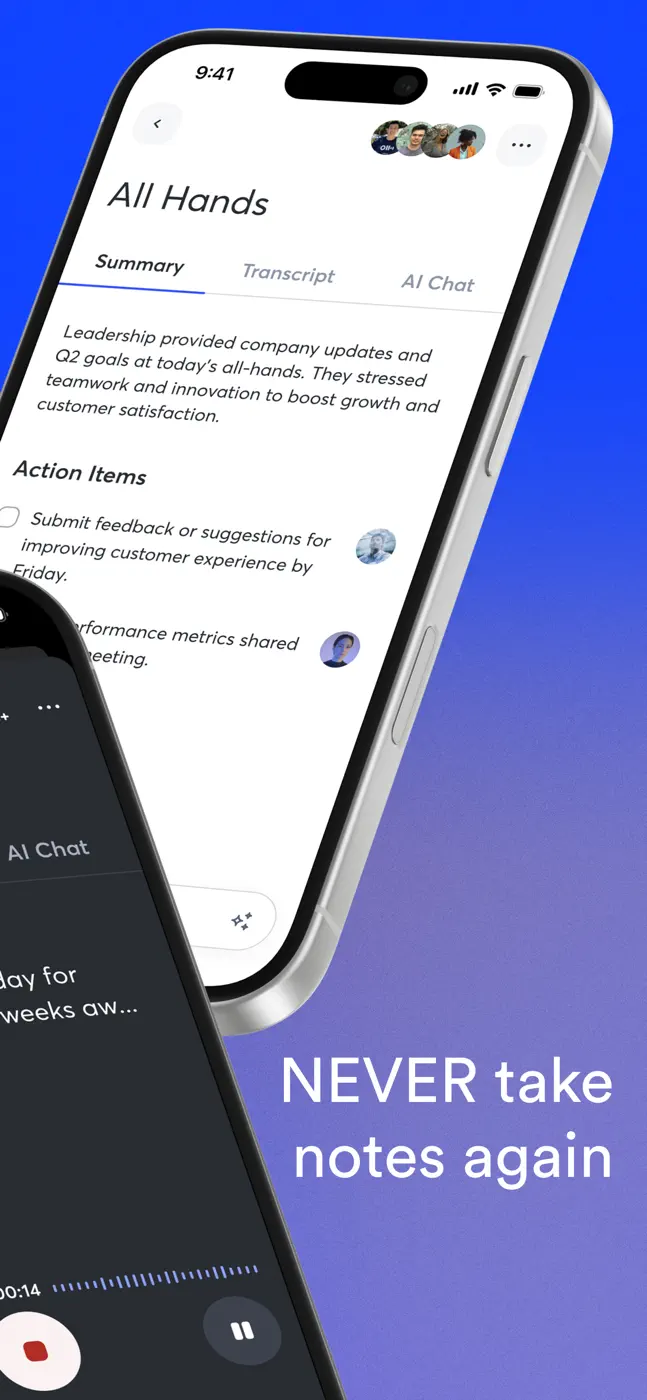
- Automatic summaries and action items from a meeting are ready right after recording.
- Full-text search across transcripts works well.
- Calendar integration can trigger recording automatically.
What reviews complain about
- Speaker labels are lost on replay and have to be re-tagged manually.
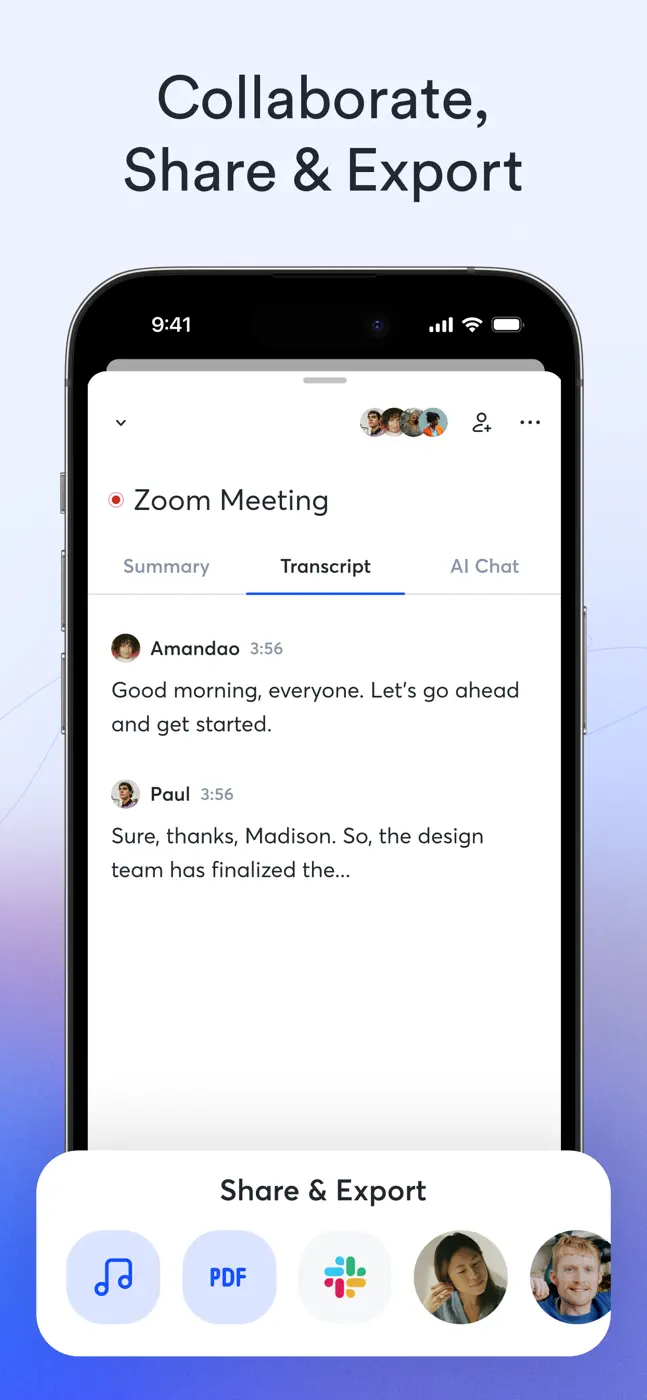
- Mobile export does not reproduce the layout (photos plus text) as shown in the app.
- The free-tier minute cap runs out fast with no warning.
What users experience
4 excerpts from the breakdown. These are individual cases, not a verdict on all users.
Not that great at identifying names of speakers. My hope is that it would identify a voice and give it a speaker number, but you have to go in and label every speaker even when it's the same person and you've already given them a label.
I absolutely love Otter.ai! It has completely changed the way I take notes and keep track of meetings. The transcription is fast, accurate, and saves me so much time. I also love the summaries and how easy it is to search through past conversations.
The real deal breaker for me is the lack of practical usability for my needs. The inability to simply move a recording/session into a folder is infuriating.
Cannot export pictures and text together in one file with pictures in the correct time stamp and location - which is how it appears in the app. This makes it very difficult for use for serious user: I don't get what I see in the app.
Mentioned for these jobs
- Capture the decisions and action items from a meeting without being stuck taking notes during the conversationManagers and teams in meetings
- Transcribe an interview with several participants and export the text to an editor to work with quotesJournalists and researchers
- Record a full lecture or seminar and get structured notes without re-listening to the whole thingStudents in lectures
Other apps in this topic


This is material from the inApp archive. Before installing, check the app’s current terms and features in the store.