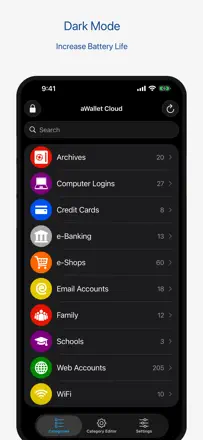
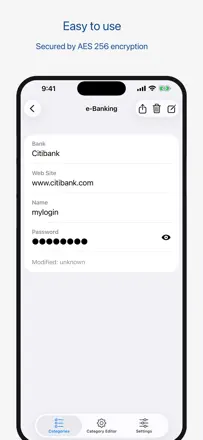
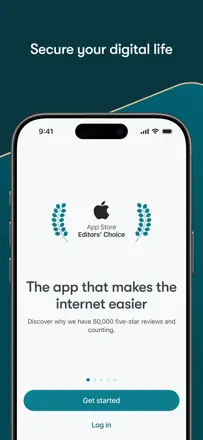
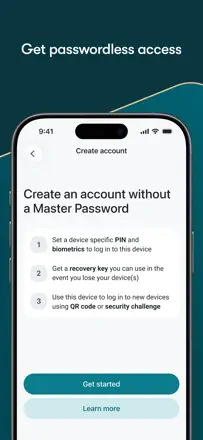
In the reviews the barrier to switching comes from a long history and a move done by hand. It is worth checking the completeness of the import, the attachments and the access to the result before giving up the old vault.
Quelles apps les gens utilisent
Ces apps sont mentionnées dans le décryptage de cette tâche. Ouvre chacune pour comparer les points forts et les limites. L’ordre de la liste n’est pas un classement d’adéquation.
Rang 7. Note des avis : 67 sur 100. Note sur l’App Store : 4,7★ · 28 721 notes
67sur 100
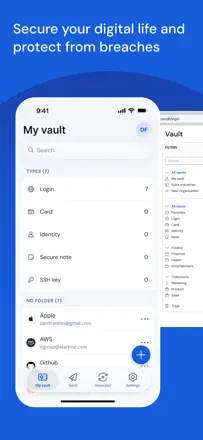
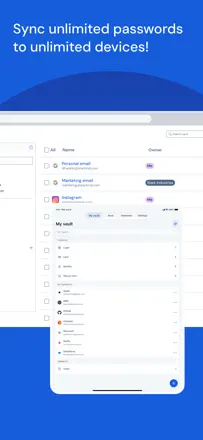
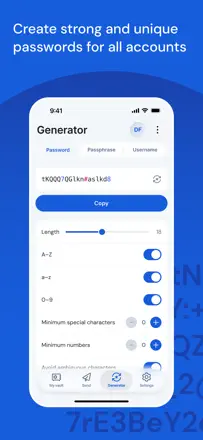
The best free open-source password manager for the price-to-features ratio, but recent updates introduced serious bugs: the master password sometimes refuses to work, TOTP behind a paywall feels greedy, and cross-device sync is slow.
Points forts : Completely free with no ads, open-source, works on all platforms, no upsell pressure.
Reproches : Master password periodically fails for no apparent reason, TOTP is paid-only, slow sync, a bug shows phantom TOTP codes on entries that don't have one.
Pour qui : Technically minded users who want a solid free manager and can tolerate occasional bugs.
Rang 3. Note des avis : 72 sur 100. Note sur l’App Store : 4,7★ · 1 374 notes
72sur 100
The best choice for storing passwords offline in KeePass format. Its strength is full privacy with no cloud server required, its weakness is unreliable autofill and iCloud sync issues.
Points forts : Fully offline with no data shared with third parties. Passkeys and TOTP support. Independent security audit by Cure53. Actively maintained. Fast import.
Reproches : Autofill is unreliable and sometimes fails in banking apps. Issues with iCloud Drive after iOS updates. Occasional hangs when loading the database. No native Android or Windows clients.
Pour qui : Technical users who already use KeePass and want to keep their data on-device only.
Rang 13. Note des avis : 63 sur 100. Note sur l’App Store : 4,8★ · 6 765 notes
63sur 100
A serious password manager from the Proton team with a strong privacy reputation, but the iOS client is unstable: autofill works intermittently and Face ID can get stuck in a loop.
Reproches : Autofill crashes or fails in Safari and Firefox Mobile, Face ID loops after updates, no passkeys on macOS, can't import Safari passwords on iOS without a desktop browser, every new entry triggers a review prompt.
Pour qui : Users already in the Proton ecosystem who care about privacy and email aliases and can tolerate rough edges in the iOS client.
Rang 1. Note des avis : 78 sur 100. Note sur l’App Store : 4,9★ · 1 906 notes
78sur 100
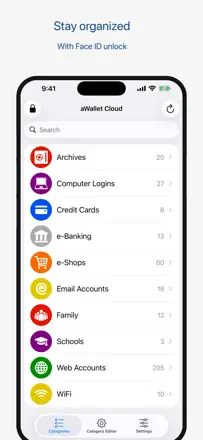
A reliable offline password manager with cross-platform sync via cloud storage. The main weakness is no iCloud support, and occasional sync failures can lead to data loss.
Points forts : Simplicity and stability over many years, simultaneous support for Android and iOS, encryption via Google Drive and Dropbox, easy transfer when switching phones.
Reproches : No iCloud sync, periodic Google Drive errors (404), after iOS updates it sometimes locks access with no way to reset the master password, some users dislike the interface refresh.
Pour qui : Users who want a simple, affordable password manager without a subscription and with sync between Android and iPhone.
Rang 4. Note des avis : 71 sur 100. Note sur l’App Store : 4,8★ · 103 519 notes
71sur 100
A mature cross-platform password manager with a real long-term user base. Strong point is reliable sync and a solid password generator. The main complaint is an aggressive paywall and problems when the free plan was dropped.
Points forts : Sync across all devices, strong password generator, family plan with shared access, autofill works consistently.
Reproches : Holds passwords hostage on non-payment, unclear login flow for existing accounts, transferring to a new device can be tricky, passwords disappear after reconnection, browser extension may be blocked by corporate policies.
Pour qui : Users willing to pay for a cross-platform manager with a convenient family plan.