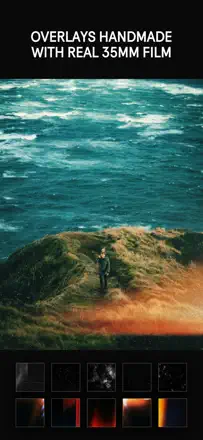
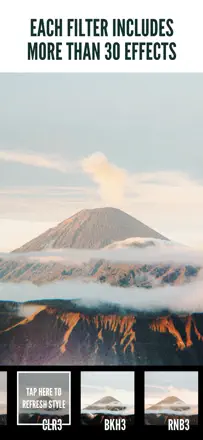
A person picks a particular mood for the image and wants to repeat it on their own frames. It matters to test the processing on different shots and to understand the settings of the file being saved.
Quelles apps les gens utilisent
Ces apps sont mentionnées dans le décryptage de cette tâche. Ouvre chacune pour comparer les points forts et les limites. L’ordre de la liste n’est pas un classement d’adéquation.
Rang 17. Note des avis : 61 sur 100. Note sur l’App Store : 4,8★ · 11 427 notes
61sur 100
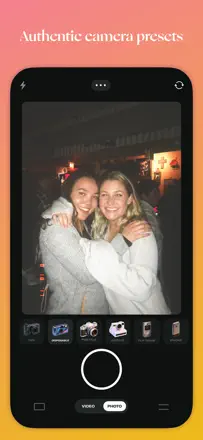
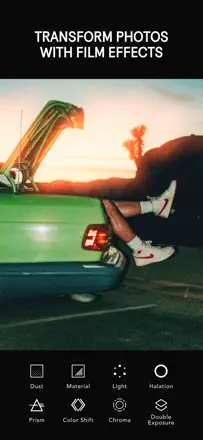
The best mobile disposable-camera film emulator according to users who have compared dozens of alternatives. Grain and light leak are adjustable component by component. The app freezes when switching between multiple photos in a row.
Points forts : The film effect works across a wide range of lighting conditions without obvious signs of digital processing. Grain and light leaks are adjustable component by component for precise control over atmosphere.
Reproches : The app freezes when switching between multiple photos in a row and requires a force close. Some presets clip colors at the edges of the brightness range when importing RAW.
Pour qui : People who want authentic film aesthetics for a personal archive or social media feed, without buying a real disposable camera.
Rang 1. Note des avis : 82 sur 100. Note sur l’App Store : 4,7★ · 12 501 notes
82sur 100
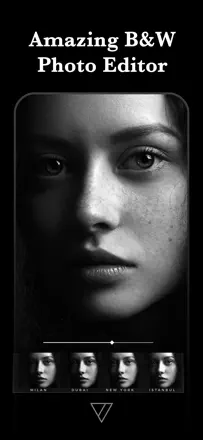
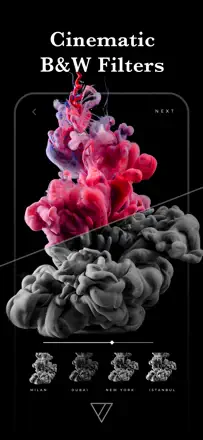
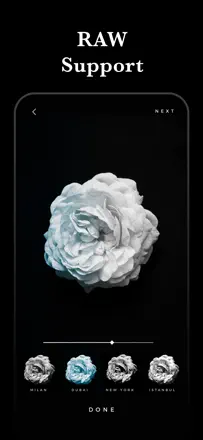
The best mobile tool for black-and-white processing according to working photographers. A wide range of tonal presets recreates the character of film emulsions, from hard contrast to soft sepia toning. Texture overlays and grain are applied with restraint. The app is actively developed and updated.
Points forts : The infrared effect, toning, and per-range tonal control via dedicated sliders produce results photographers compare to darkroom work. The interface is uncluttered and requires no learning curve.
Reproches : Restoring purchased filters when switching devices sometimes fails. The app focuses exclusively on monochrome and texture processing with no color correction tools.
Pour qui : Photographers who shoot primarily in black and white and want controlled tonal grain without a computer.
Rang 22. Note des avis : 55 sur 100. Note sur l’App Store : 4,7★ · 20 380 notes
55sur 100
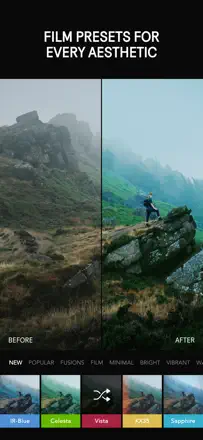
Afterlight is valued for its film presets that deliver a lively, non-generic result without garish processing. The gradient and color tone overlay tool is unique among mobile editors. Performance is stable with no freezes during normal use. The weak point: applying several corrections in sequence degrades photo quality and adds vertical banding. There are no healing brush or spot retouching tools.
Points forts : Film presets with organic grain and tonal shifts, gradient and color film overlays, and edit history with the ability to return to any step.
Reproches : Applying multiple corrections in sequence degrades image quality and introduces banding. There is no spot healing tool for object removal.
Pour qui : People who shoot in a cinematic style and want a film atmosphere without complex manual compositing.
Rang 66. Note des avis : 31 sur 100. Note sur l’App Store : 4,5★ · 33 596 notes
31sur 100
Film effects inspired by the 1960s were conceptually strong: precise grain, vignetting, and color shifts without oversaturation. After several updates a critical problem emerged: the app saves photos at under one megapixel, destroying the original image quality. Some users report brown banding on the finished image.
Points forts : Authentic film palette with grain and vignette. The filter transparency slider in older versions allowed precise control over effect intensity.
Reproches : Export shrinks the image to under one megapixel. New filters add excessive edge blur that cannot be disabled.
Pour qui : Film aesthetic enthusiasts, but only if the developers fix the resolution degradation on export.
Rang 6. Note des avis : 74 sur 100. Note sur l’App Store : 4,7★ · 11 371 notes
74sur 100
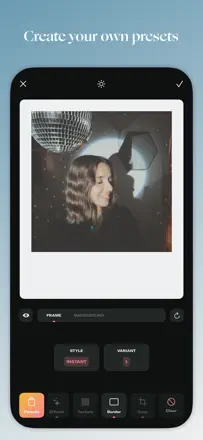
A stable editor with a wide range of filters, lens distortion correction, and the ability to create custom presets. Users apply it for years as their primary editor for social media and professional publications. Text addition is unstable in recent versions.
Points forts : Barrel distortion correction for lenses is rarely found in mobile editors. The ability to create custom presets from slider settings and reuse them. Filters produce professional results without a digital plastic look.
Reproches : Text addition in recent versions is unstable: fonts shift or fail to render. Adding a second photo to a project occasionally fails due to restricted gallery access.
Pour qui : Amateur photographers and content creators who need a reliable filter editor without a subscription or intrusive ads.