What is needed is repeating shifts and a clear way to show the schedule to family. Having those actions in one place does not yet mean the person needs a new planner.
Welche Apps genutzt werden
Diese Apps werden in der Analyse dieser Aufgabe genannt. Öffne jede, um Stärken und Grenzen zu vergleichen. Die Reihenfolge der Liste ist keine Rangliste der Eignung.
Platz 5. Wert aus Rezensionen: 79 von 100. App-Store-Bewertung: 4,9★ · 5.058 Bewertungen
79von 100
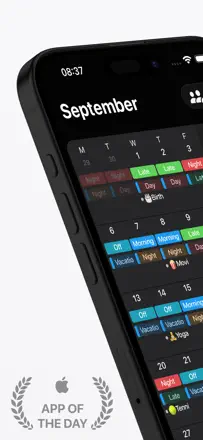
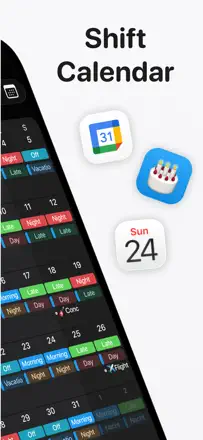
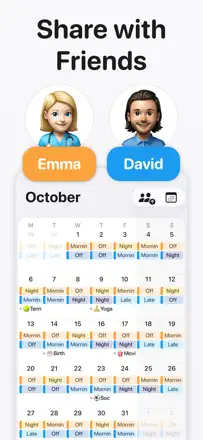
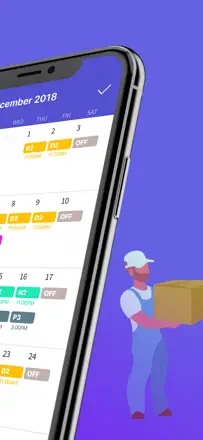
The best calendar for shift workers: shift templates let you fill an entire month in a minute. Sync with Google Calendar and iCloud works reliably. Widgets show upcoming shifts without opening the app. Nearly perfect for non-standard schedules.
Gelobt: Shift templates fill a month in a few taps. Cross-device sync works without complaints. Widgets accurately show the current and next shift.
Kritik: Cannot set the display order for multiple shifts on the same day. Changing the time zone does not automatically recalculate existing entries.
Für wen: Shift workers: medical staff, firefighters, security, retail workers with irregular or rotating schedules.
Platz 14. Wert aus Rezensionen: 70 von 100. App-Store-Bewertung: 4,7★ · 14.341 Bewertungen
70von 100
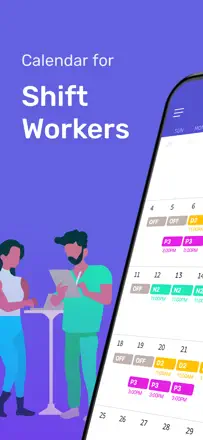
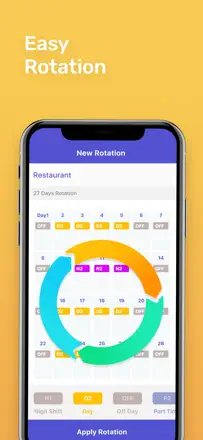
A specialized calendar for shift workers: set a shift pattern, see estimated earnings for a period, and add personal events on top of the work schedule. Simplicity is the core value. Downside: no sync with third-party calendars and no way to share with family through a family account.
Gelobt: Quick shift schedule entry via a pattern, a widget with upcoming shifts on the home screen, and estimated pay calculation for any period.
Kritik: No sync with iCloud or Google Calendar. Cannot share a schedule with family members through shared access. The app persistently asks for a review every few opens.
Für wen: Shift and rotating-schedule workers: medical staff, security, factory employees who need to see workdays and days off in one place.