


AYOA - Mind Mapping
- 41 of 100 · reviews
- 4.6of 5 · store
- 1,032ratings on the App Store
- 145reviews read
An editorial reading of the saved reviews
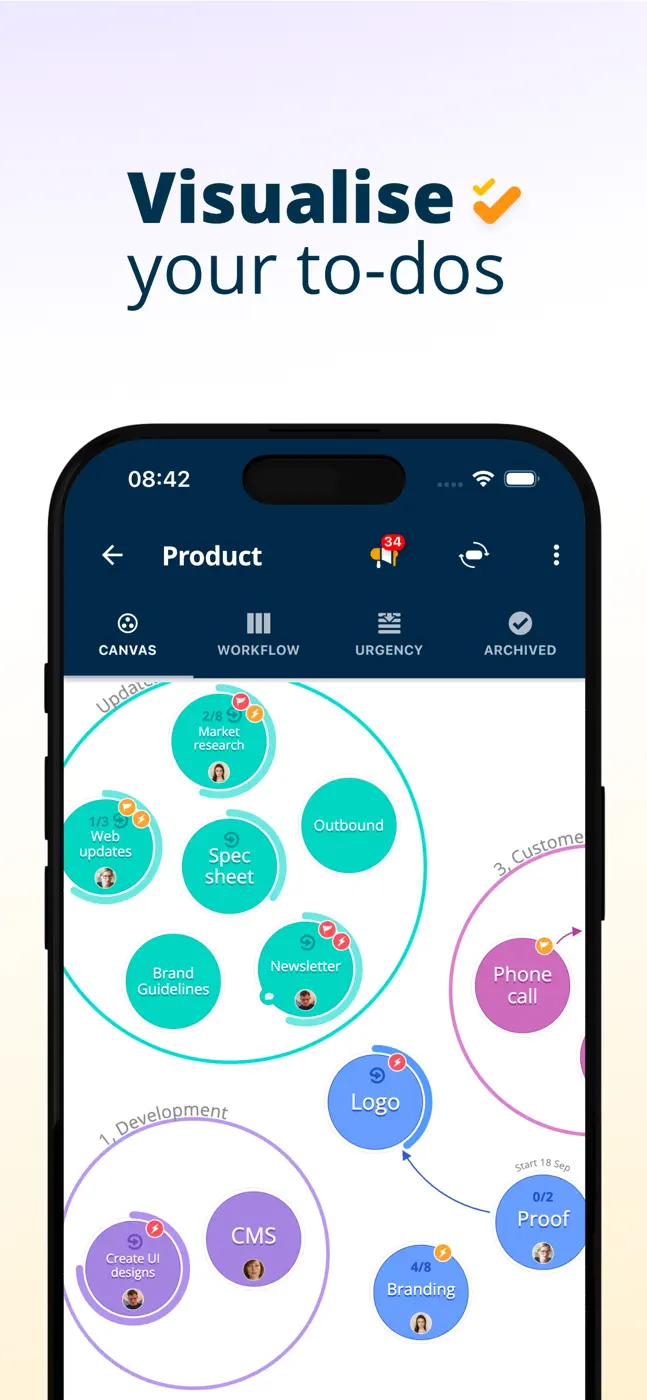
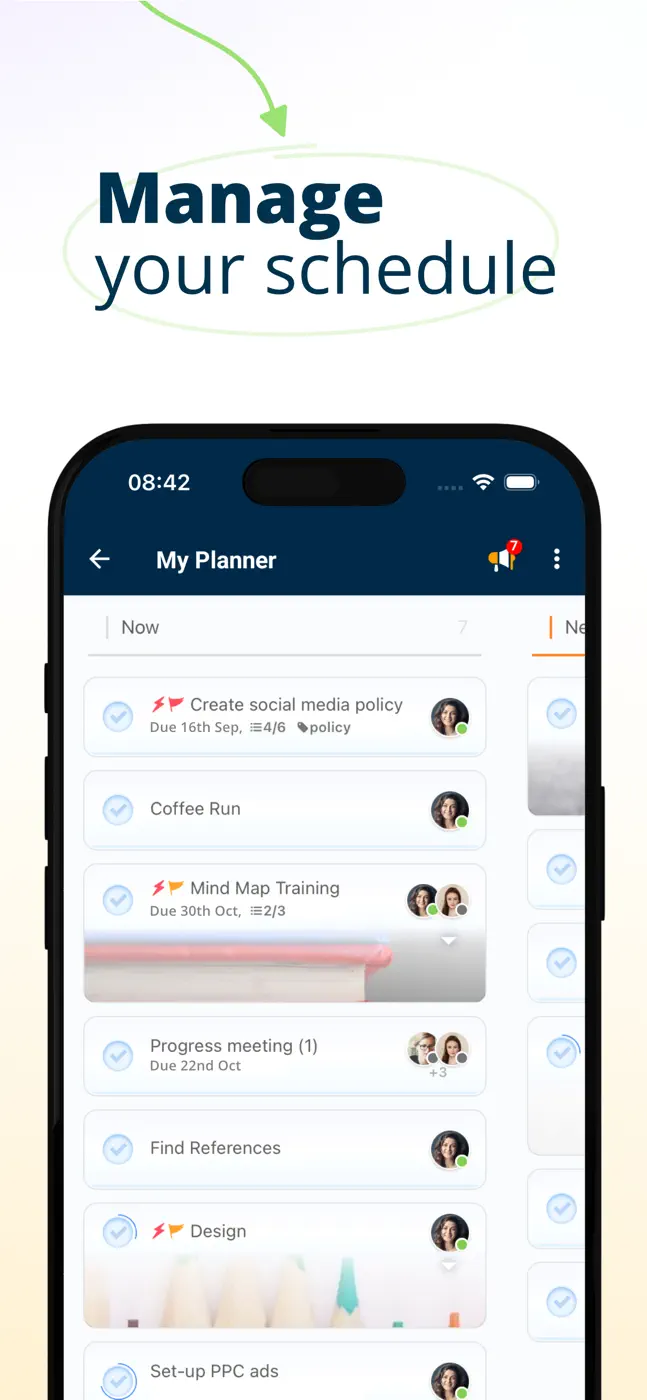
AYOA (formerly iMindMap, formerly DropTask) has a tangled history: it started as a mind map tool by Tony Buzan, then task management was added, and now both coexist. The mobile client lags far behind the web version: some features are unavailable, Apple Pencil performs poorly, and new users often hit a white screen on first launch.
Screenshots




What people use it for
Users who value the organic visual style of classic iMindMap and are comfortable working primarily through the web version.
What reviews praise
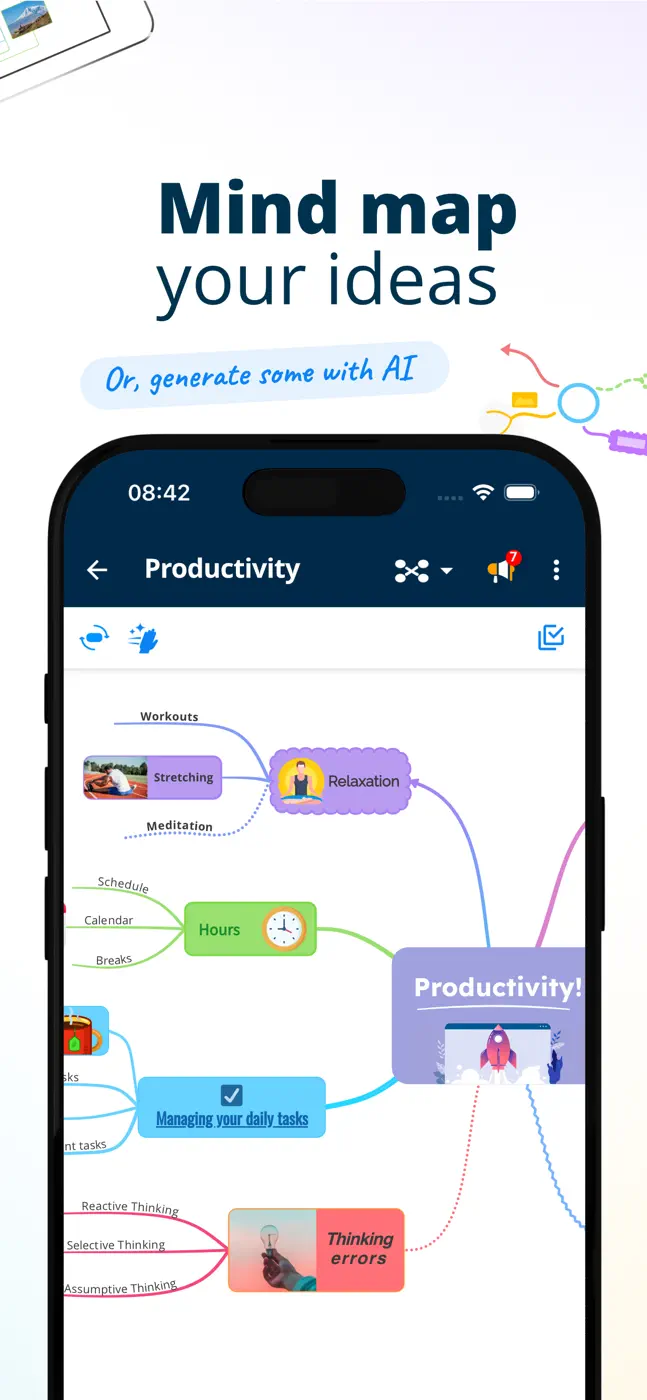
- A visually organic map in the signature iMindMap style: branches are curved and hand-drawn rather than straight lines.
- The map looks like a real mind map, not a flowchart.
What reviews complain about
- The mobile client is a stripped-down copy of the web version.
- Menus and features available in the browser are missing in the app, and users discover this only after buying a subscription.
What users experience
2 excerpts from the breakdown. These are individual cases, not a verdict on all users.
The iOS Ayoa application is not ready primetime use. No clear way to clean up a Map. Navigation with the Apple Pencil is poor. Most of the menu options available in the web application are not available.
We have been a paying client for 4 years now with 25 employees. The software is great for tasks and projects.
Mentioned for these jobs
Other apps in this topic
Full ranking: Mind maps10 apps with screenshots and scores


This is material from the inApp archive. Before installing, check the app’s current terms and features in the store.