


Mind Map Maker - Mindomo
- 55 of 100 · reviews
- 4.7of 5 · store
- 468ratings on the App Store
- 138reviews read
An editorial reading of the saved reviews
A full-featured cross-platform mind mapper with templates and a web version, but the mobile app is noticeably weaker than the web in features. Nodes move in jerks and snapping breaks the layout. Apple Pencil support is rough.
Screenshots

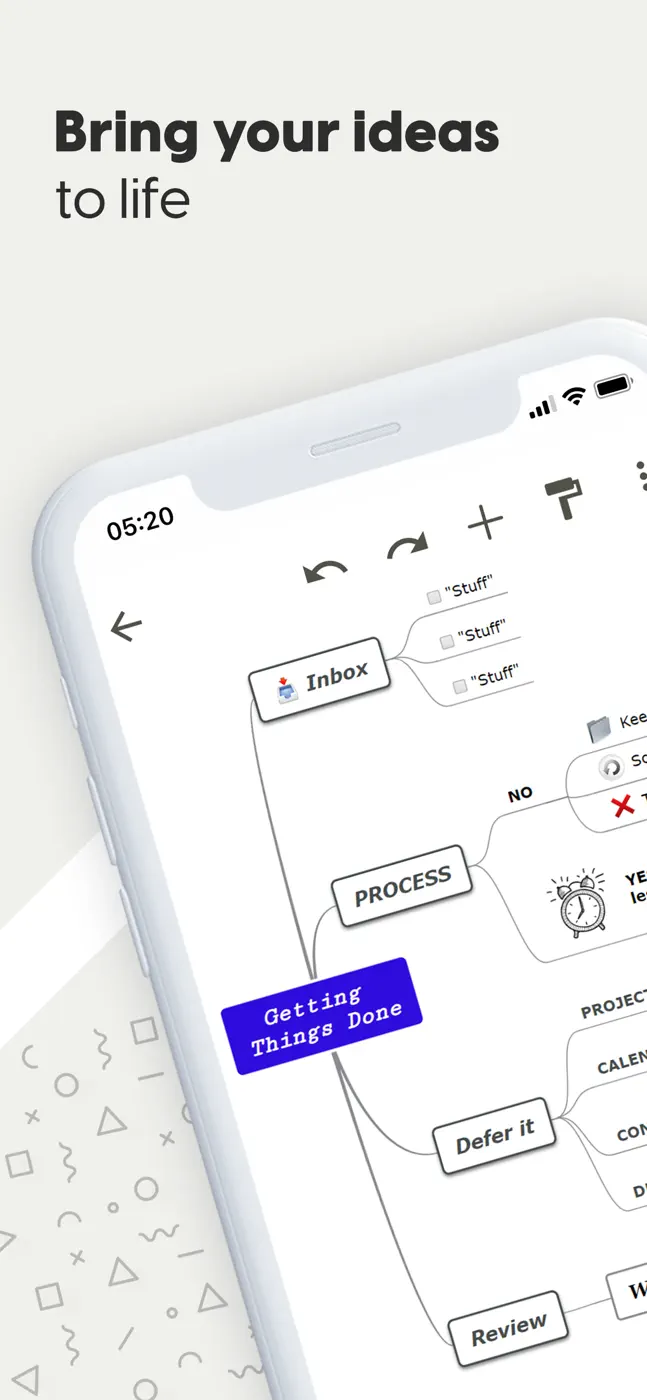
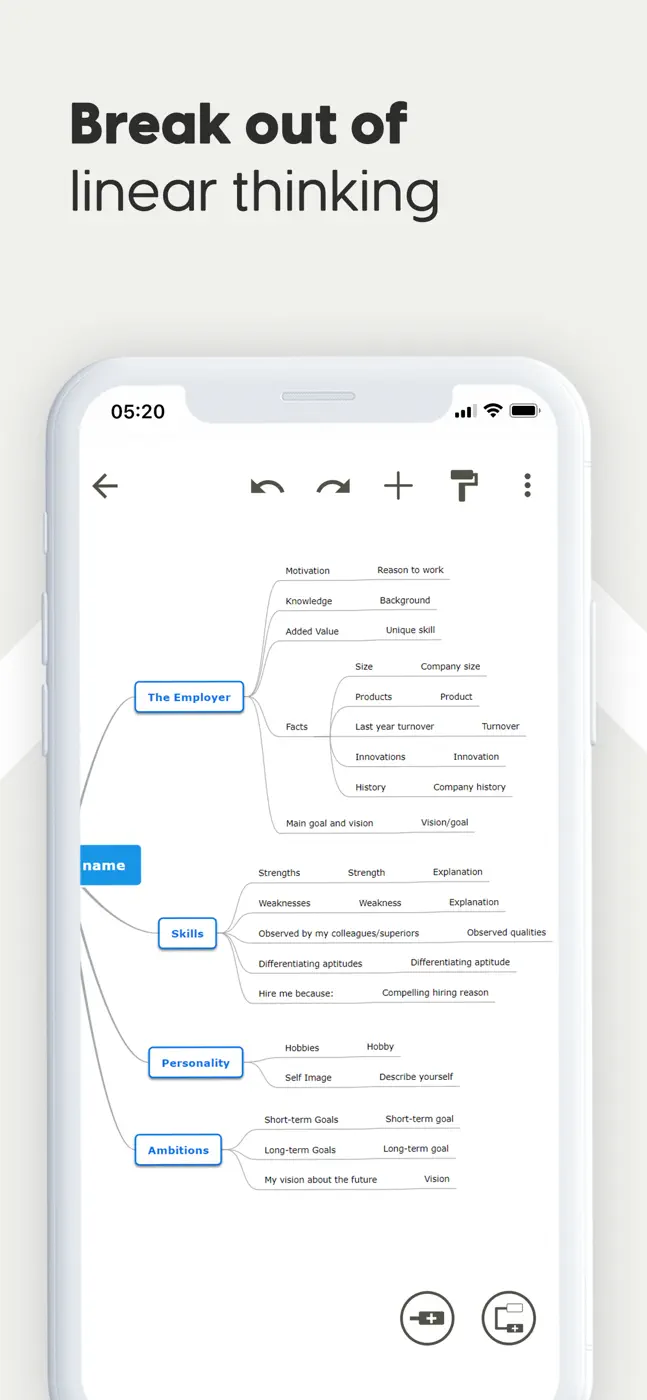
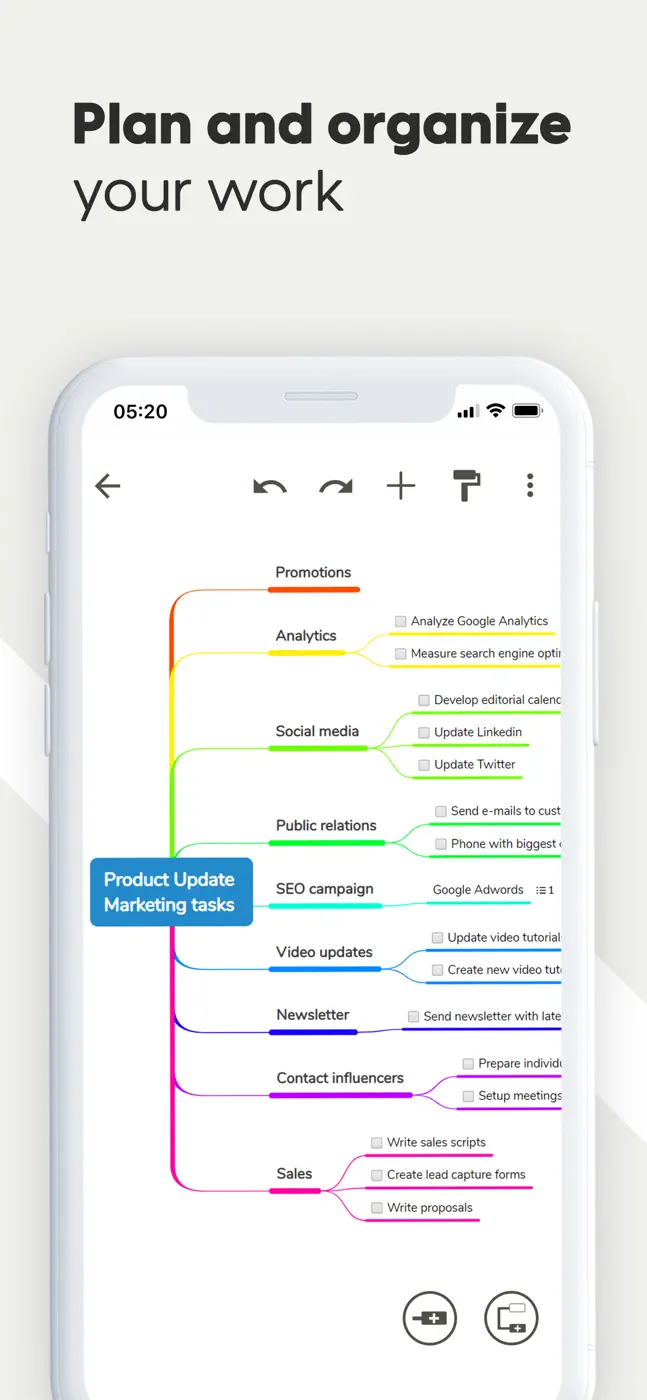

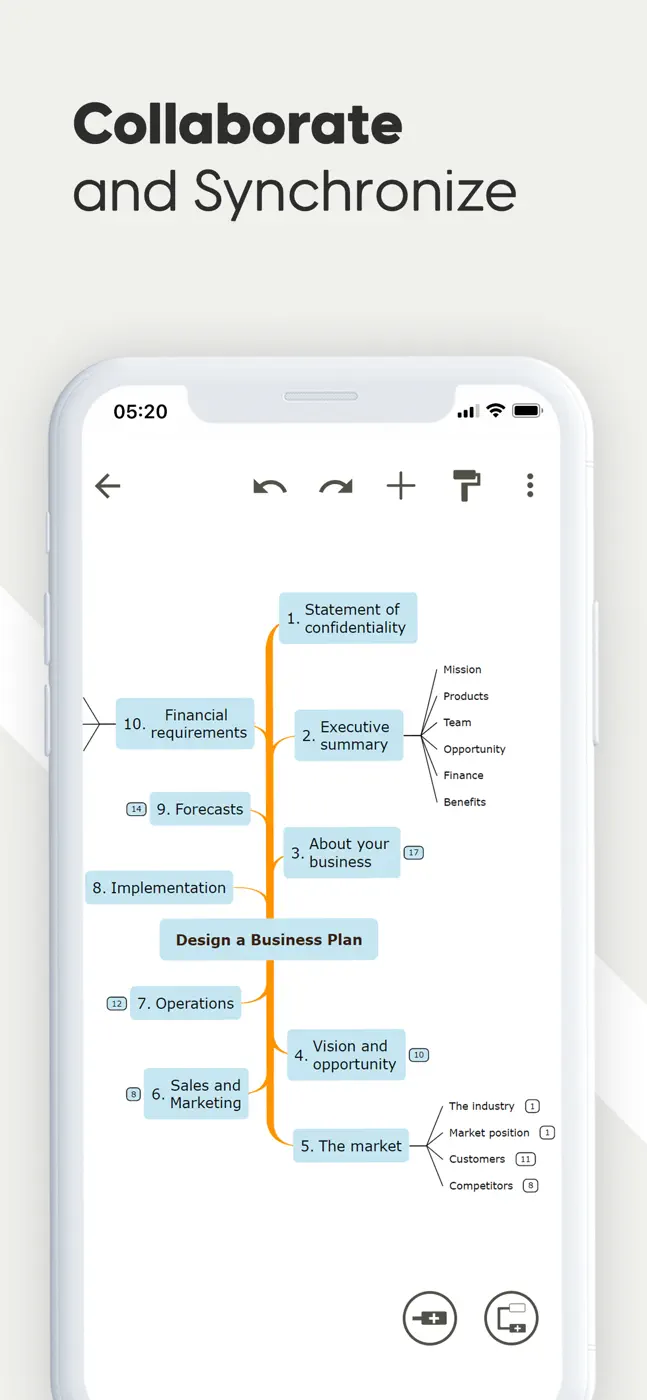
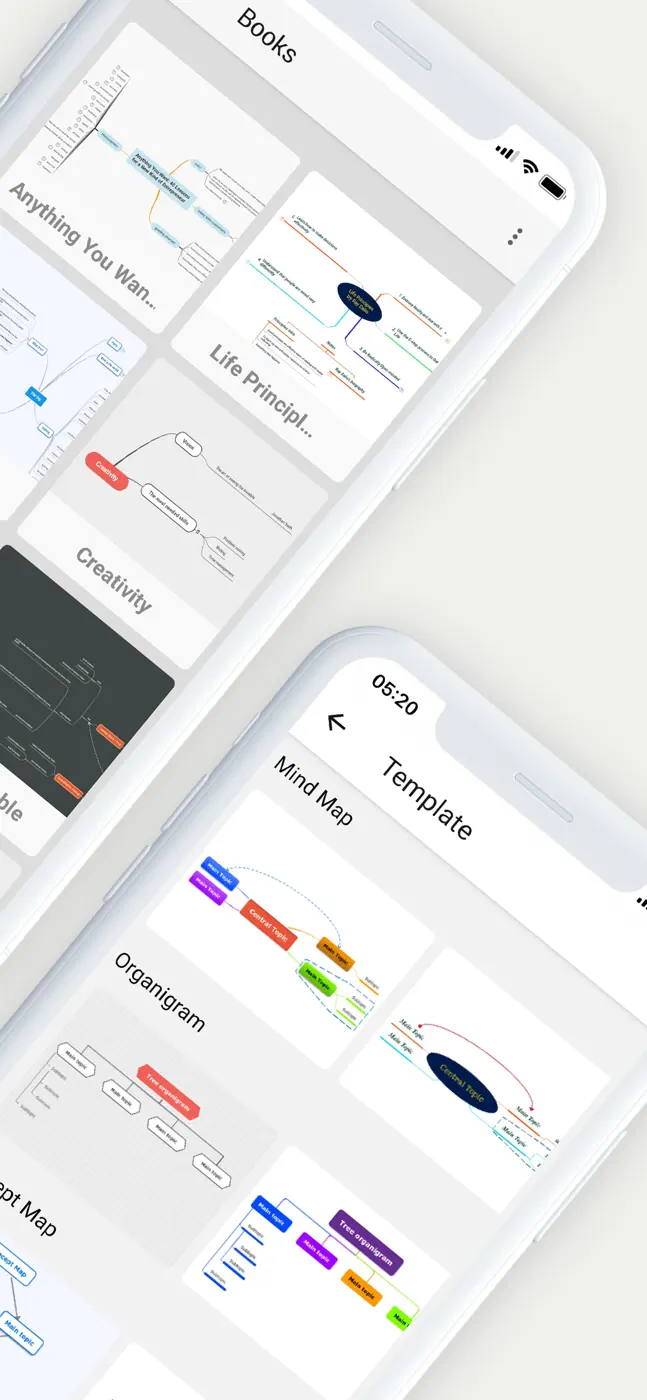
What people use it for
A student or educator who already works with Mindomo on the web and occasionally wants to open a map from their phone, not build one from scratch.
What reviews praise
- Works across multiple platforms with synced data.
- Templates help you start without a blank slate.
- Free navigation without a required hierarchy appeals to users who build non-linear maps.
What reviews complain about
- Dragging nodes on mobile is jumpy and snapping is chaotic.
- The mobile version lacks many web features: no floating topics, no outline conversion, no links between separate maps.
- Keyboard shortcuts are absent.
What users experience
8 excerpts from the breakdown. These are individual cases, not a verdict on all users.
I really thought this was going to be the app! Unless I'm mistaken though, there are no keyboard shortcuts? To quickly brainstorm, I have to be able to mind map without touching the screen. If there aren't keyboard shortcuts implemented, I can't really use it.
I've been testing your app for about a week now and I'm having issues with sharing my map.. Sending it as a pdf in an email doesn't send the included pictures in a box.
Often more frustrating to use than helpful. You can't do half of what you can on the web version or it is at least very unclear how to
In trying to use my Apple Pencil for text input it caused nodes to drag, to disappear, or didn't actually write. I'm going to try to find an alternative.
The templates are helpful tools, and it is also very simple to create your own maps.
There is no option for converting an existing mind map to outline format
When you move blocks, the motion is jittery and it snaps to the most random places
The offline mode seems to work with pretty good syncing once back online
Mentioned for these jobs
Other apps in this topic
Full ranking: Mind maps10 apps with screenshots and scores


This is material from the inApp archive. Before installing, check the app’s current terms and features in the store.