


Lightroom: AI Photo Editor
アプリについての本文は英語です。
- 76 100点中 · レビュー
- 4.85点中 · ストア
- 335,094件の評価(App Store)
- 500件のレビューを分析
保存されたレビューの編集部による読み解き
The best mobile editor for RAW shooters: powerful masking tools, preset sync, and flexible color grading. The object removal tool and the new generative AI features are unstable, but everything else is desktop-level.
スクリーンショット


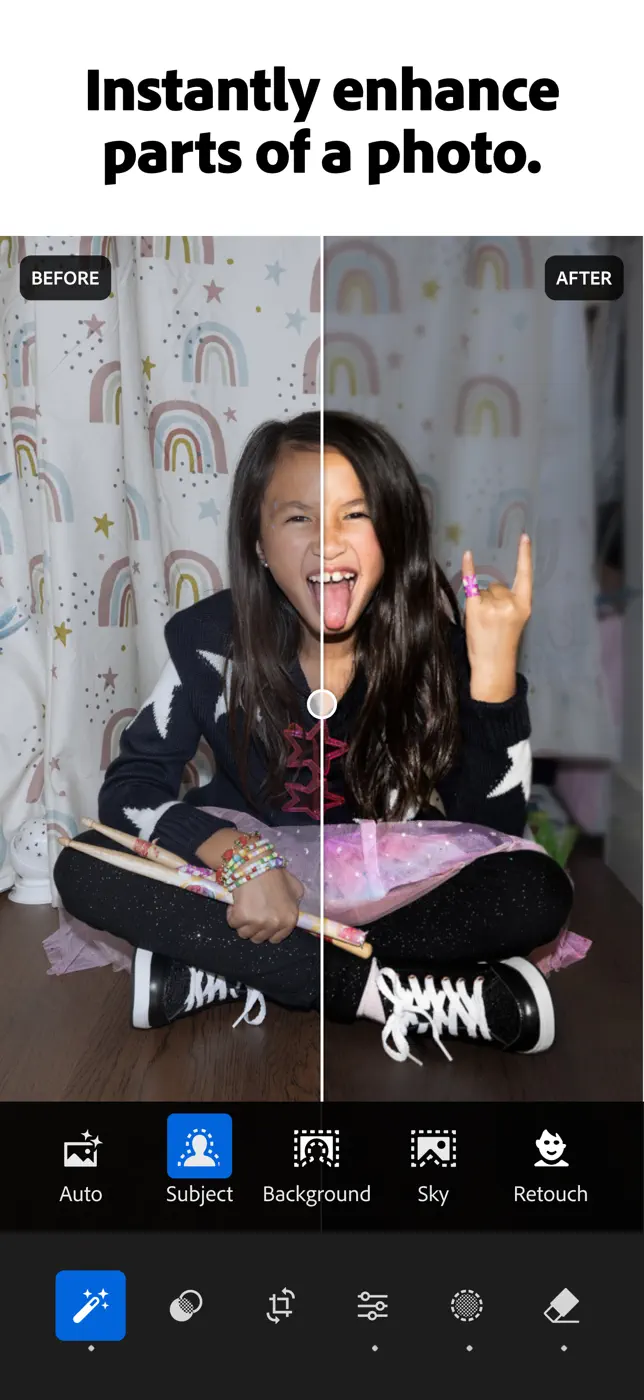


どんな用途で使われているか
Photographers who shoot in RAW and want a complete workflow without a laptop on the road.
レビューでほめられている点
- Desktop-grade RAW processing on the phone.
- AI-assisted object masking is precise.
- Preset sync between phone and PC saves time in complex workflows.
- Suggested presets offer a solid starting point.
レビューで不満が出ている点
- The object removal tool selects a much larger area than indicated.
- Editing high-resolution images on iPad turns highlights green.
- Importing from an SD card requires loading all previews before work can begin.
ユーザーの体験
分析からの抜粋2件。個別の事例であり、すべてのユーザーの評価ではありません。
いいアプリ。携帯の写真の編集にも、Rawファイルの編集にも使える。このアプリの機能と良さが本当に分かるのは、パソコンのLightroomのカタログと同期してから。これは助かっている。
The Lightroom mobile app is the best app I've found for effective photo edits on my phone. More options than you'll likely need with ability to import presets as desired. I mainly utilize presets and adjust light settings or remove unwanted objects.この課題で挙げられています
このテーマのほかのアプリ
ランキング全体:写真編集アプリスクリーンショットとスコア付きの99アプリ


これはinAppのアーカイブの資料です。インストールの前に、ストアでアプリの現在の条件と機能を確認してください。