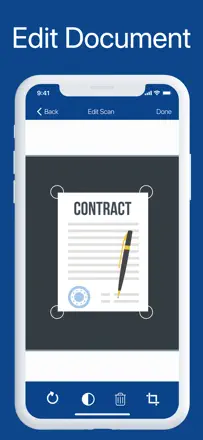
Handwritten work often has to be kept as a crisp image rather than recognized text. Check the geometry of the sheet and the page order.
Which apps people use
These apps are mentioned in the breakdown of this job. Open each one to compare strengths and limits. The order of the list is not a ranking of fitness.
Rank 6. Review score: 65 out of 100. App Store rating: 4.9★ · 100,037 ratings
65of 100
A fast and convenient scanner with built-in fax, but unreliable email delivery undermines trust.
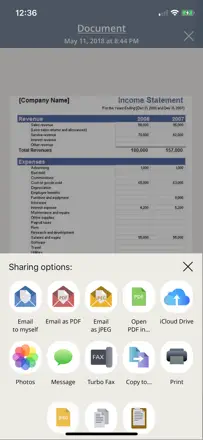
Praised: Flattens crumpled receipts and sends a PDF right away without extra steps. Users appreciate the speed and folder organization.
Complaints: Emails with scanned documents can take hours or never arrive at all. Documents don't sync to the cloud and disappear when the app is reinstalled.
Best for: Field workers and freelancers who need to quickly send a document or receipt without a scanner nearby.
Rank 11. Review score: 62 out of 100. App Store rating: 4.8★ · 177,383 ratings
62of 100
A veteran scanner that got ruined by updates and a subscription paywall.
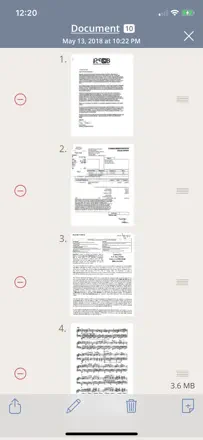
Praised: '10 documents in a minute.' People have kept it for years for its reliability and simplicity of the basic flow.
Complaints: Every major update complicates the interface instead of simplifying it. The subscription wall blocks document sending, which is the only reason people open the app.
Best for: Anyone who scans occasionally and wants the fewest steps from button to PDF in their inbox.
Rank 44. Review score: 28 out of 100. App Store rating: 4.7★ · 26,234 ratings
28of 100
A scanner with minimal image processing quality and an aggressive paywall that hits right after scanning.
Praised: Quickly makes a PDF from a photo, useful for students digitizing handwritten work in basic scenarios.
Complaints: Scan quality is low: the result looks like a screenshot, not a processed scan. After shooting, the paywall blocks any action with the file. You can't send or print it.
Best for: Users who need a one-off PDF without quality requirements and are ready to pay immediately.
Rank 20. Review score: 55 out of 100. App Store rating: 4.9★ · 67,384 ratings
55of 100
A fast photo-to-PDF converter with a friendly interface, but fragile: all files are stored locally and lost when you delete the app.
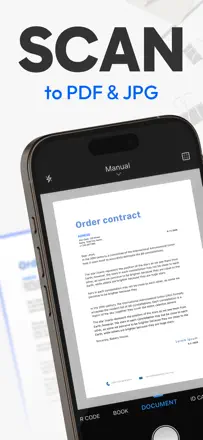
Praised: '40 minutes with other apps, 40 seconds with this one.' The core scanning engine gets praise for clean output.
Complaints: Auto-alignment distorts documents with curled corners, stretching them to an unreadable size. All files live locally and vanish completely when the app is deleted.
Best for: Students and one-off tasks. Not suited for anyone storing important documents long-term.