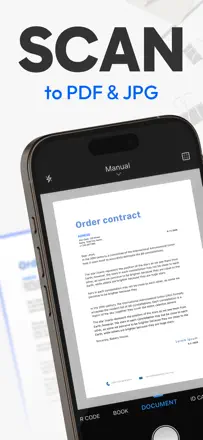
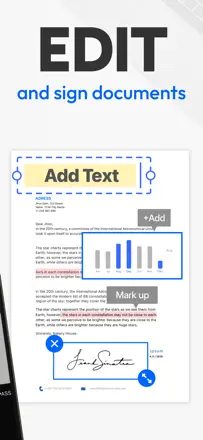
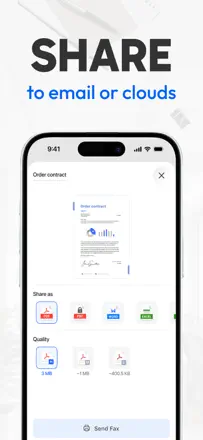
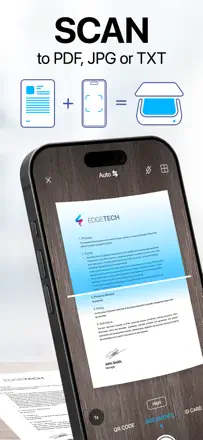
Digitize and keep important personal documents (insurance policies, tax papers, medical certificates, family archives) so they are available from the phone.
The reviews include documents lost after changing phone. A user has to understand where the copy is kept and how to restore it.
Which apps people use
These apps are mentioned in the breakdown of this job. Open each one to compare strengths and limits. The order of the list is not a ranking of fitness.
Rank 11. Review score: 62 out of 100. App Store rating: 4.8★ · 177,383 ratings
62of 100
A veteran scanner that got ruined by updates and a subscription paywall.
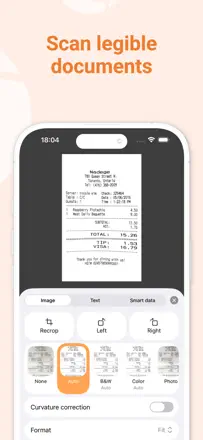
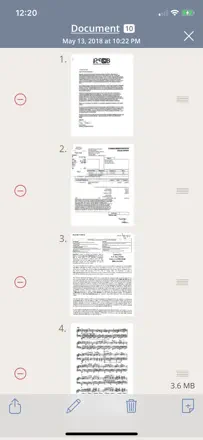
Praised: '10 documents in a minute.' People have kept it for years for its reliability and simplicity of the basic flow.
Complaints: Every major update complicates the interface instead of simplifying it. The subscription wall blocks document sending, which is the only reason people open the app.
Best for: Anyone who scans occasionally and wants the fewest steps from button to PDF in their inbox.
Rank 30. Review score: 40 out of 100. App Store rating: 4.8★ · 49,799 ratings
40of 100
A scanner with built-in fax that periodically stops working, loses files, and freezes on long documents.
Praised: The folder system is convenient for keeping documents on hand. Long-term users value having their archive accessible on the phone.
Complaints: The fax feature breaks regularly and has no proper password recovery on reinstall. Documents are lost when the app crashes on 25+ page scans.
Best for: A niche case: people who need a built-in fax directly from their phone and can accept instability.
Rank 13. Review score: 61 out of 100. App Store rating: 4.8★ · 1,386,049 ratings
61of 100
A functional scanner with good recognition, but recent updates broke stability.
Praised: Supports drag-and-drop for photos and documents directly into the app. The basic path of scanning receipts daily and emailing them works without extra steps.
Complaints: When editing, color documents get converted to black and white, which breaks scanning of artwork and color forms. The trash folder in new versions freezes when you try to empty it.
Best for: People who scan receipts and documents regularly and want to store them in organized folders.
Rank 2. Review score: 72 out of 100. App Store rating: 4.9★ · 1,339,911 ratings
72of 100
A time-tested scanner with solid file organization, but export has been glitchy lately.
Praised: Users keep coming back year after year for the predictability: shoot, crop, send. The file system handles large archives without losing navigation.
Complaints: Email delivery stopped working for some users after an update and documents don't get through. Auto-capture mode requires manual confirmation for each page, slowing down multi-page scans.
Best for: People who store documents inside the app and occasionally send them by email or to the cloud.
Rank 6. Review score: 65 out of 100. App Store rating: 4.9★ · 100,037 ratings
65of 100
A fast and convenient scanner with built-in fax, but unreliable email delivery undermines trust.
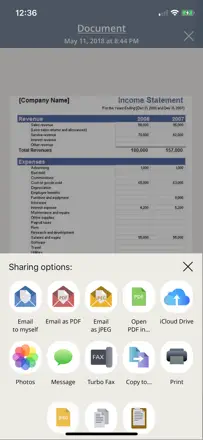
Praised: Flattens crumpled receipts and sends a PDF right away without extra steps. Users appreciate the speed and folder organization.
Complaints: Emails with scanned documents can take hours or never arrive at all. Documents don't sync to the cloud and disappear when the app is reinstalled.
Best for: Field workers and freelancers who need to quickly send a document or receipt without a scanner nearby.