


Otter Transcribe Voice Notes
アプリについての本文は英語です。
- 58 100点中 · レビュー
- 4.85点中 · ストア
- 62,322件の評価(App Store)
- 497件のレビューを分析
保存されたレビューの編集部による読み解き
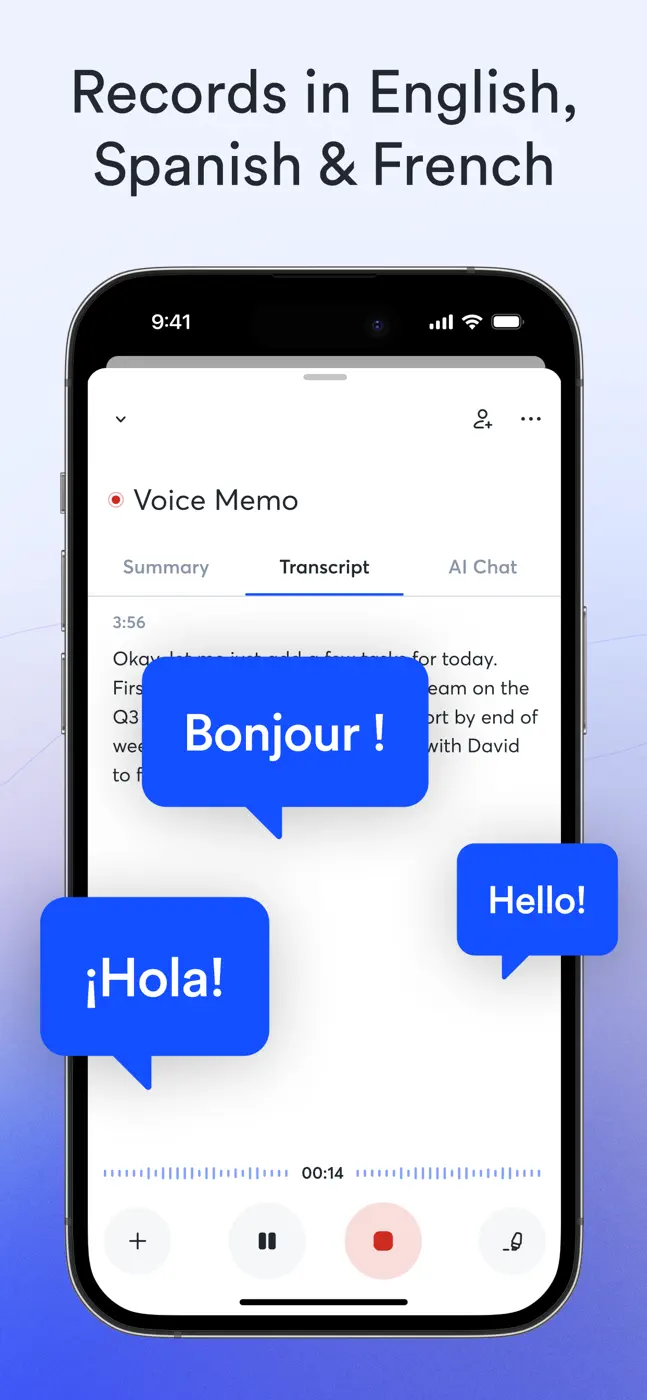
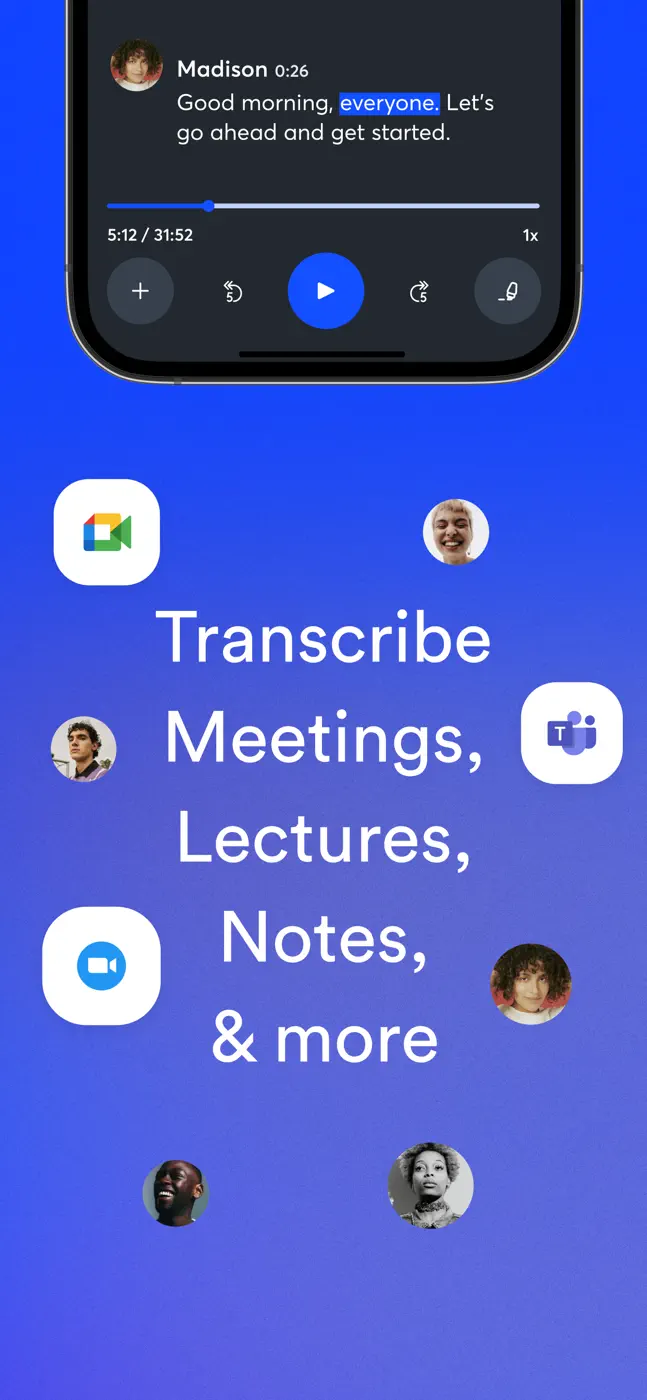
An AI meeting transcriber with speaker identification, summaries, and action items. Transcription is accurate for the primary language but struggles with accents, names, and specialized vocabulary. Speaker identification is unreliable. The UX feels unfinished: you cannot start recording instantly, file organization is weak, and the mobile experience lags behind the web app.
スクリーンショット
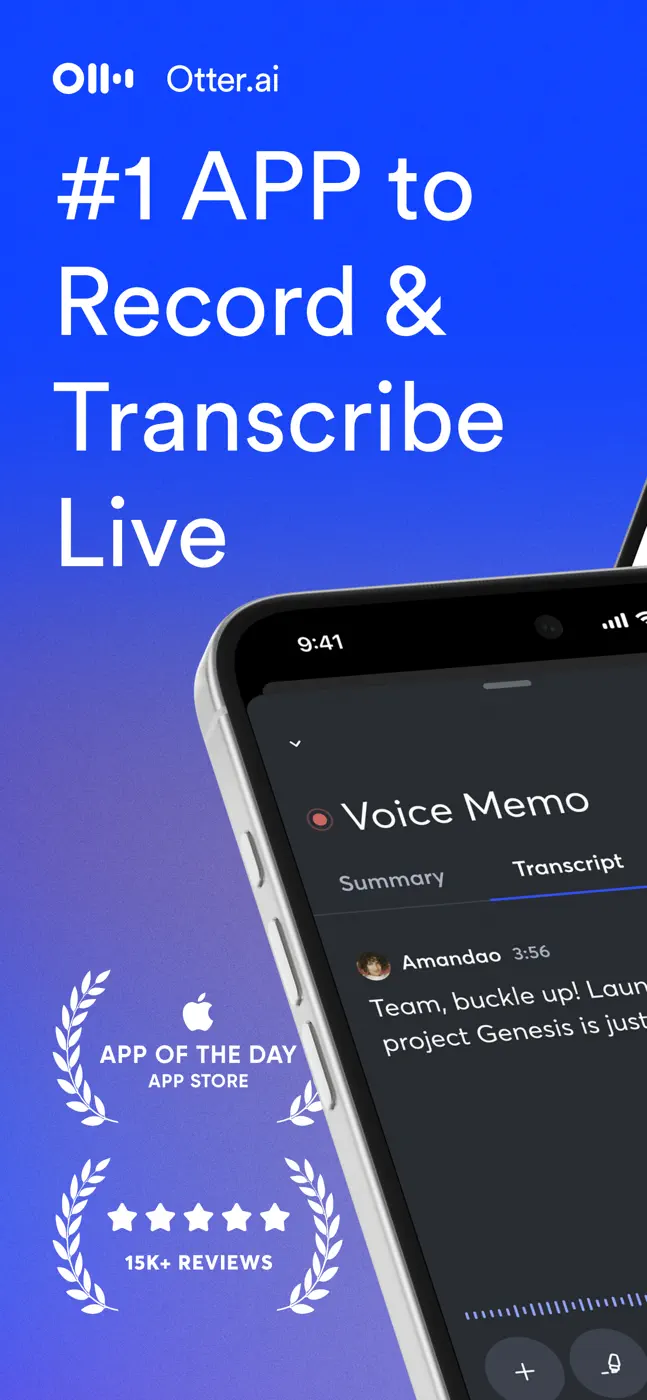
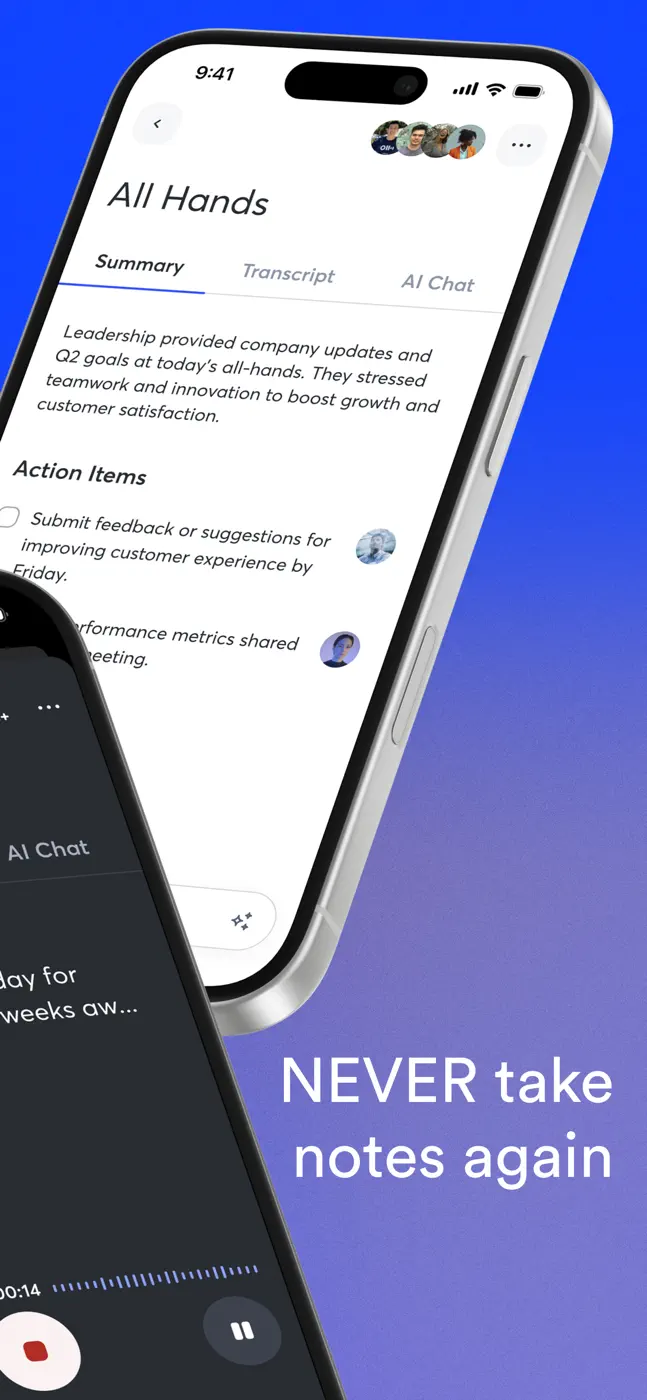
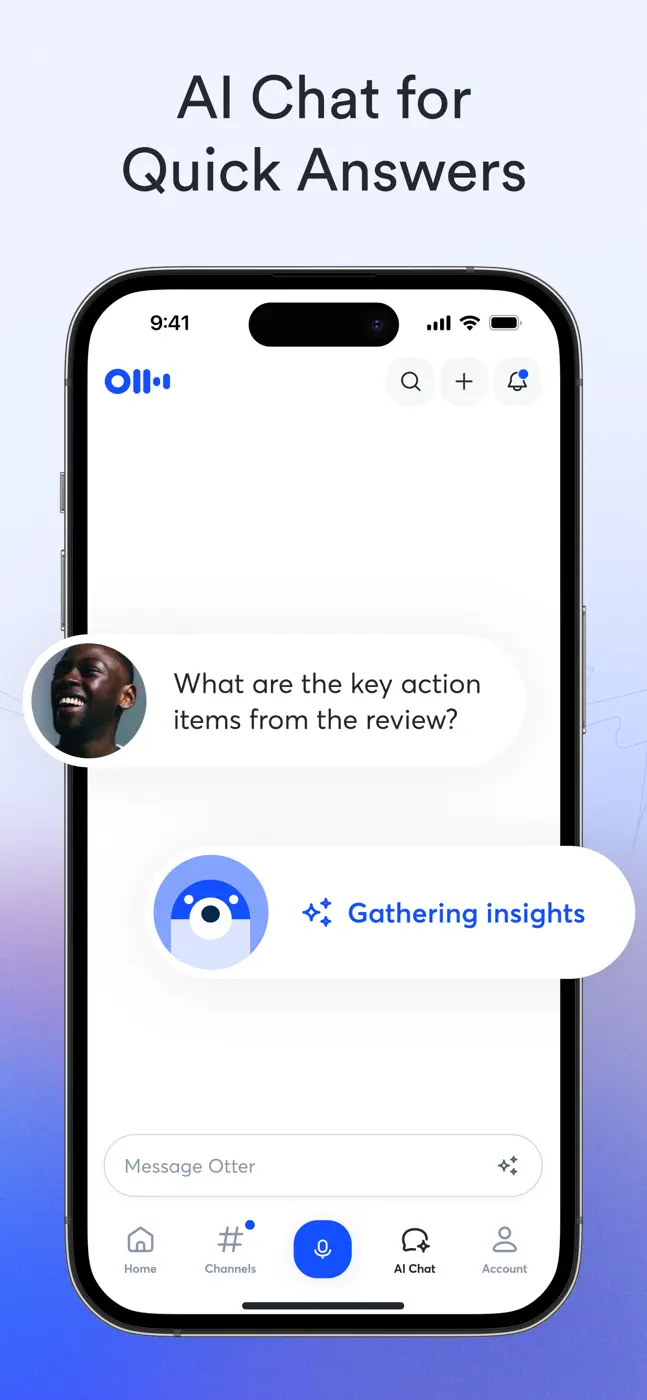
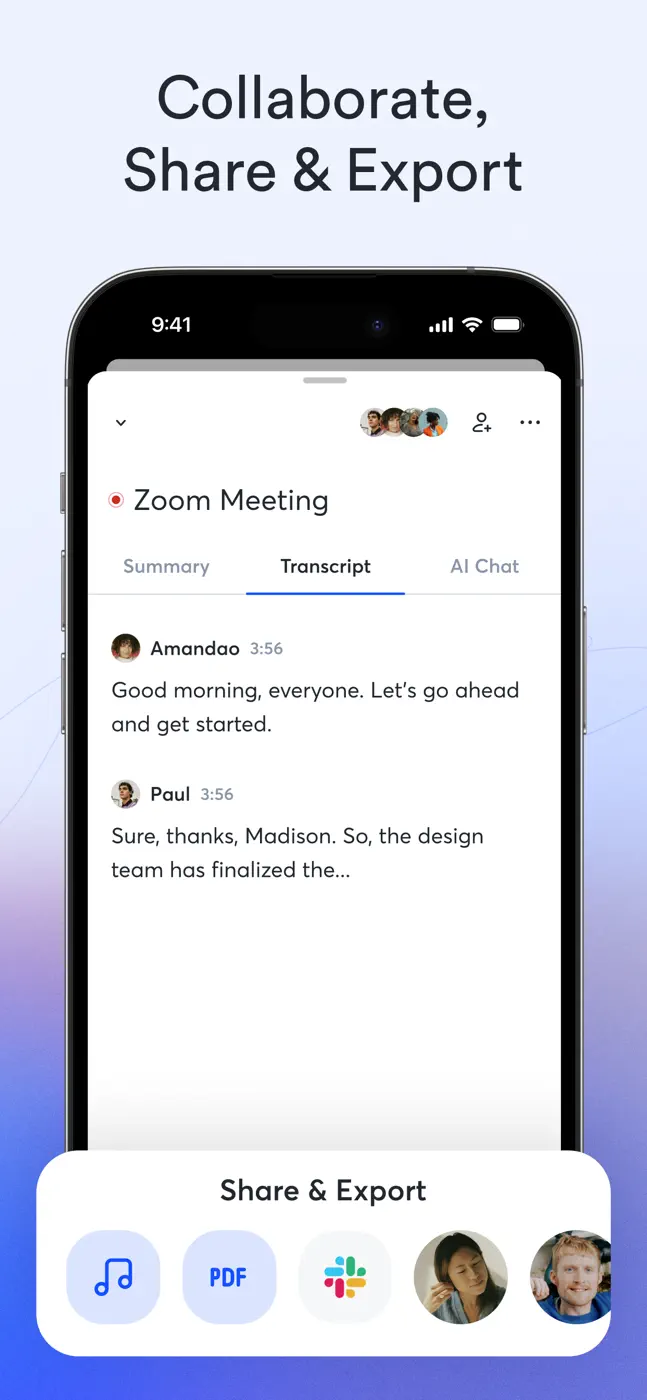
どんな用途で使われているか
Managers and teams who need automatic meeting minutes. Students for lecture notes. Not a good fit for interviews with specialized vocabulary or multiple similar-sounding voices.
レビューでほめられている点
- Automatic summaries and action items from a meeting are ready right after recording.
- Full-text search across transcripts works well.
- Calendar integration can trigger recording automatically.
レビューで不満が出ている点
- Speaker labels are lost on replay and have to be re-tagged manually.
- Mobile export does not reproduce the layout (photos plus text) as shown in the app.
- The free-tier minute cap runs out fast with no warning.
ユーザーの体験
分析からの抜粋4件。個別の事例であり、すべてのユーザーの評価ではありません。
話者の名前を見分けるのはそんなに得意じゃない。声を聞き分けて話者番号を付けてくれることを期待してたんだけど、同じ人で、もうラベルを付けてあっても、いちいち入って全部の話者にラベルを付けないといけない。
Otter.ai、本当に大好きです! ノートの取り方と会議の追いかけ方が完全に変わりました。文字起こしは速くて正確で、時間がすごく節約できます。要約も、過去の会話を簡単に検索できるところも気に入ってます。
The real deal breaker for me is the lack of practical usability for my needs. The inability to simply move a recording/session into a folder is infuriating.画像とテキストを、アプリで見えているとおりに、正しいタイムスタンプと位置に画像が入った一つのファイルとして書き出せない。本気で使う人にはとても厳しい。アプリで見えているものが手に入らない。
この課題で挙げられています
- Capture the decisions and action items from a meeting without being stuck taking notes during the conversationManagers and teams in meetings
- Transcribe an interview with several participants and export the text to an editor to work with quotesJournalists and researchers
- Record a full lecture or seminar and get structured notes without re-listening to the whole thingStudents in lectures
このテーマのほかのアプリ
ランキング全体:音声録音と文字起こしスクリーンショットとスコア付きの28アプリ


これはinAppのアーカイブの資料です。インストールの前に、ストアでアプリの現在の条件と機能を確認してください。