Ces apps sont mentionnées dans le décryptage de cette tâche. Ouvre chacune pour comparer les points forts et les limites. L’ordre de la liste n’est pas un classement d’adéquation.
Rang 6. Note des avis : 62 sur 100. Note sur l’App Store : 4,7★ · 7 860 notes
62sur 100
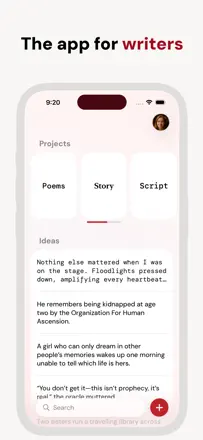
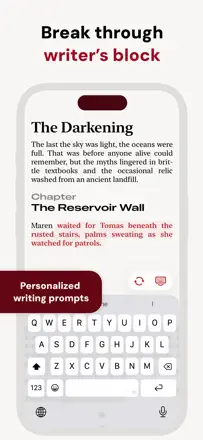
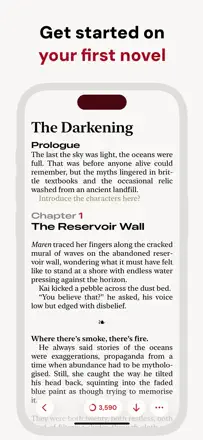
Werdsmith is a genuine writers' app with novel, screenplay, and poetry modes, a ghost-author feature for breaking creative blocks, and multi-device sync. For mobile fiction writing it is one of the better tools, though the paywall limits free use.
Points forts : The next-sentence autocomplete genuinely helps break through a creative block without disrupting your style.
Reproches : No way to split a novel into parts or manually control chapter numbers when inserting content.
Pour qui : Fiction writers who write regularly and on mobile
Rang 2. Note des avis : 72 sur 100. Note sur l’App Store : 4,6★ · 1 511 notes
72sur 100
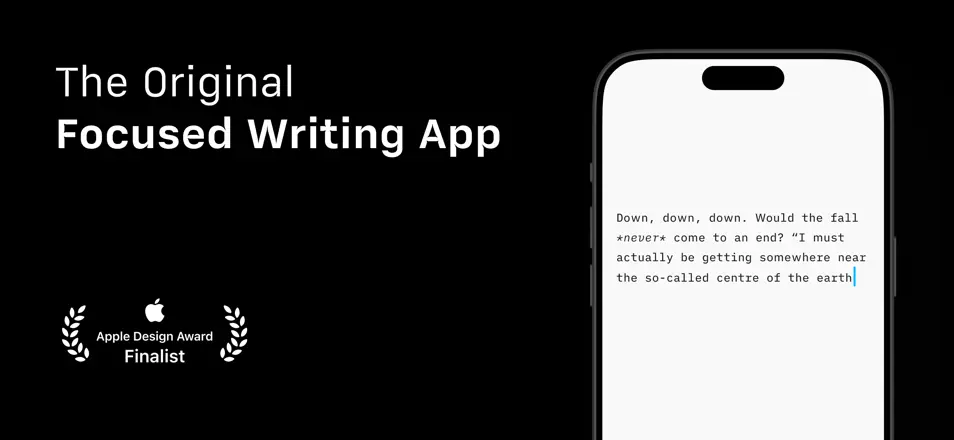
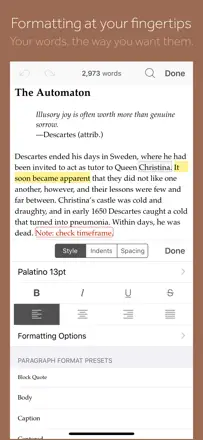
The best minimalist editor for serious writing on iOS: polished down to the details, supports Markdown, syncs with iCloud, and has been beloved by writers for over a decade. Downsides include occasional bugs with cloud folders and weak Arabic support.
Points forts : Focus mode and typography create a working atmosphere that is hard to replicate in other apps.
Reproches : Folders in Dropbox and third-party clouds occasionally disappear after updates.
Pour qui : Writers and journalists who need a distraction-free environment and Markdown
Rang 7. Note des avis : 62 sur 100. Note sur l’App Store : 4,5★ · 908 notes
62sur 100
Fortelling solves a real problem for writers: keeping characters, timelines, and world-building in one place. Crashes during account creation and an aggressive paywall undermine an otherwise solid experience.
Points forts : Depth of world-building tools and the ability to get feedback from other writers.
Reproches : Many essential organization features are locked behind a subscription.
Pour qui : Aspiring sci-fi and fantasy writers who need a mobile story organizer
Rang 21. Note des avis : 48 sur 100. Note sur l’App Store : 4,2★ · 2 578 notes
48sur 100
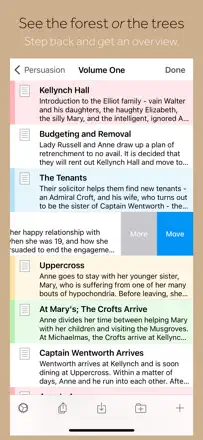
Scrivener on iOS was once a full-featured writing tool, but the mobile version has not been updated in a long time, key formatting features are broken, and Dropbox sync is unreliable. The desktop version remains strong.
Points forts : Nested folders and binders let you organize even a complex multi-level project with hundreds of notes.
Reproches : Font and style formatting crashes on every attempt, and the mobile app has gone years without critical fixes.
Pour qui : Novel writers who primarily work on Mac
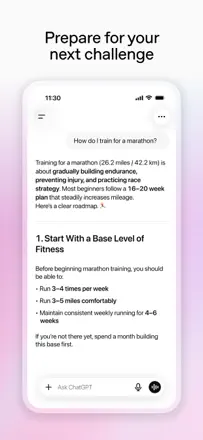
Rang 1. Note des avis : 72 sur 100. Note sur l’App Store : 4,8★ · 8 239 403 notes
72sur 100
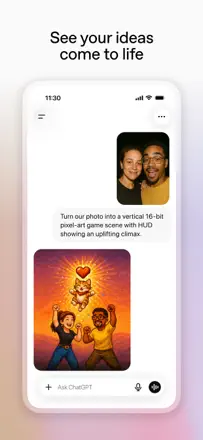
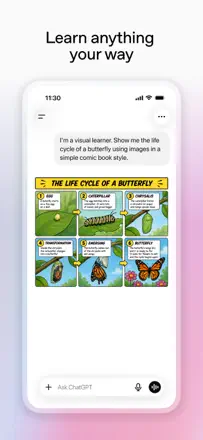
OpenAI's flagship AI assistant with broad capabilities for editing, rewriting, and structuring text. The main weakness: the model hallucinates on facts and loses context in long sessions.
Points forts : Handles complex editing and style requests faster and more accurately than a search engine.
Reproches : Memory between sessions is inconsistent and sometimes mixes another conversation's context into the current one.
Pour qui : Anyone who writes regularly and wants a general-purpose AI assistant