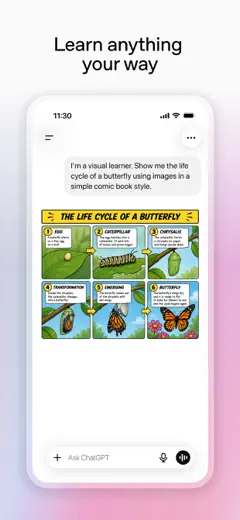
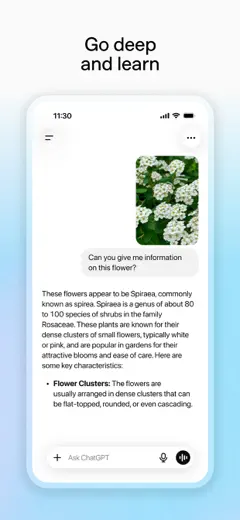
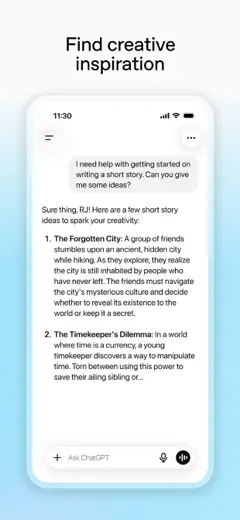
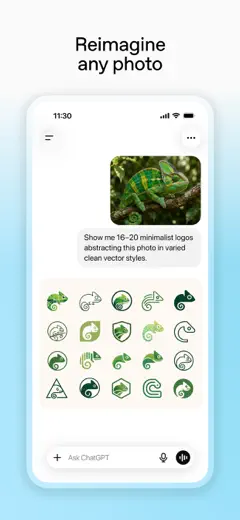
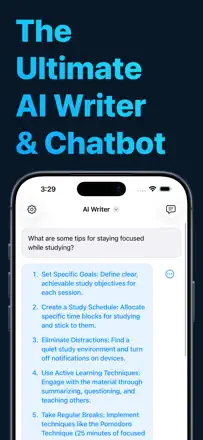
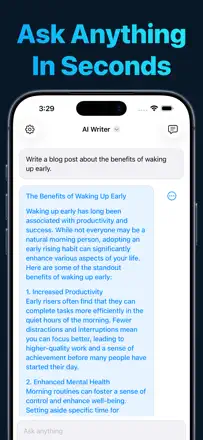
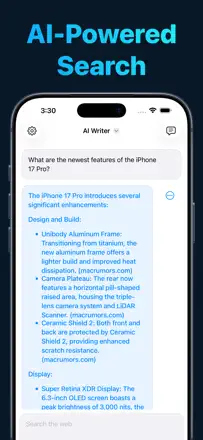
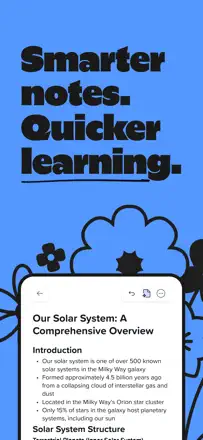
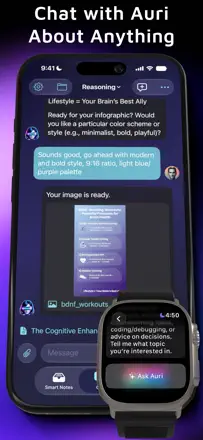
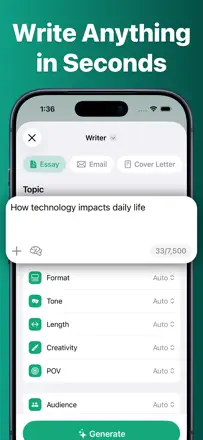
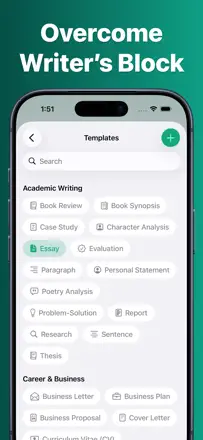
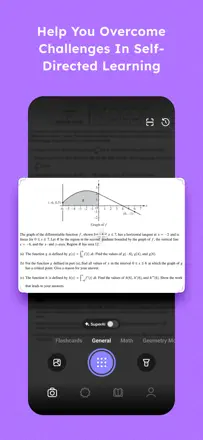
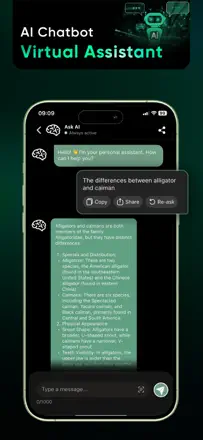
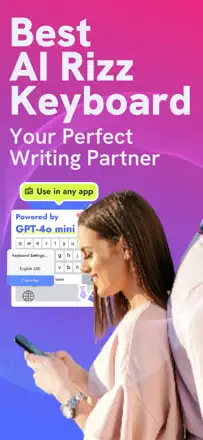
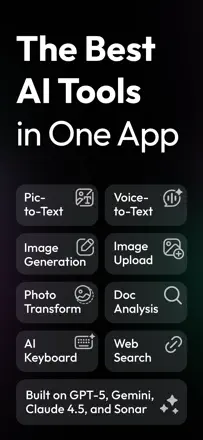
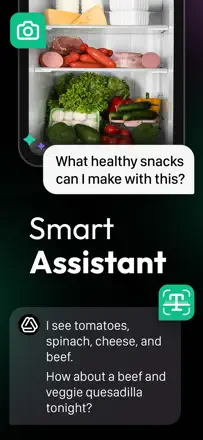
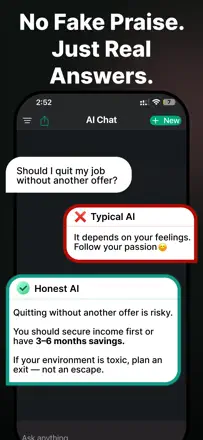
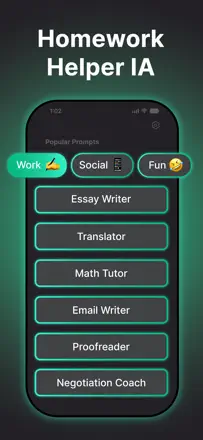
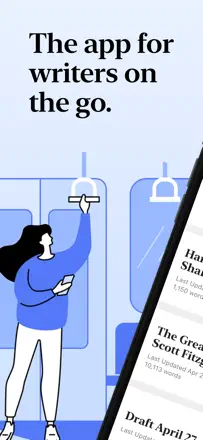
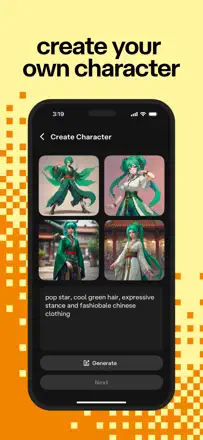
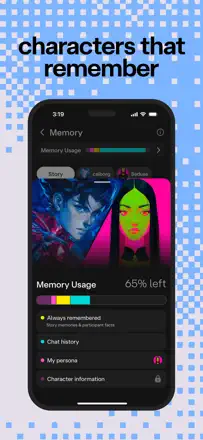
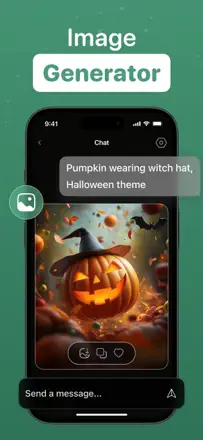
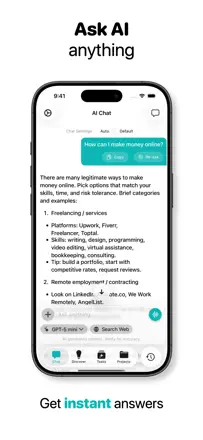
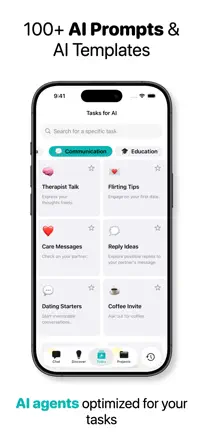
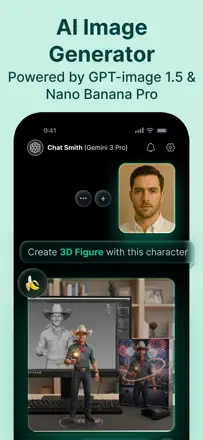
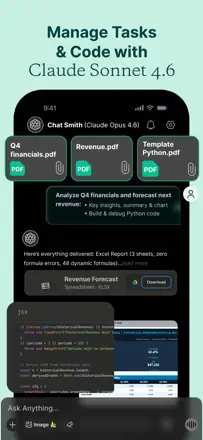
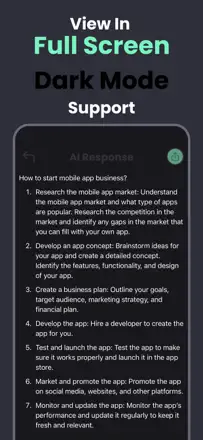
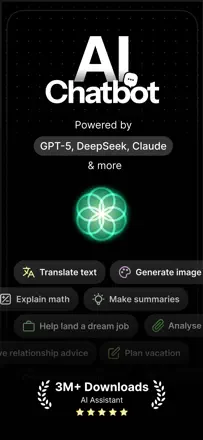
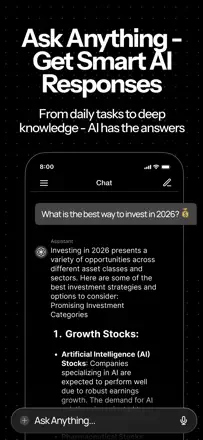
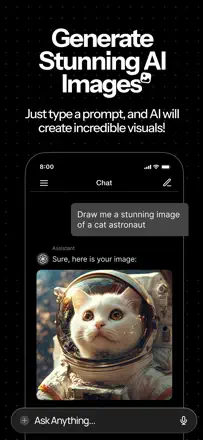
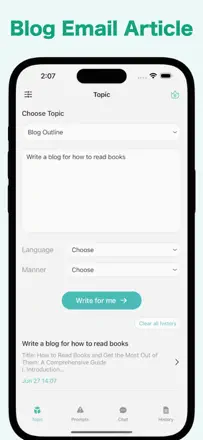
Note des avis : 72 sur 100. Note sur l’App Store : 4,8★ · 8 239 403 notes
72sur 100
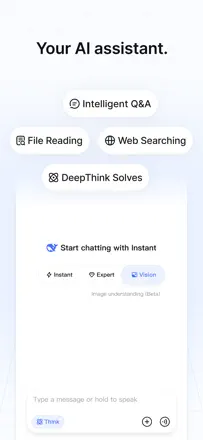
OpenAI's flagship AI assistant with broad capabilities for editing, rewriting, and structuring text. The main weakness: the model hallucinates on facts and loses context in long sessions.
Points forts
Handles complex editing and style requests faster and more accurately than a search engine.
Reproches
Memory between sessions is inconsistent and sometimes mixes another conversation's context into the current one.
Pour qui : Anyone who writes regularly and wants a general-purpose AI assistant
Note des avis : 72 sur 100. Note sur l’App Store : 4,6★ · 1 511 notes
72sur 100
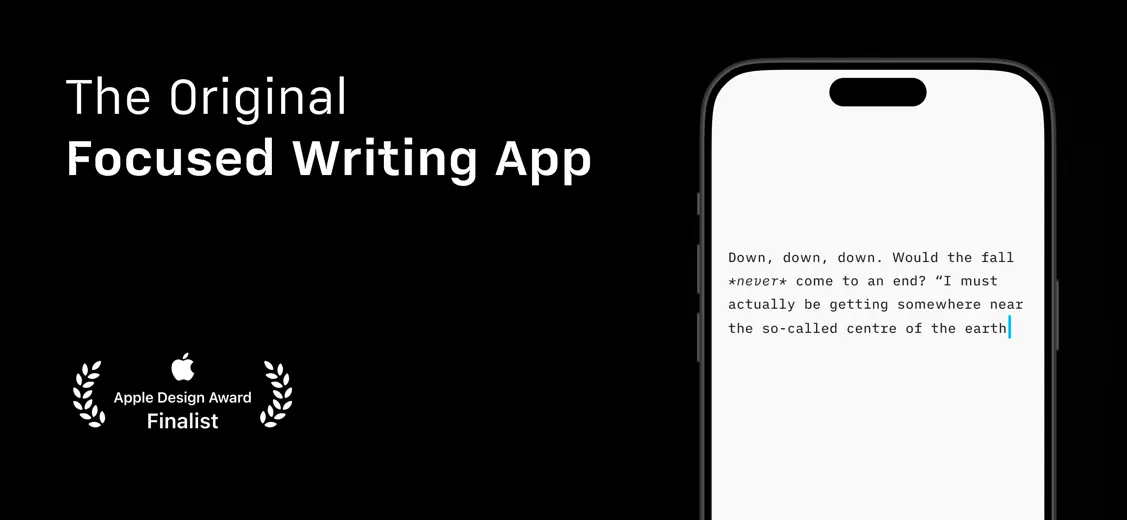
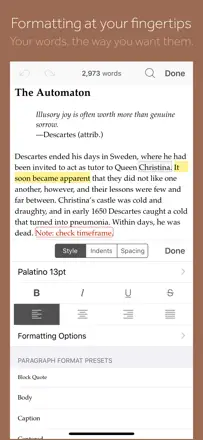
The best minimalist editor for serious writing on iOS: polished down to the details, supports Markdown, syncs with iCloud, and has been beloved by writers for over a decade. Downsides include occasional bugs with cloud folders and weak Arabic support.
Points forts
Focus mode and typography create a working atmosphere that is hard to replicate in other apps.
Reproches
Folders in Dropbox and third-party clouds occasionally disappear after updates.
Pour qui : Writers and journalists who need a distraction-free environment and Markdown
Note des avis : 68 sur 100. Note sur l’App Store : 4,8★ · 710 notes
68sur 100
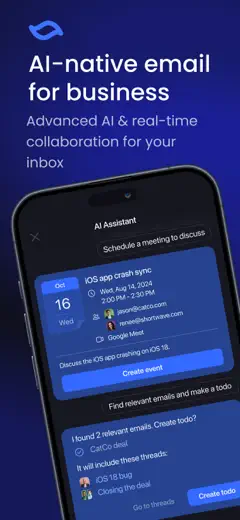
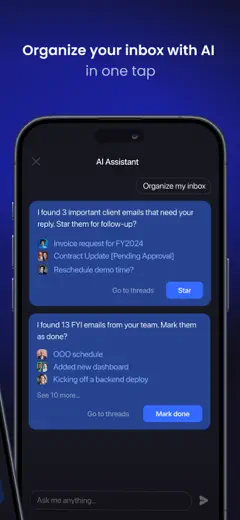
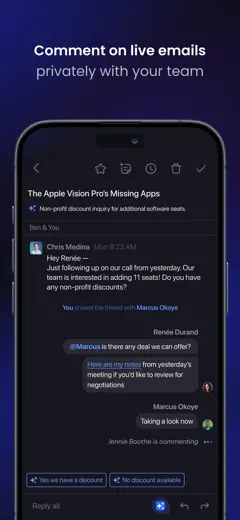
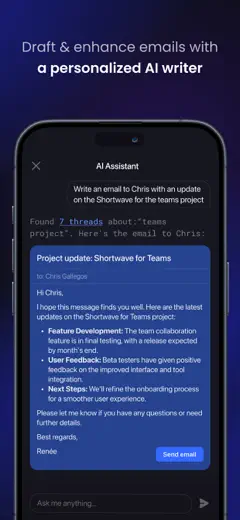
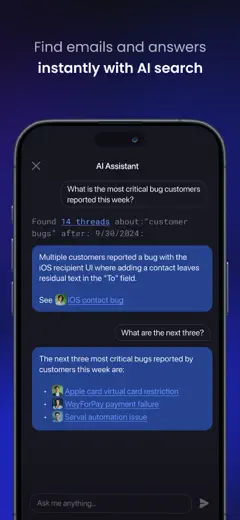
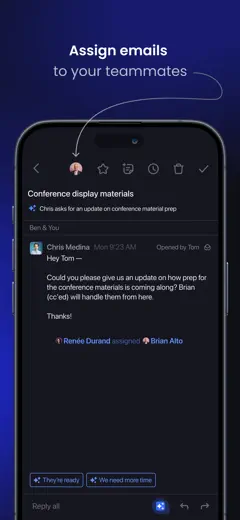
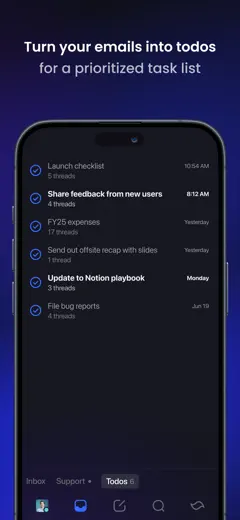
Shortwave offers genuinely smart inbox organization with AI search and split folders, which sets it apart from ordinary email clients. Gmail-only support, no unified inbox, and limited compose formatting hold back a higher score.
Points forts
AI search across your entire email history and automatic message grouping clear out inbox chaos.
Reproches
No Outlook or other provider support, and you cannot bold text in a composed message.
Pour qui : Entrepreneurs and managers who live in Gmail and are overwhelmed by their inbox
Rang 4. Note des avis : 63 sur 100. Note sur l’App Store : 4,8★ · 1 573 notes
63sur 100
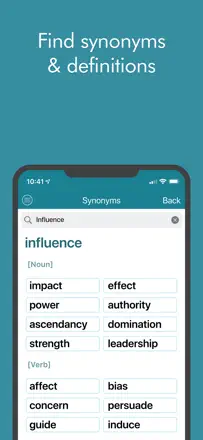
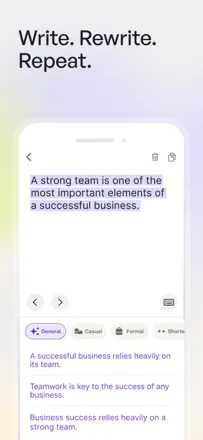
Does one thing — paraphrasing — and does it well enough: preserves meaning, changes phrasing, and works in Spanish. Limited on input length and sometimes sounds too textbook-like.
Points forts : Simplicity: paste text, get a different version with no extra setup.
Reproches : No choice of rephrasing style and a character limit on input length.
Pour qui : Students and office workers who need to quickly rewrite a paragraph
Rang 5. Note des avis : 62 sur 100. Note sur l’App Store : 4,7★ · 217 772 notes
62sur 100
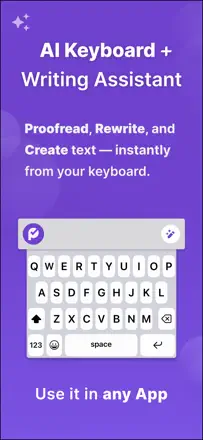
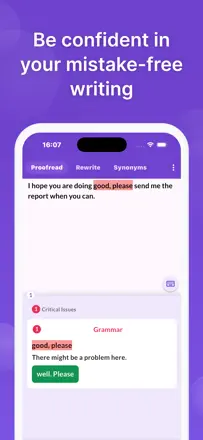
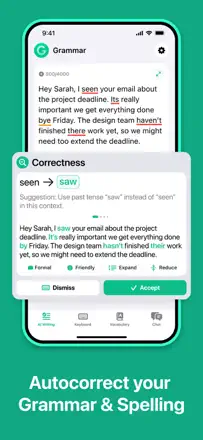
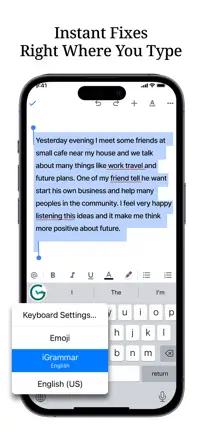
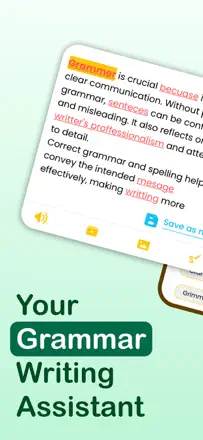
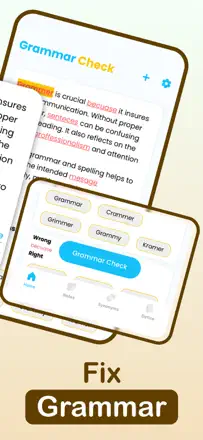
Grammarly remains a strong tool for real-time grammar and style checking, especially in keyboard mode. However, AI rephrasing often distorts meaning, and the aggressive paywall is frustrating.
Points forts : Keyboard mode works directly in any app and highlights errors immediately.
Reproches : AI tone-reframing changes the meaning of what you wrote instead of improving the form.
Pour qui : Native speakers who need a quick grammar checker
Rang 6. Note des avis : 62 sur 100. Note sur l’App Store : 4,7★ · 7 860 notes
62sur 100
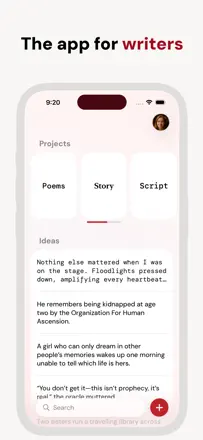
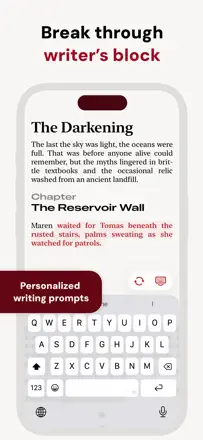
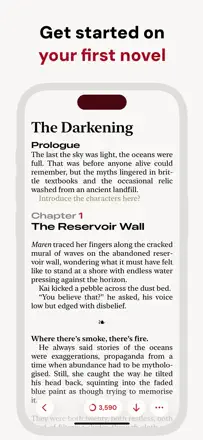
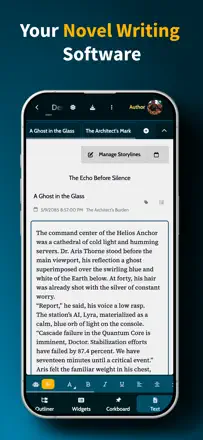
Werdsmith is a genuine writers' app with novel, screenplay, and poetry modes, a ghost-author feature for breaking creative blocks, and multi-device sync. For mobile fiction writing it is one of the better tools, though the paywall limits free use.
Points forts : The next-sentence autocomplete genuinely helps break through a creative block without disrupting your style.
Reproches : No way to split a novel into parts or manually control chapter numbers when inserting content.
Pour qui : Fiction writers who write regularly and on mobile
Rang 7. Note des avis : 62 sur 100. Note sur l’App Store : 4,5★ · 908 notes
62sur 100
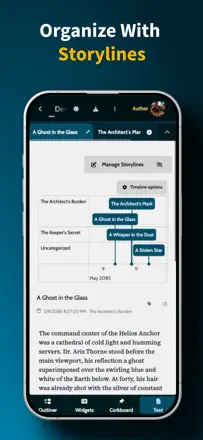
Fortelling solves a real problem for writers: keeping characters, timelines, and world-building in one place. Crashes during account creation and an aggressive paywall undermine an otherwise solid experience.
Points forts : Depth of world-building tools and the ability to get feedback from other writers.
Reproches : Many essential organization features are locked behind a subscription.
Pour qui : Aspiring sci-fi and fantasy writers who need a mobile story organizer
Rang 8. Note des avis : 60 sur 100. Note sur l’App Store : 4,7★ · 1 915 118 notes
60sur 100
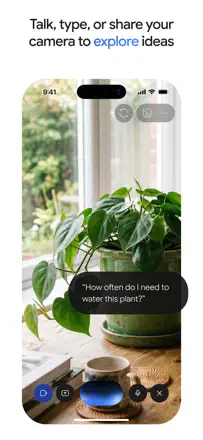
Google's AI assistant with a strong context window and deep integration with Google services, but it over-filters safety on neutral requests and hallucinates on facts.
Points forts : Processes long documents quickly and summarizes large texts accurately.
Reproches : Safety filters block legitimate requests involving scenes with conflict or violence.
Pour qui : Writers already in Google Workspace who want AI right there
Rang 9. Note des avis : 58 sur 100. Note sur l’App Store : 4,6★ · 540 762 notes
58sur 100
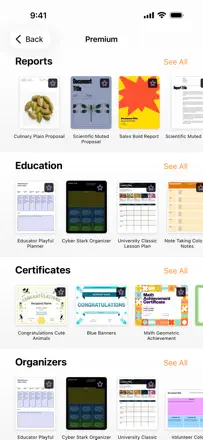
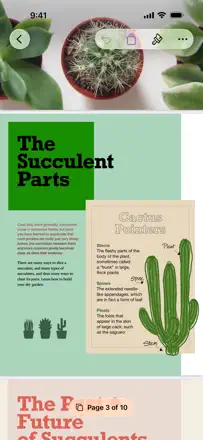
Apple's word processor with good typography and smooth text input, but no serious AI editing tools. It does not compete with ChatGPT on writing assistance, though it beats any cloud editor on formatting.
Points forts : Intuitive templates and multilingual support without extra setup.
Reproches : Advanced formatting features are buried so deep that even experienced users cannot find them without outside help.
Pour qui : Apple users writing personal documents who do not want Microsoft Word
Rang 10. Note des avis : 55 sur 100. Note sur l’App Store : 4,9★ · 1 265 465 notes
55sur 100
XAI's assistant focused on free expression and real-time data from X. It handles grammar and text structure well, but value drops sharply once the free-plan limits run out.
Points forts : Gives thorough answers on grammar and sentence structure without hedging.
Reproches : Prompt limits on the paid plan run out very quickly when doing editing work.
Pour qui : Writers who value freedom of topic and fresh data from social media
Rang 11. Note des avis : 55 sur 100. Note sur l’App Store : 4,7★ · 185 034 notes
55sur 100
Claude as a model is highly regarded for reasoning quality and writing assistance, but the mobile app is regularly criticized for instability, crashes, and poor support. The product is stronger on the web.
Points forts : The quality of responses on text and nuance of phrasing is above most competitors.
Reproches : The mobile app frequently freezes, loses chats, and is not adapted for assistive technologies.
Pour qui : Writers and developers who work through a browser
Rang 12. Note des avis : 55 sur 100. Note sur l’App Store : 4,0★ · 10 896 notes
55sur 100
DeepSeek is a genuinely powerful reasoning model let down by an unstable mobile app: constant switches to Chinese and a regeneration limit frustrate even loyal users. The model is smarter than its wrapper.
Points forts : The transparent chain of thought before each answer helps you understand how the AI reached its conclusion.
Reproches : The app responds in Chinese even when the interface language is explicitly set, and this cannot be fixed in settings.
Pour qui : Researchers and students who care about the logic of reasoning
Rang 13. Note des avis : 55 sur 100. Note sur l’App Store : 4,6★ · 3 496 notes
55sur 100
Ginger Writer works as a grammar checker and rephraser, catches errors that Grammarly misses, and offers several rephrasing options. The interface feels dated, and there is no custom dictionary or keyboard extension for iOS.
Points forts : Multiple rephrasing options make it quick to pick the best version.
Reproches : Misses articles in simple sentences and does not support custom writing styles.
Pour qui : Non-native English speakers who need to check their English text
Rang 14. Note des avis : 55 sur 100. Note sur l’App Store : 4,7★ · 2 271 notes
55sur 100
Daily Prompt genuinely breaks creative blocks: users write things they would never have reached without a prompt. The publishing platform and comments bring a live audience, though adding AI-generated images angered part of the creative community.
Points forts : Daily prompts and the ability to anonymously publish text and receive reader feedback.
Reproches : Without a subscription you can barely save or continue anything, and AI art in prompts annoys writers.
Pour qui : Beginning writers and poets who need a nudge and a live community
Rang 15. Note des avis : 52 sur 100. Note sur l’App Store : 4,7★ · 39 939 notes
52sur 100
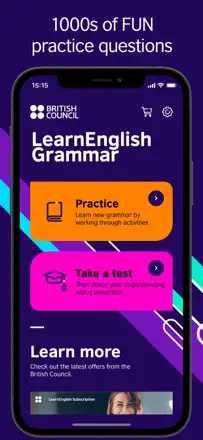
A solid grammar trainer from the British Council with a good exercise library, but with noticeable bugs in answer checking. It works as a passive practice tool, not as a writing assistant.
Points forts : Structured rule-based exercises with clear level-by-level progress.
Reproches : Does not explain why an answer is wrong and does not teach you to write natural prose.
Pour qui : People learning British English grammar as a second language
Rang 16. Note des avis : 52 sur 100. Note sur l’App Store : 4,5★ · 4 281 notes
52sur 100
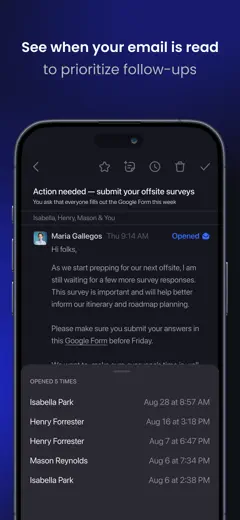
Spike is an email client with a messenger-style interface and AI writing assistance, not a pure writing tool. AI-composed emails work, but the main value is read receipts and a chat wrapper over email.
Points forts : The chat interface on top of email removes the feeling of dealing with a mailbox.
Reproches : Search is limited to 60 days on the free plan, and there is no unified inbox without a subscription.
Pour qui : Freelancers and small teams handling business correspondence
Rang 17. Note des avis : 52 sur 100. Note sur l’App Store : 4,7★ · 2 755 notes
52sur 100
QuillBot genuinely helps with paraphrasing and improving text, especially for non-native speakers. After recent updates, the quality of a second round of editing has degraded, and the free mode has become nearly worthless.
Points forts : Natively paraphrases and finds better word choices so that text sounds more polished and precise.
Reproches : A second round of editing often merges words and breaks sentences that were already correct.
Rang 18. Note des avis : 48 sur 100. Note sur l’App Store : 4,6★ · 81 904 notes
48sur 100
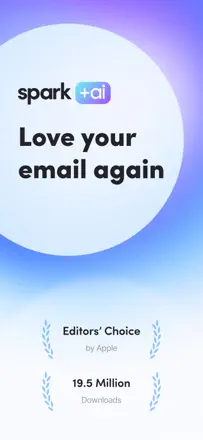
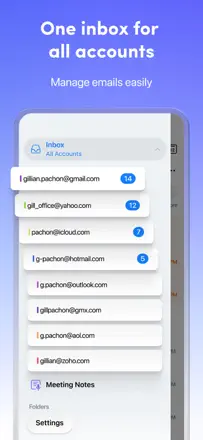
Spark Mail used to be a strong email client with smart sorting, but after adding AI features it became unstable: emails fail to load and accounts get logged out. The AI writing assistant is secondary.
Points forts : Smart inbox categorization and the snooze feature genuinely save time.
Reproches : Adding an AI layer broke the basic reliability of email delivery and sync.
Pour qui : Users with multiple email accounts who need smart sorting
Rang 19. Note des avis : 48 sur 100. Note sur l’App Store : 4,7★ · 16 376 notes
48sur 100
British Council's Word Challenge game format is good for drilling grammar and spelling under a timer, but without error explanations it turns into pointless guessing.
Points forts : The fast game format is engaging, especially for people who already know the basics.
Reproches : Does not explain why an answer is wrong; learning without feedback is ineffective.
Pour qui : People who already know grammar and want to sharpen reaction speed
Rang 20. Note des avis : 48 sur 100. Note sur l’App Store : 4,7★ · 6 542 notes
48sur 100
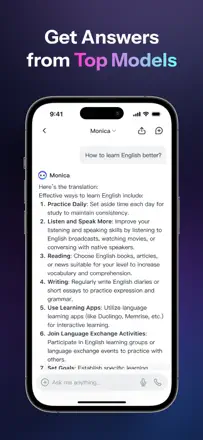
Monica offers access to multiple language models in one place with a browser extension and cross-device sync, which is genuinely useful. The downside: models update slowly, support is silent, and the podcast TTS reads markup aloud.
Points forts : A single interface for multiple models with chat history synced between iPhone and Mac saves time switching tools.
Reproches : The app has not been updated for six months and is gradually losing its roster of current models.
Pour qui : Professionals who use several AI models every day
Rang 21. Note des avis : 48 sur 100. Note sur l’App Store : 4,2★ · 2 578 notes
48sur 100
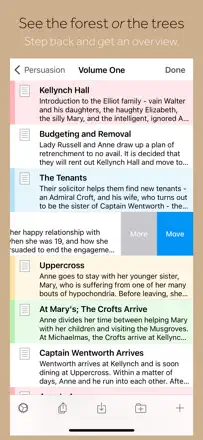
Scrivener on iOS was once a full-featured writing tool, but the mobile version has not been updated in a long time, key formatting features are broken, and Dropbox sync is unreliable. The desktop version remains strong.
Points forts : Nested folders and binders let you organize even a complex multi-level project with hundreds of notes.
Reproches : Font and style formatting crashes on every attempt, and the mobile app has gone years without critical fixes.
Pour qui : Novel writers who primarily work on Mac
Rang 22. Note des avis : 45 sur 100. Note sur l’App Store : 4,8★ · 1 092 notes
45sur 100
The most capable tool in this group for genuine creative writing: helps with poetry, essays, and stories, and several users describe specific quality results. Proofreading of existing text is a weak spot.
Points forts : Generates poetry and story openings with vivid imagery that users find unexpectedly good.
Reproches : Proofreading and editing someone else's text is poorly implemented or does not work at all.
Pour qui : Aspiring writers and students who need help generating text from scratch
Rang 23. Note des avis : 44 sur 100. Note sur l’App Store : 4,8★ · 449 968 notes
44sur 100
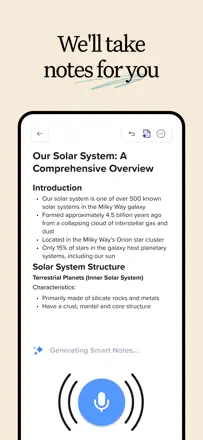
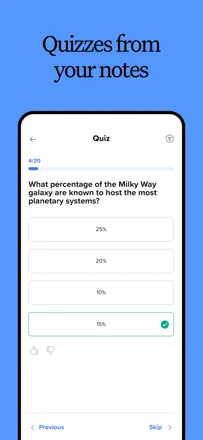
A handwritten notes app for Apple Pencil with an AI quiz-generation feature. A recent update changed how the Pencil works with no way to revert it and triggered a wave of users abandoning the app.
Points forts : The AI quiz generator from notes genuinely helps students prepare for exams.
Reproches : A critical update changed Apple Pencil behavior and removed the quick eraser switch with no alternative way to restore the old behavior.
Pour qui : Students with an iPad and Apple Pencil who need handwritten notes and AI review
Rang 24. Note des avis : 44 sur 100. Note sur l’App Store : 4,7★ · 18 853 notes
44sur 100
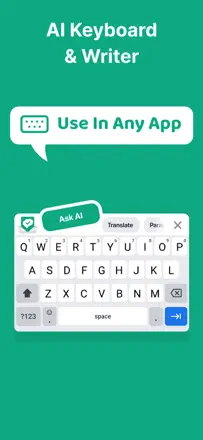
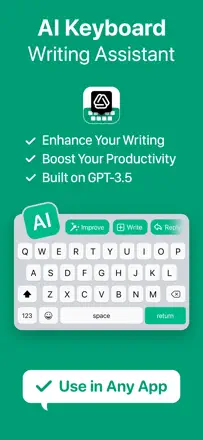
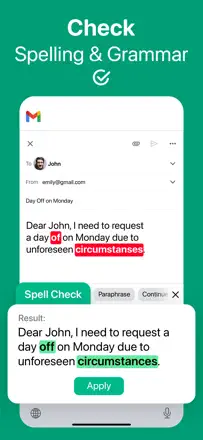
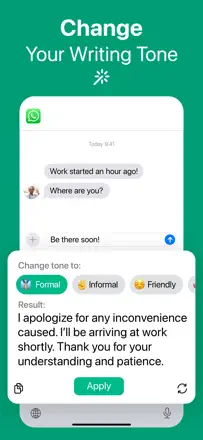
A keyboard with AI correction and translation built directly into any app — a solid idea, but the execution has degraded: language conflicts, random resets, and an outdated knowledge base from October 2023. Value has dropped over two years.
Points forts : Built-in translation right in the keyboard without switching apps.
Reproches : When using two languages at once the app fights itself and constantly switches the language without being asked.
Pour qui : Bilingual users messaging in both languages
Rang 25. Note des avis : 44 sur 100. Note sur l’App Store : 4,6★ · 3 514 notes
44sur 100
Superhuman noticeably speeds up email work through keyboard shortcuts and AI email drafts, but the AI side is weak: meeting scheduler bugs and unstable MCP integration. The main value is UX speed, not generation quality.
Rang 26. Note des avis : 44 sur 100. Note sur l’App Store : 4,7★ · 1 278 notes
44sur 100
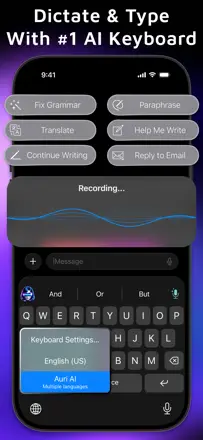
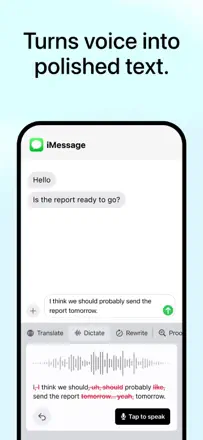
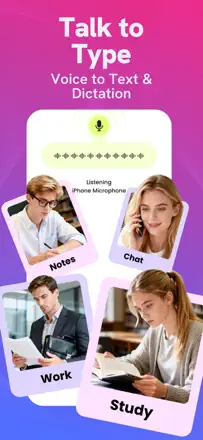
An AI keyboard assistant with a genuinely useful voice-note transcription and editing feature, but the predictive keyboard is slow and the daily limit runs out after two or three actions. A product with a seed of an idea in rough execution.
Points forts : Transcribing and AI-polishing voice recordings produces cleaner output than Otter.
Reproches : Predictive input is slow and the daily limit is too small for real work.
Pour qui : People who dictate notes and want clean text output
Rang 27. Note des avis : 44 sur 100. Note sur l’App Store : 4,8★ · 830 notes
44sur 100
The app delivers real value for essays and legal documents, but trial period behavior raises questions and the editor has no version history. The product works, but clearly falls short of web-based ChatGPT.
Points forts : Helps structure and rephrase drafts, especially for academic texts.
Reproches : No version history: one undo button rolls back all edits at once.
Pour qui : Students who need to quickly improve an essay draft
Rang 28. Note des avis : 42 sur 100. Note sur l’App Store : 4,7★ · 166 309 notes
42sur 100
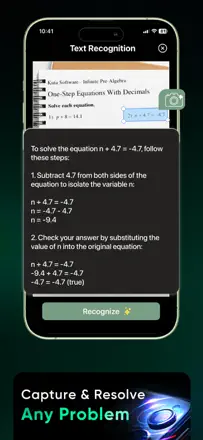
Answer.AI helps students solve standard math problems and read texts via the camera, but accuracy is inconsistent and the app often gives wrong answers. A learning tool, not a writing tool.
Points forts : Camera scanning of problems and instant step-by-step solution breakdowns.
Reproches : Writing and humanities answers are weak and frequently incorrect.
Pour qui : Students with math and science assignments
Rang 29. Note des avis : 42 sur 100. Note sur l’App Store : 4,7★ · 3 254 notes
42sur 100
Proofreader AI catches stylistic and grammatical errors and offers AI rewrites, but it imposes its own rules — removing adverbs with no alternatives — and does not support custom styles. Better than built-in Word, weaker than Grammarly.
Points forts : AI rewriting raises the formal tone of business text.
Reproches : No style settings; imposes a single template regardless of genre.
Pour qui : Authors of business letters and reports with no editing experience
Rang 30. Note des avis : 42 sur 100. Note sur l’App Store : 4,3★ · 1 705 notes
42sur 100
A minimalist editor for storing drafts and chapters without distractions, but iCloud sync is unreliable and several users lost weeks of work. There is no AI component whatsoever.
Points forts : Book and chapter folders, offline mode, and no ads in the basic version.
Reproches : Cross-device sync breaks and destroys text with no way to recover it.
Pour qui : Beginning writers who need a simple offline journal
Rang 31. Note des avis : 38 sur 100. Note sur l’App Store : 4,8★ · 9 023 506 notes
38sur 100
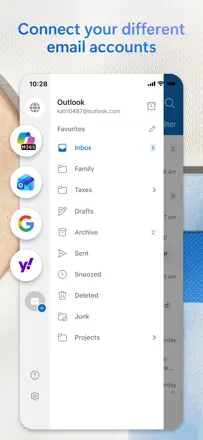
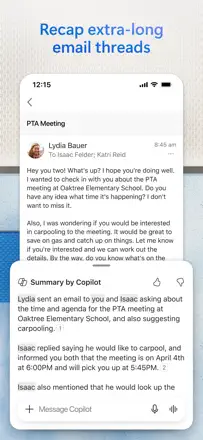
Microsoft's email client, not an AI writing tool. Main complaints: email delivery delays measured in days, thread disorder, and accidental draft deletion.
Points forts : On iPhone it runs smoothly and syncs the calendar with email in one interface.
Reproches : Thread order cannot be adjusted and regularly confuses users when replying.
Pour qui : Corporate Microsoft 365 users on iPhone
Rang 32. Note des avis : 38 sur 100. Note sur l’App Store : 4,8★ · 6 540 notes
38sur 100
The app genuinely helps with essays and business letters at a basic level, but a request limit under an unlimited subscription and a clunky onboarding undermine trust. Real value is there but buried under opaque terms.
Points forts : Helps put thoughts into words when nothing comes, especially for formal and business texts.
Reproches : The unlimited subscription actually has a hidden rate limit with forced pauses between requests.
Pour qui : Students and professionals who occasionally need a letter or essay draft
Rang 33. Note des avis : 38 sur 100. Note sur l’App Store : 4,5★ · 2 507 notes
38sur 100
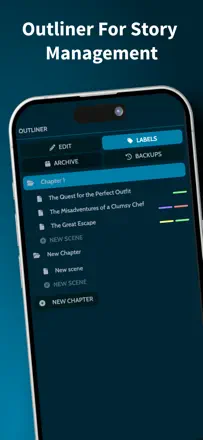
MyStory offers a convenient structure for storing chapters, characters, and locations in one place. The main problem is not the AI features but data loss from missing auto-save and unreliable sync — critical for writers.
Points forts : Book organization with nested scenes, character cards, and a cork board all in one project.
Reproches : No reliable auto-save; users lose hours of work from an accidental screen tap.
Pour qui : Authors of fan fiction and amateur novels on their phone
Rang 34. Note des avis : 38 sur 100. Note sur l’App Store : 4,8★ · 1 822 notes
38sur 100
A small ten-question multiple-choice trainer on basic grammar: useful for students and English learners, but not needed by professional writers. There is no text generation or real-time checking — not an AI Writing Assistant in any meaningful sense.
Points forts : Quickly explains commonly confused rules like who/whom and there/their in a clear format.
Reproches : Only 10 exercises; no additional content and no real writing tools.
Pour qui : Beginners in English who need basic rule practice
Rang 35. Note des avis : 38 sur 100. Note sur l’App Store : 4,8★ · 1 302 notes
38sur 100
Helps with resumes, study materials, and short text writing, but does not retain context between sessions — critical for long projects like a book. Works as a thin GPT bridge with no independent value.
Points forts : Genuinely helps beginners write resumes and short structured texts.
Reproches : Does not save conversation history, making work on longer texts impossible.
Pour qui : One-off tasks: resumes, letters, homework
Rang 36. Note des avis : 38 sur 100. Note sur l’App Store : 4,4★ · 969 notes
38sur 100
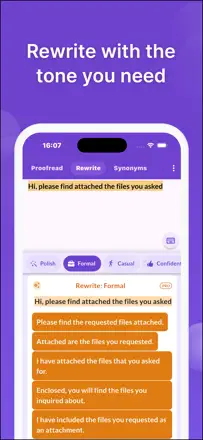
Wordtune was a useful keyboard paraphrasing tool, but after the 2024 redesign the core feature became unstable or disappeared entirely. Paying users are complaining broadly about a regression in suggestion quality.
Points forts : Rephrasing variations directly in the keyboard without switching apps.
Reproches : After the update the model picks worse suggestions than it did a year ago.
Pour qui : People who write a lot in messaging apps and want to quickly improve their tone
Rang 37. Note des avis : 35 sur 100. Note sur l’App Store : 4,8★ · 2 519 notes
35sur 100
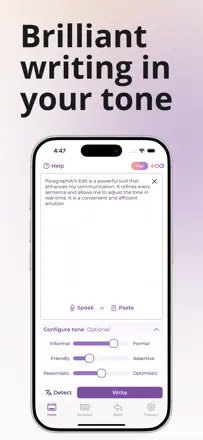
ParagraphAI works as a keyboard and template generator for letters and paragraphs, and at its best it genuinely sped up business correspondence. Keyboard shaking, post-iOS-update breakage, and no prompt history make daily use unreliable.
Points forts : Reworks the tone of a message and fixes grammar right in the keyboard without switching apps.
Reproches : The keyboard trembles and glitches on recent iOS versions, and prompt history is not saved.
Pour qui : People who write a lot of business email from their phone
Rang 38. Note des avis : 34 sur 100. Note sur l’App Store : 4,7★ · 1 508 notes
34sur 100
A thin GPT wrapper with category templates: works well when it works, but servers go down regularly and responses are outdated (it calls the M1 the "latest chip"). Real added value over direct ChatGPT is minimal.
Points forts : Categorized templates help you frame a request quickly without writing long prompts.
Reproches : Servers go down too often for a paid tool, sometimes for days.
Pour qui : Users who want structured access to GPT without configuring prompts
Rang 39. Note des avis : 32 sur 100. Note sur l’App Store : 4,7★ · 1 451 notes
32sur 100
A basic chat wrapper with no original product layer: helps with emails and brainstorming, but regularly loses context and applies heavy censorship to legitimate tasks. Nobody specifically praises the text quality apart from the mere existence of AI.
Points forts : You can just talk and get things off your chest without judgment.
Reproches : Censors legitimate work tasks like writing code, is unstable, and degrades with updates.
Pour qui : People who need a conversational companion, not a writing tool
Rang 40. Note des avis : 31 sur 100. Note sur l’App Store : 4,5★ · 3 507 notes
31sur 100
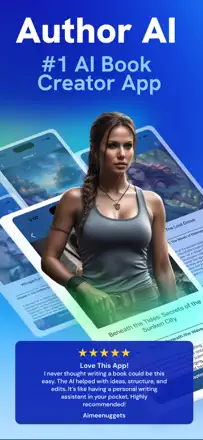
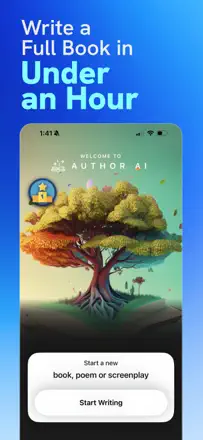
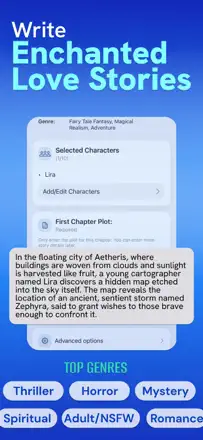
Author AI generates a book structure and chapters from given parameters, but the text is mechanical: genre tags end up in the prose, chapters are short at around five paragraphs, and context is lost after chapter ten. Not suitable for serious authoring.
Points forts : Helps overcome the fear of a blank page and get a story started.
Reproches : The model loses the plot thread by chapter ten and repeats the same phrases.
Pour qui : Beginning writers who need a starter scaffold for a story
Rang 41. Note des avis : 31 sur 100. Note sur l’App Store : 4,7★ · 1 561 notes
31sur 100
A Grammarly clone with aggressive monetization: the free check is effectively inaccessible without watching an ad or buying a subscription, and some users could not use a paid subscription they had already bought. Almost no independent value.
Points forts : The interface is clear enough for students who want to check homework.
Reproches : After paying for access the app continues to show ads or throws errors.
Pour qui : Nobody — better to download the original Grammarly
Rang 42. Note des avis : 31 sur 100. Note sur l’App Store : 4,6★ · 1 128 notes
31sur 100
Another generic chatbot wrapper that has degraded with updates: the core function of answering questions stopped working for paying users. Helps with social media and emails when it works.
Points forts : Quickly generates posts and letters for small businesses using ready-made templates.
Reproches : After an update it stops understanding basic commands even for paying users.
Pour qui : Small business owners who need templated copy
Rang 44. Note des avis : 30 sur 100. Note sur l’App Store : 4,8★ · 16 799 notes
30sur 100
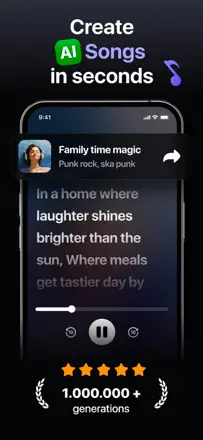
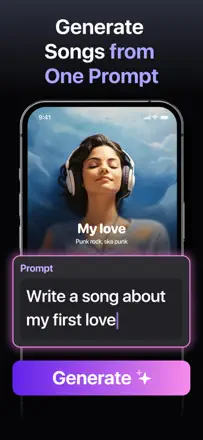
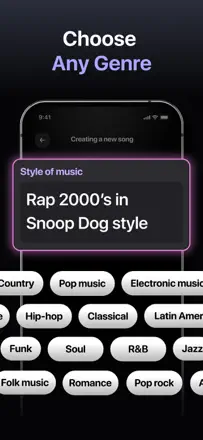
A text-to-music generator with a claimed voice-cloning feature that in practice does not work or behaves erratically. Style input is ignored, lyrics repeat, and the output is predictably uniform.
Points forts : The first couple of experimental tracks generate excitement in people with no music production experience.
Reproches : The app ignores the selected genre and makes all tracks sound the same.
Pour qui : A casual user with no musical skills who needs one or two songs
Rang 45. Note des avis : 30 sur 100. Note sur l’App Store : 4,7★ · 2 173 notes
30sur 100
A basic grammar checker with a simple interface that works for simple punctuation fixes. Very few genuine reviews of grammar check quality; instead there are complaints about text loss and slowdowns after updates.
Points forts : No email required at registration and works without unnecessary steps for a quick spelling check.
Reproches : Cutting and pasting text can delete all your work with no undo option.
Pour qui : Users who need a quick check on a short piece of text
Rang 46. Note des avis : 30 sur 100. Note sur l’App Store : 4,6★ · 1 142 notes
30sur 100
A niche tool for rephrasing messages and emails into a professional tone — a narrow but real job. The product is discredited by complaints about fraudulent charges via a third-party provider called Flirtonic.
Points forts : Helps people who struggle to express themselves write confident messages and emails.
Reproches : Does not honor key user instructions and removes desired content from the rewritten text.
Pour qui : People who find it hard to put thoughts into words in written communication
Rang 47. Note des avis : 29 sur 100. Note sur l’App Store : 4,7★ · 12 197 notes
29sur 100
CorrectMe looks useful on paper as an AI editor built into the keyboard, but chronic instability after iOS updates makes it unreliable. A 500-word limit and frequent failures cancel out the claimed value.
Points forts : When it works correctly it delivers corrections ranging from basic to professional style right in the input field.
Reproches : Often stops working after an iOS update and has no proper support to restore access.
Pour qui : iPhone users writing short messages who need quick style fixes
Rang 48. Note des avis : 29 sur 100. Note sur l’App Store : 4,6★ · 1 618 notes
29sur 100
An AI keyboard with rephrasing, but it lags while typing, does not support swipe input, duplicates text on paste, and requires full keyboard access. Rephrasing quality is mediocre according to real users.
Points forts : Changing tone directly in the keyboard without switching apps is a convenient idea.
Reproches : Lags during fast typing and autocorrect inserts capital letters in the middle of words.
Pour qui : People who need quick tone fixes in messaging apps
Rang 49. Note des avis : 28 sur 100. Note sur l’App Store : 4,7★ · 14 598 notes
28sur 100
Another GPT wrapper with a knowledge base outdated to October 2023 and image generation that cannot handle simple prompts. Nearly useless for writing tasks.
Points forts : Initial responses to structured requests such as construction topics are sometimes detailed.
Reproches : Image generation even with a clear prompt produces random irrelevant output.
Pour qui : A user who needs a simple text answer once a week
Rang 50. Note des avis : 28 sur 100. Note sur l’App Store : 4,5★ · 11 761 notes
28sur 100
The app teaches cursive and calligraphic handwriting, but basic features require payment, pressure sensitivity is inconsistent, and left-hand support is absent despite being advertised. A useful exercise library is killed by a poor UX and aggressive paywall.
Points forts : Visible letter samples with step-by-step tracing help children learn cursive from scratch.
Reproches : Stroke recognition is poorly calibrated and does not account for different pen-holding techniques.
Pour qui : Parents teaching children handwriting, if they are willing to pay
Rang 51. Note des avis : 28 sur 100. Note sur l’App Store : 4,7★ · 3 506 notes
28sur 100
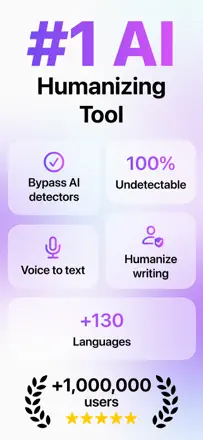
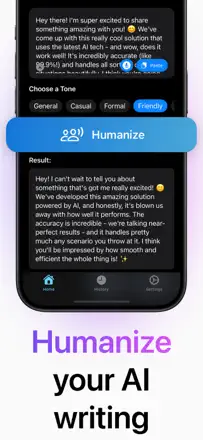
Humanize AI is supposed to rewrite AI-generated text into a human style, but real reviews document extra dashes being added, volume being padded, and meaningless substitutions. AI detectors continue to flag the output.
Points forts : Makes minor surface-level changes to AI text phrasing.
Reproches : Rephrasing adds unnecessary constructions and does not pass AI detectors.
Pour qui : Students looking for a quick AI-detector bypass, though it does not work
Rang 52. Note des avis : 27 sur 100. Note sur l’App Store : 4,8★ · 1 502 notes
27sur 100
The app deliberately copies the Jasper.ai name without any affiliation, forces a subscription during a "free" trial, and blocks the standard cancellation flow. Real writing utility is minimal given the reputational risk.
Points forts : Quickly generates short ad copy and social media captions.
Reproches : Misleads users with the brand name and blocks subscription cancellation.
Rang 53. Note des avis : 27 sur 100. Note sur l’App Store : 4,7★ · 1 106 notes
27sur 100
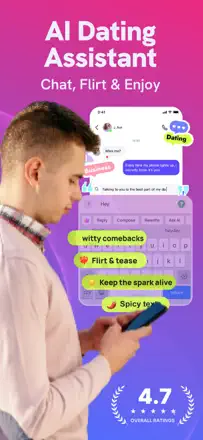
An AI keyboard for dating chat and messaging that generates replies users themselves describe as "too AI-sounding" and needing manual editing before sending. A narrow niche with thin execution.
Points forts : Built right into the keyboard and works without switching between apps.
Reproches : Replies sound unnatural and need manual editing before sending.
Pour qui : Younger users active in dating conversations
Rang 54. Note des avis : 25 sur 100. Note sur l’App Store : 4,7★ · 278 193 notes
25sur 100
A thin GPT wrapper with aggressive monetization: charges without clear notice during a trial, answers are often inaccurate, and writing assistance quality does not exceed free ChatGPT.
Points forts : Basic tasks like summarizing or making a list get done quickly.
Reproches : Generated images contain typographic errors even on the paid plan.
Pour qui : Nobody: ChatGPT does the same thing for free without hidden charges
Rang 55. Note des avis : 25 sur 100. Note sur l’App Store : 4,7★ · 1 498 notes
25sur 100
A general AI chat with no writing specialization: limited to 10 free messages, answers are predictable and shallow. User confusion with the ChatGPT brand in reviews suggests they did not realize what they downloaded.
Points forts : Helps quickly draft a short reply to a message or email.
Reproches : No writing specialization at all — just a chatbot with marketing positioning.
Pour qui : Casual users looking for a free chatbot
Rang 56. Note des avis : 24 sur 100. Note sur l’App Store : 4,4★ · 54 321 notes
24sur 100
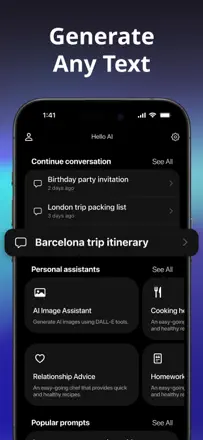
Hello AI is a simple chatbot assistant with basic text rephrasing that frequently returns a "something went wrong" error and cannot handle non-standard requests. It cannot compete with Claude or even ChatGPT.
Points forts : Keyboard polishing of short texts works for people with gaps in literacy.
Reproches : Weak and predictable model avoids uncomfortable questions and changes the subject instead of answering.
Pour qui : Users with basic needs for fixing short messages
Rang 57. Note des avis : 24 sur 100. Note sur l’App Store : 4,7★ · 13 934 notes
24sur 100
Chatrun presents itself as an AI writing and rephrasing assistant, but detailed reviews confirm that even simple tasks like rephrasing an email produce subpar results. Inflated and unstable.
Points forts : Response speed on basic questions sometimes impresses newcomers.
Reproches : Text rephrasing and writing assistance produce weak, inaccurate output even for paying users.
Rang 58. Note des avis : 22 sur 100. Note sur l’App Store : 4,6★ · 4 287 728 notes
22sur 100
Apple's built-in email client, unrelated to AI writing. Written reviews document undelivered emails, broken search, and accidental deletion of conversations.
Points forts : Free and works out of the box on all Apple devices without any setup.
Reproches : Search for old emails does not work reliably in either Gmail or Hotmail accounts.
Pour qui : Apple users who need minimal email without extra steps
Rang 59. Note des avis : 22 sur 100. Note sur l’App Store : 4,5★ · 77 946 notes
22sur 100
Edison Mail is an email client, not an AI writing assistant. Product quality has dropped: frequent logouts, broken search, and disappearing emails make it unreliable.
Points forts : Free multi-account client with no ads.
Reproches : Emails disappear, search is broken, and accounts regularly get logged out for no apparent reason.
Pour qui : Users who want to combine multiple inboxes for free
Rang 61. Note des avis : 22 sur 100. Note sur l’App Store : 4,6★ · 2 569 notes
22sur 100
A thin ChatGPT wrapper with no original writing or editing mechanics. Users complain about duplicate charges and a dated interface, and substantive reviews of generation quality are nearly absent.
Points forts : Convenient for drafting or finishing an unfinished project with a quick prompt.
Reproches : No unique writing tools — just a chatbot with a subscription.
Pour qui : Casual users without a specific writing task
Rang 62. Note des avis : 22 sur 100. Note sur l’App Store : 4,4★ · 1 603 notes
22sur 100
The app has been abandoned by its developer: buying a subscription crashes on all devices, support does not respond, and users are stuck at five chapters forever. The book organizer concept is decent, but the product is non-functional.
Points forts : The book-to-chapters structure is intuitive for narrative writing.
Reproches : There is no working path to unlock more content — the subscription breaks on all platforms.
Rang 63. Note des avis : 22 sur 100. Note sur l’App Store : 4,6★ · 1 142 notes
22sur 100
The app is positioned as a personal assistant but actually offers AI characters for chat, not writing tools. It ignores instructions when generating stories and does not remember characters between sessions.
Points forts : Helps people with limited literacy put thoughts into words.
Reproches : Ignores user instructions when generating text and does not retain context.
Pour qui : Beginners who need minimal help with phrasing
Rang 64. Note des avis : 22 sur 100. Note sur l’App Store : 4,5★ · 849 notes
22sur 100
Typeright is marketed as a smart grammar assistant but in practice breaks typing: it changes words on its own, conflicts with the system autocorrect, and does not support swipe input. Twenty dollars a month is not proportionate to the value.
Points forts : The idea of a keyboard that highlights errors in any app is potentially convenient.
Reproches : The autocorrect algorithm replaces correct words with wrong ones and creates friction rather than help.
Pour qui : Nobody for now — the product is too unstable for daily use
Rang 65. Note des avis : 20 sur 100. Note sur l’App Store : 4,7★ · 6 631 notes
20sur 100
The app promises AI for text and images, but the image generator systematically ignores requests and the text side does not go beyond a basic GPT chat. There is no real specialization for writing tasks.
Points forts : The text editing mode works predictably and does not pad the response with anything unnecessary.
Reproches : The image generator does not understand detailed instructions and cannot edit uploaded photos.
Rang 66. Note des avis : 18 sur 100. Note sur l’App Store : 4,3★ · 542 919 notes
18sur 100
A platform for role-play dialogues with AI characters, not a writing tool. Generation quality degraded after a model change to Pipsqueak, and ads appear every three messages.
Points forts : A large library of ready-made characters lets you start a conversation immediately without any setup.
Reproches : The new language model makes all characters equally bland and predictable.
Pour qui : Teenagers looking for interactive role-play with anime characters
Rang 67. Note des avis : 18 sur 100. Note sur l’App Store : 4,4★ · 257 154 notes
18sur 100
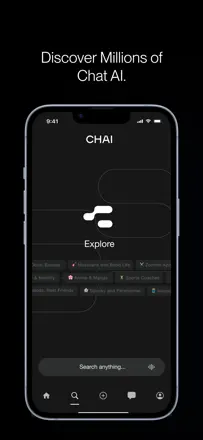
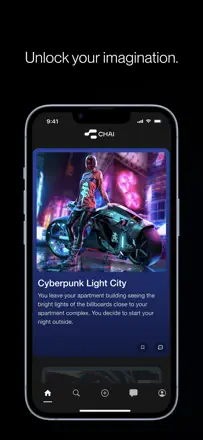
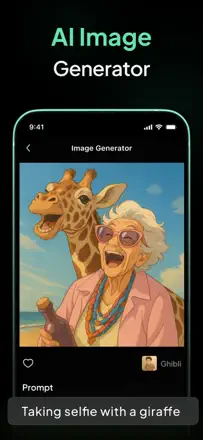
Chai is a platform for role-play chats with custom bots, not a writing tool. Almost all reviews complain about message limits and content filters; there is no real benefit for writing text.
Points forts : You can create your own characters and run narrative stories with different bots.
Reproches : Bots produce unpredictable and often truncated responses, and constantly changing restrictions make the platform unreliable.
Rang 68. Note des avis : 18 sur 100. Note sur l’App Store : 4,7★ · 15 199 notes
18sur 100
An anonymous GPT wrapper with outdated data, non-functional PDF reading, and a storefront star that diverges from review texts. The real textAvg of 2.8 more honestly reflects the situation.
Points forts : Answers to general questions are sometimes detailed and clear.
Reproches : Knowledge is outdated by more than a year, making it useless for current tasks.
Pour qui : Nobody — not needed when ChatGPT or Claude are available
Rang 69. Note des avis : 18 sur 100. Note sur l’App Store : 4,8★ · 9 659 notes
18sur 100
The app is positioned as an AI email writing assistant, but a significant portion of reviews focus on an inability to cancel a subscription and unexpected charges rather than text quality. Real evidence of writing benefit is nearly absent.
Points forts : A few users note that the app genuinely speeds up preparing business emails when it works correctly.
Reproches : The text generator without context writes from a template and does not adapt to the style or tone of a specific email.
Pour qui : Office workers with a high volume of routine business correspondence
Rang 70. Note des avis : 18 sur 100. Note sur l’App Store : 4,6★ · 2 543 notes
18sur 100
Another GPT wrapper with minimal writing functionality and chronic availability problems: the app was in maintenance mode for months without explanation. No real value for AI writing tasks is visible.
Points forts : Helps quickly come up with a name or sketch an idea without extra setup.
Reproches : Periodically goes fully offline for weeks at a time with no notifications and no support.
Pour qui : People who need a simple chat assistant without expectations
Rang 71. Note des avis : 18 sur 100. Note sur l’App Store : 4,4★ · 1 098 notes
18sur 100
The name "Sentence Diagrammer" does not match the content — sentence diagramming is absent according to several users. Basic grammar checking is also unreliable: intentional errors go undetected.
Points forts : Users who found real value mention help with developing writing skills.
Reproches : The advertised sentence diagram feature is simply not implemented.
Pour qui : Nobody — the product does not deliver what it promises
Rang 72. Note des avis : 18 sur 100. Note sur l’App Store : 4,5★ · 734 notes
18sur 100
The app is technically non-functional for a significant share of paying users: the generate button simply does not respond. Five-star reviews are suspiciously empty and multilingual with no details.
Points forts : Before it broke, it helped some users speed up writing for work and academic tasks.
Reproches : After payment the text generation feature stops working with no explanation.
Pour qui : Nobody — the product is unreliable and does not respond to user reports
Rang 73. Note des avis : 17 sur 100. Note sur l’App Store : 4,3★ · 3 323 notes
17sur 100
A generic GPT wrapper with a limit of 3 free messages per day and frequent spinning with no result. Cannot produce charts or templates, which means it loses to free ChatGPT.
Points forts : Sometimes provides step-by-step instructions for simple tasks.
Reproches : Capabilities are more limited than free ChatGPT and it frequently freezes with no output.
Rang 74. Note des avis : 16 sur 100. Note sur l’App Store : 4,6★ · 122 837 notes
16sur 100
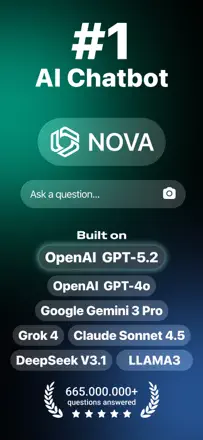
Nova is another GPT wrapper with slow servers, an outdated knowledge base, and practically no useful content in reviews. No real users describing writing value were found.
Points forts : Quick access to reference information when servers are up.
Reproches : Knowledge base is outdated and unaware of events even from 2024.
Pour qui : Users who need basic Q&A without expectations
Rang 75. Note des avis : 15 sur 100. Note sur l’App Store : 4,7★ · 13 768 notes
15sur 100
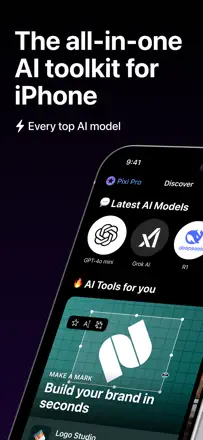
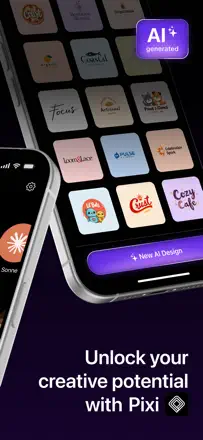
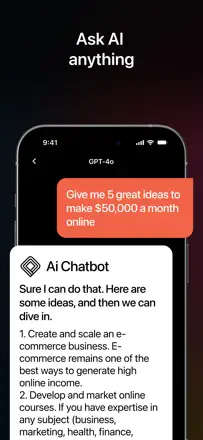
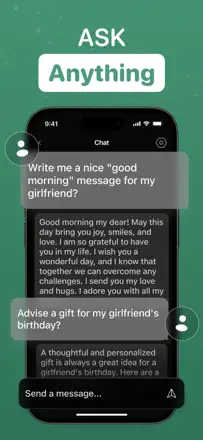
Pixi has an extremely low real rating (textAvg 1.72) and systematic accusations of unauthorized charges. Writing assistant features are completely buried under a chaos of billing complaints, and one honest reviewer writes that the app lies about its capabilities.
Points forts : Language tasks occasionally turn out well, according to the one substantive positive review.
Reproches : The app systematically claims to be able to do things it cannot do.
Rang 76. Note des avis : 15 sur 100. Note sur l’App Store : 4,7★ · 5 480 notes
15sur 100
A standard GPT wrapper with no specialization: image generation is not supported at all, errors are frequent, and the rating is clearly inflated by pre-motivated reviews. Nothing here that free ChatGPT does not already offer.
Points forts : The chat interface responds quickly when the app does not crash with an error.
Reproches : Advertised as multimodal but images are fundamentally not supported.
Pour qui : Not recommended — use the official ChatGPT instead
Rang 77. Note des avis : 15 sur 100. Note sur l’App Store : 4,7★ · 2 496 notes
15sur 100
ChatUltra has no notable advantages for writing tasks over ChatGPT itself, and its data is several years out of date. The high rating is not backed by real reviews of generation quality.
Points forts : Answers questions quickly without extra setup, as long as the session limit has not been reached.
Reproches : After a few conversations it starts lagging significantly between keystrokes.
Pour qui : No obvious audience that is not already served by direct ChatGPT
Rang 79. Note des avis : 14 sur 100. Note sur l’App Store : 4,7★ · 4 327 notes
14sur 100
A thin GPT wrapper with outdated data (it believed the US president was Biden), constant API errors, and aggressive ads. There is no real product here.
Points forts : Occasionally works as a regular chatbot for simple questions.
Reproches : No independent value over GPT; responses are not current.
Rang 81. Note des avis : 12 sur 100. Note sur l’App Store : 4,6★ · 11 674 notes
12sur 100
A thin wrapper over an outdated 2023 model with aggressive upselling of individual tools on top of an already-paid subscription. Real writing utility is nearly zero: refuses to give direct answers and refers users to professionals.
Points forts : Simple interface is understandable to users encountering AI assistants for the first time.
Reproches : The model has not been updated since 2023 and refuses to give specific answers even where free ChatGPT handles them easily.
Pour qui : Not suitable for anyone in its current state
Rang 82. Note des avis : 12 sur 100. Note sur l’App Store : 4,7★ · 1 904 notes
12sur 100
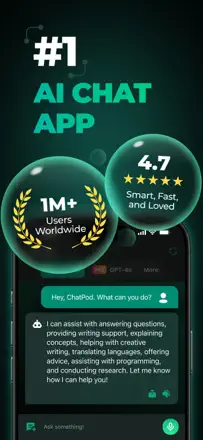
ChatPod has no distinguishing writing features and looks like an empty GPT wrapper. Real users complain about complete service outages with no support, and meaningful reviews of text generation quality are nearly absent.
Points forts : The multilingual interface lets you ask questions in your native language without switching.
Reproches : The service periodically goes fully silent, and support does not respond to emails for weeks.
Pour qui : No obvious audience with a specific writing task
Rang 83. Note des avis : 11 sur 100. Note sur l’App Store : 4,7★ · 163 523 notes
11sur 100
A classic GPT wrapper with no independent value: responds in random languages instead of the requested one, makes grammar errors, and loses context. One of the weakest in the category.
Points forts : Nothing substantial — even loyal users name no specific advantage.
Reproches : Delivers responses in random languages, loses context, and cannot work with uploaded images.
Rang 84. Note des avis : 11 sur 100. Note sur l’App Store : 4,4★ · 3 791 notes
11sur 100
The app positions itself as AI search and an assistant, but real reviews describe empty results, an abandoned content editor, and hard limits. There are effectively no writing capabilities.
Points forts : The AI search concept sounds appealing at first launch.
Reproches : The content editor is broken and data is shallow — no deeper than public social media profiles.
Rang 86. Note des avis : 8 sur 100. Note sur l’App Store : 4,4★ · 9 327 notes
8sur 100
A generic language model wrapper with no writing specialization: users complain about inaccurate answers, no voice mode, and general uselessness. Rating inflation does not hide the absence of a real product.
Points forts : The interface is simple enough to run an AI chat for the first time without instructions.
Reproches : The app has nothing specific to offer for writing tasks and falls short of free alternatives in response quality.
Rang 87. Note des avis : 5 sur 100. Note sur l’App Store : 4,8★ · 1 187 notes
5sur 100
The app impersonates the well-known copy.ai service, which publicly distanced itself from it. The product regularly breaks, limits output to 200 words, and periodically disappears from the store.
Reproches : Impersonates another product, limits text length, and periodically stops working.
Pour qui : Not recommended to anyone
À propos des chiffres
Deux chiffres — deux sources
Elles aident à comparer les apps, mais ne remplacent pas la vérification de ta propre tâche.
Score des avis · jusqu’à 100
Le score conservé de l’étude inApp sur les textes des avis. Il évalue l’ensemble de l’app dans l’archive, pas la fiabilité d’une fonction précise.
Note de la boutique · jusqu’à 5
La note de la page de l’app au moment de la collecte. La note et la version actuelles peuvent différer.
Dans l’échantillon archivé de ce sujet : 87 apps et 19 801 avis lus. C’est le volume total de l’étude, pas le nombre d’avis par app.
Un écart entre les chiffres ne prouve pas de manipulation. La date de calcul et la méthode complète du score ne sont pas dans l’archive mobile. Compare les descriptions des tâches et les citations sources, et vérifie les conditions dans la version actuelle.