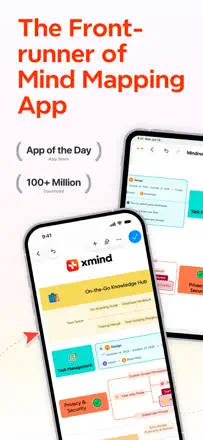
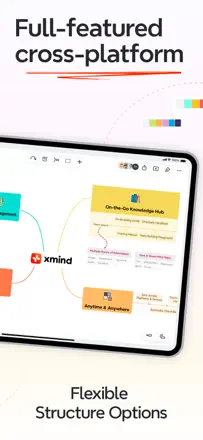
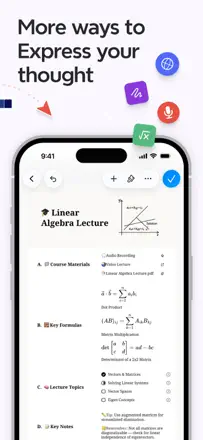
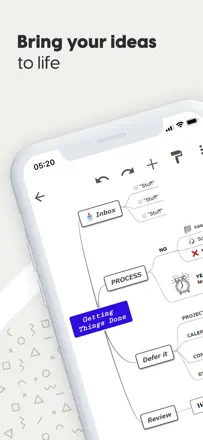
XMind is one of the most fully developed mind map editors out there. It offers a rich library of diagram types (fishbone, matrix, timeline), elegant themes, and fast node entry. The main pain point is cross-platform sync, which is unreliable, and the Vision Pro version breaks after updates. AI features were added, but some users find them unnecessary.
評価点:Multiple diagram formats in one editor: you switch from a classic map to a matrix or fishbone with a single click, without rebuilding the structure by hand.
不満点:Sync between devices works through manual export and import rather than live cloud sync. A map opened on iPad cannot be continued on Mac without re-saving the file.
向いている人:STEM students and analysts who need one tool for different structure types and are willing to pay a subscription for the breadth of formats.
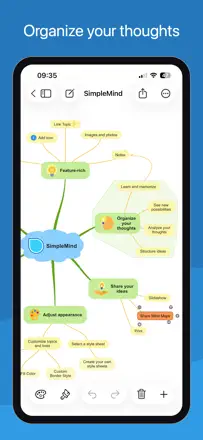
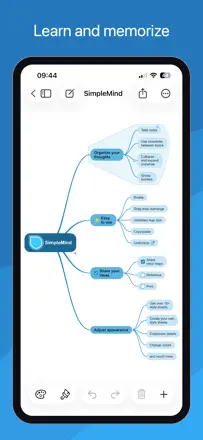
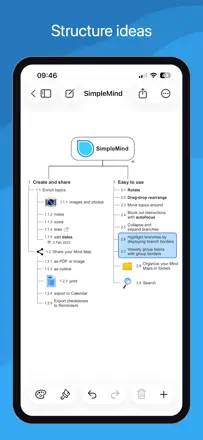
SimpleMind is a fast and reliable mind map editor with a one-time purchase instead of a subscription. It supports multiple map formats (bubbles, timeline, vertical), and runs smoothly even on older iPads. The main drawback is no handwriting input with Apple Pencil, the stylus only replaces touch input without handwriting recognition.
評価点:One-time purchase with no subscription: pay once and own the editor forever, which sets it sharply apart from competitors with annual plans.
不満点:Apple Pencil does not recognize handwritten text in nodes. The stylus works only as a finger substitute, so handwritten notes directly on the map are not possible.
向いている人:Solo users and students who need a fast, reliable thinking tool without a subscription and without extra features.
MindMeister is a mature cloud mind mapper with real-time collaboration and a clean interface. Undo is unreliable: two or three steps back can erase a node's text instead of restoring it. Map sync between devices sometimes breaks and loses data.
評価点:Collaborative editing: multiple people edit the map at the same time, changes appear instantly without refresh, which makes it convenient for team brainstorming.
不満点:Undo behaves unpredictably. After two or three steps back the app can wipe out a node's text instead of restoring the previous state.
向いている人:Teams that need a quick collaborative brainstorm without complex structures and can tolerate unreliable undo.
A full-featured cross-platform mind mapper with templates and a web version, but the mobile app is noticeably weaker than the web in features. Nodes move in jerks and snapping breaks the layout. Apple Pencil support is rough.
評価点:Works across multiple platforms with synced data. Templates help you start without a blank slate. Free navigation without a required hierarchy appeals to users who build non-linear maps.
不満点:Dragging nodes on mobile is jumpy and snapping is chaotic. The mobile version lacks many web features: no floating topics, no outline conversion, no links between separate maps. Keyboard shortcuts are absent.
向いている人:A student or educator who already works with Mindomo on the web and occasionally wants to open a map from their phone, not build one from scratch.