Reviews of Obsidian and Bear describe trouble editing and syncing on the phone. Test a short correction to a note and the resolution of a conflict between devices.
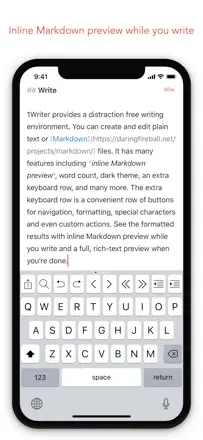
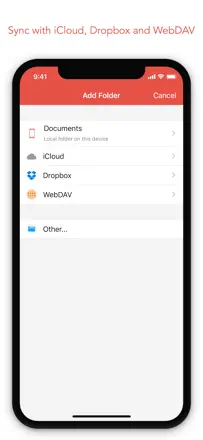
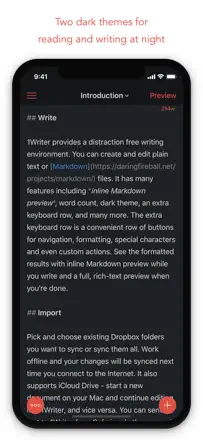
A clean, reliable Markdown editor with Dropbox and iCloud support, an extended keyboard, and an actions system. Used for years as a trusted mobile node in personal knowledge management setups. Rarely breaks, sync just works.
評価点:Lightning-fast full-text search across all Dropbox files. The extended keyboard with Markdown buttons speeds up typing.
不満点:No OneDrive or Google Drive support: only Dropbox and iCloud. A custom iCloud folder is not directly accessible by default. Updates are rare, though the stability compensates for it.
向いている人:Developers, researchers, and technical writers building a plain-text knowledge base synced via Dropbox or iCloud.
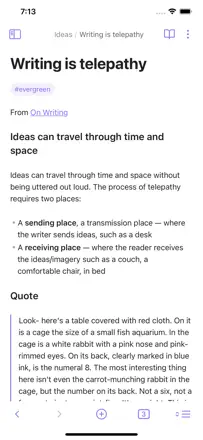
A powerful linked-note system in Markdown format with files stored on-device. The desktop version is strong. The mobile version falls short: text input is awkward, the cursor jumps, and iCloud sync is unreliable.
評価点:Full ownership of data as plain text files. A graph of connections between notes for navigating the knowledge base. A massive plugin ecosystem. Works offline.
不満点:Mobile text input is uncomfortable: the cursor jumps during manual editing and the toolbar disappears. iCloud sync causes a black screen and missing vaults for some users. High barrier to entry: the app is not for anyone unfamiliar with Markdown.
向いている人:Researchers, programmers, and writers building a long-term knowledge base on desktop who use the phone only for reading and quick edits.
The best plain-text Markdown note-taking tool in the sample. Opens instantly, and the tag system replaces folders while working more flexibly. iCloud sync is reliable. Bear 2.0 removed the convenient toolbar, worsening the iPhone experience.
評価点:The tag system lets you find a note across multiple intersecting topics without creating folders. Works equally fast on iPhone and Mac, and iCloud sync requires no separate account. Markdown renders beautifully without getting in the way while typing.
不満点:Bear 2.0 removed the compact toolbar: formatting is now awkward on a small screen. Search does not support advanced filters and is slow in large archives. Attachments and PDFs are not supported without the premium subscription.
向いている人:Writers, developers, and researchers who need a fast Markdown editor with reliable sync across the Apple ecosystem.
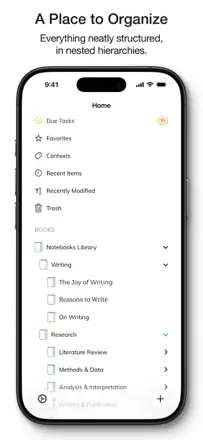
A deep organizer with nested folders, Markdown support, WebDAV and Dropbox sync, and multi-format export. A longtime favorite for those who want to own their data without a forced cloud subscription.
評価点:Reliable sync via WebDAV and Dropbox, unlimited folder hierarchy, and stable operation over many years. Does not break during updates.
不満点:Dropbox dependency limits users with three or more devices. Some features (drawing, Fountain) are advertised but work unreliably. Migrating from older versions of the app caused document loss for some users.
向いている人:Writers and researchers who need a long-term, reliable knowledge base with a folder structure and no cloud subscription.
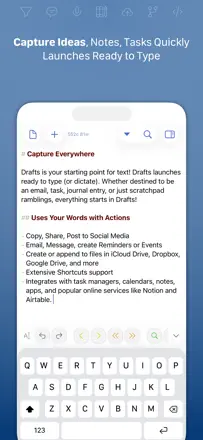
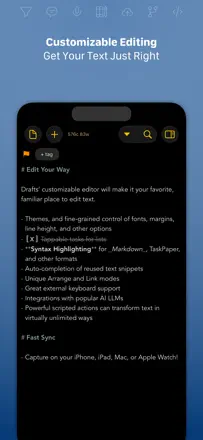
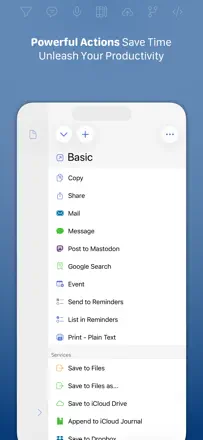
The best app for instant thought capture with routing to wherever it needs to go. Opens straight to a blank page, runs instantly, and supports scripts and integrations with dozens of services. A tool for people who already know what they want to automate.
評価点:Opens instantly to empty text with no extra taps before you start typing. Actions let you send text to Obsidian, Slack, OmniFocus, or any other service with one tap. Dictation via Apple Watch works reliably.
不満点:High learning curve: without reading the documentation, most of the app's capabilities stay hidden. Voice input from the iPhone keyboard sometimes stops after a few words. Advanced automation features are only available in the extended version.
向いている人:Developers, journalists, and power users who need fast capture with automatic routing to other systems.