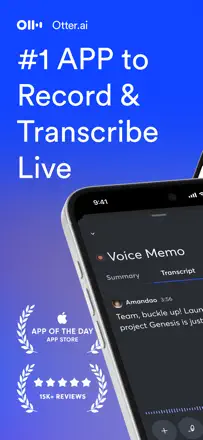
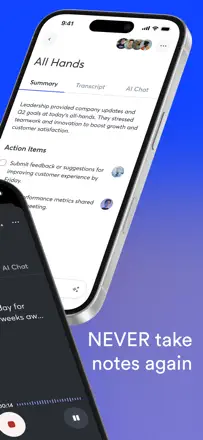
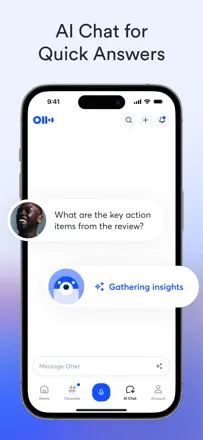
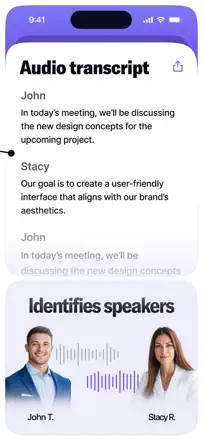
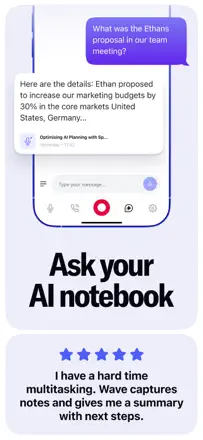
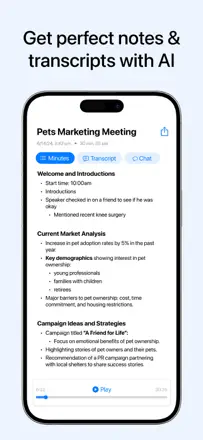
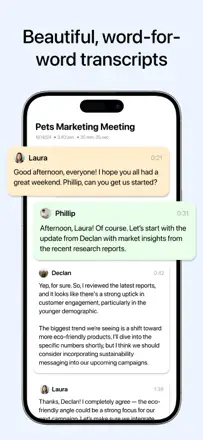
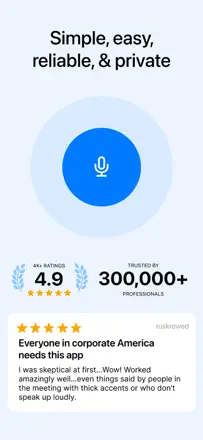
An AI meeting transcriber with speaker identification, summaries, and action items. Transcription is accurate for the primary language but struggles with accents, names, and specialized vocabulary. Speaker identification is unreliable. The UX feels unfinished: you cannot start recording instantly, file organization is weak, and the mobile experience lags behind the web app.
評価点:Automatic summaries and action items from a meeting are ready right after recording. Full-text search across transcripts works well. Calendar integration can trigger recording automatically.
不満点:Speaker labels are lost on replay and have to be re-tagged manually. Mobile export does not reproduce the layout (photos plus text) as shown in the app. The free-tier minute cap runs out fast with no warning.
向いている人:Managers and teams who need automatic meeting minutes. Students for lecture notes. Not a good fit for interviews with specialized vocabulary or multiple similar-sounding voices.
One of the strongest apps in the niche for real functionality: background recording, detailed section-by-section summaries, and multilingual transcription. The main failures are silent recording with no warning (the app records silence while the user thinks it is capturing audio) and slow summary generation. Export to Notion and OneNote breaks formatting.
評価点:Summaries are structured and substantive, multilingual transcription works without switching modes, and it helps in medical and business meetings where reviewing details afterward matters.
不満点:Recording can silently capture silence, costing users 10 to 15 minutes of a meeting they did not know was lost. Summary generation slows down with a large archive, export to OneNote and Notion drops formatting, and search across many notes is unreliable.
向いている人:Professionals and students in in-person meetings and lectures who need not a word-for-word transcript but a structured outline with key takeaways.
Transcription and meeting structuring work when the app does not lose the recording. The core vulnerability is no auto-save: if you do not manually tap 'transcribe,' the recording is gone. Recordings are lost even without an obvious user error. Transcription accuracy is roughly 75 to 80 percent and holds up in noisy environments.
評価点:Structured summaries are split into sections and readable right away. Switching languages mid-recording works (users noted Spanish and English in a single session). It helps people who struggle to concentrate take notes without effort.
不満点:No auto-save means data is lost without a manual 'transcribe' tap. Several users reported complete recording loss. No web interface or integration with corporate platforms like Teams. Editing a transcript after the fact is not supported.
向いている人:Students and people in in-person meetings who want a ready-made structured outline rather than a verbatim transcript.
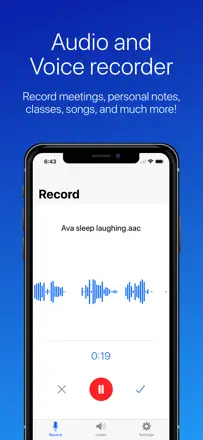
A simple, free voice recorder with solid recording quality. The main issue is unreliable state indication: the app sometimes records with no visible response to a button press, leaving the user unsure whether recording is active. Renamed files can disappear from the list.
評価点:High microphone sensitivity, recording continues in the background while switching apps, choice between local storage and cloud, and no ads.
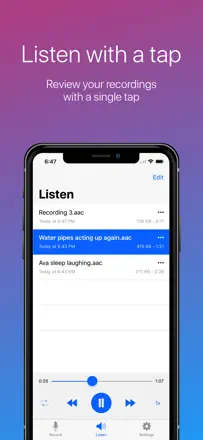
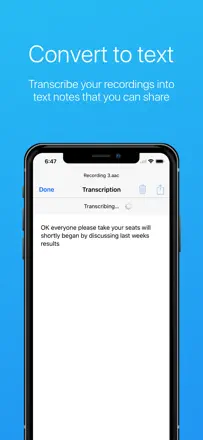
不満点:The delete button sits at the top of the action list and is too easy to tap by accident with no trash and no confirmation prompt, so a file is gone for good. Renamed recordings sometimes vanish from the list and only auto-named files remain. Transcription has a length cap even after purchase.
向いている人:Users who want a reliable, free recorder for lectures, rehearsals, and personal notes without extra setup.