本文へスキップ
課題から選ぶ

Record a full lecture or seminar and get structured notes without re-listening to the whole thing

音声録音と文字起こし

アプリについての本文は英語です。

Students in lectures

選ぶ前に確かめること

Reviewers describe languages getting mixed and an awkward way of sharing notes. The actual recording has to be checked and the original kept for proofreading.

使われているアプリ

これらのアプリはこの課題の分析で言及されています。それぞれを開いて、強みと限界を比べてください。並び順は適合度の順位ではありません。

  1. Minutes: AI Meeting Note Taker

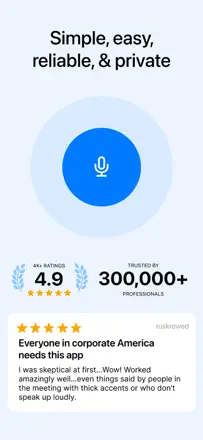
    4位。レビュースコア:61/100。App Storeの評価: 4.9★・14,002件の評価

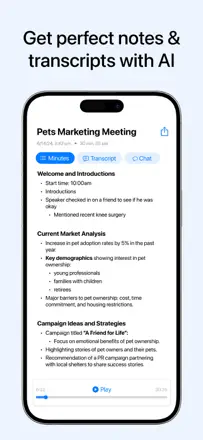
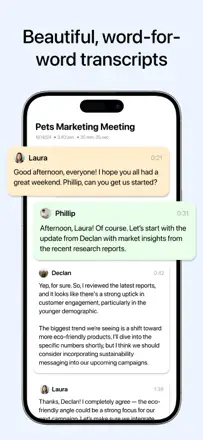
    Transcription and meeting structuring work when the app does not lose the recording. The core vulnerability is no auto-save: if you do not manually tap 'transcribe,' the recording is gone. Recordings are lost even without an obvious user error. Transcription accuracy is roughly 75 to 80 percent and holds up in noisy environments.

    評価点:Structured summaries are split into sections and readable right away. Switching languages mid-recording works (users noted Spanish and English in a single session). It helps people who struggle to concentrate take notes without effort.

    不満点:No auto-save means data is lost without a manual 'transcribe' tap. Several users reported complete recording loss. No web interface or integration with corporate platforms like Teams. Editing a transcript after the fact is not supported.

    向いている人:Students and people in in-person meetings who want a ready-made structured outline rather than a verbatim transcript.

  2. Wave AI Note Taker & Recorder

    1位。レビュースコア:65/100。App Storeの評価: 4.9★・11,576件の評価

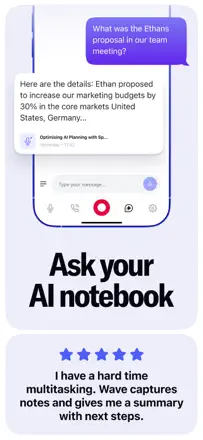
    One of the strongest apps in the niche for real functionality: background recording, detailed section-by-section summaries, and multilingual transcription. The main failures are silent recording with no warning (the app records silence while the user thinks it is capturing audio) and slow summary generation. Export to Notion and OneNote breaks formatting.

    評価点:Summaries are structured and substantive, multilingual transcription works without switching modes, and it helps in medical and business meetings where reviewing details afterward matters.

    不満点:Recording can silently capture silence, costing users 10 to 15 minutes of a meeting they did not know was lost. Summary generation slows down with a large archive, export to OneNote and Notion drops formatting, and search across many notes is unreliable.

    向いている人:Professionals and students in in-person meetings and lectures who need not a word-for-word transcript but a structured outline with key takeaways.

  3. Otter Transcribe Voice Notes

    5位。レビュースコア:58/100。App Storeの評価: 4.8★・62,322件の評価

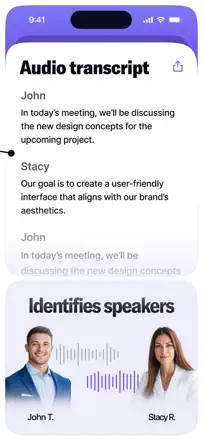
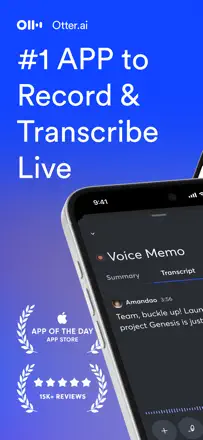
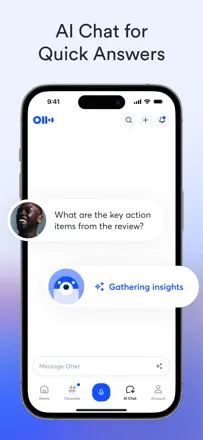
    An AI meeting transcriber with speaker identification, summaries, and action items. Transcription is accurate for the primary language but struggles with accents, names, and specialized vocabulary. Speaker identification is unreliable. The UX feels unfinished: you cannot start recording instantly, file organization is weak, and the mobile experience lags behind the web app.

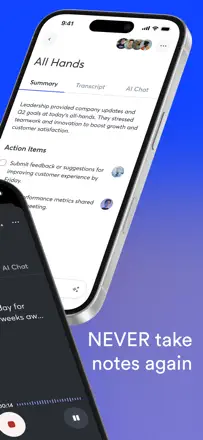
    評価点:Automatic summaries and action items from a meeting are ready right after recording. Full-text search across transcripts works well. Calendar integration can trigger recording automatically.

    不満点:Speaker labels are lost on replay and have to be re-tagged manually. Mobile export does not reproduce the layout (photos plus text) as shown in the app. The free-tier minute cap runs out fast with no warning.

    向いている人:Managers and teams who need automatic meeting minutes. Students for lecture notes. Not a good fit for interviews with specialized vocabulary or multiple similar-sounding voices.

  4. Voice Memos

    2位。レビュースコア:62/100。App Storeの評価: 4.8★・1,031,552件の評価

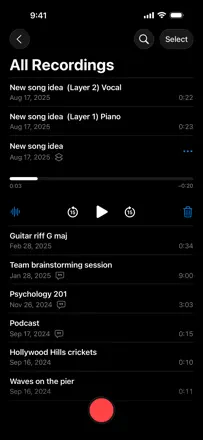
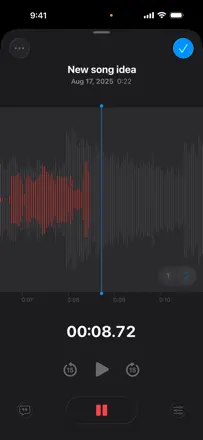
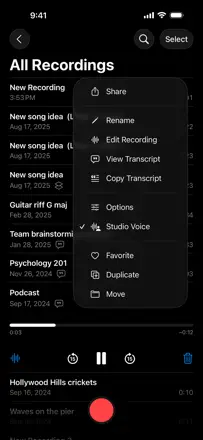
    Apple's free built-in recorder. Works without friction, folders and iCloud sync are included out of the box. Transcription arrived recently and reviews say it is inconsistent. Background recording with the screen locked works fine. Main limitations: recordings integrate poorly with other apps, the record/stop sound cannot be disabled, and noisy environments pull focus to background noise.

    評価点:Zero learning curve: open, tap, it records. Folders and iCloud sync work out of the box. Files are stored indefinitely with no subscription.

    不満点:Transcription is unreliable and sometimes disappears after updates. Recordings are hard to share between apps with no direct export in the format you need. The audio chime at start and stop cannot be turned off.

    向いている人:iPhone users who need a quick recording without installing anything. Students, journalists, and anyone who takes voice notes.

このテーマのほかの課題

ランキング全体:音声録音と文字起こしスクリーンショットとスコア付きの28アプリこの分析の出どころリサーチとレビューからの所見を読む