Wert aus Rezensionen: 82 von 100. App-Store-Bewertung: 4,7★ · 12.501 Bewertungen
82von 100
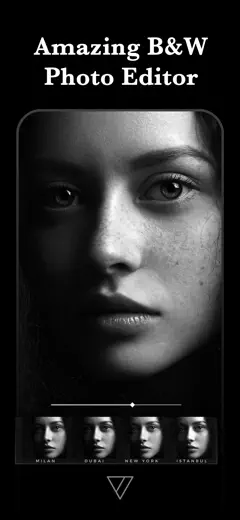
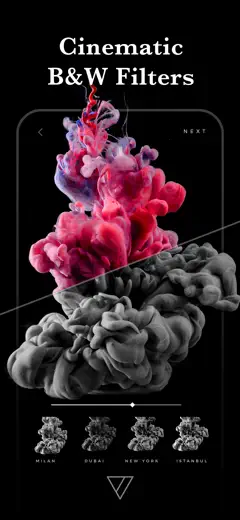
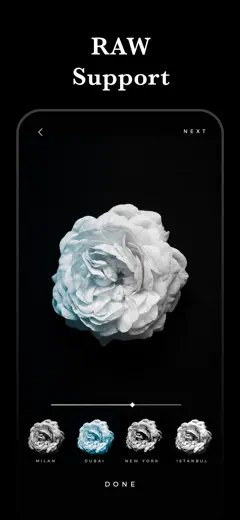
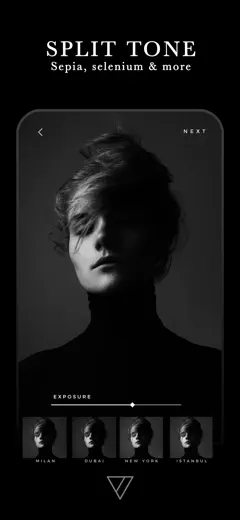
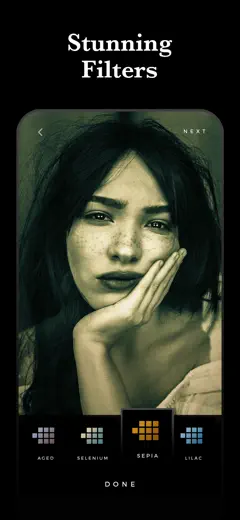
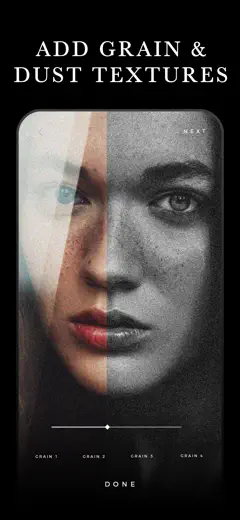
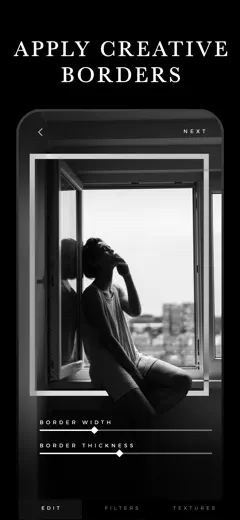
The best mobile tool for black-and-white processing according to working photographers. A wide range of tonal presets recreates the character of film emulsions, from hard contrast to soft sepia toning. Texture overlays and grain are applied with restraint. The app is actively developed and updated.
Gelobt
The infrared effect, toning, and per-range tonal control via dedicated sliders produce results photographers compare to darkroom work. The interface is uncluttered and requires no learning curve.
Kritik
Restoring purchased filters when switching devices sometimes fails. The app focuses exclusively on monochrome and texture processing with no color correction tools.
Für wen: Photographers who shoot primarily in black and white and want controlled tonal grain without a computer.
Wert aus Rezensionen: 78 von 100. App-Store-Bewertung: 4,9★ · 170.408 Bewertungen
78von 100
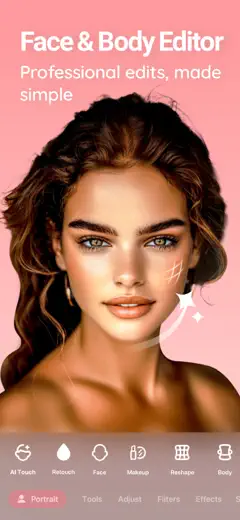
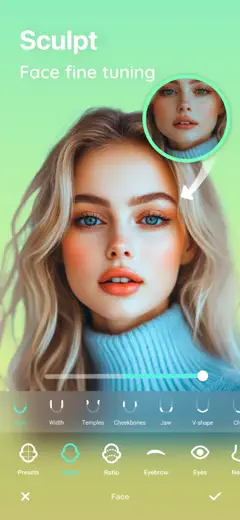
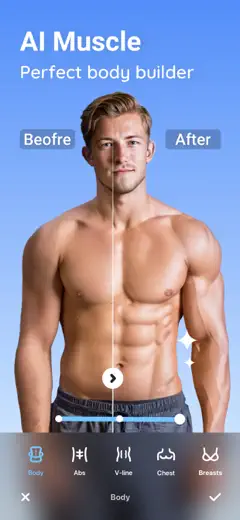
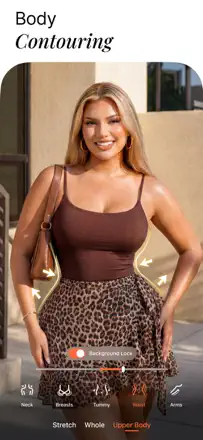
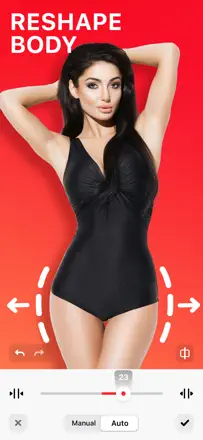
A wide arsenal of body and face retouching tools is available without restrictions, and saves are watermark-free. Body reshaping looks realistic at moderate values. The Auto-edit tool applies aggressive changes with no fine-grained control.
Gelobt
Most retouching tools are available without restrictions and without a watermark. Body contouring looks natural at low values. The interface is intuitive from the first launch with no instructions needed.
Kritik
The Auto-edit tool applies overly aggressive edits with no option for precise adjustment. After one update the app stopped seeing hidden iOS albums. Editing RAW photos produces artifacts on export.
Für wen: Anyone who wants a full portrait and body editor without a mandatory subscription or watermarks on output files.
Wert aus Rezensionen: 76 von 100. App-Store-Bewertung: 4,8★ · 335.094 Bewertungen
76von 100
The best mobile editor for RAW shooters: powerful masking tools, preset sync, and flexible color grading. The object removal tool and the new generative AI features are unstable, but everything else is desktop-level.
Gelobt
Desktop-grade RAW processing on the phone. AI-assisted object masking is precise. Preset sync between phone and PC saves time in complex workflows. Suggested presets offer a solid starting point.
Kritik
The object removal tool selects a much larger area than indicated. Editing high-resolution images on iPad turns highlights green. Importing from an SD card requires loading all previews before work can begin.
Für wen: Photographers who shoot in RAW and want a complete workflow without a laptop on the road.
Platz 4. Wert aus Rezensionen: 76 von 100. App-Store-Bewertung: 4,8★ · 31.068 Bewertungen
76von 100
An editor with a rich library of light presets and fine correction tools built around color quality. Filters do not oversaturate and preserve a neutral tone. Batch editing of multiple photos at once is a real feature. The app occasionally freezes when applying custom presets, especially on older devices.
Gelobt: A library of delicate light filters without oversaturation, batch editing for photo series, and curve and tonal balance correction tools.
Kritik: Object removal leaves edge artifacts. The app lags when applying custom presets during long editing sessions.
Für wen: Bloggers and content creators who need a consistent color palette across a series of photos for social media.
Platz 5. Wert aus Rezensionen: 74 von 100. App-Store-Bewertung: 4,7★ · 37.634 Bewertungen
74von 100
A veteran collage editor with a wide range of frames, stickers, a Stitch feature, and quality filters. Once a text layer is closed you cannot re-edit it. Filters are above average quality for mobile editors.
Gelobt: Rich selection of frames and stickers, the Stitch feature for vertical feeds, quality photo filters, and stable performance over many years.
Kritik: After closing a text layer you cannot return to edit it and must delete and recreate it. The interface is cluttered with pop-up ads at every step, even for long-term users.
Für wen: Social media users who regularly create greeting and content posts and are comfortable with fixed collage templates.
Platz 6. Wert aus Rezensionen: 74 von 100. App-Store-Bewertung: 4,7★ · 11.371 Bewertungen
74von 100
A stable editor with a wide range of filters, lens distortion correction, and the ability to create custom presets. Users apply it for years as their primary editor for social media and professional publications. Text addition is unstable in recent versions.
Gelobt: Barrel distortion correction for lenses is rarely found in mobile editors. The ability to create custom presets from slider settings and reuse them. Filters produce professional results without a digital plastic look.
Kritik: Text addition in recent versions is unstable: fonts shift or fail to render. Adding a second photo to a project occasionally fails due to restricted gallery access.
Für wen: Amateur photographers and content creators who need a reliable filter editor without a subscription or intrusive ads.
Platz 7. Wert aus Rezensionen: 73 von 100. App-Store-Bewertung: 4,8★ · 258.736 Bewertungen
73von 100
A multi-purpose design and photo editor: object cutout, layers, AI canvas expansion, and background removal work together. Collage and poster results look professional without much effort.
Gelobt: Object cutout with a transparent background is accurate on complex outlines. Layers let you build complex designs directly on the phone. The photo enhancement tool recovers detail better than the iPhone's built-in editor.
Kritik: Projects freeze on open after several days of inactivity. The AI generation quota is limited and runs out quickly. Text objects occasionally turn into rectangles on their own.
Für wen: Small businesses and content creators who need a builder for posts, marketing materials, and complex collages directly on the phone.
Platz 8. Wert aus Rezensionen: 72 von 100. App-Store-Bewertung: 4,8★ · 1.819.928 Bewertungen
72von 100
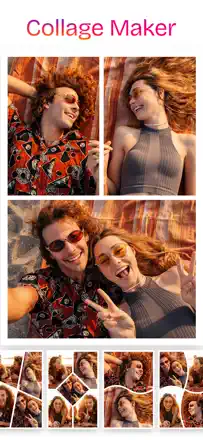
The simplest and most predictable collage maker of the bunch: intuitive layout, dozens of grids and backgrounds, and results look clean and neat. Weaker on complex non-standard formats.
Gelobt: Instant collage assembly from any number of photos, a rich selection of backgrounds and borders, navigation that needs no learning, and stable performance on iOS and Android.
Kritik: Saving without a watermark is locked. Built-in text is locked. Helvetica and Impact fonts were removed without notice, breaking older projects that used them.
Für wen: People who make greeting cards, before-and-after collages, and quick social media posts without deep editing.
Platz 9. Wert aus Rezensionen: 72 von 100. App-Store-Bewertung: 4,6★ · 44.327 Bewertungen
72von 100
A simple, reliable collage grid that works without extra configuration. Auto-arrangement of photos and frame selection do their job accurately and quickly. Results save without a watermark, which users working with portfolios and family photos have appreciated for years.
Gelobt: Auto photo layout, clean saves without a watermark, a large selection of neutral borders, and stable performance across multiple devices.
Kritik: Limited tools for balancing exposure when joining shots, and no precise control over the size of individual cells.
Für wen: People who regularly make collages for family, social media, or before-and-after comparisons and value speed over flexibility.
Platz 10. Wert aus Rezensionen: 72 von 100. App-Store-Bewertung: 4,9★ · 16.060 Bewertungen
72von 100
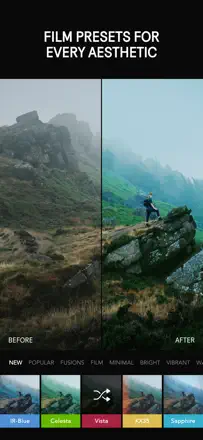
The most capable mobile editor with native tools for targeted corrections, selective masking by luminosity and color, and film presets. Works without intrusive ads and without registration. The 2025 redesign broke familiar navigation for experienced users.
Gelobt: The selective correction tool targeting a specific zone without masks has no mobile equivalent. Film presets with grain and tone control are fully customizable. Works without registration or forced ads.
Kritik: The interface redesign made navigation unclear for experienced users: familiar tools moved without logic. On new iPads and some cameras (Nikon Z6) the app has errors on RAW import.
Für wen: Amateur and professional photographers who want full-featured mobile processing without a subscription.
Platz 11. Wert aus Rezensionen: 71 von 100. App-Store-Bewertung: 4,8★ · 109.712 Bewertungen
71von 100
The concept is strong: the app creates seamless Instagram carousels and does it better than most competitors. Templates are well designed and the control is intuitive. Stickers are hard to move precisely since it is easy to miss the object with a finger. Finished carousels sometimes save with a visible seam between slides, defeating the seamless effect. Videos occasionally appear blank when viewed in the gallery after editing.
Gelobt: Seamless assembly of horizontal panoramas into multiple Instagram slides works reliably and delivers a visually unified result without manual cropping.
Kritik: Stickers are difficult to grab and move precisely, the hit area is too small. Some carousels save as a blank white screen instead of the finished file.
Für wen: Instagram content creators and photographers who need to publish wide-format shots or panoramas as carousels.
Platz 12. Wert aus Rezensionen: 68 von 100. App-Store-Bewertung: 4,7★ · 40.333 Bewertungen
68von 100
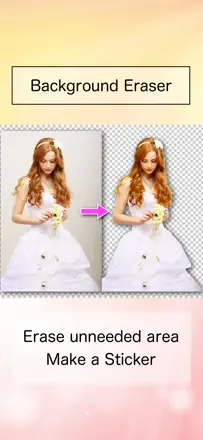
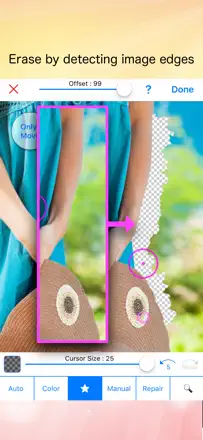
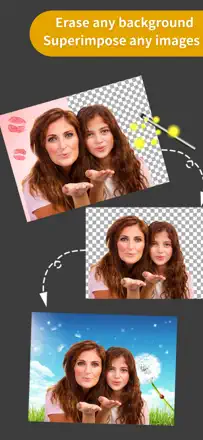
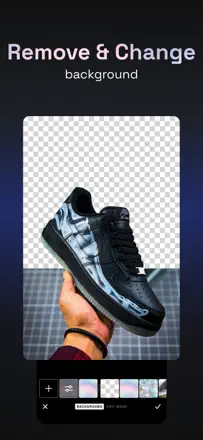
A precision eraser with size control and color-based auto-selection let you cut out objects cleanly without complex settings. High-contrast scenes are handled well. On iOS some users find the transparent background replaced by white on save.
Gelobt: The precision eraser with adjustable size and color-based auto-selection on solid backgrounds works cleanly. The basic feature set is available without a watermark.
Kritik: On iOS some users find the transparent background replaced by white on save, making the result unusable. Working with detailed objects (hair, fur) requires lengthy manual touchup.
Für wen: Illustrators, digital sticker makers, and people who create product cards with simple solid backgrounds.
Platz 13. Wert aus Rezensionen: 68 von 100. App-Store-Bewertung: 4,8★ · 11.821 Bewertungen
68von 100
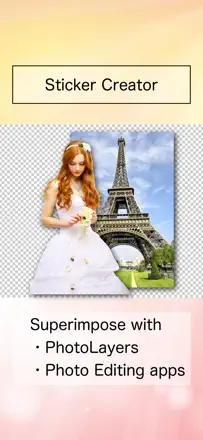
A full-featured layer compositing and precise cutout tool comparable to mobile Photoshop. Pixel-level eraser precision and layer blend control enable complex compositions. The background eraser outperforms most dedicated apps. Rare crashes during final save of a composite lose all work.
Gelobt: The cutout tool works down to a single pixel and leaves no halo around object edges. Users have applied it for years for professional compositing, memes, greeting cards, and placing their own face in paintings.
Kritik: The AI enhancement feature distorts eyes on portraits of people with Asian features, clearly trained on a narrow audience. The app freezes during final save after long cutout sessions.
Für wen: Anyone who needs precise layer work and object cutout on a mobile device without a laptop.
Platz 14. Wert aus Rezensionen: 66 von 100. App-Store-Bewertung: 4,8★ · 199.295 Bewertungen
66von 100
The best option for subtle portrait retouching: smoothing, face reshaping, and highlight tools work with high precision and deliver natural results. An update to the Relight feature broke the main tool for many users.
Gelobt: Skin smoothing with zone control lets you leave the background untouched. Face and body reshaping is invisible at moderate settings. The bokeh background blur follows the subject outline precisely.
Kritik: The new Relight mode replaced the old direct tool with camera-style filters like 'Canon GX', making results worse and less predictable. AI object replacement in the background leaves visible seams.
Für wen: Users who want minimal portrait retouching for social media while preserving a natural skin look.
Platz 15. Wert aus Rezensionen: 63 von 100. App-Store-Bewertung: 4,8★ · 12.244 Bewertungen
63von 100
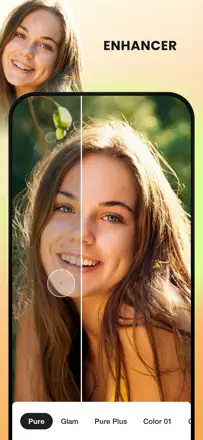
One-tap photo enhancement delivers a noticeable boost in sharpness and saturation for social media, especially on shots taken in poor light. Results look processed and are not always suitable for portraits. Intermittent server errors make the app unreliable.
Gelobt: Photos for TikTok slideshows and Instagram collages get a noticeably cleaner look in one tap with no understanding of editing tools required.
Kritik: Processing is too aggressive on portraits: skin loses texture and looks plastic. The server regularly returns errors with no explanation, sometimes requiring a reinstall.
Für wen: Teenagers and TikTok content creators who need a quick photo cleanup with no adjustments.
Platz 16. Wert aus Rezensionen: 61 von 100. App-Store-Bewertung: 4,7★ · 26.805 Bewertungen
61von 100
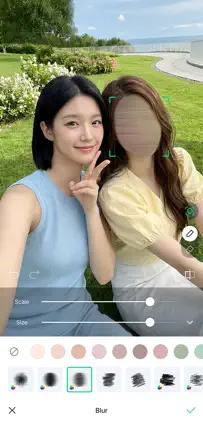
Manual mask drawing for blur works accurately for hiding text or addresses in photos. The automatic background detection is unstable on shots without clear contrast between subject and background. The blur boundary on portraits requires manual refinement for an acceptable result.
Gelobt: Precise manual blur application to specific areas of a photo, fast processing for hiding text or personal data.
Kritik: Automatic subject outline detection on portraits blurs parts of the face or body when contrast with the background is weak.
Für wen: People who want to hide specific elements in a photo (text, addresses, faces) or add bokeh to an already-taken shot.
Platz 17. Wert aus Rezensionen: 61 von 100. App-Store-Bewertung: 4,8★ · 11.427 Bewertungen
61von 100
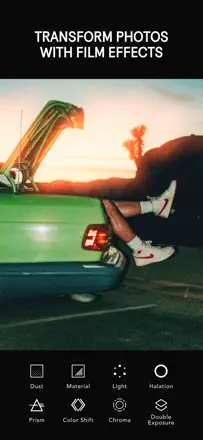
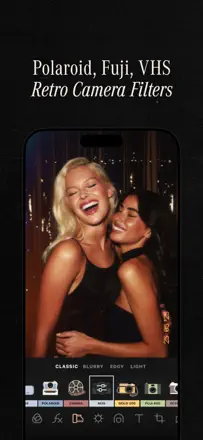
The best mobile disposable-camera film emulator according to users who have compared dozens of alternatives. Grain and light leak are adjustable component by component. The app freezes when switching between multiple photos in a row.
Gelobt: The film effect works across a wide range of lighting conditions without obvious signs of digital processing. Grain and light leaks are adjustable component by component for precise control over atmosphere.
Kritik: The app freezes when switching between multiple photos in a row and requires a force close. Some presets clip colors at the edges of the brightness range when importing RAW.
Für wen: People who want authentic film aesthetics for a personal archive or social media feed, without buying a real disposable camera.
Platz 18. Wert aus Rezensionen: 60 von 100. App-Store-Bewertung: 4,7★ · 56.992 Bewertungen
60von 100
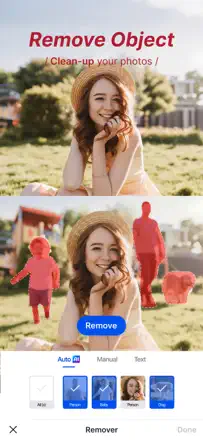
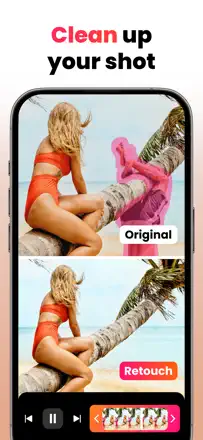
The main object removal tool outperforms most alternatives. Jewelry, wires, and strangers on the beach are removed cleanly. Edge awareness is high: the tool does not blur neighboring objects. The new beta people-removal feature is weaker and leaves artifacts along the silhouette edge. The app has become noticeably slower on new iPhones.
Gelobt: Removing thin lines (wires, ropes, cracks) without blurring the background is done more precisely and cleanly than most competitors, including mobile Photoshop.
Kritik: The beta people-removal feature leaves a visible outline along the silhouette edge that requires additional cleanup. The app has slowed significantly and overheats the phone during complex operations.
Für wen: Photographers and retouchers who need to cleanly remove small objects (wires, road signs, random passersby) without destroying the background.
Platz 19. Wert aus Rezensionen: 57 von 100. App-Store-Bewertung: 4,8★ · 12.541 Bewertungen
57von 100
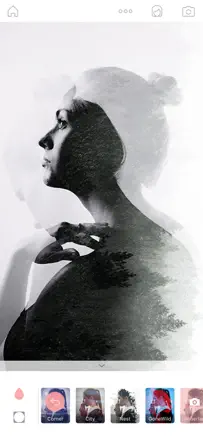
A stable editor with a broad set of collage, retouching, and colorization tools. Users have relied on it as their primary editor for years. AI features (background replacement, quality enhancement) occasionally freeze or produce unrealistic results. Purchases are lost when switching between Android and iOS.
Gelobt: Layer and object removal tools work without a watermark. Old photo colorization and the double exposure tool produce results users praise for their natural look.
Kritik: The AI section is unstable: several users report the feature works one time in ten. The beauty retouching section freezes on some iPhone models and renders the app completely non-functional for selfies.
Für wen: Digital collage makers and anyone who wants to colorize or restore old photos without sitting at a computer.
Platz 20. Wert aus Rezensionen: 55 von 100. App-Store-Bewertung: 4,8★ · 170.883 Bewertungen
55von 100
A rich set of grids and animated templates works reliably for basic collages. Photos drop into the correct slot by dragging, and the result saves sharply. The maximum number of slots per project is limited, which is a problem for large photo sets.
Gelobt: Animated templates for video collages with transitions work reliably. Simple drag-and-drop with no learning curve. The output image saves at sufficient resolution for publication.
Kritik: The maximum number of photos in a single collage is capped at 15 to 18 with no way to increase it. The grid selection shrank in recent versions. Photo import requires full gallery access with no option to restrict it.
Für wen: Users who occasionally put together photo sets for family events or social media profiles and do not need complex editing.
Platz 21. Wert aus Rezensionen: 55 von 100. App-Store-Bewertung: 4,6★ · 73.687 Bewertungen
55von 100
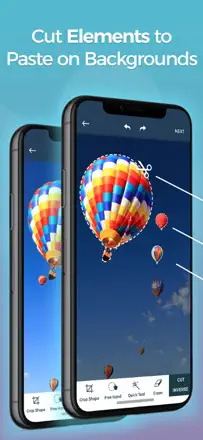
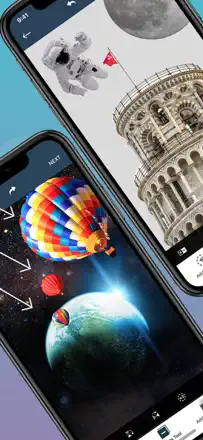
Object cutout and background swapping work fast and cleanly, with many users noting completion in under a minute on a typical task. Double image exposure has historically been a strength, but recent updates hurt the edge selection accuracy of the scissor tool. The Retouch tool has no undo for the last action. AI art inside the app uses an anime model and frequently produces unrecognizable results.
Gelobt: Automatic background removal works confidently even on hair and fur, producing results usable in production without manual cleanup on most shots.
Kritik: After recent updates the edge scissor tool lost precision, leaving a rough, visible fringe on the subject when compositing. AI generation inside the app produces unrealistic results with blurred features.
Für wen: Content creators, small businesses, and hobbyists who need to quickly cut out an object and place it on a different background for social media or a marketplace.
Platz 22. Wert aus Rezensionen: 55 von 100. App-Store-Bewertung: 4,7★ · 20.380 Bewertungen
55von 100
Afterlight is valued for its film presets that deliver a lively, non-generic result without garish processing. The gradient and color tone overlay tool is unique among mobile editors. Performance is stable with no freezes during normal use. The weak point: applying several corrections in sequence degrades photo quality and adds vertical banding. There are no healing brush or spot retouching tools.
Gelobt: Film presets with organic grain and tonal shifts, gradient and color film overlays, and edit history with the ability to return to any step.
Kritik: Applying multiple corrections in sequence degrades image quality and introduces banding. There is no spot healing tool for object removal.
Für wen: People who shoot in a cinematic style and want a film atmosphere without complex manual compositing.
Platz 23. Wert aus Rezensionen: 55 von 100. App-Store-Bewertung: 4,8★ · 11.411 Bewertungen
55von 100
A huge library of artistic frames, oil painting stylizations, and photomontages offers effects not found in other editors. Watercolor and pencil sketch filters produce convincing results for print. Artistic filters do not work on landscape-oriented photos.
Gelobt: Watercolor, pencil sketch, and oil painting effects produce convincing results suitable for printing and wall display. The artistic frame and photomontage library has no equivalent among mobile editors.
Kritik: Artistic filters do not work correctly on horizontal photos and landscapes: results are distorted or unusable. A rating prompt appears after every third save with no way to disable it.
Für wen: Users who need artistic photo transformations (watercolor, mosaic, frames) for decor or gifts rather than professional retouching.
Platz 24. Wert aus Rezensionen: 53 von 100. App-Store-Bewertung: 4,6★ · 49.087 Bewertungen
53von 100
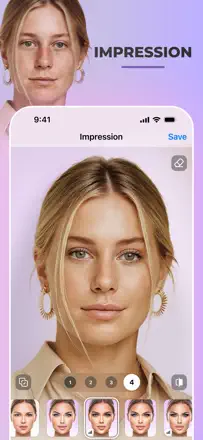
The concept is strong: the app generates multiple retouching variants for one face in parallel, letting you pick the best. When a generation lands, it looks natural (removes wrinkles and blemishes without making the face look plastic). But roughly 9 out of 10 generations look like AI hallucinations: facial shape changes, eyes point the wrong way. The daily retouch limit disrupts the workflow.
Gelobt: When it works, the result looks like a edited photograph rather than an AI generation: the person remains recognizable while skin improves and lighting corrects.
Kritik: Most generations look unnatural: the app changes facial features and removes freckles with no option to preserve them. There is no intensity control to reduce the degree of AI intervention.
Für wen: A user willing to spend 30 to 40 attempts to get one natural-looking retouch for portrait publications where recognizability matters.
Platz 25. Wert aus Rezensionen: 52 von 100. App-Store-Bewertung: 4,5★ · 119.431 Bewertungen
52von 100
The object eraser works adequately on simple backgrounds: users remove people, leashes, and litter from the frame with acceptable results. On complex scenes with sharp edges the tool leaves blurry smudges instead of clean removal. The beauty camera feature is noted as surprisingly strong. The contact lens editing feature produces pixelated results with darkened eye whites.
Gelobt: On simple scenes (green lawn, uniform sky) the eraser removes unwanted objects almost invisibly.
Kritik: On complex backgrounds the eraser smears the area with blur instead of reconstructing the content. Precisely tracing small objects with a finger is awkward since the boundary wobbles.
Für wen: A hobbyist who needs to remove a random passerby or wire from a photo on a simple background.
Platz 26. Wert aus Rezensionen: 52 von 100. App-Store-Bewertung: 4,4★ · 39.149 Bewertungen
52von 100
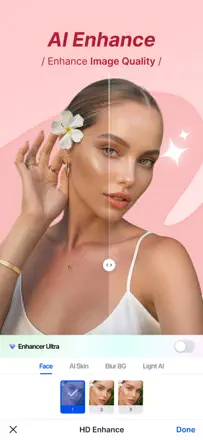
The main task of enhancing old and grainy photos is done convincingly. Black-and-white shots gain color with enough accuracy for a family archive. Processing speed is high. On some shots faces lose their features after upscaling and look like a generic approximation.
Gelobt: Detail recovery on grainy and old photos, colorization of black-and-white frames, processing speed measured in seconds.
Kritik: On some portraits the AI replaces facial features with averaged ones, and the resulting person no longer resembles the original.
Für wen: People who digitize and restore a family archive and accept minor deviations in facial features in exchange for overall quality improvement.
Platz 27. Wert aus Rezensionen: 52 von 100. App-Store-Bewertung: 4,7★ · 20.914 Bewertungen
52von 100
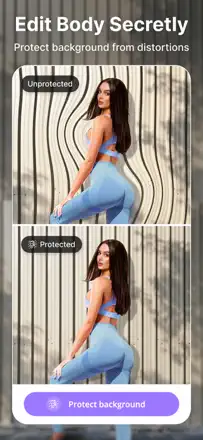
The strong point is background protection during body retouching: the app can deform a silhouette without touching the backdrop, which is genuinely difficult to do manually. AI background removal is fast. However, since an update the AI accuracy on faces has dropped: the face mask shifts and editing bleeds outside intended boundaries. A new menu replaced precise sliders with three fixed modes, removing fine control.
Gelobt: Background protection during body editing lets you change body proportions without distorting walls, furniture, or the scene behind the subject. Fast automatic background removal.
Kritik: After the update the AI recognizes faces less accurately and bleeds outside the intended contours. Sliders have been replaced with three modes, making fine-tuning unavailable.
Für wen: People who regularly edit portraits and figures for social media and value processing speed.
Platz 28. Wert aus Rezensionen: 52 von 100. App-Store-Bewertung: 4,8★ · 13.816 Bewertungen
52von 100
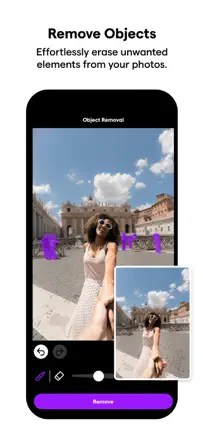
Removing objects and people from photos works convincingly on simple backgrounds and remains the main reason for installing the app. After updates the tool started freezing reliably, and the server returns errors on every other attempt. Photo quality enhancement receives less praise than people removal.
Gelobt: Objects or people disappear without artifacts on uniform backgrounds, looking as if they were never in the frame. Users note this works better than mobile Photoshop.
Kritik: The server regularly returns errors and requires retry attempts. After recent updates another person appears in place of the removed object. The tool fails when the object occupies a large portion of the frame.
Für wen: People who need to remove a random passerby or sign from a specific photo rather than full photo editing.
Platz 29. Wert aus Rezensionen: 48 von 100. App-Store-Bewertung: 4,8★ · 211.449 Bewertungen
48von 100
Neural artistic filters produce expressive results with a recognizable oil and watercolor aesthetic. The app is chronically unstable: it does not restore sessions after closing, and HD output is often indistinguishable from standard resolution.
Gelobt: Impressionist, oil painting, and watercolor filters produce results that standard tools cannot replicate. Styles are applied to existing images without the camera.
Kritik: After closing, the app does not restore an unfinished session and all progress is lost. HD output is sometimes indistinguishable from standard quality. Saved image proportions are occasionally distorted for no apparent reason.
Für wen: Art photography enthusiasts and content creators who need a unique art style for covers and posters.
Platz 30. Wert aus Rezensionen: 48 von 100. App-Store-Bewertung: 4,7★ · 66.846 Bewertungen
48von 100
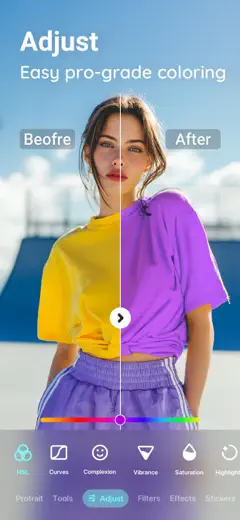
Deep toolset with curves, HSL, and color masking. Custom presets save and apply instantly. The reflection and distortion tool was removed in one update. The app loses work during saves of heavily edited photos.
Gelobt: The custom preset system lets you create an exact signature editing style and apply it to any photo with one tap. Color masking and curves work at a desktop editor level.
Kritik: The app loses work during saves of heavily edited photos without warning. The artistic reflection and distortion tool was removed in one update with no replacement.
Für wen: Experienced mobile photography enthusiasts who want deep color grading and are willing to spend time building their own style.
Platz 31. Wert aus Rezensionen: 48 von 100. App-Store-Bewertung: 4,6★ · 15.872 Bewertungen
48von 100
The object removal tool works and in good cases removes objects without a trace. It is unavailable on iPad with an incompatibility message. After an update it leaves a blurred smudge instead of clean fill.
Gelobt: The eraser genuinely removes small objects and random people from the background without complex masks or additional steps.
Kritik: On iPad the object removal tool is unavailable with a device incompatibility message. After an update the algorithm replaces the removed area with blur instead of clean background fill.
Für wen: People who want to quickly remove a random passerby or small object from a phone photo.
Platz 32. Wert aus Rezensionen: 48 von 100. App-Store-Bewertung: 4,7★ · 10.902 Bewertungen
48von 100
A collage and photo editor with a clear interface for memes, marketing cards, and blog illustrations. The text tool with alignment works accurately. Blur applies only to the entire photo at once, with no selective application to the background.
Gelobt: The text addition tool with flexible font and alignment settings works accurately. Creating a collage from multiple photos is fast with no unnecessary steps.
Kritik: The blur tool applies only to the entire photo at once, with no way to blur just the background without complex masking. Text centering has no visual guides and requires manual eye-balling.
Für wen: Bloggers and marketers who need to quickly create collages and captioned photos for social media within a subscription.
Platz 33. Wert aus Rezensionen: 47 von 100. App-Store-Bewertung: 4,8★ · 45.742 Bewertungen
47von 100
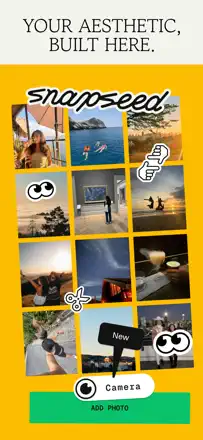
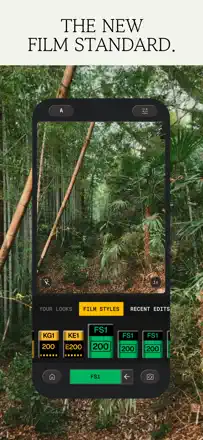
Film filters with analog grain and color shifts deliver a recognizable authorial style that is hard to achieve in Lightroom. The built-in camera has irreversibly deleted captured footage multiple times. The Feed Planner for visual feed planning stands out among competitors.
Gelobt: Filters with analog character (grain, color shifts, vignette) recreate the film aesthetic more convincingly than most mobile alternatives. The Feed Planner for Instagram grid planning works as advertised.
Kritik: The built-in camera has caused irreversible loss of captured footage multiple times. 4K video editing fails intermittently on save.
Für wen: Instagram content creators with a distinct film or vintage aesthetic who edit photos rather than video.
Platz 34. Wert aus Rezensionen: 47 von 100. App-Store-Bewertung: 4,8★ · 10.939 Bewertungen
47von 100
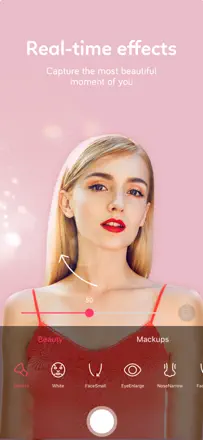
A camera with real-time skin filters and fine facial feature correction delivers a natural-looking result. After recent updates saved photos differ from the preview: the filter is applied differently than in camera mode. Users with dark skin note excessive smoothing that makes photos look artificial.
Gelobt: Facial sculpting (slimmer nose, defined cheekbones) is applied subtly without producing a plastic look. Live filters for video recording stay stable without flickering.
Kritik: The saved result does not match what is visible in camera mode: the filter is applied at a different intensity. Burst shooting has become significantly slower in recent versions.
Für wen: Users who want a fast camera with subtle face correction for everyday selfies and video calls.
Platz 35. Wert aus Rezensionen: 46 von 100. App-Store-Bewertung: 4,6★ · 154.529 Bewertungen
46von 100
Body contour and height correction at moderate values produces plausible results on clear silhouettes. Saving without a watermark is a genuine advantage over competitors. Face recognition tools miss the subject in some photos without explanation.
Gelobt: Waist and height correction looks realistic at small values. Basic tools work without a watermark on save.
Kritik: Face recognition tools fail on some photos without explanation. The rating prompt appears before editing begins, before the user has had a chance to evaluate the app.
Für wen: Users who need quick silhouette correction on a specific photo for social media publication.
Platz 36. Wert aus Rezensionen: 46 von 100. App-Store-Bewertung: 4,5★ · 11.689 Bewertungen
46von 100
A large library of decorative backgrounds and effects with six automatic enhancement tools that work quickly. The face detection algorithm is unstable on dark skin. Individual effects cannot be stacked: each new application resets the previous one, limiting complex edits.
Gelobt: Decorative backgrounds with themed collections and glamour lighting effects produce results users describe as 'a professional cover' with no retouching skills required.
Kritik: AI tools fail to detect faces on dark skin in a significant portion of cases, with the enhancement feature simply not triggering. Multiple effects cannot be combined: the second always cancels the first.
Für wen: Creators who need decorative backgrounds and ready-made stylized effects for entertainment content rather than fine retouching.
Platz 37. Wert aus Rezensionen: 45 von 100. App-Store-Bewertung: 4,7★ · 18.621 Bewertungen
45von 100
Object and people removal from the background looks clean in good cases, and three fill options let you pick the best. An unstable algorithm leaves black spots on some photos. Only works in portrait orientation.
Gelobt: Clean removal of people and small objects from the background without complex masks. Three fill options for the removed area let you choose the most suitable result.
Kritik: Unstable results: some photos get black spots or a blurry residue instead of the removed object. Only works in portrait orientation with no landscape support.
Für wen: People who occasionally remove random passersby or small objects from photos and are willing to try several times.
Platz 38. Wert aus Rezensionen: 45 von 100. App-Store-Bewertung: 4,8★ · 12.491 Bewertungen
45von 100
A powerful color editor with individual color isolation in the frame and professional hue and saturation sliders. After a major interface update the app lost some user filters and changed the behavior of correction tools, causing some users to switch to alternatives.
Gelobt: Color balance and hue control via individual channels produce results close to Photoshop. Batch application of a set of edits to multiple photos simultaneously is rare among mobile editors.
Kritik: The interface update renamed filters with meaningless codes and shuffled their positions. User edit sets disappeared after the update with no way to restore them. The app is unstable on devices that are a few years old.
Für wen: Creators who need precise color grading and batch processing of multiple photos with a unified style.
Platz 39. Wert aus Rezensionen: 44 von 100. App-Store-Bewertung: 4,7★ · 1.767.592 Bewertungen
44von 100
AI face transformations once stood out for their natural results, but system updates removed key features, filters became blurry with artifacts, and the layer tool is broken for most workflows.
Gelobt: Aging, gender swap, and hairstyle change effects produced convincing results. Fast processing of multiple photos. AI skin retouching worked unobtrusively.
Kritik: Updates removed popular features (morphing, 'no makeup', celebrities). Results on dark skin and unconventional hairstyles are inaccurate. The layer editing tool is cluttered and unfamiliar.
Für wen: Users who need fast portrait processing for social media and accept the loss of some tools due to updates.
Platz 40. Wert aus Rezensionen: 44 von 100. App-Store-Bewertung: 4,8★ · 181.836 Bewertungen
44von 100
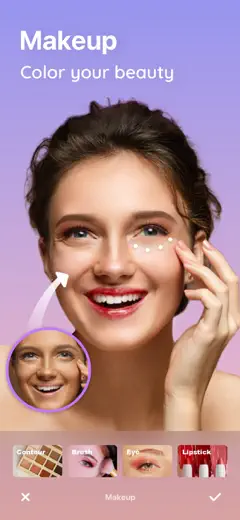
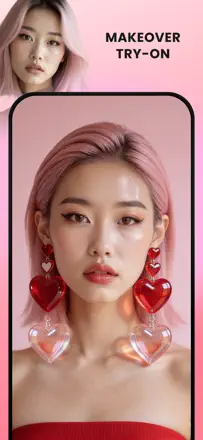
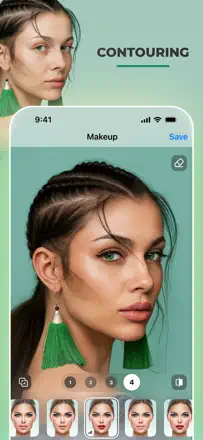
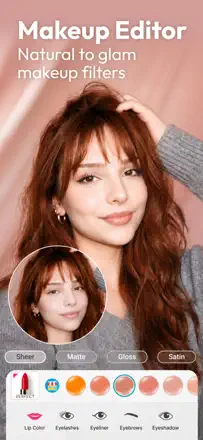
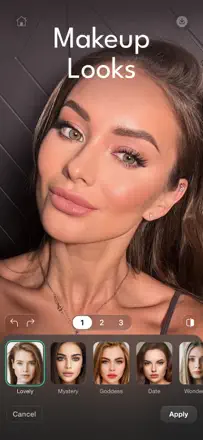
Virtual makeup at moderate settings looks hand-applied. The skin smoothing tool works precisely without affecting brows and eyes. The new AI mode replaces the face with a different person instead of enhancing the original.
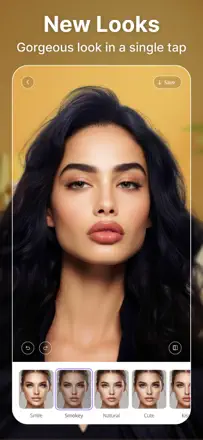
Gelobt: Makeup at soft settings looks realistic without a mask-like effect. A large library of ready-made looks lets you try different styles quickly. Skin smoothing does not blur eyes or brows.
Kritik: The new AI mode changes facial features to those of a different person instead of enhancing the original shot. The app freezes when opening a photo and fails to display the image on some devices after an update.
Für wen: Women who want to virtually try a new makeup look or make subtle portrait retouching for social media.
Platz 41. Wert aus Rezensionen: 44 von 100. App-Store-Bewertung: 4,6★ · 77.690 Bewertungen
44von 100
Selective colorization (keep one color, convert everything else to black and white) works predictably on uniform objects with a clear outline. The brush tool suits iPad with Apple Pencil but is awkward on iPhone with a finger. The recoloring feature is weaker: results are muddy and do not capture material texture. The app periodically freezes when switching between photos.
Gelobt: The selective color brush with adjustable opacity works accurately on high-contrast objects. You can highlight a red umbrella on a grey street in literally a minute.
Kritik: The recoloring tool produces a blurry, unnatural result with no account for texture or material. Switching between photos frequently causes a freeze.
Für wen: A creative experimenter with color isolation for portfolio, social media, or simple commercial tasks.
Platz 42. Wert aus Rezensionen: 44 von 100. App-Store-Bewertung: 4,7★ · 13.284 Bewertungen
44von 100
Selfie filters and quality skin processing work reliably. Purchased stickers disappear when switching devices and restoration is unstable. Album navigation is broken after one of the updates.
Gelobt: Quality filters and stickers, a fast selfie editing mode with skin blemish correction. The collage creation tool works without unnecessary steps.
Kritik: Purchased stickers disappear when switching to a new device and restoration is unstable. Album scrolling in the gallery is broken after one of the updates.
Für wen: Users who have been using the app for a long time and do not plan to switch devices anytime soon.
Platz 43. Wert aus Rezensionen: 42 von 100. App-Store-Bewertung: 4,7★ · 184.694 Bewertungen
42von 100
A large library of artistic effects lets you quickly transform a photo into a stylized image, but the algorithm adapts poorly to dark skin and non-standard appearances, and the removal of the search button dealt a serious blow to usability.
Gelobt: A huge variety of artistic styles with timely seasonal updates. The app processes photos quickly even with complex styles. Results on light skin are convincing in most styles.
Kritik: The AI stylization algorithm ignores requests for modest clothing and regularly lightens dark skin to the point of not matching the original. The effect search tool has been removed, making navigation through the library inconvenient.
Für wen: Users who need a quick artistic effect on a photo without deep editing or retouching.
Platz 44. Wert aus Rezensionen: 42 von 100. App-Store-Bewertung: 4,5★ · 90.459 Bewertungen
42von 100
The mobile version reproduces the key logic of Photoshop: layers, selection, and transforms work in a familiar way. The scale and distort tool snaps to invisible anchors, making precise layer editing a struggle. AI object selection works well on high-contrast scenes. The iPad version is more of a trimmed-down demo than a full tool for professionals.
Gelobt: One-tap AI object selection is more precise than most mobile editors, especially on high-contrast frames with clear silhouettes.
Kritik: The Scale/Distort tool snaps to invisible magnetic anchors, making it impossible to move a layer precisely without multiple attempts. The app regularly loses progress during iOS updates.
Für wen: A designer or retoucher already working in Photoshop on a computer who needs a mobile extension of the workflow rather than a full replacement.
Platz 45. Wert aus Rezensionen: 41 von 100. App-Store-Bewertung: 4,8★ · 224.448 Bewertungen
41von 100
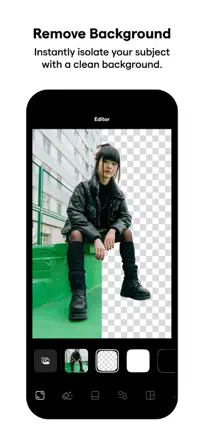
Background removal for product photography works quickly and more accurately than most alternatives, but batch export is limited, AI model generation is unrealistic and unsuitable for commerce, and projects occasionally vanish along with years of work.
Gelobt: Background cutout for product photography is precise on complex shapes and jewelry. Batch processing of multiple photos simultaneously saves time for online stores.
Kritik: AI models generate unrealistic images and often ignore clear instructions about garment shape and length. Batch export is limited in the number of files per month without disclosure at purchase. Cases of complete loss of a project workspace have been recorded.
Für wen: Marketplace sellers who need to quickly prepare product photos with a clean background without a photo studio.
Platz 46. Wert aus Rezensionen: 41 von 100. App-Store-Bewertung: 4,7★ · 48.287 Bewertungen
41von 100
The core function of uploading photos and videos from the gallery to Snapchat in the correct format worked well before a series of updates. After the latest major update videos lose audio on send, the frame crops incorrectly, and the new interface is more complex. Filter editing inside the app is stable. Using the app carries a risk of temporary Snapchat account suspension, mentioned directly by several users.
Gelobt: Before the last update: precise video formatting for Snapchat without quality loss and with audio preserved, including videos up to 30 minutes.
Kritik: After the update video sends without audio and the format no longer matches the Snapchat screen correctly, adding black bars. Using the app may result in a Snapchat account suspension.
Für wen: An active Snapchat user who needs to post gallery content and is comfortable with the risk of violating platform rules.
Platz 47. Wert aus Rezensionen: 40 von 100. App-Store-Bewertung: 4,8★ · 346.008 Bewertungen
40von 100
A specialized editor for portraits and selfies: skin smoothing, lip and brow tools, and real-time filters. Works correctly when it is not broken, but updates damaged the smoothing sliders and face detection now misses people in the frame.
Gelobt: The portrait retouching focus is clear and delivers results. At its best, skin looks realistic rather than plastic. The real-time camera with filters is stable.
Kritik: Skin smoothing ignores slider position and applies the maximum. AI face detection tools do not work on dark skin tones and short haircuts. An automatic filter applies on app open without a prompt, overwriting the original photo.
Für wen: Users who need fast portrait and selfie retouching without deep background or object editing.
Platz 48. Wert aus Rezensionen: 38 von 100. App-Store-Bewertung: 4,8★ · 740.086 Bewertungen
38von 100
Precise color correction and sharpness tools work reliably, Creative Cloud sync is convenient, but the interface is cluttered with AI features that cannot be hidden, and the temperature slider breaks the color balance at the slightest touch.
Gelobt: The sharpening slider is precise and does not clip detail even at high values. A wide set of manual adjustments for color, exposure, and contrast work predictably.
Kritik: The temperature slider breaks the color balance at the slightest touch and is difficult to return to the original. Background removal leaves edge artifacts on complex subjects. Generative AI is embedded in the main interface with no way to disable it.
Für wen: Experienced photographers in the Adobe ecosystem who need a mobile Lightroom companion for quick edits on the road.
Platz 49. Wert aus Rezensionen: 38 von 100. App-Store-Bewertung: 4,7★ · 137.473 Bewertungen
38von 100
AI generation of complex scenes with animals and fantasy imagery is impressive when it works. After updates manual tools are trimmed, the AI generator is unstable, and faces in results do not match the originals.
Gelobt: When generation succeeds, complex scenes with animals, fantasy imagery, and surreal collages are produced convincingly and quickly. The Enhance tool improves detail in old compressed photos.
Kritik: The AI generator reliably returns an error without explanation on harmless prompts. The sky replacement feature and other retouching tools disappeared from the app without notice. Hands in generated images are rendered with errors.
Für wen: Visual content creators who need fast generation of fantasy scenes and can tolerate instability.
Platz 50. Wert aus Rezensionen: 38 von 100. App-Store-Bewertung: 4,3★ · 39.814 Bewertungen
38von 100
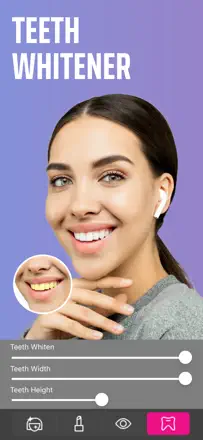
The selfie retouching toolset covers the main requests: teeth whitening, glare correction, hair and eye color changes. Some features are done well and look sufficiently natural in straight-on shots. Accuracy drops on side lighting and profile shots, and the automatic retouching mode makes skin look plastic.
Gelobt: Teeth whitening works more accurately than most alternatives. A step-by-step tutorial on first launch helps new users get started without instructions.
Kritik: Automatic skin retouching produces an unnatural result. The editor freezes in the eye color tab. Accuracy drops critically in poor lighting or profile angle shots.
Für wen: People who take straight portrait selfies and want quick targeted retouching without complex settings.
Platz 51. Wert aus Rezensionen: 38 von 100. App-Store-Bewertung: 4,6★ · 26.353 Bewertungen
38von 100
The background cutout and layer tool once worked excellently and earned a loyal following. Precise outline accuracy during object cutout is a strength noted by loyal users. However, the AI magic cut feature has degraded with updates: what once cut cleanly now leaves artifacts and noise. Export sometimes changes the photo's color filter without the user's knowledge, directly corrupting the result.
Gelobt: Precise object cutout with edge preservation, layer work directly on the phone, and a convenient layout with a wide selection of tools for a mobile editor.
Kritik: Magic cut has worsened after updates and leaves visual noise along edges. The app independently changes the color filter of the saved photo.
Für wen: People who make collages and composites on the go and can tolerate unstable AI quality.
Platz 52. Wert aus Rezensionen: 38 von 100. App-Store-Bewertung: 4,7★ · 14.948 Bewertungen
38von 100
A collage and design card editor that is fast and intuitive, with stickers and fonts that let you build marketing materials without a computer. The background eraser breaks after system updates. Saved photo resolution drops without warning.
Gelobt: The collage editor is intuitive and fast. Stickers and fonts let you create a marketing card in minutes without a computer.
Kritik: The background eraser periodically stops working after system updates. Saved photo resolution drops roughly in half without warning. A rating prompt interrupts the editing process.
Für wen: Social media content creators who need ready templates and quick collage assembly but not professional retouching.
Platz 53. Wert aus Rezensionen: 36 von 100. App-Store-Bewertung: 4,7★ · 215.667 Bewertungen
36von 100
Image upscaling and precise background cutout on complex outlines once surpassed desktop tools. After an update the selection logic changed, and AI generation produces unrecognizable results on models.
Gelobt: Upscaling digital illustrations and photos is done cleanly without visible artifacts. Background removal on jewelry with complex outlines at its best exceeded desktop editor results.
Kritik: After an update the brush logic in the cutout tool changed: the circle now marks the area to delete rather than keep, with no way to switch modes. AI portrait generation on models produces unrecognizable results with faces that do not match the uploaded photo.
Für wen: Clothing and jewelry sellers who need clean product shots on a white background without a studio, if they can tolerate AI instability.
Platz 54. Wert aus Rezensionen: 36 von 100. App-Store-Bewertung: 4,6★ · 31.330 Bewertungen
36von 100
A smooth infinite filter slider with no fixed presets lets you dial in the exact intensity of any effect. The depth editing tool for portrait shots works as described. Saving at original resolution requires a separate step with an additional cost.
Gelobt: A smooth slider without fixed presets lets you precisely control filter intensity. The depth editing tool for portrait shots genuinely works and sets the app apart from competitors.
Kritik: Saving a photo at original resolution requires a separate step with an added cost. The app occasionally fails to open after an update.
Für wen: Mobile photographers who care about fine intensity control over an effect rather than a library of ready-made presets.
Platz 55. Wert aus Rezensionen: 36 von 100. App-Store-Bewertung: 4,5★ · 10.624 Bewertungen
36von 100
Automatic skin smoothing preserves texture and avoids a plastic result. Camera-mode filters let you shoot with the effect applied immediately. The app is unstable when transitioning to editing a selected photo, and unsaved work is lost.
Gelobt: Automatic skin smoothing preserves texture and avoids a plastic result. Camera-mode filters let you shoot with the desired effect without post-processing.
Kritik: The app is unstable when transitioning to editing after photo selection. Blemish removal triggers automatically without a prompt and can erase distinctive facial features.
Für wen: Users who want fast automatic selfie retouching and are willing to accept the app's instability.
Platz 56. Wert aus Rezensionen: 35 von 100. App-Store-Bewertung: 4,6★ · 346.446 Bewertungen
35von 100
Sharpness enhancement on old photos was impressive in 2020-2022, but the algorithm has degraded: faces now come out plastic and overexposed, the background receives no improvement at all, and results on modern photos are indistinguishable from the original in sharpness.
Gelobt: In good cases on old film photos, the app restores face detail and clarity with surprising accuracy. Processing speed has improved compared to early versions.
Kritik: Enhancement is applied only to faces, while the background is ignored and stays blurry. Faces come out plastic and overexposed with off-balance color. On historical photos the result barely reads as an improved version of the original.
Für wen: People who want to restore specific old family photos and can accept unpredictable results.
Platz 57. Wert aus Rezensionen: 35 von 100. App-Store-Bewertung: 4,7★ · 98.651 Bewertungen
35von 100
Sky replacement works on open scenes without foliage on the horizon. The named preset system lets you save an authorial style and apply it to new photos with one tap. On shots with trees the mask requires manual correction.
Gelobt: The named preset system lets you instantly apply a saved editing style to any photo. Sky replacement on open landscapes without foliage delivers a clean result.
Kritik: Sky replacement on shots with trees and foliage produces a rough mask with edge artifacts. Overlay features were removed or degraded after updates. The app loses unsaved work during long sessions.
Für wen: A mobile photographer who shoots landscapes without complex foliage and wants to quickly swap the sky or add light effects.
Platz 58. Wert aus Rezensionen: 35 von 100. App-Store-Bewertung: 4,7★ · 32.768 Bewertungen
35von 100
The layer editor with cutout and background replacement works for undemanding tasks. AI object replacement leaves a dark halo around the cutout boundary. The app is unstable when making several edits in sequence.
Gelobt: Layer compositing for stacking multiple images works. A wide font selection for text overlays. Basic features are accessible without an extra terms screen.
Kritik: AI object or background replacement leaves a dark halo around the cutout boundary, making the result unsuitable for publication. The app is unstable when executing several sequential edits.
Für wen: Users who need layer compositing and background replacement for simple tasks and are willing to save after every other step.
Platz 59. Wert aus Rezensionen: 35 von 100. App-Store-Bewertung: 4,7★ · 15.133 Bewertungen
35von 100
Camera360 has a loyal long-term audience that valued its unique frame composition feature and ring-light filters not available elsewhere. Filters in good lighting produced a pleasant, natural result. After a major update the interface was completely rebuilt, most features disappeared or moved without explanation. Photo editing is now limited to face-only tools. On iPhone 11 video recording, blinking causes image distortion.
Gelobt: A unique frame composition feature not available in alternatives. Ring-light filters produced even, soft light on portrait shots.
Kritik: After the update editing is limited to face-only tools. General photo processing and color correction tools are gone. Blinking during video recording causes image distortion.
Für wen: People who take many selfies and want pleasant filters with automatic one-tap enhancement.
Platz 60. Wert aus Rezensionen: 33 von 100. App-Store-Bewertung: 4,6★ · 32.895 Bewertungen
33von 100
A brush for spot editing of facial features and automatic portrait enhancement are present in the app. AI face swapping produces unrecognizable results even on direct portraits. The app is unstable after updates.
Gelobt: A brush for spot editing of facial features with adjustable intensity. Automatic portrait enhancement works in basic cases.
Kritik: AI face swapping produces unrecognizable results even on direct, well-lit portraits.
Für wen: People who want to experiment with appearance transformation for fun rather than publication, provided the app is stable enough to use.
Platz 61. Wert aus Rezensionen: 33 von 100. App-Store-Bewertung: 4,7★ · 17.122 Bewertungen
33von 100
A multi-purpose app for collages, posters, and basic photo editing. A large selection of fonts and stickers for text overlays on photos. AI background removal works. However, when creating a video slideshow the app crashes on the 'done' screen, losing all work. The AI art feature on photos with dark subjects produces biased, stereotyped results. Collage templates are poorly organized.
Gelobt: A large selection of fonts for text overlays, stickers with themed sets, and a convenient tool for quickly building a collage from several photos.
Kritik: The app loses finished work when saving a video, crashing on the final screen. AI art produces an unnatural result on dark skin tones.
Für wen: People who create festive collages and photo text layouts for family posts.
Platz 62. Wert aus Rezensionen: 33 von 100. App-Store-Bewertung: 4,7★ · 12.518 Bewertungen
33von 100
Face and body warping tools work accurately enough for humorous scenarios and cosmetic surgery visualization. Saved image quality degrades noticeably compared to the original, which is the main technical problem. The app's community section contains immoderate content with no moderation.
Gelobt: Fluid control over face and body shape looks realistic. Warping leaves no obvious processing traces on skin or outlines. Users apply the tool to preview potential cosmetic surgery changes with a real doctor.
Kritik: The quality of the saved photo is significantly lower than the original, with noticeable detail loss visible to the naked eye when comparing in the gallery. Warping tools in recent updates now only blur rather than actually moving the shape.
Für wen: Users who need face warping for humorous scenarios or a preliminary visualization of appearance changes.
Platz 63. Wert aus Rezensionen: 32 von 100. App-Store-Bewertung: 4,7★ · 19.377 Bewertungen
32von 100
Artleap offers artistic effects and glitch styling that are hard to replicate in other mobile editors. Effect application speed is high. However, since the iOS 17 update the app crashes on launch for a significant share of users and has not been fixed for months. After finishing one project you must fully restart the app to begin a new one, a broken workflow. Some scenes and effects disappear after updates without notice.
Gelobt: Artistic effects with textures and glitch, fast style application to photos without manual layer setup.
Kritik: The app crashes on launch after the iOS 17 update with no fix from the developer. Between projects you must fully close and reopen the app.
Für wen: People who create artistic content for social media and can tolerate instability.
Platz 64. Wert aus Rezensionen: 31 von 100. App-Store-Bewertung: 4,6★ · 297.387 Bewertungen
31von 100
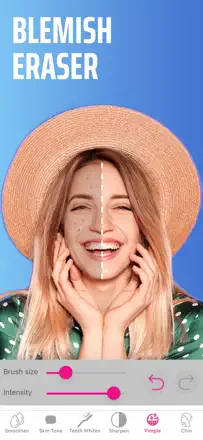
Before the redesign, the spot blemish removal tool and the color splash effect worked stably for years. After the interface overhaul, color settings reset without visible reason, and the object removal tool leaves noticeable traces.
Gelobt: Spot blemish and acne removal worked without blurring adjacent areas. The color splash effect for highlighting a color on a black-and-white background was unique and stable.
Kritik: After the redesign color settings revert to default without warning. The object removal tool leaves a visible residue instead of clean fill. Familiar features became hard to find in the new navigation.
Für wen: Users who need a simple editor for basic retouching without deep settings.
Platz 65. Wert aus Rezensionen: 31 von 100. App-Store-Bewertung: 4,8★ · 80.709 Bewertungen
31von 100
A large collection of presets from real photographers with a distinct authorial style. The preset transfer mechanism to Lightroom is unstable: the transfer button disappears, and presets look different on real photos than on demo images.
Gelobt: An extensive collection of presets from photographers with a pronounced personal style, with more variety than most alternatives. A convenient entry point for those already working in Lightroom.
Kritik: The preset transfer mechanism to Lightroom is unstable: the transfer button disappears or does not apply settings. Presets on real photos produce a result that differs substantially from the demo preview in the app.
Für wen: A photographer actively working in Adobe Lightroom on the phone and looking for ready-made styles to speed up the workflow.
Platz 66. Wert aus Rezensionen: 31 von 100. App-Store-Bewertung: 4,5★ · 33.596 Bewertungen
31von 100
Film effects inspired by the 1960s were conceptually strong: precise grain, vignetting, and color shifts without oversaturation. After several updates a critical problem emerged: the app saves photos at under one megapixel, destroying the original image quality. Some users report brown banding on the finished image.
Gelobt: Authentic film palette with grain and vignette. The filter transparency slider in older versions allowed precise control over effect intensity.
Kritik: Export shrinks the image to under one megapixel. New filters add excessive edge blur that cannot be disabled.
Für wen: Film aesthetic enthusiasts, but only if the developers fix the resolution degradation on export.
Platz 67. Wert aus Rezensionen: 30 von 100. App-Store-Bewertung: 4,7★ · 64.955 Bewertungen
30von 100
Basic collage mechanics with various layouts, up to nine photos, and adjustable gutters work reliably for years. Video can be combined with static photos. The insert before saving has a non-functional close button.
Gelobt: Layout variety from two to nine photos with adjustable gutters and proportions. Video files can be combined with static shots in a single collage.
Kritik: The insert before saving has a non-functional close button and leads to unintended actions. Some previously available features now require repurchasing.
Für wen: Teachers, parents, and hobbyists who need a simple, clear tool for creating photo grids without extra settings.
Platz 68. Wert aus Rezensionen: 30 von 100. App-Store-Bewertung: 4,8★ · 21.519 Bewertungen
30von 100
The app was built around its signature dreamy filters with sparkles and hearts that gave a soft, memorable style. After a major redesign that set was removed entirely. New filters aggressively reshape the face without fine control: the forehead expands, the jaw compresses, and the result looks unnatural. Camera image quality has dropped, with photos coming out grainy under the same shooting conditions.
Gelobt: A smooth skin retouching tool that produced a natural result without a plastic effect. A wide selection of makeup filters for portrait shots.
Kritik: Automatic face warping with no option to disable it. The result looks unnatural and disturbing. Camera image quality worsened after the update.
Für wen: People who take selfies for social media and want light skin tone enhancement, but only if they are happy with the current filter set.
Platz 69. Wert aus Rezensionen: 29 von 100. App-Store-Bewertung: 4,7★ · 416.260 Bewertungen
29von 100
Lensa's avatars and portrait filters were once best in class, but a series of 2024-2025 updates destroyed the product: avatars lost their resemblance to the original face, filters became unnatural, and the app regularly freezes to the point of losing work.
Gelobt: At its peak (before the 2024 updates) avatars in the Napoleon and other art preset styles were high quality. Color grading and curve adjustments worked smoothly. Video background removal was precise.
Kritik: Avatars now look like generic AI-generated people with no resemblance to the original. The app freezes when loading photos and loses unsaved work. AI performs poorly on dark skin and non-standard facial types.
Für wen: Currently no one: the product is in a state of technical regression and is not recommended until core issues are fixed.
Platz 70. Wert aus Rezensionen: 29 von 100. App-Store-Bewertung: 4,6★ · 86.125 Bewertungen
29von 100
The upscaling feature at its best raises old photo quality to print-ready level better than most alternatives. The app enters maintenance mode without notice and can be unavailable for a full day.
Gelobt: Upscaling old compressed photos preserves textures and avoids a muddy result, making them print-ready. Reviews claim it outperforms dozens of similar apps in enhancement quality.
Kritik: The app enters maintenance mode without notice and can be unavailable for hours. Old photo colorization sometimes distorts facial features. After a forced ad viewing the app resets to the start screen instead of unlocking the feature.
Für wen: Someone who needs to improve the quality of a specific old photo for printing once and is willing to wait for the server to be available.
Platz 71. Wert aus Rezensionen: 29 von 100. App-Store-Bewertung: 4,8★ · 39.249 Bewertungen
29von 100
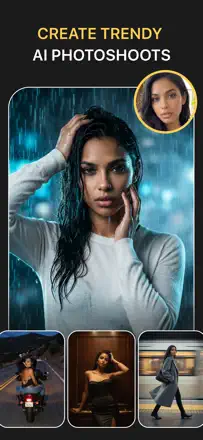
Fast generation of themed portraits on different backgrounds works technically, and initial results can be realistic. The generated face often does not match the original, and on group photos only some people are processed.
Gelobt: Fast generation of themed portraits with a variety of style presets. First results after setup are impressive.
Kritik: The generated face systematically does not match the uploaded original. Group photos are only partially processed: not all faces are replaced. A watermark remains on the result even after generation is complete without an extra step.
Für wen: Someone who wants to try a themed AI photo session once and does not plan regular use.
Platz 72. Wert aus Rezensionen: 28 von 100. App-Store-Bewertung: 4,4★ · 18.995 Bewertungen
28von 100
The app uses human retouchers rather than automation, which can deliver a natural result without typical AI artifacts. When edits arrive on time, body and background retouching quality is described as realistic. However, processing times have grown from 15 minutes to 4-24 hours. Editors regularly return photos unchanged or with obviously wrong edits, ignoring the user's specific instructions.
Gelobt: Natural body retouching result without background distortion, with the ability to specify the exact area to fix.
Kritik: Processing time has multiplied and is unpredictable. Editors systematically ignore instructions and return photos without the requested changes.
Für wen: People willing to wait several hours for a natural retouch that automation cannot provide.
Platz 73. Wert aus Rezensionen: 27 von 100. App-Store-Bewertung: 4,7★ · 324.329 Bewertungen
27von 100
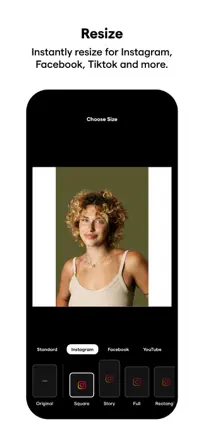
Quick aspect ratio adjustment to social media formats works reliably, but AI edge expansion adds fantastical objects instead of realistic fill, and touch responsiveness in the toning tool has degraded.
Gelobt: Instant aspect ratio adjustment for publishing without quality loss. Historically a simple and predictable interface with no unnecessary steps.
Kritik: AI canvas expansion adds non-existent objects instead of realistically filling the edges. Touch response in the toning tool is slow and requires multiple taps. Video exports at noticeably lower resolution than the source.
Für wen: People who previously used the app solely for cropping to Instagram dimensions and have not found a replacement for that one task.
Platz 74. Wert aus Rezensionen: 27 von 100. App-Store-Bewertung: 4,7★ · 16.663 Bewertungen
27von 100
Hypic offered a rich set of filters and AI tools, including hair processing that users noted as genuinely functional. Some templates and AI Art generated beautiful results. After recent updates the AI editor started returning errors on every request instead of a result. Output photo quality has dropped: text looks sharp in preview but becomes blurry on save. Full-resolution export works inconsistently.
Gelobt: The hair enhancement tool produced a natural result. A wide range of artistic templates for quickly creating stylized shots.
Kritik: The AI editor consistently returns a 'couldn't generate image' error instead of a result. Export reduces sharpness: what looks crisp in the app saves soft.
Für wen: People who create stylized content for social media and can accept unstable AI features.
Platz 75. Wert aus Rezensionen: 25 von 100. App-Store-Bewertung: 4,4★ · 18.440 Bewertungen
25von 100
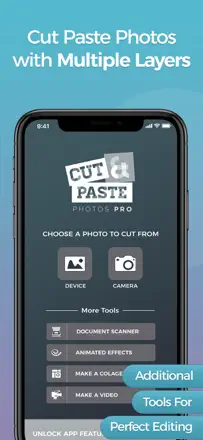
Manual finger-based cutout with an eraser and layers enables simple photo compositing on mobile. Transparency when pasting a cutout object works inconsistently. The interface is non-obvious for basic actions.
Gelobt: Manual finger-based cutout with an adjustable eraser and layer support for overlaying objects onto other photos.
Kritik: Transparency of a pasted object behaves unpredictably: the object is either fully opaque or disappears entirely. Basic actions require several non-obvious steps due to illogical navigation.
Für wen: People who make simple photo composites on the phone without access to a desktop editor.
Platz 76. Wert aus Rezensionen: 24 von 100. App-Store-Bewertung: 4,7★ · 48.118 Bewertungen
24von 100
AI stylization in some presets (anime, action figure, pharaoh) produces a recognizable and artistically interesting result. The old photo restoration feature occasionally works convincingly. However, generation quality is unstable: AI often changes facial features beyond recognition. The Magic Eraser feature, by users' own admission, does not work at all. Moderation blocks images in modest clothing: a swimsuit or tank top triggers the filter.
Gelobt: Stylization as an action figure or anime character occasionally produces high-quality artistic results that artists and designers use as reference material.
Kritik: Magic Eraser does not perform its stated function. Object removal does not work or produces an empty artifact. AI stylization changes facial features too aggressively: the person in the result is often unrecognizable.
Für wen: A user interested in AI stylization in specific presets (anime, action figure) who does not expect accurate resemblance to the original photo.
Platz 77. Wert aus Rezensionen: 24 von 100. App-Store-Bewertung: 4,4★ · 33.309 Bewertungen
24von 100
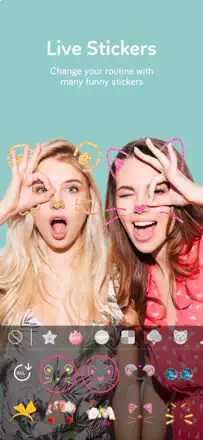
Live masks and stickers for the camera work as a lightweight alternative to Snapchat filters. The face detector is unstable at unusual angles or in side lighting. Saving photos requires passing a permissions access screen.
Gelobt: A variety of live masks and real-time camera filters. The simple interface is intuitive without instructions.
Kritik: The face detector fails at unusual angles or in side lighting. Some masks shift and overlay the wrong parts of the face.
Für wen: Children and teenagers who want live camera masks without social media posting features.
Platz 78. Wert aus Rezensionen: 22 von 100. App-Store-Bewertung: 4,8★ · 154.094 Bewertungen
22von 100
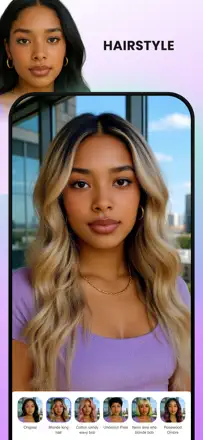
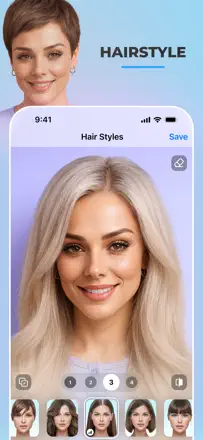
Virtual makeup and hairstyle try-on had potential, but the AI algorithm performs poorly: hairstyles are overlaid without adapting to face shape, AI changes facial features and body shape without being asked, and results on dark skin are cartoonish.
Gelobt: A wide library of virtual makeup looks lets you quickly try different styles. In older versions, virtual hairstyles were applied more accurately while preserving facial features.
Kritik: The AI algorithm replaces facial features and ethnic characteristics instead of overlaying makeup on the original. Hairstyle results are unrecognizable and far from the real appearance. The app does not allow deleting photos from its servers after processing.
Für wen: The app in its current state is not recommended for anyone due to unpredictable result quality and questionable data handling practices.
Platz 79. Wert aus Rezensionen: 22 von 100. App-Store-Bewertung: 4,8★ · 117.950 Bewertungen
22von 100
Face retouching works smoothly and looks natural. Skin smoothing and blemish removal tools deliver a clean result without a plastic effect. The AI Replace object feature was recently the flagship function but has been removed or reduced. The body enhancement tool glitches and periodically stalls in place. Moles and marks are automatically removed with no option to keep them.
Gelobt: Real-time makeup editing and skin smoothing deliver an editorial-level result quickly and without manual mask setup.
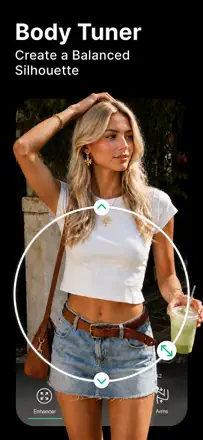
Kritik: AI removes moles and freckles without warning, depersonalizing the photo. The Body Tuner tool frequently stalls and fails to complete the effect.
Für wen: Someone who edits portraits and selfies and wants a polished result with one tap and no complex setup.
Platz 80. Wert aus Rezensionen: 22 von 100. App-Store-Bewertung: 4,8★ · 41.325 Bewertungen
22von 100
AI face retouching works in basic cases: tone evening, digital makeup, and smoothing. Eyelashes in some filters appear as flickering artifacts. On dark skin tones AI produces an overexposed, unnatural result.
Gelobt: Skin smoothing with adjustable intensity works and preserves texture. The virtual pose feature for social media content works as advertised.
Kritik: On dark skin tones AI retouching overexposes the shot to unnatural levels. Eyelashes in some filters flicker and look like artifacts rather than a real effect.
Für wen: Users who need basic skin retouching for posts and can accept the product's instability.
Platz 81. Wert aus Rezensionen: 22 von 100. App-Store-Bewertung: 4,6★ · 24.170 Bewertungen
22von 100
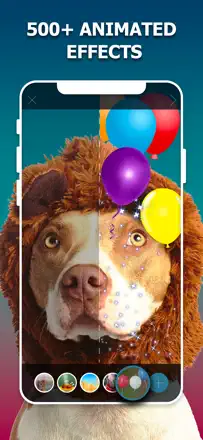
The app overlays animated effects on photos and once did this attractively. The library of visual effects for festive cards and themed shots worked and delighted audiences. However, effects cannot be edited at all: you can only apply a preset. Vertical frame format has not worked for months with no fix. Animated files disappear after updates and cannot be restored through the standard restore function.
Gelobt: Festive and themed overlays with lights, confetti, and petals quickly turn a regular photo into a greeting card without manual compositing.
Kritik: No control whatsoever over effect parameters: one preset with no adjustment. Vertical frames are not reliably supported and results are cropped or distorted.
Für wen: People who occasionally make festive photos for social media and expect nothing more complex than a ready-made overlay.
Platz 82. Wert aus Rezensionen: 22 von 100. App-Store-Bewertung: 4,3★ · 13.148 Bewertungen
22von 100
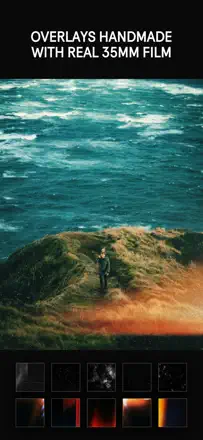
Film overlays and texture filters produce a result that is hard to achieve with standard editors. Long ads play before every save of each shot. The in-app price does not match the price listed in the App Store.
Gelobt: Film overlays and texture filters create an atmospheric result that is hard to replicate with standard tools without specialized add-ons.
Kritik: Long ads play before every save of each shot, even in the extended version. The in-app price does not match the App Store price.
Für wen: Practically no one under the current monetization model. Those who specifically need film textures should consider DAZE CAM instead.
Platz 83. Wert aus Rezensionen: 20 von 100. App-Store-Bewertung: 4,4★ · 19.400 Bewertungen
20von 100
The app offers a large selection of collage layouts, and within its function the frame composition tool works. Finished projects download without long waiting. However, there is no auto-save: a single accidental close destroys all work. Layout navigation is inconvenient with no filtering, requiring scrolling through everything.
Gelobt: A wide assortment of frame layouts for family and festive collages, and fast export of the finished image to the gallery.
Kritik: No auto-save: one accidental tap destroys the entire project. Layouts are not organized, making finding the right format a long scroll.
Für wen: People who make simple family collages without requirements for fine photo processing.
Platz 84. Wert aus Rezensionen: 20 von 100. App-Store-Bewertung: 4,6★ · 15.535 Bewertungen
20von 100
Film and Y2K presets produce an atmospheric result quickly. Face filters on video do not work: when blinking or moving the effect disappears or distorts. Photo import stalls halfway with no way to continue.
Gelobt: Aesthetic film presets for Y2K and retro style quickly produce an atmospheric result on photos.
Kritik: Face filters on video do not work: when moving or blinking the effect disappears or the face distorts. Photo import stalls halfway with no way to continue working.
Für wen: People who create stylized photo content in a retro aesthetic for Instagram and do not need video effects.
Platz 85. Wert aus Rezensionen: 19 von 100. App-Store-Bewertung: 4,7★ · 11.030 Bewertungen
19von 100
The text addition tool with font and color settings works. Advertised features (background eraser, advanced retouching) are either absent or non-functional. The app is unstable when editing multiple photos in sequence.
Gelobt: The text overlay tool works and lets you adjust the font and color.
Kritik: Features advertised in the description (background eraser, advanced retouching) are unavailable or non-functional in the installed version. The app is unstable when editing multiple photos in sequence and loses unsaved changes.
Für wen: Practically no one: the app does not reliably perform its advertised functions.
Platz 86. Wert aus Rezensionen: 18 von 100. App-Store-Bewertung: 4,6★ · 132.184 Bewertungen
18von 100
A collage assembles technically: you can choose a layout, move photos, and adjust gutters. However, users consistently report problems sharing to social media. Export bugs reproduce for many users. The layout selection is minimal, text on the collage is unreadable when printed, and black dividers between frames cannot be adjusted. Basic mechanics work, but barely.
Gelobt: The interface is simple enough to create a first collage without any learning. Pick photos, pick a grid, done.
Kritik: Export to social media is buggy: the collage does not publish or loses quality. Layout customization is extremely limited compared to competitors.
Für wen: Someone who needs to quickly stitch a few photos together once and does not care about sharing directly.
Platz 87. Wert aus Rezensionen: 18 von 100. App-Store-Bewertung: 4,6★ · 43.063 Bewertungen
18von 100
Once a working editor with text overlay and stickers, it has broken at the level of basic functions. Text is cropped on save, font color changes do not work reliably, and the finished shot exports to Instagram as a black square. Users who paid for unlocked features are forced to see purchase prompts for the same capabilities again.
Gelobt: Historically praised for the variety of stickers and fonts and the ease of adding text to photos.
Kritik: Text is lost or shifts on final save, stickers do not attach to the image, and the result does not match what is visible in the editor.
Für wen: Practically no one in its current state: too many critical failures on output.
Platz 88. Wert aus Rezensionen: 18 von 100. App-Store-Bewertung: 4,3★ · 18.726 Bewertungen
18von 100
The app performs the basic task of blurring an area in a photo. Brush control is straightforward. However, the blur works as opacity reduction rather than true bokeh: under the 'blur' the original image at full resolution shows through. The boundary between the blurred and normal zones is hard with no feathering. The editor preview does not match the final saved file.
Gelobt: A simple round brush lets you quickly cover the needed area. Several effect modes for different tasks.
Kritik: The result is not true blur. It is opacity reduction and the subject shows through. The preview does not match the final output file.
Für wen: People who need to quickly hide a portion of a photo for publication and do not expect portrait-optics-level quality.
Platz 89. Wert aus Rezensionen: 16 von 100. App-Store-Bewertung: 4,6★ · 72.067 Bewertungen
16von 100
The object eraser is very unstable: on a simple background it occasionally produces a clean result, but more often leaves a blurry smudge or the outline of the removed object. Adding text elements via AI does not reproduce inscriptions accurately. The AI response to commands for adding a new sign or object to the frame is unreliable.
Gelobt: On photos with a uniform background (sky, asphalt, lawn) the removal tool sometimes fills the area convincingly with no visible traces.
Kritik: The eraser freezes at 99% progress and does not save the result. AI reproduction of text in the frame (signs, banners) is often unreadable or contains random characters.
Für wen: Not recommended as a primary tool for anyone. Results are unpredictable even on simple tasks.
Platz 90. Wert aus Rezensionen: 16 von 100. App-Store-Bewertung: 4,6★ · 29.807 Bewertungen
16von 100
The motion freeze effect at a specific point in the frame works and in good cases looks professional. AI video generation produces a different face instead of the uploaded one. Rendering takes more than a day with no progress notifications.
Gelobt: The motion freeze effect on individual frames looks professional in the best cases and requires no complex setup.
Kritik: AI video generation produces a different face instead of the uploaded original. Rendering takes many hours or over a day with no progress notifications.
Für wen: Content creators who need a kinetic photography effect and are willing to wait for rendering without a guarantee that the face will match.
Platz 91. Wert aus Rezensionen: 15 von 100. App-Store-Bewertung: 4,5★ · 15.665 Bewertungen
15von 100
The app offers filters for photos and videos in an aesthetic interface. Some filters produce a beautiful visual result on photos. However, videos save cropped to a few seconds instead of the full length, a systemic error that has not been fixed for months. Saved video quality is lower than the preview. The image sometimes drifts off the edge of the screen during editing, making control impossible.
Gelobt: Visually pleasing photo filters with vintage and toning aesthetics.
Kritik: Video saves cropped to a few seconds regardless of the original length. The core feature does not work. Output video quality is worse than the preview.
Für wen: People who edit only photos and do not plan to work with video content.
Platz 92. Wert aus Rezensionen: 14 von 100. App-Store-Bewertung: 4,6★ · 41.422 Bewertungen
14von 100
A large selection of artistic and film filters in older versions received praise. The setup wizard activates biometric confirmation before the user has seen the app. Previously purchased filters stop working after updates.
Gelobt: A variety of artistic filters and film presets. Effect quality in earlier versions exceeded most alternatives.
Kritik: Previously purchased filters stop working after an app update with no way to restore them. The setup wizard processes an action via biometrics before the user has seen the app itself.
Für wen: No one, until the monetization scheme changes: the product systematically strips users of already-paid access.
Platz 93. Wert aus Rezensionen: 12 von 100. App-Store-Bewertung: 4,4★ · 56.383 Bewertungen
12von 100
AI aging and gender-swap effects are technically present, but the result does not resemble the original person: facial features blur and hair gets a random color. Promotional materials and real results differ drastically in quality.
Gelobt: The idea of applying an aging effect to children's photos is appealing and sometimes impresses children.
Kritik: The AI aging effect changes facial features unpredictably and the result does not resemble the original person. Promotional materials and the actual app output differ drastically in quality.
Für wen: For children's entertainment only. Do not expect a productive result or a realistic AI transformation.
Platz 94. Wert aus Rezensionen: 12 von 100. App-Store-Bewertung: 4,5★ · 15.533 Bewertungen
12von 100
Background removal and cutout tools are present. The AI freezes mid-processing and loops without completing. Face selection for replacement is impossible: the app determines it automatically and often incorrectly on crowded photos.
Gelobt: A theoretically wide toolset: background replacement, object cutout, face substitution.
Kritik: The AI freezes midway through processing and does not complete the task without a restart. Choosing a specific face for replacement is impossible: the app determines it automatically and frequently makes mistakes on crowded shots.
Für wen: People with enough patience for an unstable AI who want simple photo compositing without Photoshop.
Platz 95. Wert aus Rezensionen: 11 von 100. App-Store-Bewertung: 4,5★ · 38.295 Bewertungen
11von 100
An authentic VHS effect in real time with grain, datestamp, and color artifacts recreates the atmosphere of old film. The editing mode is unstable: it freezes when adding a second clip or music, and saving produces an empty file.
Gelobt: The real-time VHS effect through the camera accurately reproduces the grain, datestamp, and color artifacts of old recordings.
Kritik: The editing mode freezes when attempting to add a second clip or music. Saving the finished video sometimes produces an empty file or hangs without completing.
Für wen: People who only need to capture video with a VHS effect in real time, without editing or final export inside the app.
Platz 96. Wert aus Rezensionen: 11 von 100. App-Store-Bewertung: 4,7★ · 13.437 Bewertungen
11von 100
Background separation works quickly and accurately for high-contrast scenes. The result cannot be saved without passing a mandatory access step. Canceling the access arrangement is described by users as extremely difficult.
Gelobt: Background separation itself is performed quickly and accurately on high-contrast scenes.
Kritik: On complex outlines (hair, fur) the algorithm leaves edge artifacts with no manual correction option within the app. The result is unavailable for saving until the user passes an access terms screen.
Für wen: No one: the ratio of capability to monetization model makes the app unsuitable for honest use.
Platz 97. Wert aus Rezensionen: 10 von 100. App-Store-Bewertung: 3,7★ · 18.288 Bewertungen
10von 100
The app offers entertainment AI effects: gender swap, face aging, cartoon portrait. The cartoon filter works for some users. However, the quality of the main AI effects is extremely low: the gender swap simply adds a mustache to a female face or makes half the face female and half male. The aging effect produces a blurry, unrealistic result. Background removal is the one feature noted as functional.
Gelobt: The cartoon filter in good lighting produces a recognizable result. Background removal works independently of the entertainment effects.
Kritik: The gender swap effect technically does not work. The result is indistinguishable from the original or looks distorted. The aging effect is unrealistic and blurry.
Für wen: People looking for entertainment with AI effects who have no requirements for realism.
Platz 98. Wert aus Rezensionen: 9 von 100. App-Store-Bewertung: 4,5★ · 34.430 Bewertungen
9von 100
AI makeup and skin retouching in good lighting produce a clean result. Some AI effects make facial features unrecognizable. The app freezes mid-editing without saving the result.
Gelobt: Some AI makeup effects look natural in good lighting. Category navigation is convenient and intuitive from the first launch.
Kritik: AI transformation of face shape and skin produces a mask-like result that does not resemble the original shot. The app freezes mid-editing without saving progress.
Platz 99. Wert aus Rezensionen: 5 von 100. App-Store-Bewertung: 4,3★ · 30.785 Bewertungen
5von 100
Based on user reviews, the editing features were barely tested: the interface is so non-obvious that most users leave before working with a photo at all. Appearance transformation filters are present in promotional materials, but no reliable quality assessment exists.
Gelobt: According to promotional materials the app offers a variety of appearance transformation filters.
Kritik: The interface is so non-obvious that basic functions cannot be found even after 30 minutes of use. Navigation makes loading more than one photo without a series of non-obvious steps impossible.
Für wen: No one: the monetization scheme makes the product effectively inaccessible for honest evaluation.
Zu den Bewertungen
Zwei Bewertungen — zwei Quellen
Sie helfen beim Vergleich von Apps, ersetzen aber nicht die Prüfung der eigenen Aufgabe.
Rezensionsbewertung · bis 100
Die gespeicherte Bewertung aus der inApp-Recherche zu den Rezensionstexten. Sie beurteilt die App im Archiv insgesamt, nicht die Zuverlässigkeit einer einzelnen Funktion.
Store-Bewertung · bis 5
Die Bewertung von der App-Seite zum Zeitpunkt der Datenerhebung. Aktuelle Bewertung und Version können abweichen.
In der archivierten Stichprobe dieses Themas: 99 Apps und 45.526 gelesene Rezensionen. Das ist der Gesamtumfang der Recherche, nicht die Zahl der Rezensionen pro App.
Ein Abstand zwischen den Bewertungen beweist keine Manipulation. Das Datum der Berechnung und die vollständige Methodik der Bewertung sind nicht im mobilen Archiv. Vergleich die Aufgabenbeschreibungen und die Originalzitate und prüf die Bedingungen in der aktuellen Version.