These apps are mentioned in the breakdown of this job. Open each one to compare strengths and limits. The order of the list is not a ranking of fitness.
Rank 6. Review score: 65 out of 100. App Store rating: 4.8★ · 11,384 ratings
65of 100
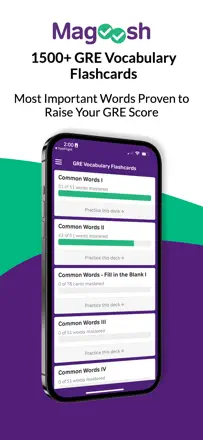
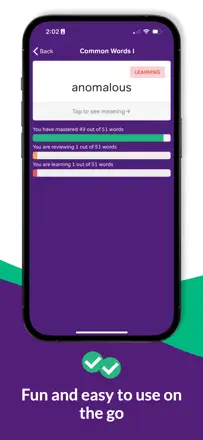
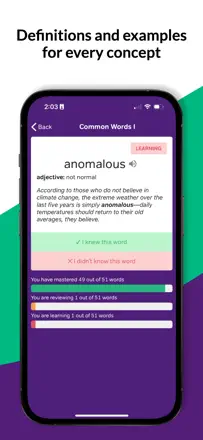
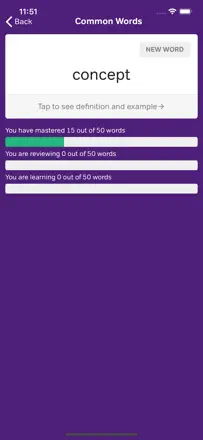
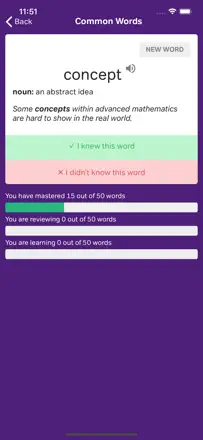
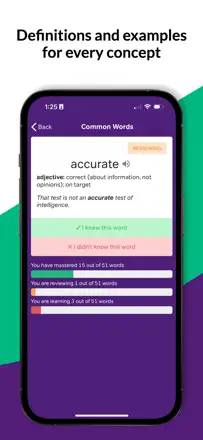
A free GRE vocabulary deck from Magoosh with curated word lists. A review algorithm exists but has real flaws: it introduces new words before older ones are solidified, occasionally resets progress, and doesn't let you manually move a word from 'Mastered' back to 'Learning'. Content quality is solid good vocab coverage and mostly good example sentences, with some weak ones.
Praised: Completely free with no ads, solid GRE word selection, clean and simple interface, and useful for non-GRE learners wanting to expand their vocabulary.
Complaints: The algorithm adds new words before current ones are locked in, progress resets periodically, word statuses can't be edited, there's no full card list view, and Magoosh blog notifications are annoying.
Best for: GRE preppers who need a free, ad-free academic vocabulary trainer. Good for passive review, weak for actively managing progress.
Rank 18. Review score: 44 out of 100. App Store rating: 4.8★ · 5,305 ratings
44of 100
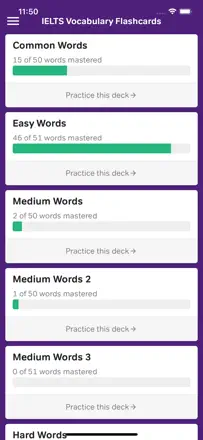
Flashcards with a fixed IELTS vocabulary set of roughly 600 words. Cards are organized by topic area with translations into other languages. The main limitation is that you can't add your own words or shuffle all categories at once. Useful as a supplement to IELTS prep but doesn't cover the full vocabulary range needed.
Praised: Cards are organized by IELTS topic blocks, allowing targeted work on weak areas.
Complaints: The word base is closed and small you can't add words from your own sources or from real IELTS passages.
Best for: IELTS preppers who want a compact core vocabulary reference on their phone as part of a broader study plan.
Rank 21. Review score: 42 out of 100. App Store rating: 4.8★ · 4,098 ratings
42of 100
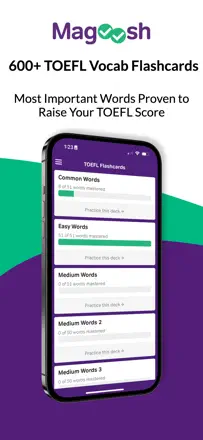
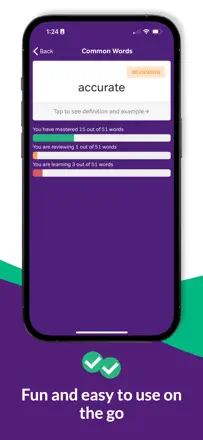
TOEFL Flashcards from Magoosh. Cards are split by difficulty level with audio and example sentences. The product is functional but narrowly focused: vocabulary only, no practice for other TOEFL sections. Progress occasionally resets. Cards are fixed no way to add your own.
Praised: Difficulty-level splits let you start at the right level and move forward without wading through things you already know.
Complaints: The word set is fixed you can't add words from real TOEFL passages or create personal sets.
Best for: TOEFL preppers who want a structured vocabulary trainer as part of their preparation, not a full course.
Rank 3. Review score: 70 out of 100. App Store rating: 4.8★ · 20,937 ratings
70of 100
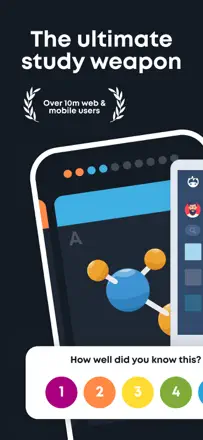
Brainscape is one of the few apps in this batch that genuinely implements spaced repetition with user-rated confidence. The method works, and the interface is cleaner than most competitors. The main limitations are around session control and text-to-speech.
Praised: A five-point confidence scale on every card directly drives review frequency this is honest SRS. Cross-platform: easy to create decks in the browser, easy to study on your phone.
Complaints: You can't set a fixed number of cards per session. No text-to-speech. The algorithm sometimes resurfaces cards you just reviewed while ignoring ones you haven't answered.
Best for: Students and self-learners with ready-made card sets or who want to build their own. Especially good for people who study on both phone and computer.
Rank 2. Review score: 72 out of 100. App Store rating: 4.0★ · 2,293 ratings
72of 100
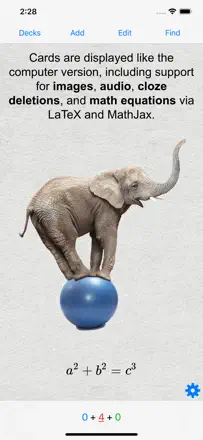
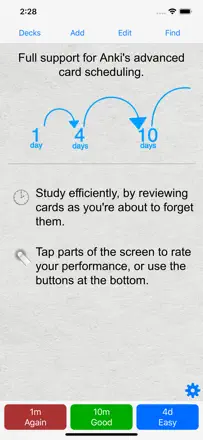
AnkiMobile Flashcards is the mobile port of the legendary Anki SRS engine. The spaced-repetition algorithm is the best in the category: configurable retention, FSRS, proven over decades. It supports media cards, import/export via AnkiWeb, and thousands of community decks. The one significant weakness is the interface it feels archaic, doesn't follow iOS conventions, and has a steep learning curve. Complex card editing is desktop-only. One-time purchase of $25.
Praised: FSRS with configurable retention delivers a science-backed review schedule. Sync through AnkiWeb. Thousands of community decks for languages, medicine, law, and more.
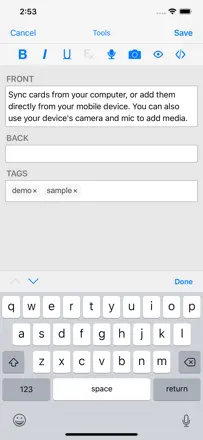
Complaints: The interface doesn't follow iOS patterns and still feels like a web wrapper. Complex card editing is only available on desktop. There's no obvious button to study an entire deck.
Best for: Med students, linguists, law students, and anyone serious about long-term retention who is willing to spend an hour on setup to get the best algorithm available.