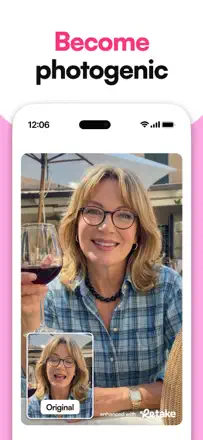
In the reviews, people want to control the intensity of the processing and to keep their own features. Changing a face automatically without a clear choice can run against the job itself.
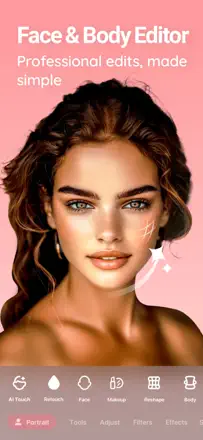
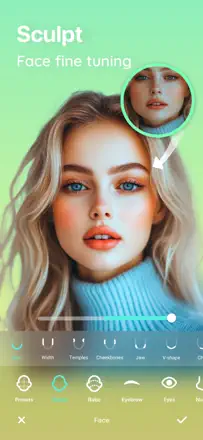
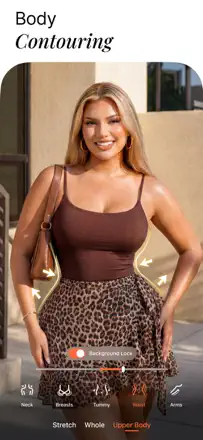
A wide arsenal of body and face retouching tools is available without restrictions, and saves are watermark-free. Body reshaping looks realistic at moderate values. The Auto-edit tool applies aggressive changes with no fine-grained control.
評価点:Most retouching tools are available without restrictions and without a watermark. Body contouring looks natural at low values. The interface is intuitive from the first launch with no instructions needed.
不満点:The Auto-edit tool applies overly aggressive edits with no option for precise adjustment. After one update the app stopped seeing hidden iOS albums. Editing RAW photos produces artifacts on export.
向いている人:Anyone who wants a full portrait and body editor without a mandatory subscription or watermarks on output files.
The best option for subtle portrait retouching: smoothing, face reshaping, and highlight tools work with high precision and deliver natural results. An update to the Relight feature broke the main tool for many users.
評価点:Skin smoothing with zone control lets you leave the background untouched. Face and body reshaping is invisible at moderate settings. The bokeh background blur follows the subject outline precisely.
不満点:The new Relight mode replaced the old direct tool with camera-style filters like 'Canon GX', making results worse and less predictable. AI object replacement in the background leaves visible seams.
向いている人:Users who want minimal portrait retouching for social media while preserving a natural skin look.
The concept is strong: the app generates multiple retouching variants for one face in parallel, letting you pick the best. When a generation lands, it looks natural (removes wrinkles and blemishes without making the face look plastic). But roughly 9 out of 10 generations look like AI hallucinations: facial shape changes, eyes point the wrong way. The daily retouch limit disrupts the workflow.
評価点:When it works, the result looks like a edited photograph rather than an AI generation: the person remains recognizable while skin improves and lighting corrects.
不満点:Most generations look unnatural: the app changes facial features and removes freckles with no option to preserve them. There is no intensity control to reduce the degree of AI intervention.
向いている人:A user willing to spend 30 to 40 attempts to get one natural-looking retouch for portrait publications where recognizability matters.
A camera with real-time skin filters and fine facial feature correction delivers a natural-looking result. After recent updates saved photos differ from the preview: the filter is applied differently than in camera mode. Users with dark skin note excessive smoothing that makes photos look artificial.
評価点:Facial sculpting (slimmer nose, defined cheekbones) is applied subtly without producing a plastic look. Live filters for video recording stay stable without flickering.
不満点:The saved result does not match what is visible in camera mode: the filter is applied at a different intensity. Burst shooting has become significantly slower in recent versions.
向いている人:Users who want a fast camera with subtle face correction for everyday selfies and video calls.
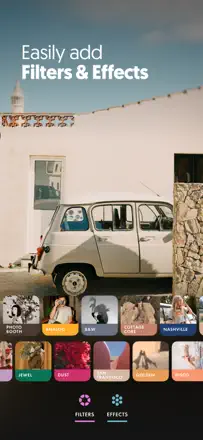
An editor with a rich library of light presets and fine correction tools built around color quality. Filters do not oversaturate and preserve a neutral tone. Batch editing of multiple photos at once is a real feature. The app occasionally freezes when applying custom presets, especially on older devices.
評価点:A library of delicate light filters without oversaturation, batch editing for photo series, and curve and tonal balance correction tools.
不満点:Object removal leaves edge artifacts. The app lags when applying custom presets during long editing sessions.
向いている人:Bloggers and content creators who need a consistent color palette across a series of photos for social media.