Top pick for rating accuracy: users have trusted it for years and describe specific real-world workflows.
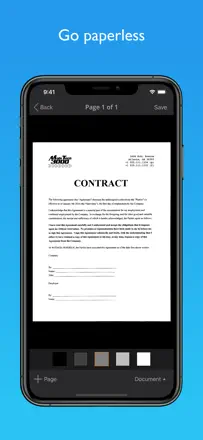
評価点:Auto-crop and manual crop with zoom work precisely. Users describe it as perfect for photo-to-PDF and easy to use with great features in daily professional contexts.
不満点:Email sending broke after one update and never recovered. Folders cannot be sorted manually, so the order is random and becomes a problem with large archives.
向いている人:Field professionals and anyone who scans daily and needs organized document storage.
A reliable professional scanner with a great quality-to-file-size balance, but stability dropped after recent updates.
評価点:Users highlight speed and clarity as the main draw: 'unbelievable speed and clarity.' The balance between image quality and file size is a rare strength that experienced users notice.
不満点:After the latest update the app crashes regularly when shooting two pages back to back. Dropbox and Google Drive sync stopped working for some users.
向いている人:Professionals who need sharp scans with file size control and reliable cloud export.
A veteran scanning app with a long-term user base, but support has been declining and it has issues on iPhone 14 Pro.
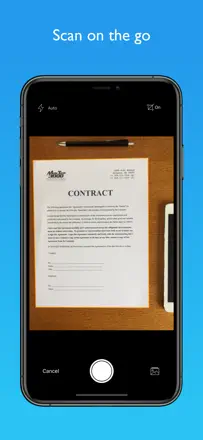
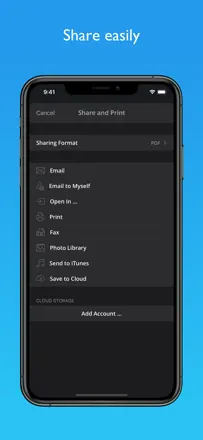
評価点:Simple scanning flow and a wide range of export options. Lawyers and field workers use it to scan documents on-site without extra equipment.
不満点:Documents are lost after a phone switch and support doesn't respond. Autofocus is broken on iPhone 14 Pro due to the wide-angle camera and the developer hasn't updated the app.
向いている人:Experienced users on older devices who are tied to their document history in the app.
A time-tested scanner with solid file organization, but export has been glitchy lately.
評価点:Users keep coming back year after year for the predictability: shoot, crop, send. The file system handles large archives without losing navigation.
不満点:Email delivery stopped working for some users after an update and documents don't get through. Auto-capture mode requires manual confirmation for each page, slowing down multi-page scans.
向いている人:People who store documents inside the app and occasionally send them by email or to the cloud.