Top pick for rating accuracy: users have trusted it for years and describe specific real-world workflows.
評価点
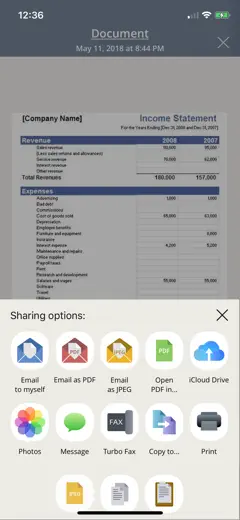
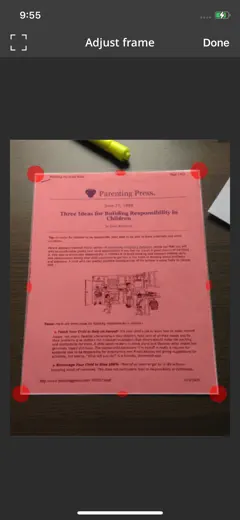
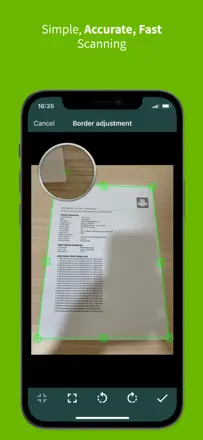
Auto-crop and manual crop with zoom work precisely. Users describe it as perfect for photo-to-PDF and easy to use with great features in daily professional contexts.
不満点
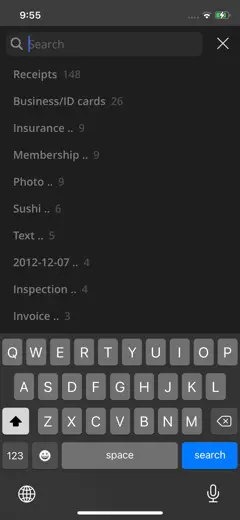
Email sending broke after one update and never recovered. Folders cannot be sorted manually, so the order is random and becomes a problem with large archives.
向いている人:Field professionals and anyone who scans daily and needs organized document storage.
A time-tested scanner with solid file organization, but export has been glitchy lately.
評価点
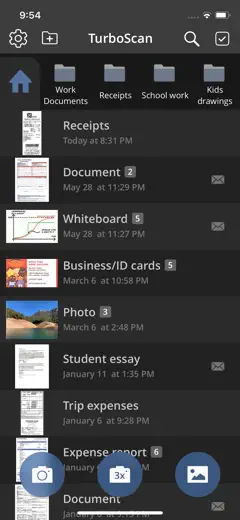
Users keep coming back year after year for the predictability: shoot, crop, send. The file system handles large archives without losing navigation.
不満点
Email delivery stopped working for some users after an update and documents don't get through. Auto-capture mode requires manual confirmation for each page, slowing down multi-page scans.
向いている人:People who store documents inside the app and occasionally send them by email or to the cloud.
A reliable professional scanner with a great quality-to-file-size balance, but stability dropped after recent updates.
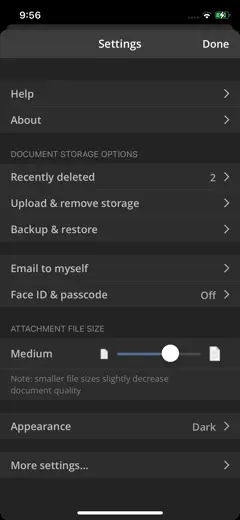
評価点:Users highlight speed and clarity as the main draw: 'unbelievable speed and clarity.' The balance between image quality and file size is a rare strength that experienced users notice.
不満点:After the latest update the app crashes regularly when shooting two pages back to back. Dropbox and Google Drive sync stopped working for some users.
向いている人:Professionals who need sharp scans with file size control and reliable cloud export.
A feature-rich PDF toolkit with a wide range of operations but a rough UX in complex workflows.
評価点:Compression, merging, splitting, and JPG conversion all in one app. Users say it replaces Acrobat for everyday tasks.
不満点:Every action exports a new file to a new folder, so you can't chain multiple operations in sequence. The app crashes without auto-save, which means all work is lost.
向いている人:People who work with PDFs regularly and need a wide range of operations without Adobe.
Strong OCR and auto-crop, but export became confusing and unstable after updates.
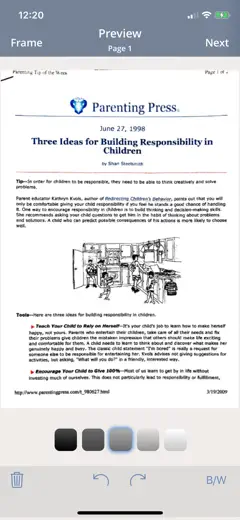
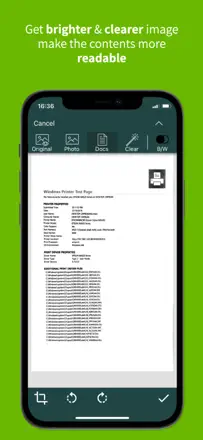
評価点:Page auto-crop is accurate: users describe a 'perfect scan' with no manual corner adjustment. Integrates with Adobe cloud without extra steps.
不満点:The save button disappeared in one update and people can't figure out how to download a PDF locally. Some users lose pages when exporting multi-page documents.
向いている人:Office workers in the Adobe ecosystem who need precise cropping.
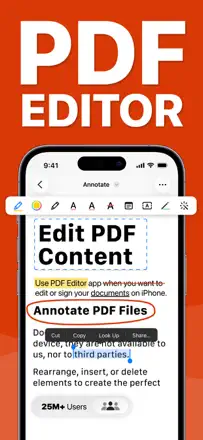
A mature PDF editor with solid annotation tools, but it broke user trust by revoking already-paid features.
評価点:Precise text alignment with snap guides when adding text. Annotation for academic work with Apple Pencil. Users from 2017-2018 praise stability and speed under the old model.
不満点:The company revoked features from users who had paid for a lifetime license. PDF tabs close when switching between apps, and some articles fail to load fully.
向いている人:Those willing to subscribe who need a professional editor for annotation on iPad.
A veteran scanner that got ruined by updates and a subscription paywall.
評価点:'10 documents in a minute.' People have kept it for years for its reliability and simplicity of the basic flow.
不満点:Every major update complicates the interface instead of simplifying it. The subscription wall blocks document sending, which is the only reason people open the app.
向いている人:Anyone who scans occasionally and wants the fewest steps from button to PDF in their inbox.
A functional scanner with good recognition, but recent updates broke stability.
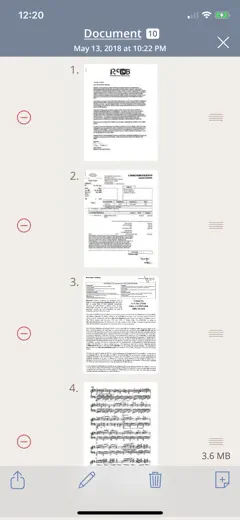
評価点:Supports drag-and-drop for photos and documents directly into the app. The basic path of scanning receipts daily and emailing them works without extra steps.
不満点:When editing, color documents get converted to black and white, which breaks scanning of artwork and color forms. The trash folder in new versions freezes when you try to empty it.
向いている人:People who scan receipts and documents regularly and want to store them in organized folders.
A proven scanner with a good track record, but auto-capture is degrading in recent versions.
評価点:Cloud storage connections and fast scanning on the phone. Users keep the app for years for its reliable core cycle: shoot, save, send.
不満点:Auto-capture has become finicky: it says 'get closer' when the document already fills the screen. In recent updates the feature only works under ideal lighting conditions.
向いている人:People who scan documents on the go regularly and want cloud sync.
One of the oldest mobile scanners with a solid user base, but email integration is broken and the paywall is aggressive.
評価点:Document recognition and scan quality have been consistent for years. Works as a reliable tool in the field and while traveling.
不満点:The email send button does not work in the current version. Flash removes shadows unevenly and the final scan is sometimes darker than the original.
向いている人:Users who need an offline scan without sending, or longtime users who haven't updated.
Once a reliable scanner with solid photo processing, now degraded after the camera engine changed in newer versions.
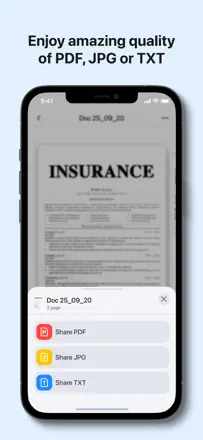
評価点:Batch scanning into a single PDF and sharing via Gmail. Long-term users describe it as a precise tool for receipts and multi-page documents.
不満点:After a forced switch to the ultrawide lens, small text on receipts became unreadable. The frame border in new versions crops the useful scan area.
向いている人:People who scan standard documents and receipts regularly, on older versions of the app.
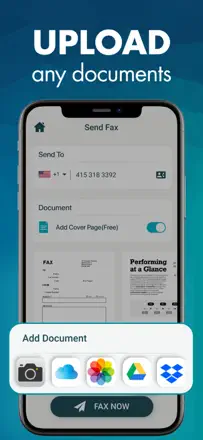
A mobile fax app with a clean interface but unreliable delivery.
評価点:The built-in document scanner works well. The automatic cover letter looks professional and saves time.
不満点:Fax delivery is unreliable: multiple users waited 2-3 minutes per page and the fax never went through. The sending mechanism is not stable enough for critical documents.
向いている人:People who send a fax occasionally and can accept some unreliability.
A simple workhorse scanner that handled daily tasks well, but auto-capture has become too aggressive.
評価点:For office routine it works without extra steps: shoot, get a PDF, send. Long-term users describe it as a lifesaver for document work.
不満点:After an update, auto-capture fires too fast and doesn't let you adjust the angle before it locks in. Pages look less sharp after manual correction, according to recipients.
向いている人:Staff members who need to send a few pages quickly and don't need precise frame control.
A fast photo-to-PDF converter with a friendly interface, but fragile: all files are stored locally and lost when you delete the app.
評価点:'40 minutes with other apps, 40 seconds with this one.' The core scanning engine gets praise for clean output.
不満点:Auto-alignment distorts documents with curled corners, stretching them to an unreadable size. All files live locally and vanish completely when the app is deleted.
向いている人:Students and one-off tasks. Not suited for anyone storing important documents long-term.
A veteran scanning app with a long-term user base, but support has been declining and it has issues on iPhone 14 Pro.
評価点:Simple scanning flow and a wide range of export options. Lawyers and field workers use it to scan documents on-site without extra equipment.
不満点:Documents are lost after a phone switch and support doesn't respond. Autofocus is broken on iPhone 14 Pro due to the wide-angle camera and the developer hasn't updated the app.
向いている人:Experienced users on older devices who are tied to their document history in the app.
A simple scanner with basic quality, ruined by broken email export and inappropriate ads.
評価点:Detects documents from as far as 1.5 meters away. Long-term users appreciate the simplicity and speed of basic scanning.
不満点:Email sending is systematically broken: documents get stuck in the outbox or never reach the recipient. Ads inside a work app are a problem for professional use.
向いている人:Casual users with infrequent needs who don't need email sending.
A market veteran that degraded from a convenient scanner into an aggressive subscription funnel.
評価点:Previously valued for scanning speed and easy document sending without extra steps. Scan quality itself was described as good enough for work tasks.
不満点:Core features like PDF compression and watermark removal are locked behind a subscription that users discover only after shooting. Full-screen ads appear even for paying users.
向いている人:People who scan a single page once in a while and don't care about quality.
A standard mobile scanner that handles one-off tasks but is unreliable under regular use.
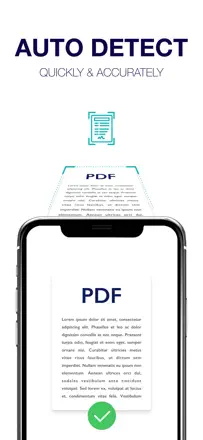
評価点:Automatically straightens a page when the phone is held at an angle. One user used it for university admission transcripts and was satisfied with the result.
不満点:Scan quality is inconsistent and depends on lighting and the angle the phone is held. The built-in eraser tool charges separately for each action.
向いている人:People who scan occasionally and don't rely on consistent OCR quality.
An OCR scanner with strong printed-text recognition and weak handwriting recognition.
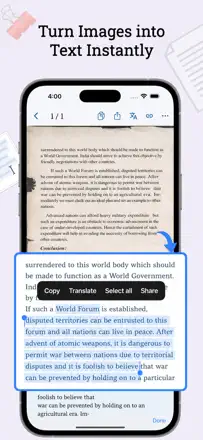
評価点:Printed text from photos converts accurately and quickly. Users describe real work scenarios: text from books, work documents, contact sheets.
不満点:Handwritten text recognition produces errors and is worse than iOS built-in OCR. No batch upload: each image must be added one at a time, which kills productivity at high volume.
向いている人:People converting printed documents to text. Not suitable for handwriting.
The former Scanbot with strong auto-crop and cloud sync, ruined by aggressive monetization junk after the ownership change.
評価点:Auto-crop works precisely and filters improve readability. Automatic upload to cloud storage (iCloud, OneDrive) is the key feature for regular users.
不満点:Crashes increased after the ownership change (formerly ScanBot). Scan quality has degraded according to long-term users. Intrusive notifications with AI upsells and occasional double charges through pop-up upgrades.
向いている人:Users who need automatic cloud sync for scans without manual export.
A basic PDF editor for one-off form filling, an Adobe alternative without deep editing.
評価点:Quickly handles form filling without an Adobe subscription. The interface is simpler than professional editors.
不満点:Color images get converted to black and white during editing. Document formatting is not retained on re-open as the app doesn't recognize its own markup.
向いている人:People who fill a form once a month and don't want to pay for Adobe.
A file manager that was good years ago and has degraded into an aggressive subscription model.
評価点:The built-in browser and music player kept people using the app for years. It worked as an iTunes replacement without constant pop-ups.
不満点:Files are hard to find after saving and folder navigation is confusing. Several users report the app stopped opening entirely, locking them out of their saved files.
向いている人:People looking for a file manager with a browser, not a document scanner.
A feature-rich scanner with a broad toolset that breaks in edge-case scenarios.
評価点:Extensive set of tools for photo and PDF work. Simple tasks like scan and save are fast and reliable.
不満点:AI editing is unpredictable: it can delete all matching elements instead of just the one you selected. After updates, auto-scan stops saving the crop.
向いている人:Users with varied photo and document tasks who don't need AI editing.
A PDF editor with powerful capabilities, but the interface is cluttered with AI features and annotations disappear.
評価点:Paid subscribers value PDF markup and form work on desktop. Basic PDF reading and document navigation are stable.
不満点:Markup (annotations) disappears on reopen for about half of users. Exporting a PDF with markup takes too many steps and often doesn't work as expected.
向いている人:People already in the Adobe ecosystem who work with PDF forms on desktop and use mobile as a fallback.
A technically functional scanner with filters and batch shooting up to 30 pages, locked down by a paywall for any export.
評価点:Lets you scan up to 30 pages at once with filters to improve readability. PDF conversion is fast.
不満点:After scanning, any action with the file, export, sending, or printing, requires a subscription. Users who tap 'move document' get a rating prompt instead of the action.
向いている人:Anyone ready to subscribe right away and needs batch scanning.
A scanner with an aggressive subscription and weak OCR for handwritten text.
評価点:Converts document photos to PDF quickly, the interface is simple. A few users note its convenience for storing standard paper documents.
不満点:OCR struggles with handwriting according to the users' own five-star reviews. No direct PDF-to-email: you have to save to cloud and send from there.
向いている人:Occasional users with simple printed documents who don't mind handling export manually.
A scanner that destroyed itself by tying everything to Evernote and putting a hard paywall on basic export.
評価点:Previously: fast scan and instant send to Evernote without extra steps. The image quality at capture is described as good.
不満点:The app constantly signs out of Evernote and re-login takes multiple attempts. Saving a scan to Camera Roll or sending it directly without Evernote is now paid.
向いている人:No one in its current state. Historically, Evernote Premium users.
A scanner with a collapsing ecosystem: paying users are losing export features one by one.
評価点:In basic scenarios, converts photos to PDF quickly. Some note its convenience for work documentation.
不満点:Paying users lose features over time: the email button stopped working, Dropbox disconnected, and Google Drive blocked access due to an unverified integration. OCR produced unreadable output on a current iPhone.
向いている人:Not recommended for active users due to the risk of losing access to features after paying.
評価点:Conversion gives a document that 'looks professional rather than like a photo,' which students value for submitting assignments.
不満点:Image quality is described by users as worse than the built-in camera. After each button tap there are several screens of ad pop-ups that block the workflow.
向いている人:No one except those who want to convert one page for free once a month and can tolerate constant ads.
An image-to-PDF converter with aggressive monetization and an unreliable subscription cancellation mechanism.
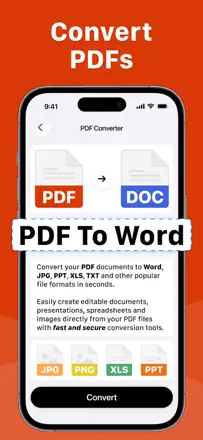
評価点:Basic screenshot-to-PDF conversion works quickly without extra steps. The task completes in a trial.
不満点:The subscription keeps charging after cancellation and there is no cancel button in the interface. One user wrote directly that the conversion is 'fake' and doesn't work.
向いている人:No one for regular use. At most a one-off conversion in the free trial with immediate cancellation.
A scanner with minimal image processing quality and an aggressive paywall that hits right after scanning.
評価点:Quickly makes a PDF from a photo, useful for students digitizing handwritten work in basic scenarios.
不満点:Scan quality is low: the result looks like a screenshot, not a processed scan. After shooting, the paywall blocks any action with the file. You can't send or print it.
向いている人:Users who need a one-off PDF without quality requirements and are ready to pay immediately.
A PDF editor with a broken drawing tool and text fields that shift when you type.
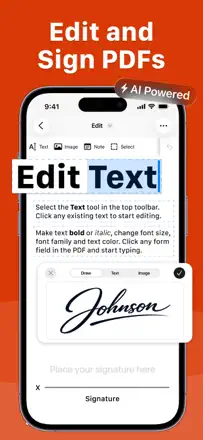
評価点:Previously worked as a free annotation tool for students. Signature is auto-generated.
不満点:The drawing tool places objects an inch away from where you tapped. Text in fields disappears or shifts during editing. Everything useful is locked behind a subscription.
向いている人:Not recommended to anyone in its current state.
A PDF editor with minimal real functionality and aggressive monetization.
評価点:Basic document creation works for very simple tasks. Folder support is present.
不満点:You can't move an edited file to a folder. Real PDF editing is limited and most users can't change what they need. The interface got worse after an update.
評価点:Historically worked as a basic scanner where users watched ads instead of paying. That era is remembered fondly.
不満点:Crashes on current devices. Color scanning (passports) produces blurry output. Features that attracted loyal users were removed after the subscription switch.
A wrapper app with no real OCR: it just photographs a document and saves it as a PDF.
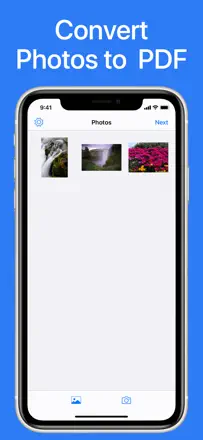
評価点:Quickly makes a PDF from a photo in one tap for the simplest cases.
不満点:Does not deliver on its stated features: no real scanning, no OCR, signatures can't be resized. You can only add photos one at a time, not select multiple at once.
A low-functionality scanner with an opaque trial that leads users to unexpected charges.
評価点:One reviewer notes the simplicity of the interface. Basic scanning works for single documents.
不満点:After a three-day trial, charges are applied automatically with no obvious cancellation path. Scan quality is compared to the built-in Notes.app and comes out worse.