Where nodes are quick to create and sync never loses the map, and where it is a stripped-down mobile app. Les meilleures notes d’après le texte des avis : Xmind (72/100), SimpleMind Pro (70) et SimpleMind (68).
Note des avis : 72 sur 100. Note sur l’App Store : 4,8★ · 6 953 notes
72sur 100
XMind is one of the most fully developed mind map editors out there. It offers a rich library of diagram types (fishbone, matrix, timeline), elegant themes, and fast node entry. The main pain point is cross-platform sync, which is unreliable, and the Vision Pro version breaks after updates. AI features were added, but some users find them unnecessary.
Points forts
Multiple diagram formats in one editor: you switch from a classic map to a matrix or fishbone with a single click, without rebuilding the structure by hand.
Reproches
Sync between devices works through manual export and import rather than live cloud sync. A map opened on iPad cannot be continued on Mac without re-saving the file.
Pour qui : STEM students and analysts who need one tool for different structure types and are willing to pay a subscription for the breadth of formats.
Note des avis : 70 sur 100. Note sur l’App Store : 4,7★ · 447 notes
70sur 100
A mature one-time-purchase mind mapper with a rich set of layouts and support for non-linear connections. Valued for no subscription and fast performance. Main pain points are the absence of iCloud Drive and unreliable sync through third-party services. The select tool is awkward for bulk node selection.
Points forts
Support for non-linear connections (not just parent-child). Many layout options. Fast even on large maps. Available on iOS, macOS, and Windows with a shared file format. No monthly subscription.
Reproches
No native iCloud Drive support, only Dropbox and Google Drive. Sync between devices fails periodically. Selecting multiple nodes requires deselecting before each new one, which is frustrating for bulk formatting. Images are automatically compressed to low quality.
Pour qui : Writers, researchers, or students who need a serious mind map tool without a subscription and with cross-platform support.
Note des avis : 68 sur 100. Note sur l’App Store : 4,5★ · 975 notes
68sur 100
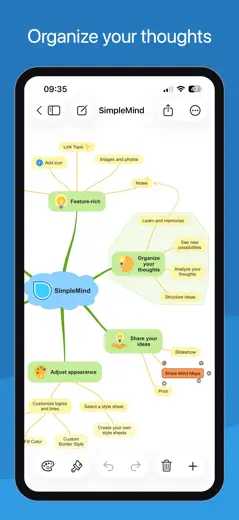
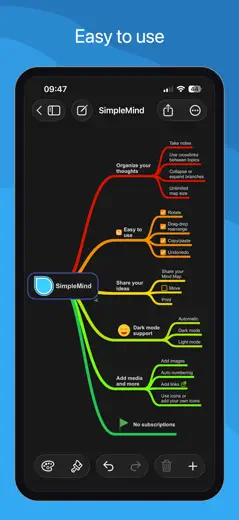
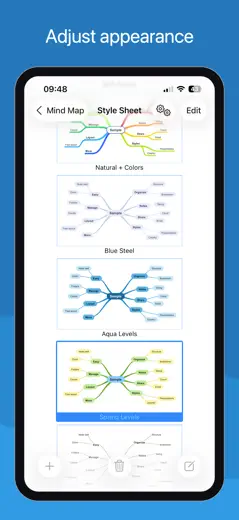
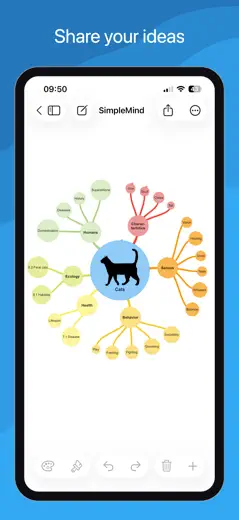
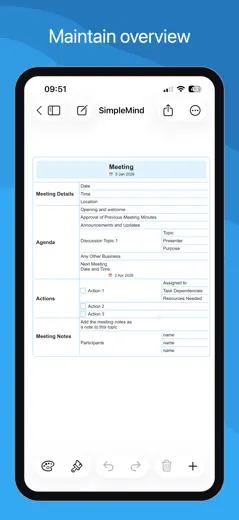
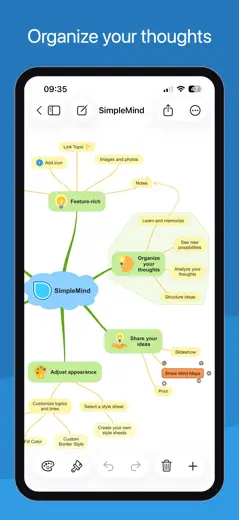
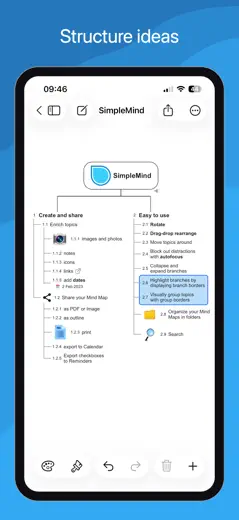
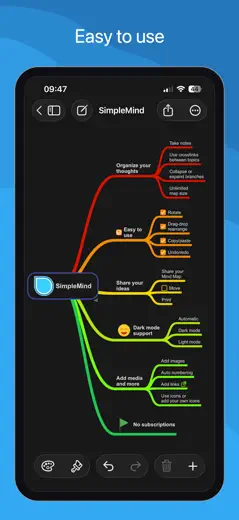
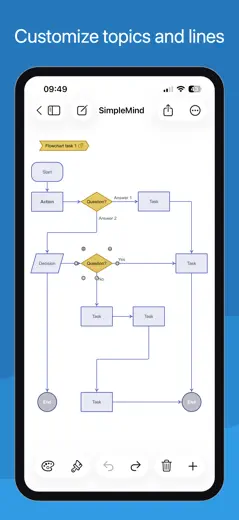
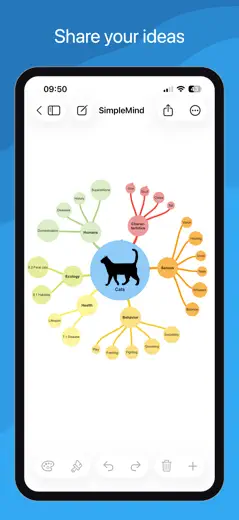
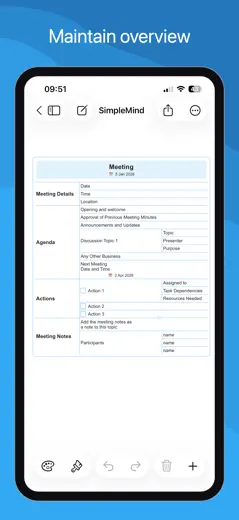
SimpleMind is a fast and reliable mind map editor with a one-time purchase instead of a subscription. It supports multiple map formats (bubbles, timeline, vertical), and runs smoothly even on older iPads. The main drawback is no handwriting input with Apple Pencil, the stylus only replaces touch input without handwriting recognition.
Points forts
One-time purchase with no subscription: pay once and own the editor forever, which sets it sharply apart from competitors with annual plans.
Reproches
Apple Pencil does not recognize handwritten text in nodes. The stylus works only as a finger substitute, so handwritten notes directly on the map are not possible.
Pour qui : Solo users and students who need a fast, reliable thinking tool without a subscription and without extra features.
Rang 4. Note des avis : 63 sur 100. Note sur l’App Store : 4,8★ · 356 notes
63sur 100
A functional mind mapper with a one-time purchase, quick-access buttons, and solid connection management between nodes. It lags noticeably behind modern competitors in design and UX. Cross-platform sync works, but the per-platform payment model frustrates loyal users.
Points forts : Quick buttons for adding nodes without extra taps. Flexible connection management between any nodes, not only parent-child ones. Handles large maps (500+ nodes). Developers respond and fix bugs.
Reproches : Bluetooth keyboard does not work for text input, which kills fast typing. Apple Pencil is not supported. The interface looks dated. Zoom on Mac works only through buttons, not the trackpad. Each platform requires a separate purchase.
Pour qui : Analysts or developers who need large maps with arbitrary connections and a one-time payment without a subscription.
Rang 5. Note des avis : 58 sur 100. Note sur l’App Store : 4,4★ · 1 260 notes
58sur 100
MindMeister is a mature cloud mind mapper with real-time collaboration and a clean interface. Undo is unreliable: two or three steps back can erase a node's text instead of restoring it. Map sync between devices sometimes breaks and loses data.
Points forts : Collaborative editing: multiple people edit the map at the same time, changes appear instantly without refresh, which makes it convenient for team brainstorming.
Reproches : Undo behaves unpredictably. After two or three steps back the app can wipe out a node's text instead of restoring the previous state.
Pour qui : Teams that need a quick collaborative brainstorm without complex structures and can tolerate unreliable undo.
Rang 6. Note des avis : 55 sur 100. Note sur l’App Store : 4,6★ · 5 326 notes
55sur 100
Lucidchart is a powerful web service for flowcharts and diagrams with a rich shape library and collaboration. The mobile app is effectively dead for solo users: the company restricted it to Team and Enterprise plans. Productively strong, but it has strategically abandoned its individual user base.
Points forts : Cross-platform collaboration: multiple participants edit a diagram at the same time, see each other's cursors, and leave comments directly on the canvas.
Reproches : The mobile app is unavailable on individual plans. Users with annual subscriptions are forced to open a browser on their phone instead of using a native client.
Pour qui : Teams that need to collaboratively draw complex architectural or business diagrams and are paying for a corporate plan.
Rang 7. Note des avis : 55 sur 100. Note sur l’App Store : 4,7★ · 468 notes
55sur 100
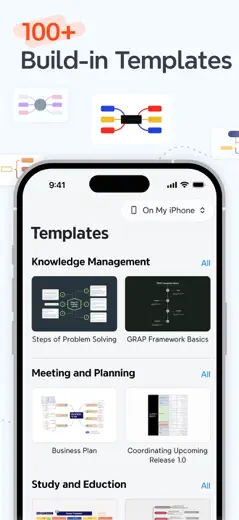
A full-featured cross-platform mind mapper with templates and a web version, but the mobile app is noticeably weaker than the web in features. Nodes move in jerks and snapping breaks the layout. Apple Pencil support is rough.
Points forts : Works across multiple platforms with synced data. Templates help you start without a blank slate. Free navigation without a required hierarchy appeals to users who build non-linear maps.
Reproches : Dragging nodes on mobile is jumpy and snapping is chaotic. The mobile version lacks many web features: no floating topics, no outline conversion, no links between separate maps. Keyboard shortcuts are absent.
Pour qui : A student or educator who already works with Mindomo on the web and occasionally wants to open a map from their phone, not build one from scratch.
Rang 8. Note des avis : 41 sur 100. Note sur l’App Store : 4,6★ · 1 032 notes
41sur 100
AYOA (formerly iMindMap, formerly DropTask) has a tangled history: it started as a mind map tool by Tony Buzan, then task management was added, and now both coexist. The mobile client lags far behind the web version: some features are unavailable, Apple Pencil performs poorly, and new users often hit a white screen on first launch.
Points forts : A visually organic map in the signature iMindMap style: branches are curved and hand-drawn rather than straight lines. The map looks like a real mind map, not a flowchart.
Reproches : The mobile client is a stripped-down copy of the web version. Menus and features available in the browser are missing in the app, and users discover this only after buying a subscription.
Pour qui : Users who value the organic visual style of classic iMindMap and are comfortable working primarily through the web version.
Rang 9. Note des avis : 38 sur 100. Note sur l’App Store : 4,6★ · 374 notes
38sur 100
A visually polished mind mapper with smooth input UX, but the free tier is deliberately capped at 10 nodes. Any real topic exceeds that limit. Without paid access the tool is practically useless for serious work.
Points forts : Smooth node input with an intuitive interface and no learning curve. A rich selection of themes and color schemes. Users switching from MindMeister appreciate the more flexible branching.
Reproches : The 10-node limit on the free version makes the tool unworkable for any non-trivial task. The app crashes with many changes and does not save work. Portrait-only mode on iPad is a serious constraint for wide maps.
Pour qui : Someone willing to pay for a subscription right away and interested in building small, tidy maps on their phone.
Rang 10. Note des avis : 28 sur 100. Note sur l’App Store : 4,5★ · 3 299 notes
28sur 100
VisualMind generates a mind map from an AI prompt, but the map depth is limited to two levels, manual node editing barely works, and exports do not open for recipients. The concept is right, the execution is rough.
Points forts : Fast start via AI prompt: enter a topic and get a draft map in seconds, without manually entering the first branches.
Reproches : The map is built to two levels and stops there. Adding a third level of nesting or moving a branch is not possible. The structure is set by AI and cannot be changed by the user.
Pour qui : Anyone who wants to quickly visualize one idea on a single screen and does not plan to deepen or edit the map.
À propos des chiffres
Deux chiffres — deux sources
Elles aident à comparer les apps, mais ne remplacent pas la vérification de ta propre tâche.
Score des avis · jusqu’à 100
Le score conservé de l’étude inApp sur les textes des avis. Il évalue l’ensemble de l’app dans l’archive, pas la fiabilité d’une fonction précise.
Note de la boutique · jusqu’à 5
La note de la page de l’app au moment de la collecte. La note et la version actuelles peuvent différer.
Dans l’échantillon archivé de ce sujet : 10 apps et 2 023 avis lus. C’est le volume total de l’étude, pas le nombre d’avis par app.
Un écart entre les chiffres ne prouve pas de manipulation. La date de calcul et la méthode complète du score ne sont pas dans l’archive mobile. Compare les descriptions des tâches et les citations sources, et vérifie les conditions dans la version actuelle.