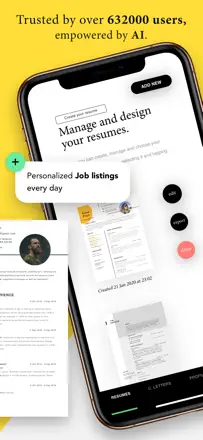
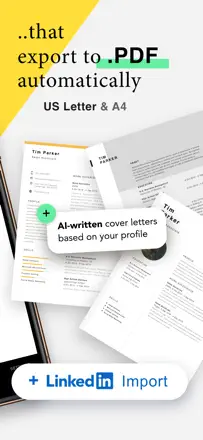
Note des avis : 60 sur 100. Note sur l’App Store : 4,7★ · 3 891 notes
60sur 100
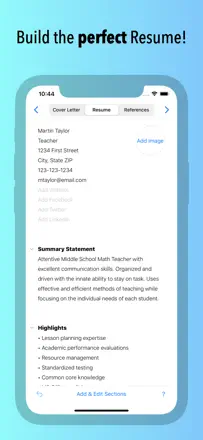
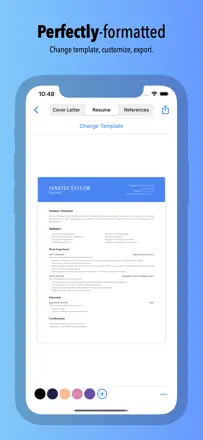
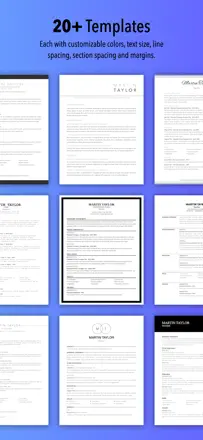
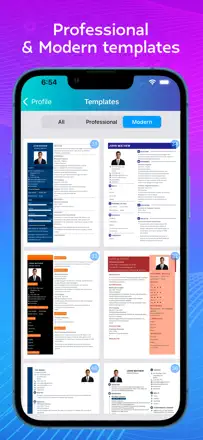
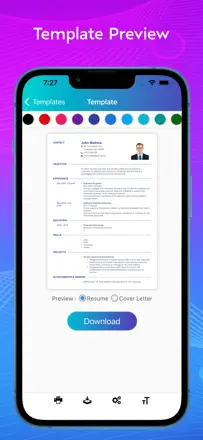
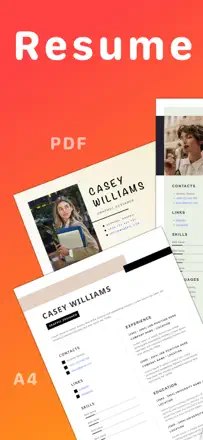
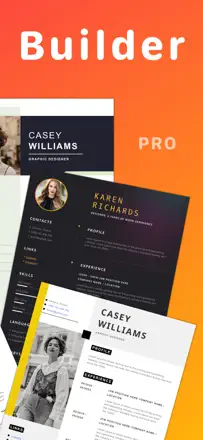
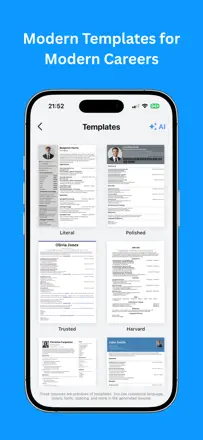
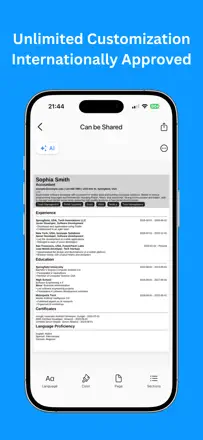
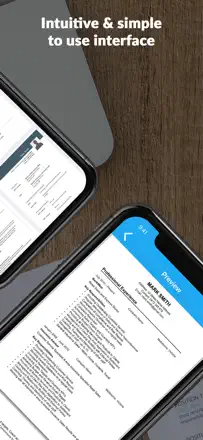
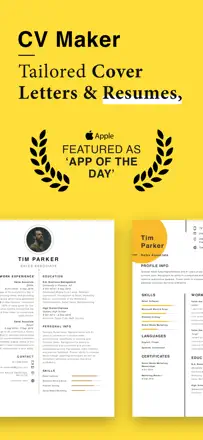
The best templates in this category by far: unconventional layouts that stand out from generic ATS-friendly one-pagers, making them a solid pick for creative and design-oriented fields. The AI assistant rewrites job descriptions into cleaner, sharper language. The mobile experience is noticeably weaker than the web: crashes during editing, no back button, and preview is thumbnail-only.
Points forts
A wide range of distinctive templates plus an AI rephrasing tool for experience descriptions both tools genuinely speed up writing.
Reproches
The mobile editor crashes when typing in the experience field, there is no full-size document preview, and there is no back button.
Pour qui : Someone who wants a template that does not look like everyone else's and is comfortable finishing the resume on a desktop.
Note des avis : 58 sur 100. Note sur l’App Store : 4,7★ · 1 239 notes
58sur 100
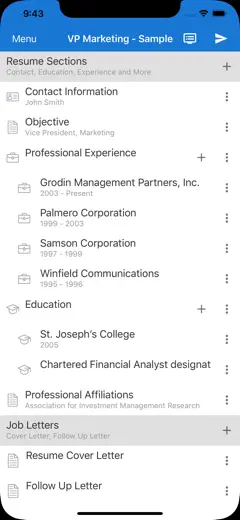
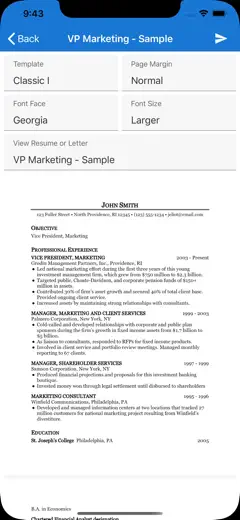
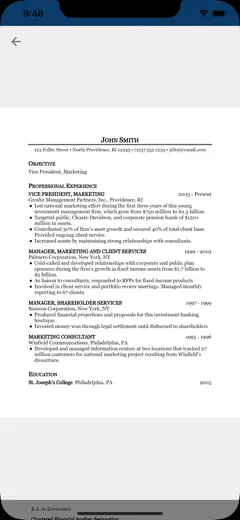
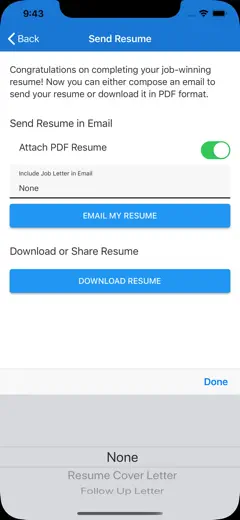
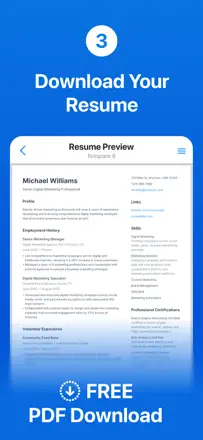
One of the few apps in this space where export actually works without a mandatory subscription. The interface is minimal: font changes and page layout options are available for free. The downside is that templates are very basic with no color customization or block reordering. No cover letter.
Points forts
Free PDF and email export with no hidden charges, quick editing for a specific job opening, and data that persists between sessions.
Reproches
Templates are minimal and cannot be customized by color or section order. No cover letter. Word export is weak.
Pour qui : Anyone who wants a working PDF fast, without signing up or paying extra.
Note des avis : 56 sur 100. Note sur l’App Store : 4,8★ · 72 639 notes
56sur 100
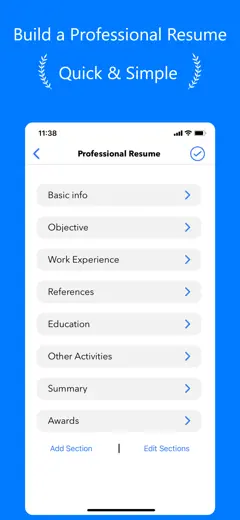
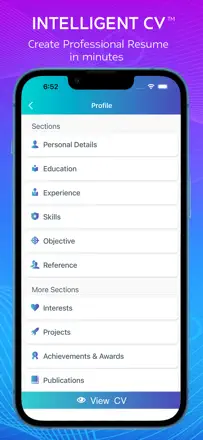
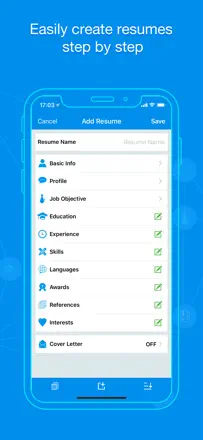
A simple builder with no unnecessary clutter. Gets the job done for a quick task, but is very limited: only one free template, no option to import an existing resume, and no landscape orientation support. The cover letter feature is mentioned but not fleshed out.
Points forts
A resume comes together in minutes with no sign-up needed the step-by-step input keeps you focused and avoids choice overload.
Reproches
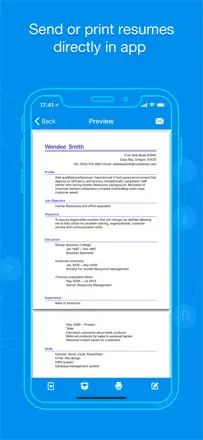
Only one free template, no import of an existing document, and sharing or downloading the file requires a subscription.
Pour qui : Someone with no resume-writing experience who needs a first draft right now, from their phone.
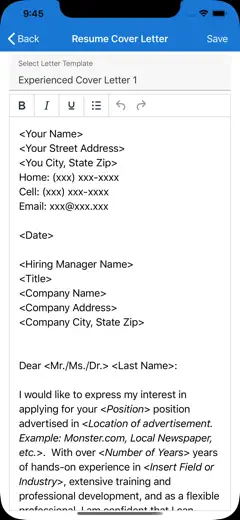
Rang 4. Note des avis : 56 sur 100. Note sur l’App Store : 4,8★ · 1 495 notes
56sur 100
A lightweight editor with a sensible structure and clean, watermark-free templates. Two free exports is a fair threshold. The AI rephrasing feature is available as a paid add-on and is not pushed aggressively. The weak point is rigid bullet formatting in the experience section that cannot be removed or reformatted.
Points forts : Templates without watermarks, actual employer callbacks noted by several users, and fast updates for a specific role.
Reproches : Forced bullet points in the experience section cannot be turned off, section titles cannot be changed, no cover letter.
Pour qui : Someone who needs to update their resume quickly for a new role without fiddling with settings.
Rang 5. Note des avis : 52 sur 100. Note sur l’App Store : 4,5★ · 1 542 notes
52sur 100
The AI assistant builds resume sections through a Q&A flow. Importing an existing resume is destructive: it collapses job titles into generic versions and drops details. The coin-based monetization layered on top of a subscription frustrates users who are already paying.
Points forts : The Q&A format lowers the barrier for people who do not know where to start, and produces a result in about 5 minutes.
Reproches : Importing a resume overwrites original job titles with generic placeholders. Academic CV format (long-form) is not supported.
Pour qui : A job seeker writing their first resume who needs guidance on what to include.
Rang 6. Note des avis : 51 sur 100. Note sur l’App Store : 4,7★ · 5 040 notes
51sur 100
One of the few builders where the paid version is a one-time purchase, not a subscription. Templates are minimal and ATS-friendly by default. The weak point is chronological ordering: new entries are added to the bottom of the list instead of the top, which breaks the standard reverse-chronological format.
Points forts : Build a resume without creating an account data lives locally, so you can finish and leave without friction.
Reproches : New experience entries are appended to the end of the list, not the top reverse chronological order does not hold automatically and has to be fixed manually.
Pour qui : Someone who needs a clean, single-page document without decorations, in a format that works for standard job boards or PDF submission.
Rang 7. Note des avis : 48 sur 100. Note sur l’App Store : 4,7★ · 1 286 notes
48sur 100
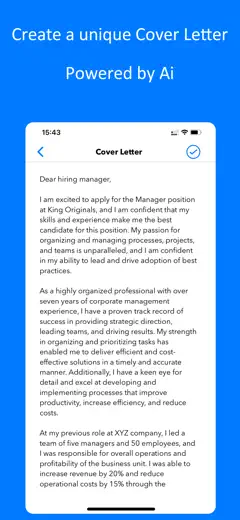
An AI editor with a clean fill-in flow. The core mechanic AI automatically rephrasing your entered experience is appreciated by most users, but some lose nuances from the original. Export is hidden behind a paywall in a way that is not obvious: users find out only after filling everything in.
Points forts : Fast to fill out and easy to edit after saving.
Reproches : AI sometimes replaces specific wording with generic phrases and there is no way to undo it. The download button does not work for some users even after payment.
Pour qui : Someone who wants AI to improve their wording and is willing to review the result before sending.
Rang 8. Note des avis : 44 sur 100. Note sur l’App Store : 4,8★ · 39 267 notes
44sur 100
AI suggestions while editing text work and are valued, but PDF export is systemically broken the resume disappears or fails to open after generation. The font in print view shifts, and capitalization changes on its own. Not reliable for the core task of downloading and sending.
Points forts : AI rewrites and improves job responsibility text right in the editor users say it speeds up the process.
Reproches : PDF export is unstable: the file does not save, fonts and capitalization shift in print view, and support is unreachable.
Pour qui : Someone who wants help with wording but is prepared to run the final document through a different tool to actually get the file.
Rang 9. Note des avis : 44 sur 100. Note sur l’App Store : 4,8★ · 1 820 notes
44sur 100
The app bills itself as free and actually delivers on that no payment required. But Dropbox and iCloud sync is unreliable: data is lost when switching between devices. The PDF sometimes gets rejected by job sites.
Points forts : Genuinely free export, fast to fill in, clean interface.
Reproches : Cloud sync drops data when switching between iPhone and iPad. Editing an existing resume is non-obvious users end up creating a new one instead of updating the old one.
Pour qui : Someone who wants a resume without paying and does not plan to switch devices frequently.
Rang 10. Note des avis : 42 sur 100. Note sur l’App Store : 4,8★ · 754 notes
42sur 100
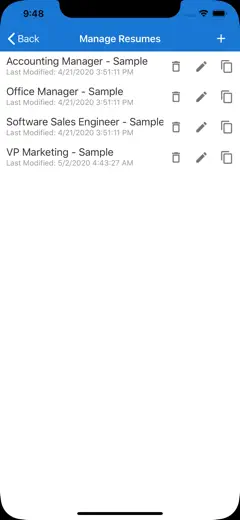
A long-running app aimed at users without a computer. Template fill-in is fast and the PDF output is clean. The consistent weak point is export reliability: email attachments arrive empty, uploading to Monster requires a separate registration, and direct upload to third-party platforms is not available. Saving an edited template as a new file is not possible.
Points forts : The simplest flow possible: pick a template, fill in fields, print. Gets the job done for anyone who needs a paper resume.
Reproches : Email attachments arrive empty the resume is lost after filling in. Direct file upload to job sites without going through Monster registration is not available. An edited template cannot be saved as a separate file.
Pour qui : A candidate applying for roles that accept paper or printed resumes and are not screened by ATS.
Rang 11. Note des avis : 41 sur 100. Note sur l’App Store : 4,7★ · 3 939 notes
41sur 100
The app is functionally straightforward: templates exist, the editor works, and it is enough for a quick CV. But subscription management is broken several users cannot cancel, and charges keep coming. In the free version, ads cover the entire screen.
Points forts : No extra steps: pick a template, fill in sections, get a PDF the path is not confusing.
Reproches : The subscription cannot be canceled through the app's standard interface. Ads cover the full screen and cannot be dismissed.
Pour qui : A user who needs a basic PDF once and does not want a subscription though that is not guaranteed here.
Rang 12. Note des avis : 38 sur 100. Note sur l’App Store : 4,9★ · 17 427 notes
38sur 100
A simple CV editor with an approachable interface, but with a critical flaw: the export and send function often fails entirely emails do not go out and the send button is inactive. Several users have lost their resume with no way to recover it. Positioned for the UK market (CV format with photo and personal details), but the templates do not fully match that format.
Points forts : The interface needs no learning curve a first-time resume writer can manage independently, the steps are obvious.
Reproches : The built-in CV email function does not work for a significant portion of users. Data is lost without warning.
Pour qui : A user without a laptop who needs to build a CV entirely on their phone assuming export works.
Rang 13. Note des avis : 38 sur 100. Note sur l’App Store : 4,5★ · 1 957 notes
38sur 100
A simple form editor with basic templates. The key pain point is that switching templates wipes all entered data, and sections cannot be manually reordered. Export is locked behind a paywall.
Points forts : Fills out quickly and the result looks professional on the first attempt.
Reproches : Work experience entries cannot be reordered without deleting and re-entering them. Switching templates deletes all your data.
Pour qui : Someone who updates their resume once every few years and does not want to deal with settings.
Rang 14. Note des avis : 38 sur 100. Note sur l’App Store : 3,4★ · 927 notes
38sur 100
The app has been around for years and has built a loyal user base among people without computers. The template selection is broad and mostly free. The main systemic problem is that experience entries cannot be sorted by date the app lists them in the order they were entered, which breaks chronological ordering. This is not a UI bug but a missing sort feature.
Points forts : Most templates are free. Acts as a computer substitute for people who do not have one. Quick start without registration.
Reproches : Experience entries cannot be reordered, so the resume ends up with broken chronology. Backspace in a description field sometimes deletes the entire paragraph. A review prompt pop-up blocks access to the resume and cannot be closed.
Pour qui : Someone without a laptop who needs a basic resume for a job application with no ATS or design requirements.
Rang 15. Note des avis : 35 sur 100. Note sur l’App Store : 4,5★ · 490 notes
35sur 100
The app offers clean templates and a straightforward fill-in flow but hits a dead end at export: PDF is subscription-only, and the subscription is often impossible to cancel through the standard iOS interface. No import for an existing CV everything is entered from scratch. Sections for awards and references are missing.
Points forts : The interface is self-explanatory. Templates are reportedly tailored to specific industries, according to at least one user.
Reproches : No import for an existing resume a long CV has to be typed in manually. PDF export is locked until you subscribe, and that subscription is hard to cancel through iOS settings. No section for awards or references.
Pour qui : An entry-level applicant with a short work history who does not need to import anything and is fine with a basic set of sections.
Rang 16. Note des avis : 34 sur 100. Note sur l’App Store : 4,8★ · 13 672 notes
34sur 100
The web version works well and produces clean templates, but the mobile app is a separate product with systemic crashes: trying to open or save a resume closes the app and loses progress. For the mobile audience it is effectively unusable.
Points forts : Templates are clean and readable, the input structure is straightforward, and the fill-in process raises no questions.
Reproches : The mobile app crashes when opening a saved resume or saving new data progress is lost without warning.
Pour qui : A user who works through a browser on a computer and just wants to download a PDF.
Rang 17. Note des avis : 32 sur 100. Note sur l’App Store : 4,7★ · 1 222 notes
32sur 100
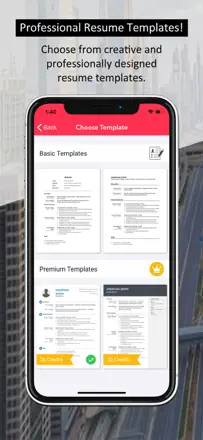
The app works as a builder, but aggressive ads interrupt editing throughout. Paid template credits do not always unlock after purchase. Canceling a subscription is a problem several reviews describe continued charges after cancellation.
Points forts : Fast data entry in a single form, a finished template in 10 to 15 minutes.
Reproches : Ads pop up with every field transition. A paid credit is deducted but the template does not unlock. Skill and section order cannot be customized.
Pour qui : Someone willing to put up with ads for a quick basic result and who has no plans to pay for templates.
Rang 18. Note des avis : 30 sur 100. Note sur l’App Store : 4,6★ · 642 notes
30sur 100
The step-by-step wizard makes it easier to structure a CV, but it hits a wall at export: PDF is either completely broken or requires payment that is not disclosed until after all fields are filled in. Template formatting breaks in some layouts content is cut off on the right edge and spacing cannot be adjusted. The cover letter generator produces a shifted layout.
Points forts : Step-by-step input reduces stress for users who do not know resume structure. Templates are visually appealing.
Reproches : PDF does not generate after filling in the button freezes. Editing an already-created resume is blocked. Several templates in the set clip content on the right side, making them effectively unusable.
Pour qui : A user who wants structural guidance for their CV but is not willing to pay for the output file.
Rang 19. Note des avis : 28 sur 100. Note sur l’App Store : 4,6★ · 1 126 notes
28sur 100
The editor offers voice input and a few basic templates, but export is locked behind a paywall with no warning until the very end. Experience sections cannot be sorted and blocks cannot be moved. Template designs are closer to the Word 95 era.
Points forts : Voice input speeds up text entry. The interface is simple enough for users with no Word experience.
Reproches : PDF export is hidden behind a paywall that only appears after the entire resume is filled in. Experience entry order is fixed and cannot be changed. Templates are outdated and cannot be structurally edited.
Pour qui : Someone without a computer who needs to put together a basic resume once, quickly, with no design expectations.
Rang 20. Note des avis : 22 sur 100. Note sur l’App Store : 4,6★ · 3 460 notes
22sur 100
Functionally broken for actual use: sections cannot be reordered, data is deleted on exit, LinkedIn import drops key fields, and aggressive upsell pop-ups appear every 6 seconds. AI features are advertised but inactive for some users. The weakest product in this roundup by actual quality.
Points forts : LinkedIn profile import is formally available and speeds up initial setup when the data does not get lost.
Reproches : Resume sections cannot be moved. Data is deleted without warning. Upgrade prompts appear every few seconds and block the editing interface.
Pour qui : Not recommended to anyone in its current state.
Rang 21. Note des avis : 22 sur 100. Note sur l’App Store : 4,8★ · 1 039 notes
22sur 100
The app generates a CV through AI, but users who left substantive reviews note that the generated text cannot be meaningfully edited, and downloading the finished document causes problems. The actual product experience is almost invisible behind a layer of identical five-star ratings.
Points forts : AI handles the initial draft, which lowers the barrier for people who do not know how to phrase their experience.
Reproches : AI-generated wording cannot be edited at a granular level after generation. Export is unstable. The review sample is too small and uniform to draw reliable conclusions about actual quality.
Pour qui : Someone who has never written a resume and wants to get something down quickly without worrying about the details.
Rang 22. Note des avis : 14 sur 100. Note sur l’App Store : 4,3★ · 1 351 notes
14sur 100
The app deletes entered data on its own when navigating between sections. PDF export is locked behind a subscription that some users get billed for immediately on first launch, without explicit consent. The Send button does not work after payment goes through.
Points forts : Clear section structure, templates with phrasing hints.
Reproches : Data auto-deletes when returning to previous sections. Subscription charges appear on first launch without explicit consent. PDF is not accessible without payment, and payment does not always activate the feature.
Pour qui : Not relevant basic data saving does not work reliably.
Rang 23. Note des avis : 12 sur 100. Note sur l’App Store : 3,7★ · 1 465 notes
12sur 100
Templates are locked until payment, custom sections cannot be added, and template previews are unavailable. The app effectively just collects your data and then demands payment at the final step.
Points forts : Nothing specific could be identified from the reviews.
Reproches : Templates cannot be previewed before selection. Custom sections are not available. The interface does not respond to taps in several scenarios.
Pour qui : Not relevant the app does not fulfill the basic function of a resume builder.
Rang 24. Note des avis : 8 sur 100. Note sur l’App Store : 4,3★ · 1 436 notes
8sur 100
A cover letter and resume editor with a critical save problem: when moving between fields, text reverts to the placeholder example. Users have rewritten their content 12 to 20 times with no success. Export crashes the app.
Points forts : Visually appealing templates.
Reproches : Text in fields reverts to the placeholder when moving to the next screen. Export closes the app without saving. The Next button disappears mid-flow.
Pour qui : Not relevant the app does not allow the finished document to be saved.
À propos des chiffres
Deux chiffres — deux sources
Elles aident à comparer les apps, mais ne remplacent pas la vérification de ta propre tâche.
Score des avis · jusqu’à 100
Le score conservé de l’étude inApp sur les textes des avis. Il évalue l’ensemble de l’app dans l’archive, pas la fiabilité d’une fonction précise.
Note de la boutique · jusqu’à 5
La note de la page de l’app au moment de la collecte. La note et la version actuelles peuvent différer.
Dans l’échantillon archivé de ce sujet : 24 apps et 3 809 avis lus. C’est le volume total de l’étude, pas le nombre d’avis par app.
Un écart entre les chiffres ne prouve pas de manipulation. La date de calcul et la méthode complète du score ne sont pas dans l’archive mobile. Compare les descriptions des tâches et les citations sources, et vérifie les conditions dans la version actuelle.