Night sky and astronomy · 52 apps · 15,509 reviews read
Where pointing the camera really finds the star, and where it is a pretty planetarium with no accuracy and a subscription. The highest review-text scores: Our Galaxy (78/100), Stellarium Mobile (74), and iCSC (74).
Review score: 78 out of 100. App Store rating: 4.7★ · 420 ratings
78of 100
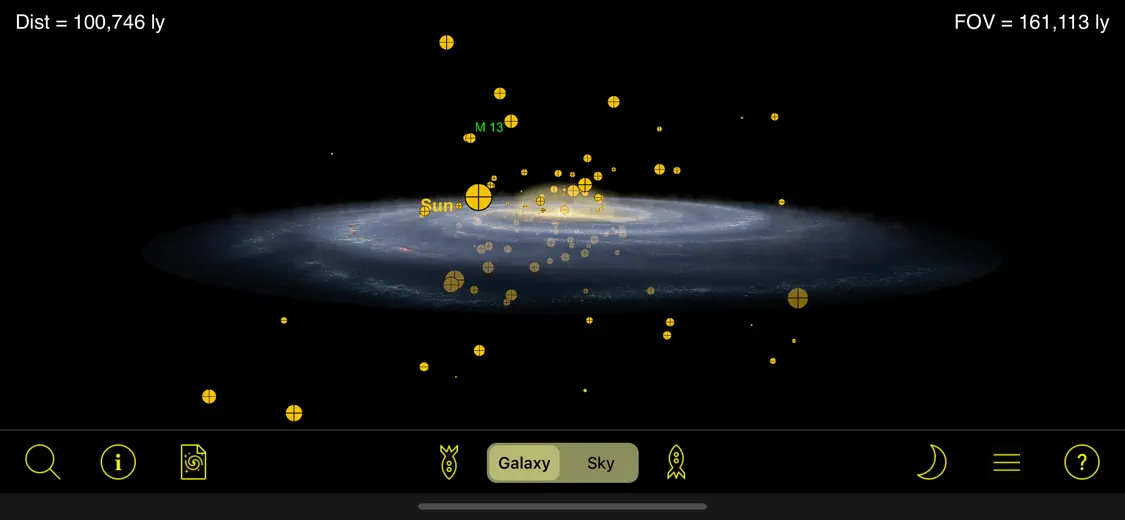
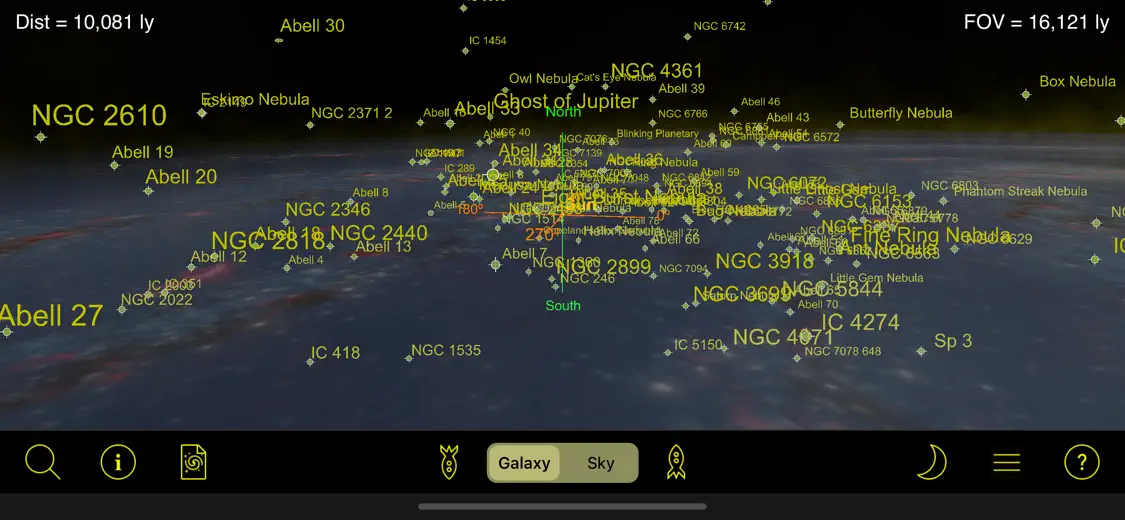
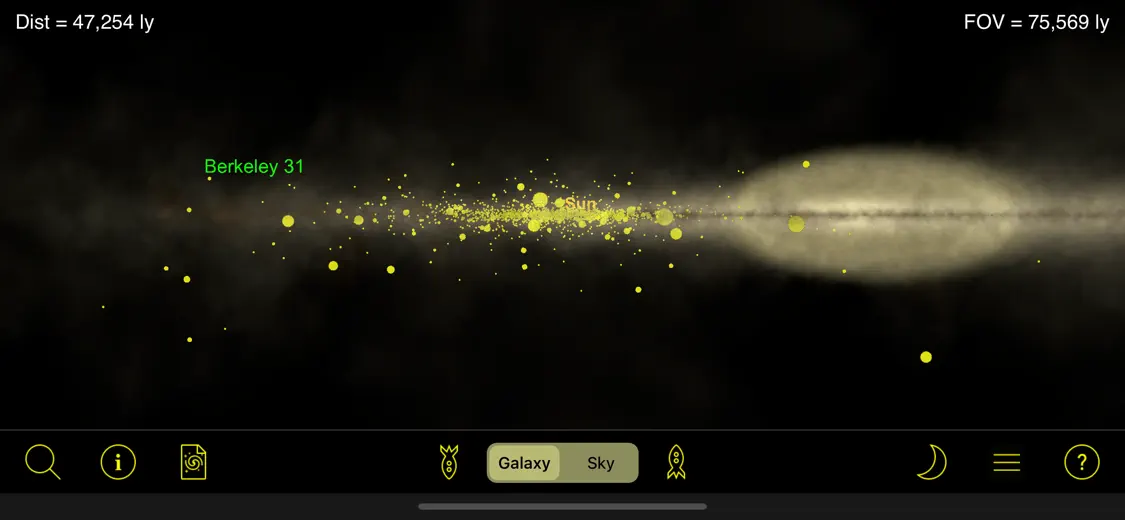
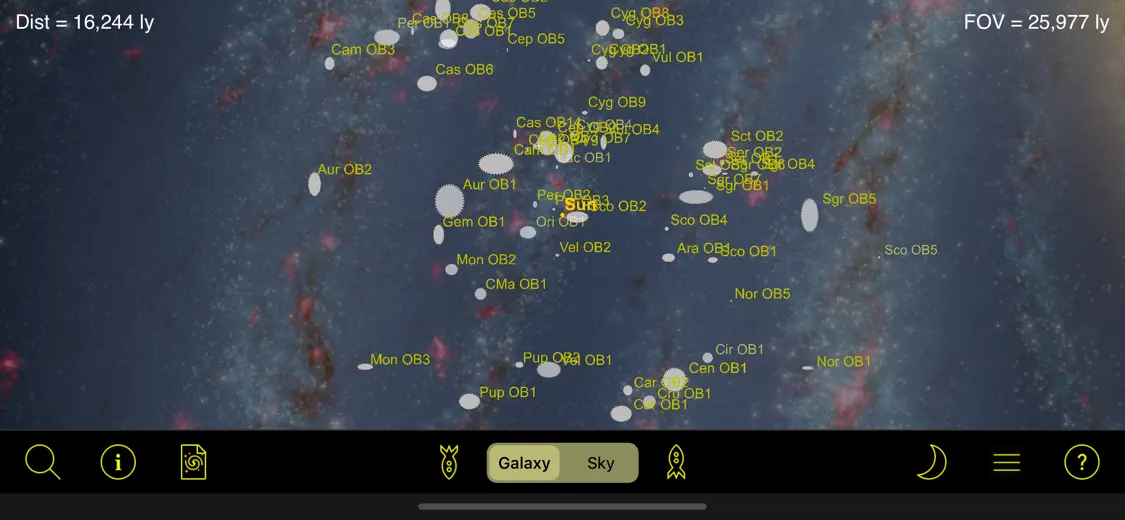
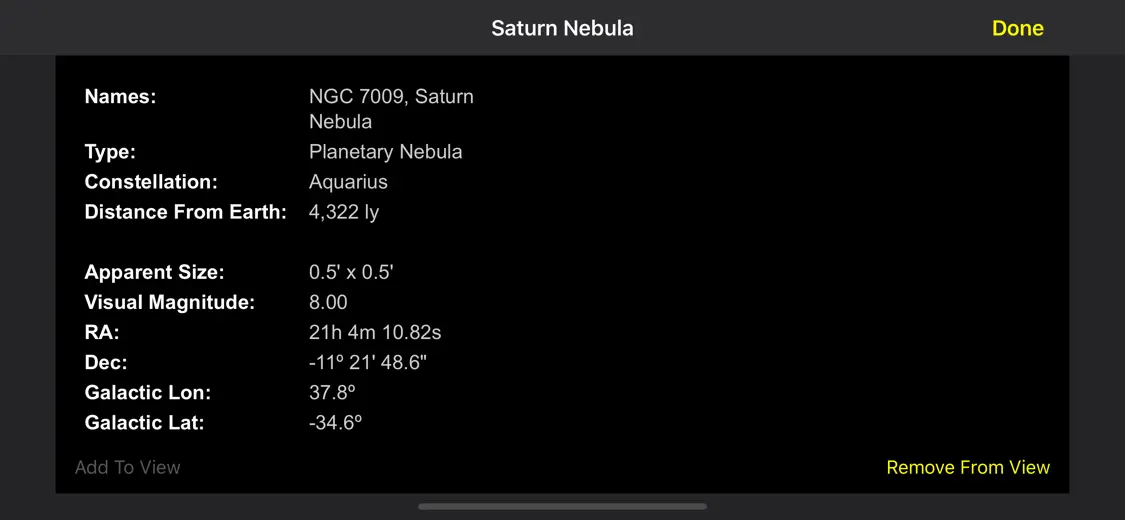
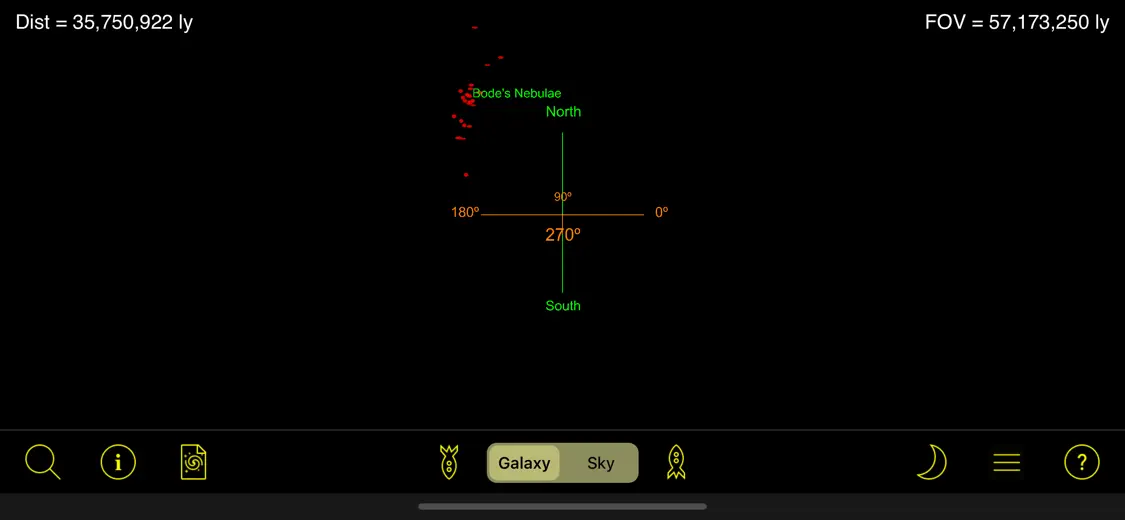
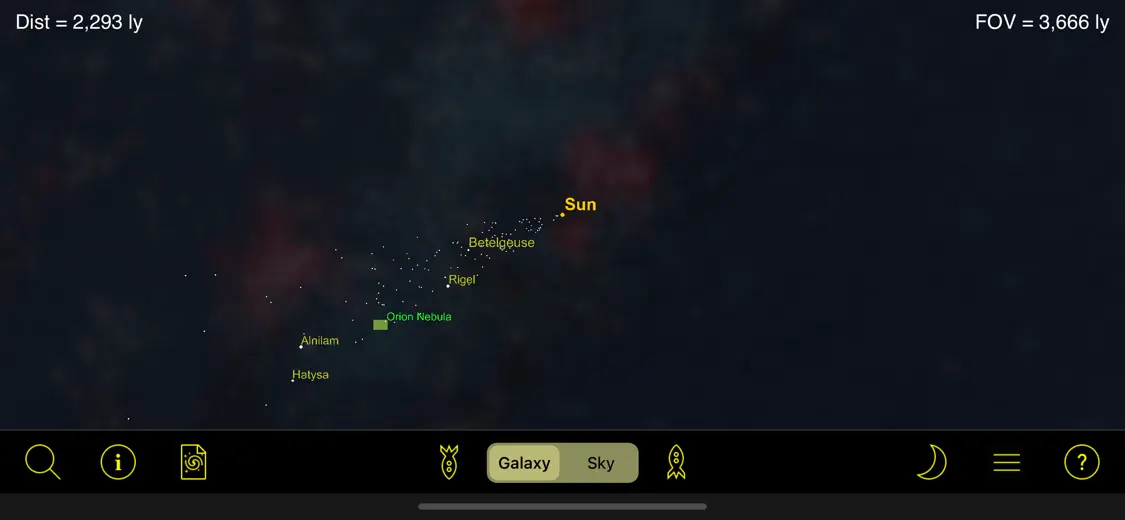
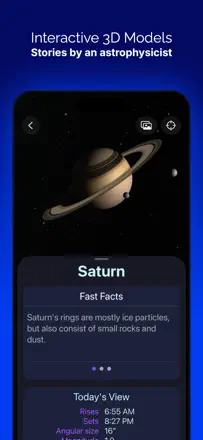
People love it for an unusual thing: instead of the dome overhead it shows the three-dimensional structure of the galaxy and how far away objects really are from us. Observers and astrophotographers say it changes your sense of scale and is great for star parties and teaching. The downsides are minor: navigation is clunky in places, and there's no sky-tie by coordinates, so you end up jumping between apps.
Praised
Three-dimensional galaxy structure and real distances to objects, a fresh sense of the universe's scale, great for star parties and teaching, a companion to planetariums like SkySafari, detailed rendering
Complaints
Navigation clunky in places, no sky-tie by coordinates for finding objects while observing, forces jumping between apps, you can fly so far out it shows NaN
Best for: Hobbyists and teachers who want to grasp where we are in the galaxy and how far objects really are, not find them in the sky
Review score: 74 out of 100. App Store rating: 4.8★ · 35,824 ratings
74of 100
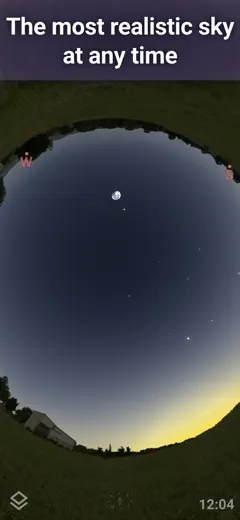
Stellarium Mobile is praised as a handy, intuitive tool for finding things in the sky: people locate constellations, Jupiter, M45, and view future positions of objects, and many bought premium at a reasonable price. Its weak spot is orientation and small limits: the app struggles to tell which way you're looking, sometimes flipping 180 degrees, and basic time-forward plus some sky-history depth are locked behind the paid version.
Praised
Finding constellations, Jupiter and M45, showing future positions of planets and stars, clear and intuitive, reasonable premium price
Complaints
Can't set which direction you're facing, 180-degree flips with no calibration, time-forward locked in the paid version, sky history capped at 7000 years versus the desktop app, glitchy in places
Best for: Enthusiasts at any level who want to find objects visually and plan observations
Review score: 74 out of 100. App Store rating: 4.8★ · 1,532 ratings
74of 100
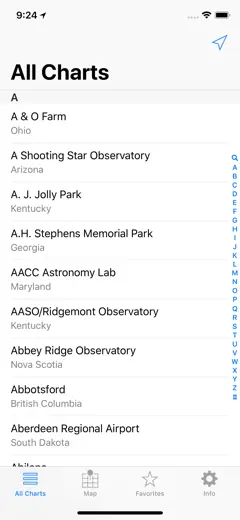
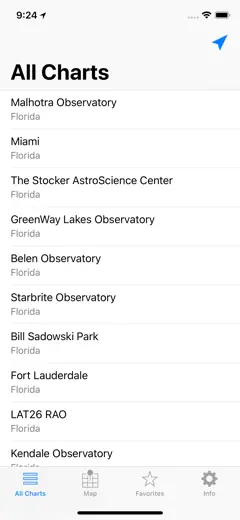
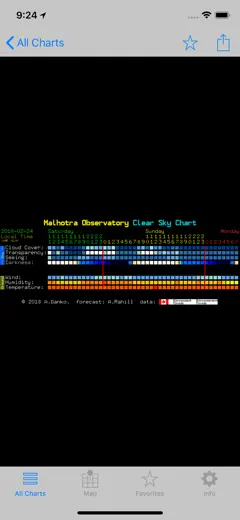
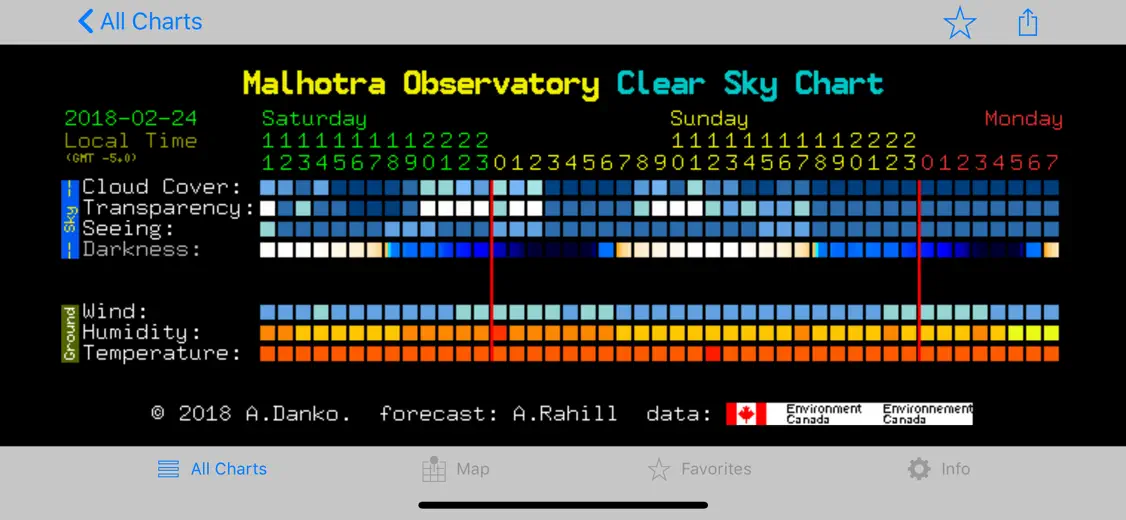
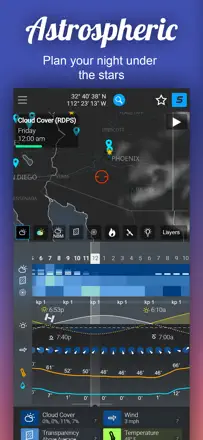
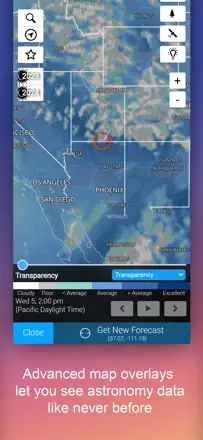
Astrophotographers have trusted it for years as the most accurate cloud forecast for observing, some for over 20 years. They value the quick jump to the local chart and its reliability. It breaks on tiny non-zoomable text on iPad, no search across the site list, no way to launch straight into a favorite location, and colors that make no sense to beginners without a legend.
Praised
Most accurate cloud forecast for observing, quick access to the local chart, reliability and daily updates, proven over years
Complaints
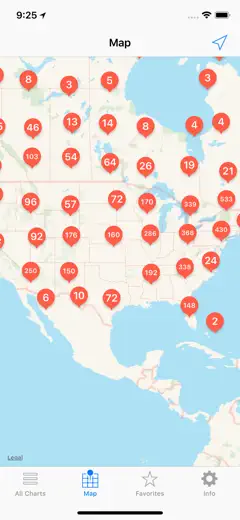
Tiny non-zoomable text on iPad, no search over the site list, cannot launch straight into a favorite location, no legend so colors confuse beginners
Best for: Astrophotographers and observers who need an accurate clear-sky forecast before heading out
Rank 4. Review score: 72 out of 100. App Store rating: 4.8★ · 365,567 ratings
72of 100
Sky Guide is praised for its beautiful presentation, its science-articles section, and the pleasant ambient music while you use it, and many have relied on it for years. But accuracy lets it down: people with a calibrated compass see a 30-degree azimuth shift, and after updates some familiar features and flyby alerts moved behind a monthly fee, which stung those who once bought the app outright.
Praised: Beautiful sky presentation, science-articles section, soft ambient music, star, planet and satellite search with details
Complaints: Compass off by tens of degrees in azimuth, some features and flyby alerts moved behind subscription, no grandfathering for old buyers, Milky Way arm gone from compass mode, missing many constellations
Best for: People who watch the sky regularly and read about space, and who care about polished presentation
Rank 5. Review score: 72 out of 100. App Store rating: 4.8★ · 438 ratings
72of 100
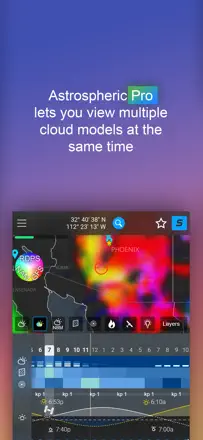
Astrophotographers love it for accurate cloud and seeing forecasts: it saves wasted evenings and helps decide whether to shoot in Ha or Oiii by conditions. It stumbles on local accuracy and stability: temperature runs 8-12 degrees off for some, cloud forecasts occasionally miss, and the free version is less accurate and nudges toward a subscription. Plus the network sometimes breaks and the main page reloads endlessly.
Praised: Accurate cloud and seeing forecasts, planning imaging sessions without wasted setups, everything needed in one place, choosing filter by seeing, handier than the old cleardarksky
Complaints: Temperature off by 8-12 degrees in some regions, cloud forecast occasionally inaccurate, free version noticeably less accurate, network errors and endless main-page reloading, dark hard-to-read interface, no widgets
Best for: Astrophotographers and observers who plan trips by weather and cloud cover and will pay for accuracy
Rank 6. Review score: 68 out of 100. App Store rating: 4.8★ · 1,079 ratings
68of 100
Experienced hobbyists and astrophotographers keep it as their main planetarium program for planning and observing, valuing the depth and quality of information and the point-device-at-sky tracking. It breaks because the shift to a subscription pulled features long-time buyers already paid for, updates wiped telescope settings and connection points, and one update broke the point-at-sky tracking.
Praised: Main planetarium program for planning astrophotography, depth and quality of information, point-device-at-sky tracking, regular updates
Complaints: The shift to subscription pulled already-paid features, updates wiped telescope settings and connection points, broke the point-at-sky tracking, confusing interface and lacking instructions
Best for: Experienced amateur astronomers and astrophotographers who plan observations and shoot with a telescope
Rank 7. Review score: 68 out of 100. App Store rating: 4.5★ · 961 ratings
68of 100
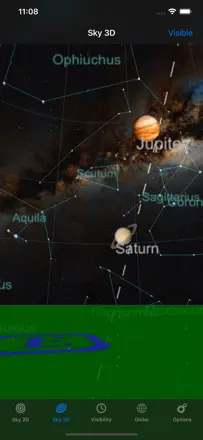
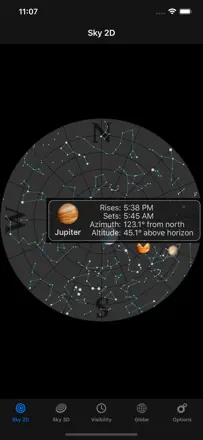
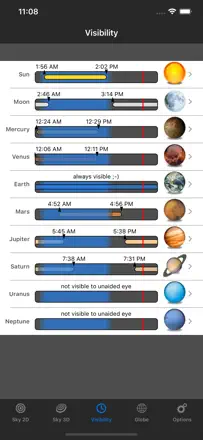
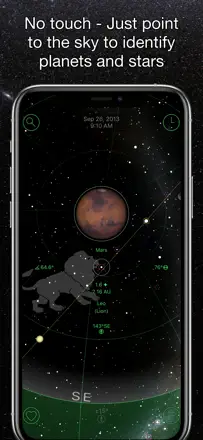
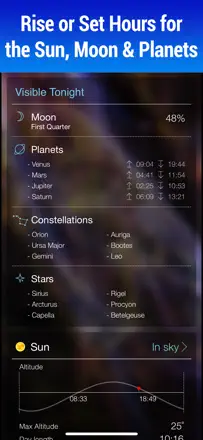
People keep it for years as a pocket planetarium: point the camera at the sky and it names planets, stars and constellations, beautifully and clearly. It breaks on accuracy after updates: some lost sunrise times, moon phase showed a day early, the 3D view went black for some devices, and the compass and north-finding drift. It also annoys that you can't change the time zone.
Praised: Pointing camera at the sky, beautiful visuals, shows planets stars constellations, visibility times, works even on cloudy nights
Complaints: Errors in moon phase and sunrise, sunset times gone after an update, black 3D view on some devices, compass and north-finding drift, can't change time zone, glitchy on iPad mini
Best for: Beginners and families who want to point a phone at the sky and learn what that bright dot overhead is
Rank 8. Review score: 68 out of 100. App Store rating: 4.8★ · 335 ratings
68of 100
People have kept this as their favorite planetarium for years for its depth: you can fly out to nearby stars and galaxies and watch the sky in real time from your phone. But the new version hurt many users, reinstalling loses telescope control and shrinks the time range to the year 1600, the comet database moved behind a subscription, and the compass can be off by about 20 degrees. There is also billing confusion, the free trial charges you right away.
Praised: Travel to nearby stars and galaxies, real-time sky tracking, clean interface, beginner friendly, beautiful visuals, heritage of the desktop Redshift
Complaints: Reinstalling loses telescope control and caps dates at the year 1600, comet and conjunction data moved into a subscription, compass off by about 20 degrees, confusing free trial that charges immediately, after an update the sunrise and moon phase data are wrong
Best for: Astronomy lovers who want a deep planetarium with galaxy flythroughs and a live sky, and educators
Rank 9. Review score: 66 out of 100. App Store rating: 4.7★ · 1,187 ratings
66of 100
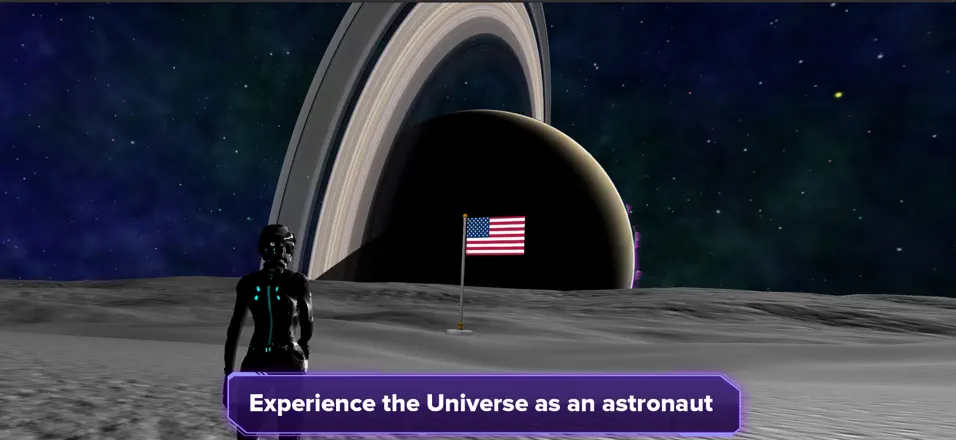
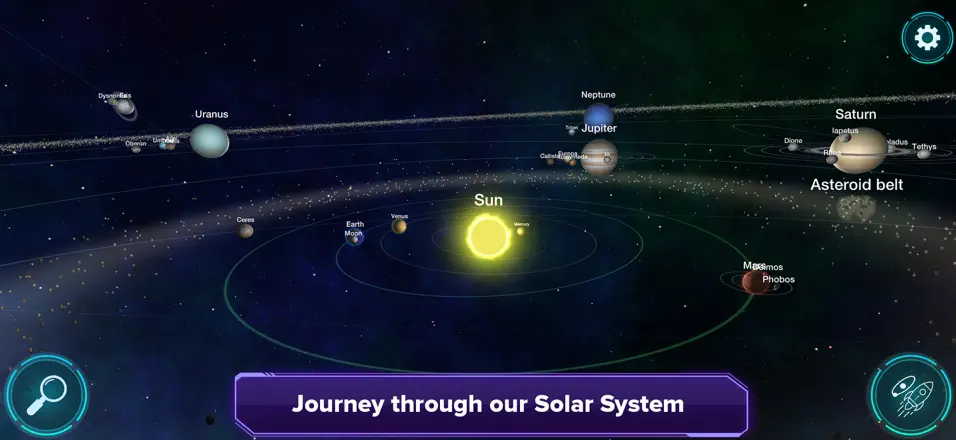
It is more of an educational space-exploration game, loved for real planets, moons, black holes, and learning by flying through the system. Kids and adults get absorbed in exploring. It breaks because planet surfaces are monotonous and empty (the same plastic-looking ground everywhere), you cannot land despite the promise to walk on planets, and an update killed the sound for some.
Praised: Real planets, moons, and black holes to explore, learning astronomy by flying through the system, crisp graphics and scientific info
Complaints: Monotonous empty planet surfaces, cannot land despite the promise to walk on planets, sound lost after an update for some, limited object selection
Best for: Kids and space fans who want to fly through a real Solar System and learn by exploring
Rank 10. Review score: 62 out of 100. App Store rating: 4.8★ · 10,228 ratings
62of 100
An elegant, pleasant sky map many keep for years and love for its clean simple look and precise object targeting. The real recent trouble is that the compass is off for some people, pointing the wrong way and not fixed by figure-eight calibration, while the developer thinks the app doesn't need updating. In the southern hemisphere the constellations barely work.
Praised: Clean simple beautiful look, precise object targeting with no running around, sky-shoot planning, sun tracking for gardening, finds planets, stars and even comets like NEOWISE
Complaints: Misaligned compass pointing the wrong way and not fixed by calibration, developer won't update the app, poor in the southern hemisphere, motion broke on newer devices, pushy review nags right after install
Best for: Hobbyists who value a clean handy view and planning, if their phone compass is fine
Rank 11. Review score: 62 out of 100. App Store rating: 4.6★ · 5,381 ratings
62of 100
For serious observers with a telescope this is still the best tool for aiming and object reference, many buy every version for years. But recent updates added game-like and social features with sound effects that get in the way of veterans, and Live Sky is called useless. On top of that there are regular crashes when connecting to StarSense and when adding to an observing list.
Praised: Precise telescope aiming and detailed object info, the best cosmos reference, easy connection to scopes like the Meade LX600, event notifications
Complaints: Crashes when connecting to StarSense and when adding an object to a list, the interface got cluttered with new games and sounds that a solo observer does not want, the database sometimes cannot find an object
Best for: An experienced amateur astronomer with a telescope who aims by the app and keeps observing lists
Rank 12. Review score: 62 out of 100. App Store rating: 4.7★ · 1,689 ratings
62of 100
People value pointing the phone at the sky to match the picture with real stars, seeing the Moon below the horizon, and scrubbing dates to watch planets move. They also praise it for teaching kids and observing from light-polluted cities. It breaks on crashes after updates, a lost point-to-sky mode, and confusion over what is free versus paid.
Praised: Pointing phone at sky to match stars, showing the Moon below the horizon, date scrubbing and planet motion, teaching kids, working in city light pollution
Complaints: Crashes after updates, lost point-to-sky mode, screen shaking, unclear what is free versus paid
Best for: Beginners and families with kids who want to point the phone at the sky and learn constellations even from a city
Rank 13. Review score: 62 out of 100. App Store rating: 4.2★ · 307 ratings
62of 100
The app runs the Seestar smart telescope and gets praised for making quality shots easy for any beginner, an intuitive interface, and an alpaca driver for advanced users to connect other software. What breaks it is the forced firmware update in the middle of an observing session in the cold, it eats time and battery and cannot be postponed. There are also in-app ads to buy a Seestar shown to Seestar owners, and the version 3 update that broke tracking, frame stacking and WiFi.
Praised: Quality shots right out of the box for a beginner, very simple and intuitive interface, running several S50 and S30 telescopes at once, alpaca driver for advanced users, easy to learn
Complaints: Forced firmware update in the middle of observing that eats time and battery and cannot be postponed, in-app ads to buy a Seestar shown to Seestar owners, version 3 broke tracking, frame stacking and WiFi, no way to enter RA and Dec coordinates to go to an object, no landscape orientation on iPad
Best for: Seestar smart telescope owners, astrophotography beginners, and anyone who wants simple sky imaging without manual setup
Rank 14. Review score: 60 out of 100. App Store rating: 4.8★ · 73,360 ratings
60of 100
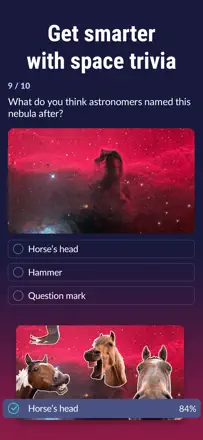
Sky Tonight is valued as a teaching app: lots of info, meteor-shower dates, explanations of phenomena, and people say they learned a lot. But lately it lets them down on reliability and accuracy: for some it freezes within half a minute, shows planets in the wrong constellations, and inflates the visibility index to 95% when the weather is clearly otherwise, plus ads get in the way of even finding your feet.
Praised: Educational content and explanations of phenomena, meteor-shower dates, lots of info on planets and the Moon, useful for astronomy beginners
Complaints: Freezes and becomes unusable within 30 seconds, planets in wrong constellations, inflated visibility index in bad weather, heavy ads while trying to learn it, confusing navigation, murky 'free' trial
Best for: Beginning astronomy enthusiasts who want to learn and catch meteor showers
Rank 15. Review score: 60 out of 100. App Store rating: 4.7★ · 3,039 ratings
60of 100
People genuinely love this app, it is cheap, gives long write-ups about each constellation with links to read more, and kids and grandkids happily learn the sky with it. But many hit the same flaw, the compass is off and the map shows the wrong direction, forcing you to drag the screen by hand. Some also see moon phases and positions lag behind because it has not been updated in a while.
Praised: Inexpensive, detailed write-ups and links for every constellation, kids and grandkids happily learn the sky, accurate object identification once set up
Complaints: Compass is off, the map shows the wrong direction and you must drag the screen by hand, moon phases and positions lag from infrequent updates, behaves oddly when switching the AR camera
Best for: A family or beginner who wants to cheaply read about constellations and learn the sky with kids
Rank 16. Review score: 58 out of 100. App Store rating: 4.7★ · 487,603 ratings
58of 100
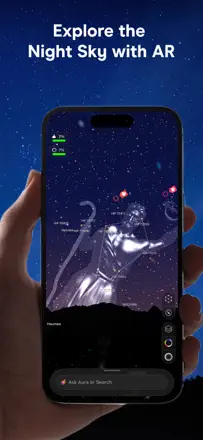
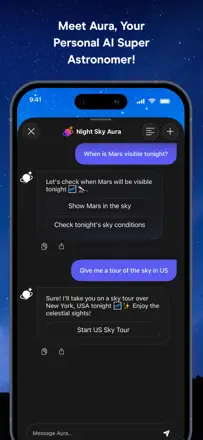
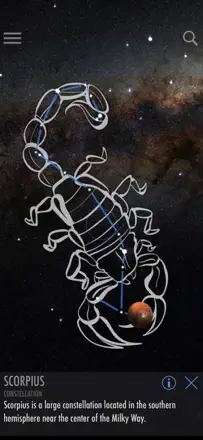
People value the rich object reference and the friendly first-run intro to the sky, but recent updates pushed search behind a subscription and bolted on an AI assistant called Aura that pops up on every tap and irritates even longtime fans. They also complain about accuracy: the camera shows the Moon in the wrong place, and the screen is too bright to let your eyes adjust to the dark sky.
Praised: Detailed object cards and events of the year, clear first-run intro, plenty of stars and info even for free
Complaints: Search moved behind a subscription, pushy Aura AI helper pops up on every tap, objects shown in wrong positions, screen too bright for real sky-watching, no light mode for reading articles
Best for: People who want to understand the sky and read about space events and don't mind paying a subscription
Rank 17. Review score: 58 out of 100. App Store rating: 4.7★ · 17,758 ratings
58of 100
A deep tool for people serious about astronomy: scrubbing time into the past and future, transits, use at an observatory. But newcomers find it complex and cluttered, the interface is dated and cramped, and updates have repeatedly broken it so people rebought it. Many features are locked behind Plus and Pro upgrades.
Praised: Time travel far into the past and future, transit calculations, use by professionals at an observatory, real-time GPS operation, low entry price
Complaints: Steep learning curve for beginners, dated cramped interface, breakage after iOS updates forcing rebuys, date resets to current, AR fails when time is set manually, lots gated behind paid upgrades
Best for: Serious hobbyists and professionals willing to learn it, not people who just want to point their phone at the sky
Rank 18. Review score: 58 out of 100. App Store rating: 4.4★ · 2,924 ratings
58of 100
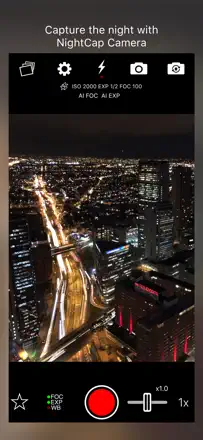
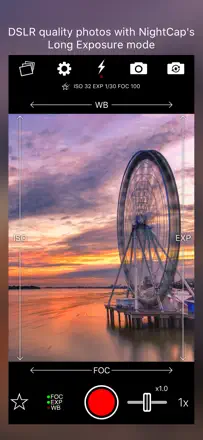
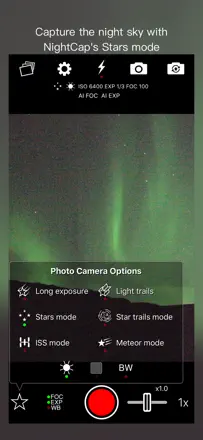
This is a deep manual camera-control tool for shooting stars, the ISS, star trails and timelapses, and people who master the tutorials genuinely like it, with no equivalent on other platforms. But it has gone long without updates and lags and freezes badly on newer iPhone 16 and 17 Pro, and the Moon comes out grainy and blurry even following its own guide. Some got better aurora shots on the plain camera app.
Praised: Deep manual camera control like real photography, ISS, star-trail and timelapse modes, a cheap way into astrophotography without expensive gear, no equivalent on other platforms
Complaints: Lags and freezes badly on iPhone 16 and 17 Pro, long without updates, the Moon comes out grainy and blurry even by the tutorial, no Bluetooth shutter, steep learning curve
Best for: A beginning astrophotographer willing to work through the tutorials for night shots without expensive gear
Rank 19. Review score: 58 out of 100. App Store rating: 4.8★ · 1,365 ratings
58of 100
People love pointing the phone to learn which star or planet it is and impressing friends, and they value the data depth and reliable use while traveling. It breaks on compass directions flipping 180 degrees after an update, inaccurate calibration where the in-app object sits off from what the eye sees, and the app stuffing the calendar with events unasked.
Praised: Identifying a star or planet by pointing the phone, data depth, reliable use across the planet, time slider
Complaints: Cardinal directions flip 180 degrees after an update, inaccurate calibration offset from the real sky, stuffs the calendar with events unasked, confusing interface
Best for: People who want to point the phone at the sky, identify objects, and share it with friends
Rank 20. Review score: 58 out of 100. App Store rating: 4.8★ · 621 ratings
58of 100
Almost everyone loves it for beauty: stunning graphics, deep work on the solar system, planetary motion and the ecliptic, great for understanding time and eclipses. But many stumble on usefulness: the app can't find your location even with permission, and without that it's nearly useless, part of it is tied to a city database with the nearest city a hundred miles away. Some pay and can't see how to do anything with it on the ground.
Praised: Stunning graphics and attention to detail, understanding planetary and ecliptic motion and eclipses, good for studying the zodiac in motion, beautiful interface
Complaints: Can't find location even with permission, tied to a city database instead of GPS, too much info you can't turn off, unclear how to apply it on the ground, can't move Earth off-center when zooming
Best for: Those who want to beautifully explore how the solar system is built and understand time and eclipses, not find objects in the real sky
Rank 21. Review score: 56 out of 100. App Store rating: 4.6★ · 7,656 ratings
56of 100
A clean, clear camera-based sky map many keep for years and love because you can point the phone and ID a bright star or planet like Jupiter and Venus. But since late 2025 the orientation is off for some people, stars show in the wrong place, and calibration doesn't help. It lacks recent objects like the James Webb telescope and new comets, and its deep-sky catalog is thinner than rivals.
Praised: Clean ad-free view, aim the camera and ID a bright star or planet, years of use, detailed object descriptions, planet alignments and constellations over the real sky
Complaints: Orientation glitch after the late-2025 update showing stars in the wrong place and stuck on north, figure-eight calibration doesn't help, no James Webb or new comets, thin deep-sky catalog for photography, satellites and ISS sometimes don't appear
Best for: Hobbyists who want a clean camera map to ID stars and planets, if their phone orientation works
Rank 22. Review score: 55 out of 100. App Store rating: 4.7★ · 66,865 ratings
55of 100
Star Walk 2 Pro is loved by experienced observers: they use it every time they set up a telescope to plan the evening, and value the sound design and the wealth of object info. But an update angered longtime fans: you used to just pinch the map and see galaxies and nebulae with labels, now identifying an object is hard, the live satellites are gone, and aiming at the Moon and planets can be noticeably off.
Praised: Planning a telescope evening, wealth of object info, atmospheric sound design, kids getting into astronomy through the app
Complaints: The new version made simple object identification harder, lost live satellites and the old pinch-to-label zoom, ads in a paid app, Moon and planet aiming is off, gyroscope broken on some iPhones
Best for: Experienced observers with a telescope and families who want to get kids into astronomy
Rank 23. Review score: 55 out of 100. App Store rating: 4.8★ · 6,799 ratings
55of 100
A visual 3D sky map where you can touch an object on screen and get info on it, and when tracking works the targeting is precise and pleasant with kids and grandkids. But for a noticeable share of people the tracking is way off from the compass, the app crashes on launch or no longer recognizes the Moon. Many are annoyed by the constellation drawings that can't be removed and the lack of instructions.
Praised: Select an object by touching the screen with precise info, visual 3D view, precise targeting when it works, fun with kids and grandkids, shows nearly the whole sky
Complaints: Tracking way off from the compass and stuck on north, crashes on launch, stopped recognizing the Moon, can't remove constellation drawings, no instructions or guide, dead developer website links, contacts servers despite the stated privacy policy
Best for: Hobbyists who like 3D and touch-to-select objects, if their phone tracking is fine
Rank 24. Review score: 55 out of 100. App Store rating: 4.7★ · 4,604 ratings
55of 100
A simple, clean sky map without information overload, loved by beginners and telescope owners alike, some plan imaging sessions with it and find Messier and NGC objects. The one recurring problem is that the direction is off by 15 to 45 degrees with no way to calibrate to the real sky. It also lacks satellites and comets.
Praised: Simple and clean, shows constellations, planets, Messier and NGC objects without clutter, helps plan imaging and star-hopping with a telescope, free star and constellation names
Complaints: Direction off by 15 to 45 degrees with no way to calibrate to the sky, no satellites or comets, sometimes freezes and does not refresh star positions
Best for: A beginner or hobbyist with a telescope who wants a light map of constellations and objects for planning, not precise aiming
Rank 25. Review score: 55 out of 100. App Store rating: 4.7★ · 1,644 ratings
55of 100
Serious hobbyists love it for the clean interface, the Tonight tab for planning the evening, the events section, and the telescope link-up for aiming. Long-time users happily pay to upgrade. It breaks because the Tonight button crashes after a recent update, fresh comets are missing from the database, and old paid versions are abandoned amid repeated demands to buy again.
Praised: Clean intuitive interface, Tonight tab and events section for planning sessions, telescope connection, logging observing sessions
Complaints: Tonight button crashes after update, fresh comets missing from the database, old paid versions abandoned, nagging demands to repurchase
Best for: Experienced amateur astronomers with a telescope who plan night sessions and keep an object list
Rank 26. Review score: 55 out of 100. App Store rating: 4.7★ · 850 ratings
55of 100
As a one-stop source of space news people genuinely love it: fresh, current, always something to read and learn. Ads kill it: full-screen popups on launch, videos auto-starting, switch to another app and come back and there's an ad again, and some who paid to remove ads still see them. People also complain the news leans mostly on SpaceX and skips other firms.
Praised: Fresh current space news in one place, updated often, read-markers on stories, you learn new things
Complaints: Aggressive ads and launch popups, auto-playing videos, ads remain even after paying to remove them, app locks up, articles open in a browser with even more ads, SpaceX bias
Best for: Space fans who want to stay on top of the news and can stomach the ads or pay
Rank 27. Review score: 55 out of 100. App Store rating: 4.7★ · 411 ratings
55of 100
As a pocket constellation guide people keep it for years and love opening it to learn what they're looking at: point it and realize that's Jupiter overhead, with a nice flexibility of layers. But for some the stars simply don't line up with the real sky even after calibration, the augmented reality lags, and rivals like Star Chart are more accurate. Little things annoy too: fonts don't grow when zooming, and gyroscope mode resets.
Praised: Pocket constellation guide, point and learn what an object is, flexible display layers, works for years and gets updates, handy while traveling
Complaints: Stars don't line up with the real sky for some even after calibration, weak augmented reality, less accurate than Star Chart, fonts don't grow when zooming, gyroscope mode resets after zoom
Best for: Beginners who want a simple guide to name an object and constellations, if their calibration happens to line up
Rank 28. Review score: 52 out of 100. App Store rating: 4.7★ · 7,345 ratings
52of 100
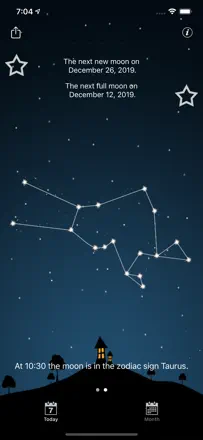
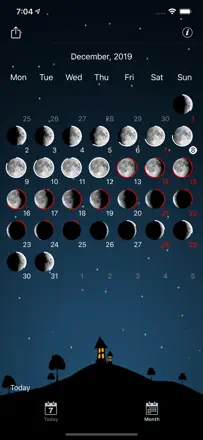
A beautiful, detailed Moon app that does one thing very well: Moon phases, planning, garden planting, Vedic and Western astrology without needing to be an expert. The main pain is that the old one-time purchase was replaced with a subscription, and longtime buyers feel cheated. On top of that, widgets fail to render for weeks for many, and the subscription keeps dropping.
Praised: Beautiful interface, detailed Moon phases and times, planning and garden planting by the Moon, Vedic and Western astrology approachable for beginners, useful every day
Complaints: Old one-time purchase replaced with a subscription and longtime buyers are angry, widgets fail to render for weeks, subscription drops and needs restoring, hid simple info like the full-moon date, errors in the personal chart
Best for: People who live by the Moon phases, plan tasks and their garden, and want both astronomy and astrology in one place
Rank 29. Review score: 52 out of 100. App Store rating: 4.6★ · 2,114 ratings
52of 100
Many have used it for years and love it for simplicity, easily finding Jupiter, Mars and constellations, families watching the sky together. But the free version has a serious recent problem, ads with nude bodies scroll across the screen and literally shine in your eyes while you look at the sky, killing the whole point. It also lacks comet tracking, sending some users to Stellarium, and it has gone long without updates.
Praised: Simple and clear, easily finds Jupiter, Mars and constellations, families watch the sky together, works for years and rarely lets you down
Complaints: Ads with nude bodies scroll across the screen and blind you while stargazing, no comet tracking, the zoom jumps on its own without a touch, long without updates
Best for: Someone who wants a simple live sky map to find planets and constellations and is willing to go paid for a clean screen
Rank 30. Review score: 52 out of 100. App Store rating: 4.7★ · 622 ratings
52of 100
For serious hobbyists it's the industry standard: the most comprehensive set of astro-imaging targets including obscure catalogues, up and running in a minute yet deep on settings. The pricing hurts: you pay around $40 for the app and half the good features sit behind another $49-50/year subscription, plus a bug that keeps asking you to buy what you already paid for. People also complain the MacOS version is weak with broken zoom, and the compass glitches.
Praised: Most comprehensive astro-imaging target set and obscure catalogues, up in a minute yet deep on settings, importing your own astrophotos into charts, stability and reliability for long-time users, the industry standard
Complaints: App re-asks you to buy an already-paid subscription, pricey purchase plus a yearly subscription on top, weak MacOS version with broken zoom, glitchy compass, some NGC objects not found, southern-hemisphere issues
Best for: Serious hobbyists and astrophotographers who need the fullest target catalogue and can handle the messy pricing
Rank 31. Review score: 50 out of 100. App Store rating: 4.6★ · 31,934 ratings
50of 100
Solar Walk Lite is treated almost as an exploration game of the solar system, and kids and hobbyists like the realistic graphics, spawning black holes and quasars, and the handsome Jupiter. But the free version is buried in ads: long clips pop up on every tap, sometimes kid-inappropriate, and many can't manage to buy them away. The second letdown is that 'the universe at your fingertips' is really limited to a single solar system.
Praised: Realistic planet graphics, spawning black holes, quasars and pulsars, handsome Jupiter, engaging for kids and hobbyists
Complaints: Long ads on every tap, sometimes kid-inappropriate, unclear how to buy the ad-free version, limited to one solar system with no other stars or galaxies, occasionally scary music
Best for: Kids and hobbyists who want a vivid, fun way to explore the solar system
Rank 32. Review score: 50 out of 100. App Store rating: 4.7★ · 9,659 ratings
50of 100
A simple sky map praised because you just point your phone and it names the star or planet, handy while camping and during meteor showers. But many are annoyed by the small viewing area, star labels vanish when you zoom, and constellation figures take up half the screen and get in the way when you just want to ID an object. People who remember Google Sky miss it.
Praised: Simple phone pointing at an object with instant ID, handy while camping and during meteor showers like the Perseids, shows star and constellation names along the horizon
Complaints: Too small a viewing area, labels vanish or you get a circle of a whole hemisphere when zooming, can't turn off constellation drawings that cover the sky, unintuitive tracking, compass badly off for some people
Best for: People who want to just point their phone and identify stars and planets without extra complexity
Rank 33. Review score: 48 out of 100. App Store rating: 4.6★ · 94,145 ratings
48of 100
Star Walk 2 Plus is liked for how easy it is to aim at the sky and find stars, satellites and planets with info, and the music adds atmosphere. But people are infuriated by the core contradiction: even in the paid Plus version ads pop up on every zoom and freeze the map, and newcomers struggle to tell what's even on the screen or how to find a specific star.
Praised: Easy to find stars, satellites and planets, plenty of object info, pleasant music, aim-at-the-sky mode
Complaints: Ads pop up even in the paid version and freeze the map, unclear what's shown on screen, poor instructions for newcomers, weak accuracy on comets and deep-sky objects, notifications fire even with settings off
Best for: Casual 'point-and-identify-a-constellation' users who are willing to buy the ad-free tier
Rank 34. Review score: 48 out of 100. App Store rating: 4.6★ · 24,848 ratings
48of 100
A long-loved sky map dating back to 2013, but the app is effectively abandoned. People navigated the night sky with it for years and are still grateful, yet newer devices hit constant crashes, paid comet packs lack the promised objects, and support stays silent. Buying it today is risky, the app lives on old affection.
Praised: Simple sky orientation, nostalgic look, finds planets and constellations away from the city, years of daily use
Complaints: Constant crashes on newer iPhones and iPads, no updates for years, comet packs missing the promised comets, broken planet textures, ads right on entry, unresponsive support
Best for: People already using it who know its quirks, not newcomers buying it today
Rank 35. Review score: 47 out of 100. App Store rating: 4.6★ · 14,641 ratings
47of 100
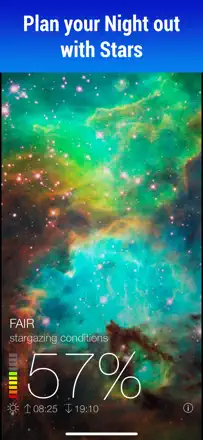
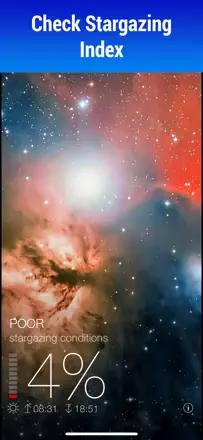
The app shows observing conditions and sky events for your location, and when you're at home it works great and is clear. But the main flaw is that searching other locations barely works, and that's exactly what you need to plan a trip to dark skies away from the city. On top of that it hasn't been updated in a while and the clear-sky percentage sometimes doesn't match reality.
Praised: Local and accurate observing conditions, interesting upcoming sky events, clear and intuitive view, helps beginners with a telescope
Complaints: Searching other locations barely works by address or zip, only major cities, can't save your own spot, no updates in a long time, clear-sky percentage sometimes disagrees with the weather, dull grey widget look
Best for: People who mostly observe from home and want the conditions and events for their own location
Rank 36. Review score: 45 out of 100. App Store rating: 4.8★ · 117,499 ratings
45of 100
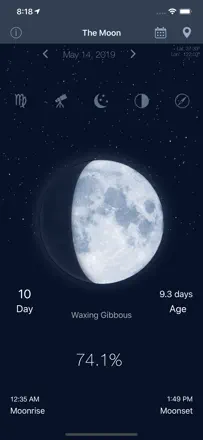
The Moon is praised for showing the Moon's phase right in the center the moment you open it, which suits anglers and hunters who time things by the phase. But the app is going through a wave of technical trouble: for many it opens and closes within 1-3 seconds, it froze one person's iPhone solid, and the tides section greets you with odd text like 'woman cycles synchronized with solar tides, probably'.
Praised: Moon phase shown center-screen on launch, detailed phases for fishing and hunting, companion to morning meditation, quick visual phase check
Complaints: App crashes a couple of seconds after launch, froze a phone so it couldn't be powered off, strange text in the tides section, can't scroll back through dates, wrong distance to the Sun, murky pricing (1.99 turns into 19.29)
Best for: Anglers and hunters who track the Moon's phase, and people who follow the lunar cycle for their daily rhythm
Rank 37. Review score: 45 out of 100. App Store rating: 4.5★ · 18,716 ratings
45of 100
A free star map trusted for years to find planets, the ISS and constellations, but recent iOS updates broke the orientation for many. People point the phone at the Moon and the app shows it on the opposite side, some just get a frozen screen. The base is solid and clear, but accuracy is shaky right now.
Praised: Finds planets, common constellations and stars for free, shows the ISS and Hubble with orbits, gets kids and grandkids into the sky, years of daily use
Complaints: Broken orientation after iOS updates, Moon and Sun on the wrong side, frozen screen that won't open on newer iPads, ads in the middle of use, tiny description font, few constellations in the free version
Best for: Hobbyists who want a simple visual sky map and don't need perfect accuracy right now
Rank 38. Review score: 45 out of 100. App Store rating: 4.8★ · 1,180 ratings
45of 100
It is NASA's daily space picture with an explanation, and regular readers have made it a morning coffee ritual for years, loving the images and write-ups. But the app is seriously broken now: since October 1, 2025 the daily picture stopped updating, many get a blank black screen, videos will not play, and the developer stays silent. Intrusive ads over the photo and watermarks on saved images also grate.
Praised: NASA's daily space picture with an explanation, a morning coffee ritual, quality images and write-ups
Complaints: Since October 2025 the daily picture stopped updating, blank black screen, videos will not play, developer unresponsive, intrusive ads over the photo and watermarks on saved images
Best for: Space lovers who want one beautiful explained astro photo each day, once the breakage is fixed
Rank 39. Review score: 42 out of 100. App Store rating: 4.6★ · 69,268 ratings
42of 100
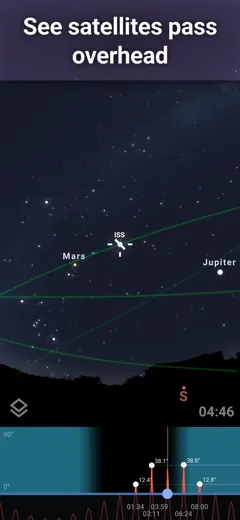
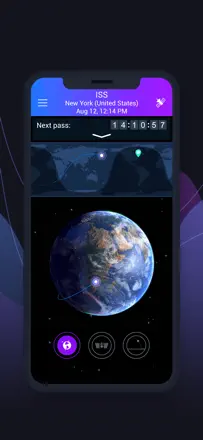
Satellite Tracker appeals to people who catch ISS passes: getting the station's trajectory and pass alerts is handy and clear. But the app fails the core expectation: people want to point their phone at the sky and identify any satellite overhead, yet without a subscription only the ISS is visible, not Hubble, not Starlink, none of the rest, plus ads on every tap, and sometimes ads shown even to active subscribers.
Praised: ISS tracking and pass alerts, clear trajectory display, pleasant visualization
Complaints: Only the ISS visible without a subscription, can't point the phone to identify a satellite overhead, ads on every tap, ads and subscribe prompts even for active subscribers, no Apple Pencil support, can't isolate Starlink
Best for: People who want to catch ISS passes and get alerts about them
Rank 40. Review score: 42 out of 100. App Store rating: 4.5★ · 766 ratings
42of 100
Valued for a fast, visual week-ahead weather forecast for observing: in a couple of seconds you know whether it's worth hauling the telescope out. But the app has gone years without updates and is riddled with errors: 'forecast unavailable' pops on every launch, saved sites get forgotten, and it can't find your location even at home. For a paid five dollars people call it abandoned.
Praised: Fast visual week-ahead forecast for observing, pleasant interface for a quick glance, cloud-cover accuracy when it works, planning trips
Complaints: 'forecast unavailable' error on every launch, forgets saved sites, fails to find location, no updates in 3-6 years, feels abandoned for a paid app
Best for: Amateur astronomers who want a quick week-ahead weather glance and can tolerate constant errors
Rank 41. Review score: 38 out of 100. App Store rating: 3.8★ · 6,770 ratings
38of 100
The app shows the night sky and works for a quick moment of curiosity, but people hit two walls. The picture freezes in one spot and everything feels like you are trapped inside a ball, with objects in the wrong places and flipping upside down. Search also fails to find planets or Earth, and features that used to be free now sit behind payment.
Praised: Shows constellations and their names, helps you learn about the galaxy, easy entry for a beginner
Complaints: Picture freezes in one location, objects are in the wrong spots and flip around, search cannot find planets, feels too intense for someone just learning to look at the sky
Best for: A curious beginner who just wants constellations by name and will not go hunting for planets
Rank 42. Review score: 38 out of 100. App Store rating: 4.4★ · 900 ratings
38of 100
The idea is simple and loved: raise your phone to the sky and it tells you what that bright object is and when it's above the horizon. The trouble is that for many it lies about positions: Saturn is visible in the sky yet the app says it hasn't risen, the moon is in the west but shown rising in the east, some see a 6-7 hour shift. It gets location right, but the position math doesn't match the real sky.
Praised: Simple point-at-object, tells you what the bright dot is and when it's above the horizon, ad-free for a small fee, helps explain the sky at the telescope
Complaints: Lies about planet and moon positions, shows objects below horizon when they're visible, several-hour shift for some, text description instead of a real sky map
Best for: Those happy just to name a bright object quickly, but only if the position math happens to match their sky
Rank 43. Review score: 32 out of 100. App Store rating: 4.7★ · 25,019 ratings
32of 100
Star Walk has a good base: lots of object info, beautiful star colors, loved and used for years. But right now it's being eaten alive by ads: zoom a star, catch a 15-30 second clip, zoom again, another clip, the map freezes, and even longtime paying users say bought features moved behind a subscription. In practice the app has become almost unusable.
Praised: Lots of object info, realistic star colors, loved for years for how easy it made finding things
Complaints: 15-30 second ads on every zoom make the app unusable, map freezes after ads, bought features moved behind a subscription, lost response to phone movement, hard to cancel auto-renew
Best for: Almost no one as it stands, except people who'll buy the ad-free version up front
Rank 44. Review score: 32 out of 100. App Store rating: 4.7★ · 1,528 ratings
32of 100
Some like the deep zoom and pointing the phone to identify a star or planet and see every constellation. But nearly everything costs extra, even Moon facts, and several people say the app never aligns with the stars or works at all. Many complaints about charges while the app fails and about a subscription that is hard to cancel.
Praised: Deeper zoom than rivals, pointing the phone to identify a star or planet, showing all constellations
Complaints: Almost everything costs extra including Moon facts, demands money before it opens, fails to align with the stars for many, hard to cancel the subscription
Best for: People who want to point the phone at the sky for object names and are willing to risk the payment
Rank 45. Review score: 30 out of 100. App Store rating: 4.4★ · 19,208 ratings
30of 100
A satellite tracking app, but people widely confuse it with the Starlink internet service itself and write about bills and dropped connections. On its merits it is a satellite and ISS tracker: users like the ground tracks and the station inclusion, but motion is shown in jumps, there is no overhead sky view, and everything runs into requests to pay more.
Praised: Nice satellite ground tracks, shows the ISS and Starship launches, tidy view
Complaints: Satellite motion in jumps with no smooth animation, no sky view from your location, removed the station track and live Earth images, constant nudges to pay more, hard to figure out without instructions
Best for: People who want to track satellites and ISS passes, not subscribers of the Starlink internet itself
Rank 46. Review score: 30 out of 100. App Store rating: 4.7★ · 1,924 ratings
30of 100
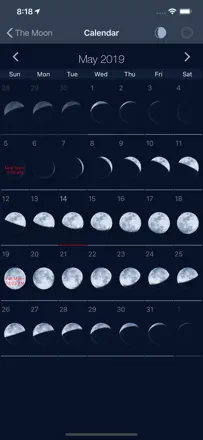
The idea is liked, a simple colorful moon-phase calendar with risings and settings, and it showed some people how much they did not know about the Moon. But the app fails at the basics, for many the calendar is consistently off by exactly one day and goes years unfixed, and location detection dumps you in Moscow with no way to set a place by hand. As a result the dates and rise times come out wrong.
Praised: Simple colorful moon-phase calendar, shows risings, settings and time in view, pleasant design with humor, covers the basics without extras
Complaints: Calendar consistently off by one day and unfixed for years, location dumps you in Moscow with no manual setting, rise and set times are wrong, the watch version is out of sync with the phone
Best for: Someone who wants a simple pretty moon-phase calendar and can overlook the date offset
Rank 47. Review score: 30 out of 100. App Store rating: 3.6★ · 347 ratings
30of 100
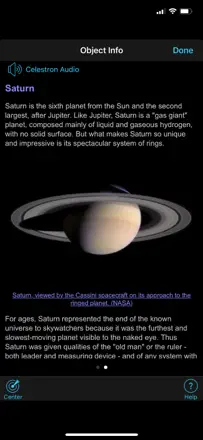
The app ships with Celestron telescopes, and at its core job it lets people down: aligning the scope through it is very hard, the target in the app doesn't match where the telescope points, an alignment error pops up, the screen flickers. After iOS updates many find it simply crashes on launch or stopped connecting to the scope. People move to Stellarium and SkySafari, which handle it better.
Praised: Ships with the Celestron telescope, northern-sky object library, compass mode for a rough view, simplicity when it works
Complaints: Nearly impossible to align the telescope, target doesn't match the scope and alignment errors, screen flicker, crashes on launch after iOS updates, stops connecting to the scope, no red night mode, laggy controls
Best for: Celestron telescope owners who need scope control, though many end up switching to Stellarium or SkySafari
Rank 48. Review score: 28 out of 100. App Store rating: 4.4★ · 1,642 ratings
28of 100
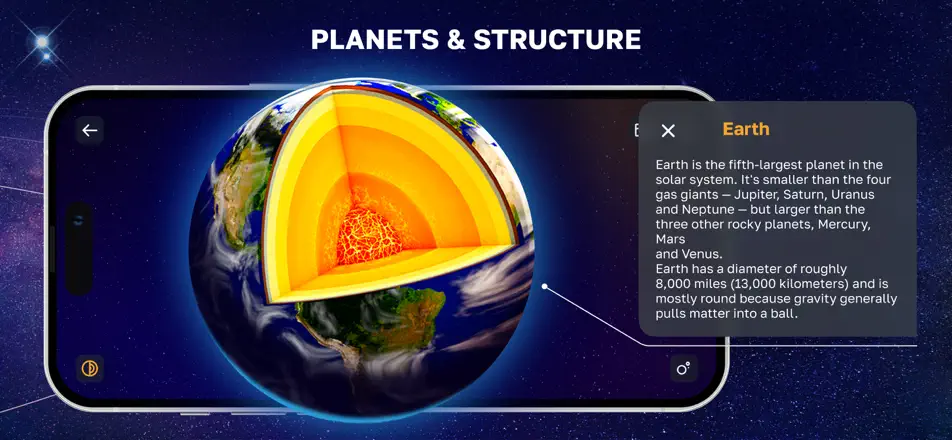
Kids like the Solar System model and the AR mode, and some enjoy the planet-layers view. But nearly everything sits behind payment, and without paying the app is basically useless. People complain that the promised free trial charges instantly, moon names are misspelled, and planets are turned sideways.
Praised: Solar System model and AR mode for kids, planet-layers view, educational planet info
Complaints: Almost everything is paid and useless without paying, the promised free trial charges instantly, misspelled moon names, planets turned sideways
Best for: At best kids for a quick look at the planets, if you are willing to pay
Rank 49. Review score: 24 out of 100. App Store rating: 4.7★ · 4,319 ratings
24of 100
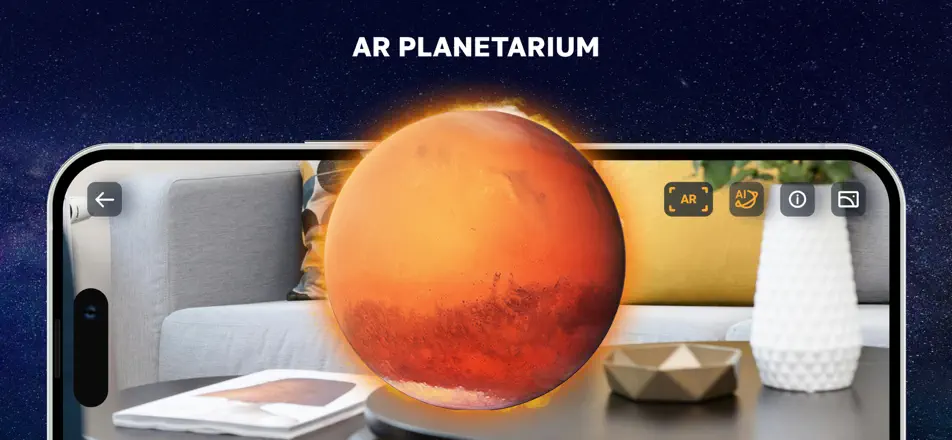
It is billed as real-time constellation finding, but without a paid subscription almost nothing works, and that is the main gripe. Anyone who reaches the content genuinely enjoys the AR view of constellations and planets, but most hit a 50-dollar-a-year payment screen and cannot even cancel. Search fails to find even Alpha Centauri.
Praised: Striking AR view of constellations and planets around you, helps a beginner grasp what they are watching, pleasant music
Complaints: Almost nothing works without a paid subscription, 50 dollars a year for what other apps give free, search cannot find even Alpha Centauri, hard to cancel the subscription
Best for: Someone willing to pay for a pretty AR sky effect who will not be searching for specific stars
Rank 50. Review score: 22 out of 100. App Store rating: 4.6★ · 3,913 ratings
22of 100
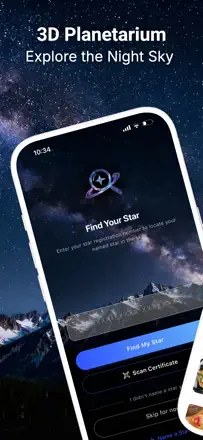
In practice this is two different things in one app, some expect a sky map while others buy a named gift star, and the gift buyers are delighted like with a warm anniversary present. But the sky map is off by direction, showing south instead of west, fails on iPad and crashes when changing a setting. A separate sore point is that a promised three-day free trial charges 1.99 right away.
Praised: A named star as a touching anniversary or memorial gift, pleasant visuals, some people just enjoy it
Complaints: Sky map is off by direction, shows south instead of west, crashes when changing a setting, works poorly on iPad, charges money despite the promised free trial
Best for: Someone giving a named star to a loved one as a gift, not someone hunting for an accurate sky map
Rank 51. Review score: 20 out of 100. App Store rating: 4.1★ · 1,808 ratings
20of 100
This was once a favorite for finding planets, praised for accuracy and simplicity over competitors, and people bought paid features. But right now it simply does not work, crashing instantly on launch after an iOS update and going unfixed for months, with an expired SSL certificate for some. Deleting and reinstalling does not help, and even five-star reviewers describe the same crash.
Praised: Accurate and simple planet finding better than competitors, helped catch planet parades and alignments, a favorite tool for years
Complaints: Crashes instantly on launch after an iOS update and unfixed for months, deleting and reinstalling does not help, expired SSL certificate, long without updates
Best for: Essentially no one right now until the launch crash is fixed, previously suited a hobbyist finding planets
Rank 52. Review score: 12 out of 100. App Store rating: 4.5★ · 1,169 ratings
12of 100
The app poses as astronomy but is really a paid horoscope service with astrologers, and people feel deceived from the start. Promised personal readings and astrologer replies never arrive for weeks or months, and money is charged after the trial is cancelled. Another fakery signal: an astrologer's profile uses a photo of a dead actor. There is no real astronomy here.
Praised: Some find the horoscopes and personality readings accurate
Complaints: Passes a horoscope off as astronomy, promised readings and astrologer replies never arrive for weeks, charges after the trial is cancelled, fake astrologer photos, hard to cancel the subscription
Best for: Essentially no one seeking astronomy, at best fans of paid horoscopes willing to risk their money
About scores
Two scores — two sources
They help compare apps, but they don’t replace checking your own job.
Review score · up to 100
The stored score from inApp research on review texts. It rates the app overall in the archive, not the reliability of any one feature.
Store rating · up to 5
The rating from the app’s page when the data was collected. The current rating and version may differ.
In the archived sample for this topic: 52 apps and 15,509 reviews read. That is the total size of the research, not the number of reviews per app.
A gap between the scores doesn’t prove manipulation. The calculation date and the full scoring method aren’t in the mobile archive. Compare the job descriptions and the source quotes, and check the terms in the current version.